
雑誌切り抜き文字ジェネレーター
ブラウザで身代金メモ風の切り抜き文字を作成。文字ごとに紙片・フォント・色・傾き・サイズが違います。PictorXは端末で生成します。 テキストを入力してスタイルを選びます。文字をクリックすると作り直し、ドラッグで位置を調整できます。
使い方
- 単語か短い行を入力。
- ランダムまたは単一フォントを選び、ランダムを押す。
- PNGをダウンロードするか、PictorXで編集を続ける。
切り抜き文字が効く理由
雑誌文字が手作りに見えるのは、切れ端が一つとして同じでないから。文字ごとにフォント・紙色・回転・サイズを変える。
フォント・色・サイズ
ランダムフォントは文字ごとに顔を変える。単一フォントでも色とサイズは跳ねる。サイズは基準で、切れ端は少し拡縮する。
よくある質問
Is Magazine Cutout Letters Generator free to try?
Yes. Open PictorX in a modern browser to try Magazine Cutout Letters Generator as part of the free editing workflow.
Do I need to install software for Magazine Cutout Letters Generator?
No. PictorX runs in your browser, so you can start creating without a desktop software install.
How do I get started with Magazine Cutout Letters Generator?
Open an image or create a new design in PictorX, select Magazine Cutout Letters Generator, then adjust the result while viewing the rest of your composition.
Can I combine Magazine Cutout Letters Generator with other PictorX tools?
Yes. Use Magazine Cutout Letters Generator alongside layers, selections, text, filters, and other PictorX editing tools to finish your design in one workflow.
関連ツール

グラフィティウォール
ブラウザでレンガ壁にスプレー、タグ、ドリップ。ランダム化・元に戻す・PNG保存——PictorXで無料。
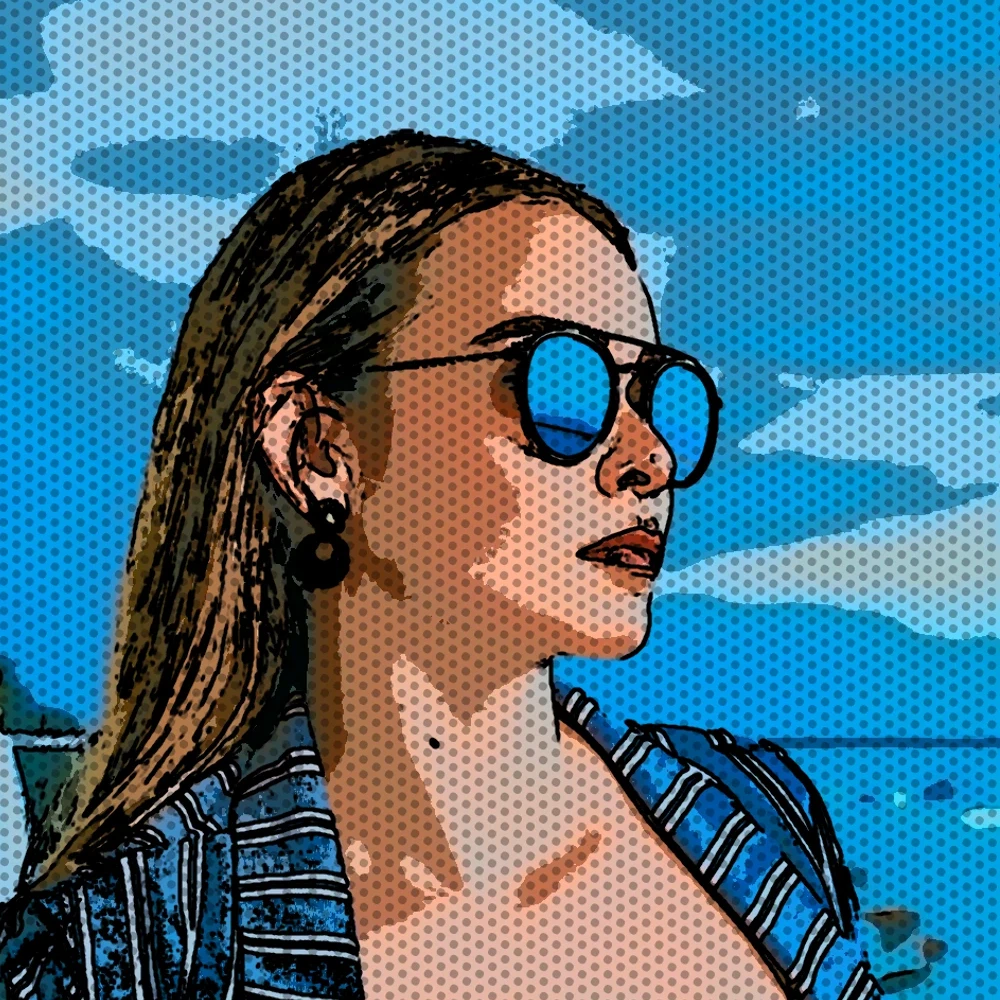
写真を漫画のパネルに変える
ブラウザ上で写真を漫画ページに変換します。さまざまな詳細を 1、2、4、または 6 つのインク パネルにズームし、オプションで Ben-Day のドットとキャプションを追加します。
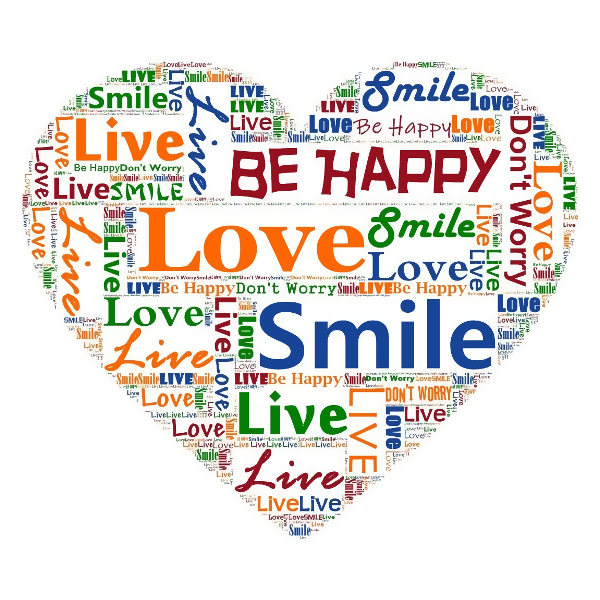
タイポグラフィ効果
効果 → テキスト で文字でできたアートに。グラミーアートでシルエットに言葉を詰め、タイポグラフィックポートレート、ビジネスワードアート、アスキーアート、タイポ効果。間隔、サイズ、フォント、色、単語リストを調整してポスター、ジャケット、SNS グラフィックを。

ステッカーコラージュ
PictorX でステッカーコラージュを無料オンラインで。1〜8枚を開き、各被写体を切り抜き、ステッカーとして包み、透明、単色、グラデーションの背景上でドラッグしてリサイズします。
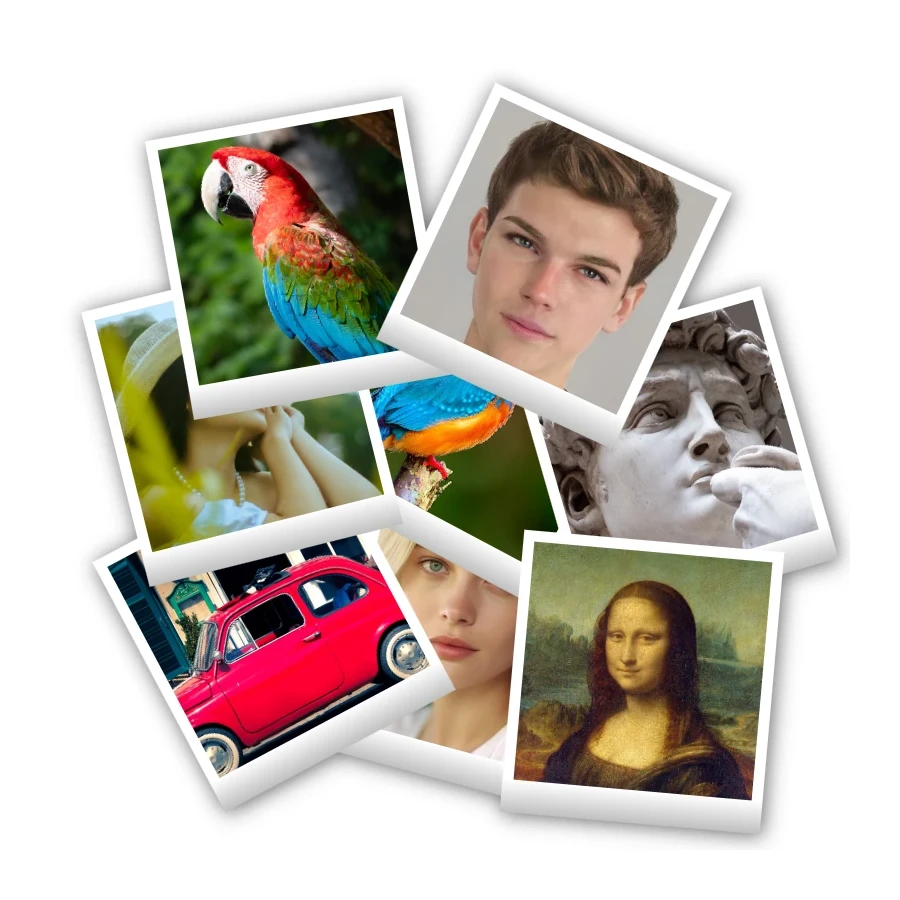
ポラロイドコラージュ
PictorX でポラロイドコラージュを無料オンラインで。Big Picture、スタック、散らばった枠、ドロステを別々の写真で埋めます。
試してみますか?
ブラウザで PictorX を開きます。インストール不要、始めるのにクレジットカードも不要です。
エディターへ