
道路標識&プレートメーカー
好きな文字で道路標識を作成。パリ風・ロンドン風・アメリカ風の標識、丸いブループラーク、刻印入り真鍮プレート、番地プレートから選び、レンガ・石・しっくい・自分の壁の写真に取り付けます。PNG保存——アップロードなし。 標識のスタイルを選び、テキストと壁を選んで、標識をドラッグして配置します。
使い方
- Pick a sign style: Paris, London, or US street sign, blue plaque, brass plaque, or house number.
- Type the main text and the small text, and choose a wall and lighting.
- Drag the sign into place, add weathering and tilt, then save a PNG.
Six sign styles
Blue enamel with a green border, a white London-style sign with a red district code, a green reflective US street sign, a round blue plaque with text around the rim, an engraved brass nameplate, and a glazed house number tile. Each style fits your text to the sign automatically.
Weathered like the real thing
Weathering chips enamel back to dark metal with rusty rims, lets rust run down from the screws, fades the colors, and collects grime at the bottom. Brass tarnishes and grows green verdigris from the edges.
よくある質問
What can I make with the Street Sign & Plaque Maker?
Street name signs in Paris, London, and US styles, a round blue plaque, a brass nameplate, and a house number tile, each mounted on a wall.
Can I use several lines of text?
Yes. Plaques and nameplates take several lines. Street signs use the first line as the street name and the small text for a district or block number.
Can I put the sign on my own wall?
Yes. Pick My wall in the wall list and open a photo of the wall.
Do my designs leave my device?
No. Everything is drawn in your browser. Nothing is uploaded to PictorX servers.
関連ツール

ネオンサインメーカー
文字を入力して、レンガ・タイル・木・コンクリートの壁に光るネオンサインを作成。色、フォント、グロー、背面パネルを選んでPNG保存。アップロードなし。
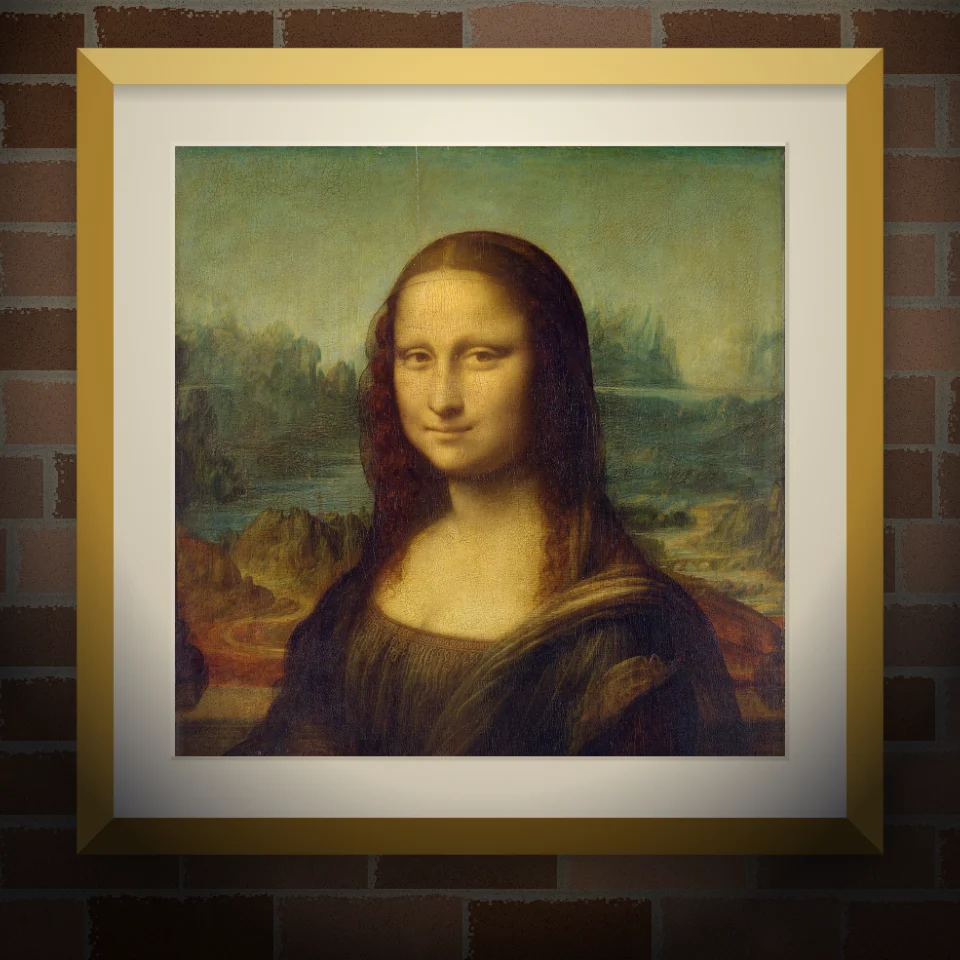
壁画&ポスターモックアップ
写真や作品をリアルな壁に:描かれた壁画、貼られたポスター、額装プリント。壁と照明を選んでPNG保存。アップロードなし。

バンクシー・ストリートアート
ブラウザで写真をバンクシー風ステンシル・ストリートアートに。壁・スプレー・ドリップ、PNG保存。アップロードなし。

雑誌切り抜き文字ジェネレーター
入力した言葉を雑誌の切り抜き文字に。フォントを混ぜるか固定し、PNGをダウンロード。アップロードなし。
試してみますか?
ブラウザで PictorX を開きます。インストール不要、始めるのにクレジットカードも不要です。
エディターへ