
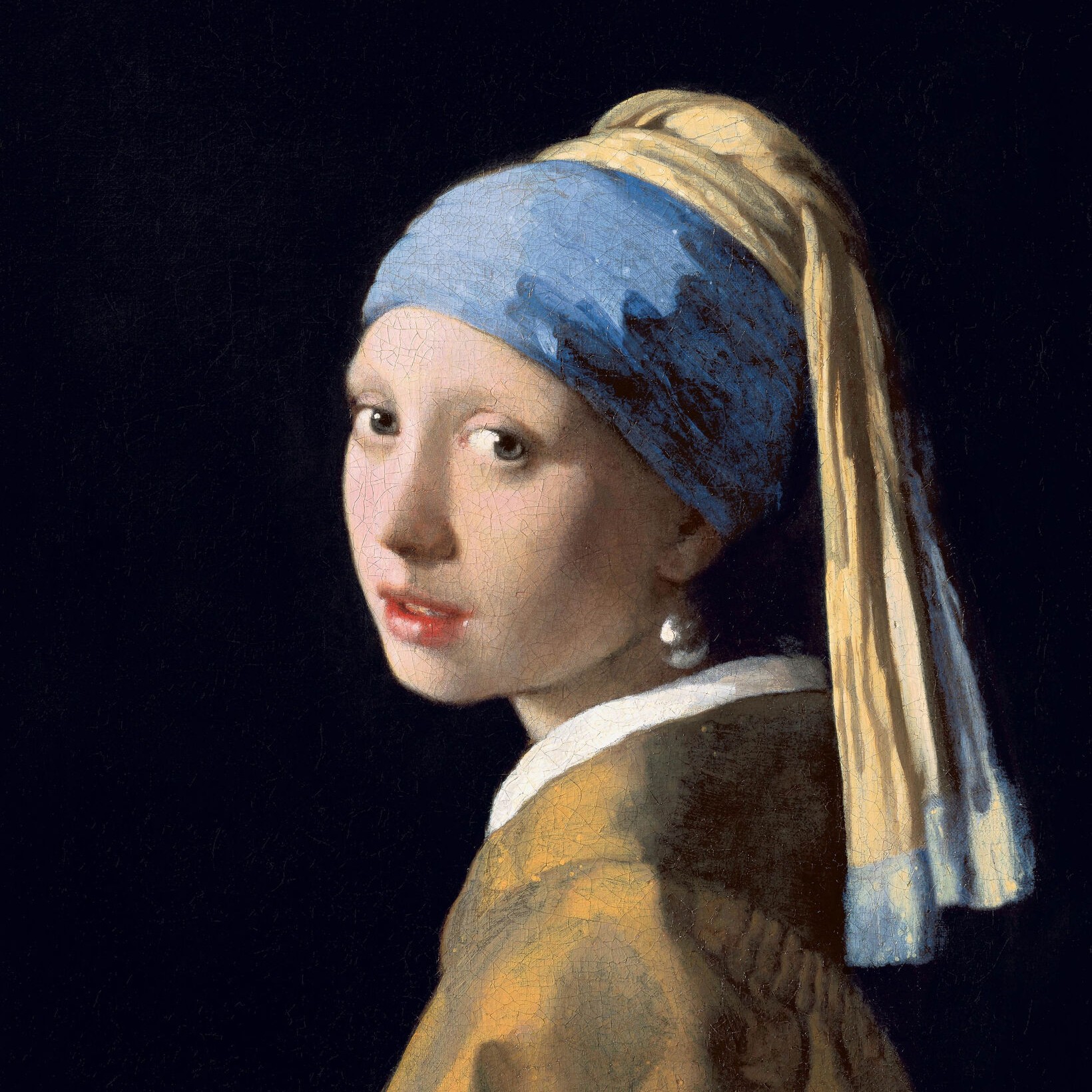
Încercați o privire tipografică de mai jos, sau deschide propria imagine.
Grammy Art effect
Open a photo and apply Grammy Art in PictorX. This look is part of Efecte tipografice—adjust the settings on this page, then keep editing with layers, text, and other effects in the same workspace. Încercați o privire tipografică de mai jos, sau deschide propria imagine.
Cum funcţionează
- Open this page and try Grammy Art on the sample, or open your own photo.
- Tune the Grammy Art settings, or switch to another look in Efecte tipografice.
- Save the result, or keep editing with layers, text, and other effects in PictorX.
What the Grammy Art effect does
Grammy Art is one of the looks in PictorX Efecte tipografice. Apply it in your browser, then keep working in the same project—crop, type, or add another effect without starting over. Nothing is uploaded for this effect.
More looks in Efecte tipografice
This page opens Efecte tipografice with Grammy Art already selected. Switch looks on the demo to compare styles, or open the full Efecte tipografice page to browse every option in the set.
Looks in this set
Întrebări frecvente
Is the Grammy Art effect free?
Yes. Open this page in a modern browser to try Grammy Art as part of the free PictorX editing workflow.
Can I keep editing after I apply Grammy Art?
Yes. Apply Grammy Art, then keep using layers, text, and other PictorX tools in the same workspace.
How do I open Grammy Art from Efecte tipografice?
This page loads Efecte tipografice with Grammy Art selected. You can also open Efecte tipografice and choose Grammy Art from the looks.
Unelte conexe
Efecte tipografice
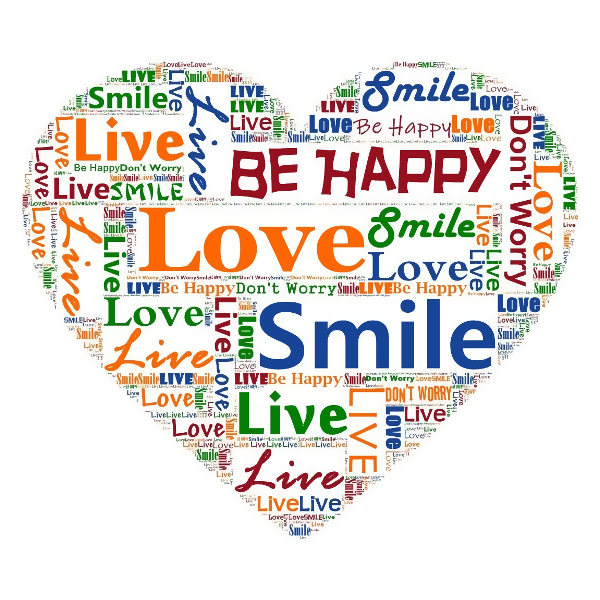
Transformă fotografiile în artă construită în litere din Efecte → Text. Utilizaţi XRBrand5X gratuit în browser-ul dvs. fără a fi necesară instalarea software-ului.
Portret tipografic effect
Apply a Portret tipografic effect to photos free in your browser. Open the Efecte tipografice tools, tune the look, and keep editing in PictorX. No install.
Caracterul mozaic effect
Apply a Caracterul mozaic effect to photos free in your browser. Open the Efecte tipografice tools, tune the look, and keep editing in PictorX. No install.
Afaceri WordArt effect
Apply a Afaceri WordArt effect to photos free in your browser. Open the Efecte tipografice tools, tune the look, and keep editing in PictorX. No install.
Efect de tipo effect
Apply a Efect de tipo effect to photos free in your browser. Open the Efecte tipografice tools, tune the look, and keep editing in PictorX. No install.
Eşti gata să încerci?
Deschide PictorX în browser-ul tău
Du-te la editor