
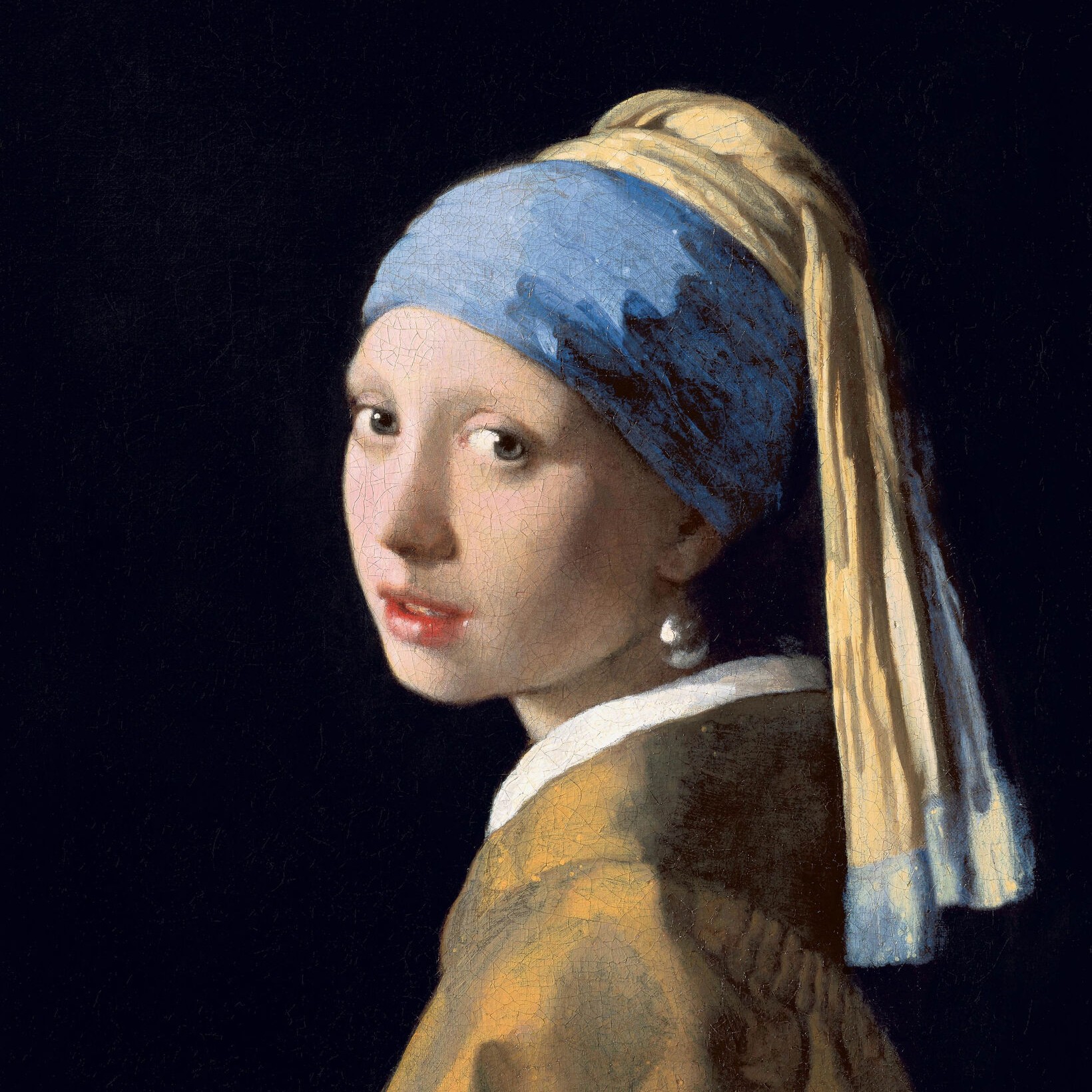
Încercați un look alb-negru mai jos, sau deschideți propria imagine.
Efecte alb-negru
Turn a photo black and white without leaving the browser. PictorX includes Grayscale, Threshold, Dots, Squares, Ordered Dithering, Error Diffusion (Floyd-Steinberg, Burkes, Stucki), and Mezzotint. Set strength, threshold, cell size, angle, grain, and foreground/background colors—or make the background transparent—then keep editing with layers and type in the same workspace. Încercați un look alb-negru mai jos, sau deschideți propria imagine.
Cum funcţionează
- Open this page and try a black-and-white look on the sample, or open your own photo.
- Switch looks—grayscale, threshold, dots, squares, ordered dithering, error diffusion, mezzotint—and tune strength, threshold, cell size, grain, and colors.
- Save the result, or keep editing with layers, text, and other effects in PictorX.
More than a grayscale slider
Grayscale keeps every tone. The other looks flatten a photo into two colors: a high-contrast threshold, a newspaper-style dot or square screen, Bayer ordered dithering, error-diffusion dithering (Floyd-Steinberg, Burkes, Stucki), or mezzotint grain (Fine, Medium, Coarse). Foreground and background can stay black and white or any two colors, and the background can be transparent for a PNG cutout.
Print looks that stay editable
Apply a look in the browser, then keep going in the same project—crop, type, stickers, or another filter. Cell size and angle change how coarse the screen feels; softness on Threshold blends the cut instead of a hard edge; Mezzotint Fine/Medium/Coarse sets the grain.
Looks in this set
Întrebări frecvente
What black-and-white looks can I try?
Grayscale, Threshold, Dots, Squares, Ordered Dithering, Error Diffusion (Floyd-Steinberg, Burkes, and Stucki), and Mezzotint.
Is this the same as grayscale?
No. Grayscale keeps a full range of gray. These looks flatten the photo into two colors—or a dithered mix of those two colors.
Can I use colors other than black and white?
Yes. Set foreground and background to any two colors, or make the background transparent for a PNG.
Do these filters run in the browser?
Yes. PictorX applies them in your browser, then you can keep editing with layers, text, and other effects.
Unelte conexe
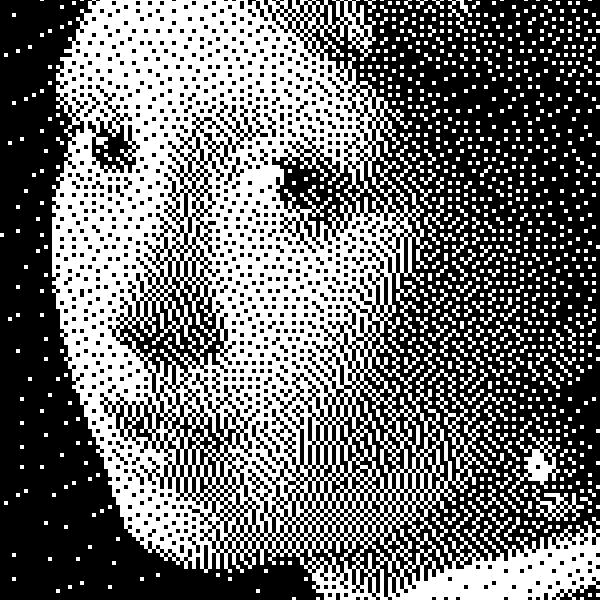
Alb-negru
Cum funcționează imaginile bilevel: prag simplu, dithering Bayer, difuzie Floyd–Steinberg și când să folosești fiecare aspect în PictorX.
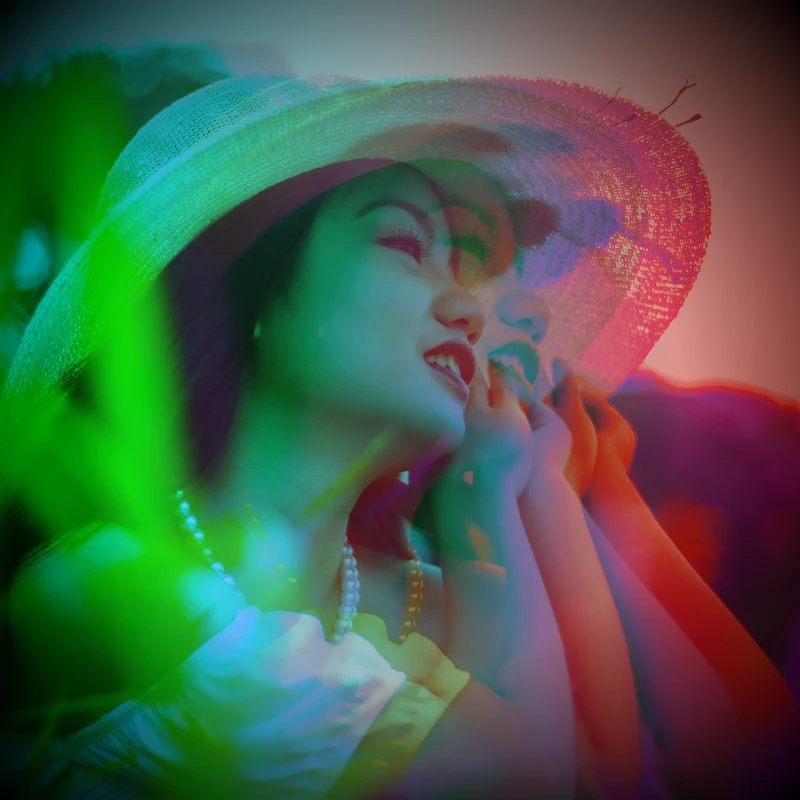
Efecte de culoare
Dă fotografii o strălucire cinematică de la Efecte → Culoare.
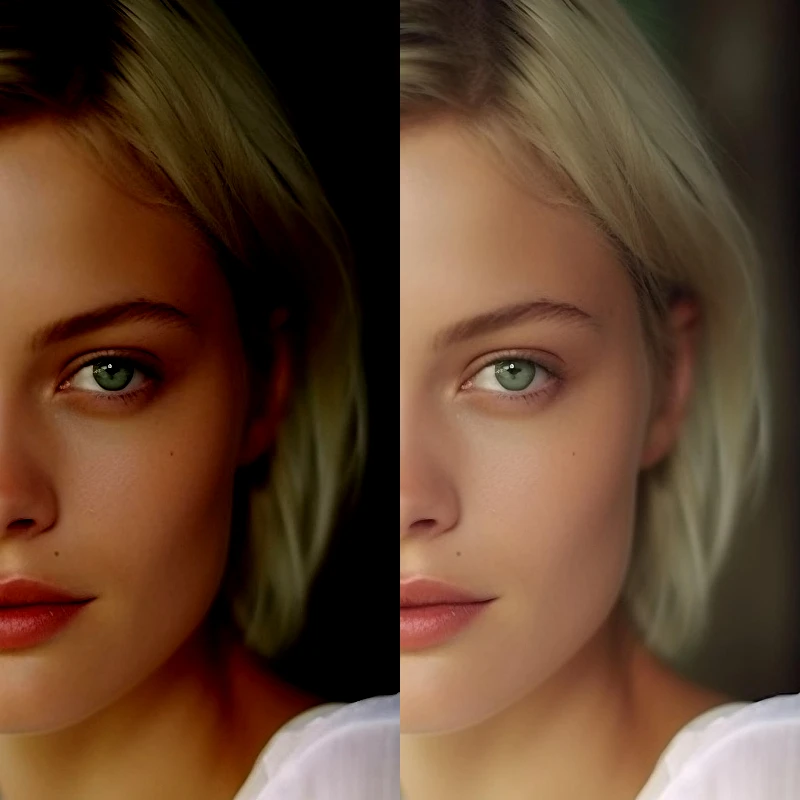
Ajustează
Expunerea şi culoarea corectă din Imagine → Ajustează.

Efecte de pixelat
Transformă fotografiile în plăci mozaice, hexagoane, cristale, arte de joasă calitate, puncte de jumătate de ton şi palete retro arcade.
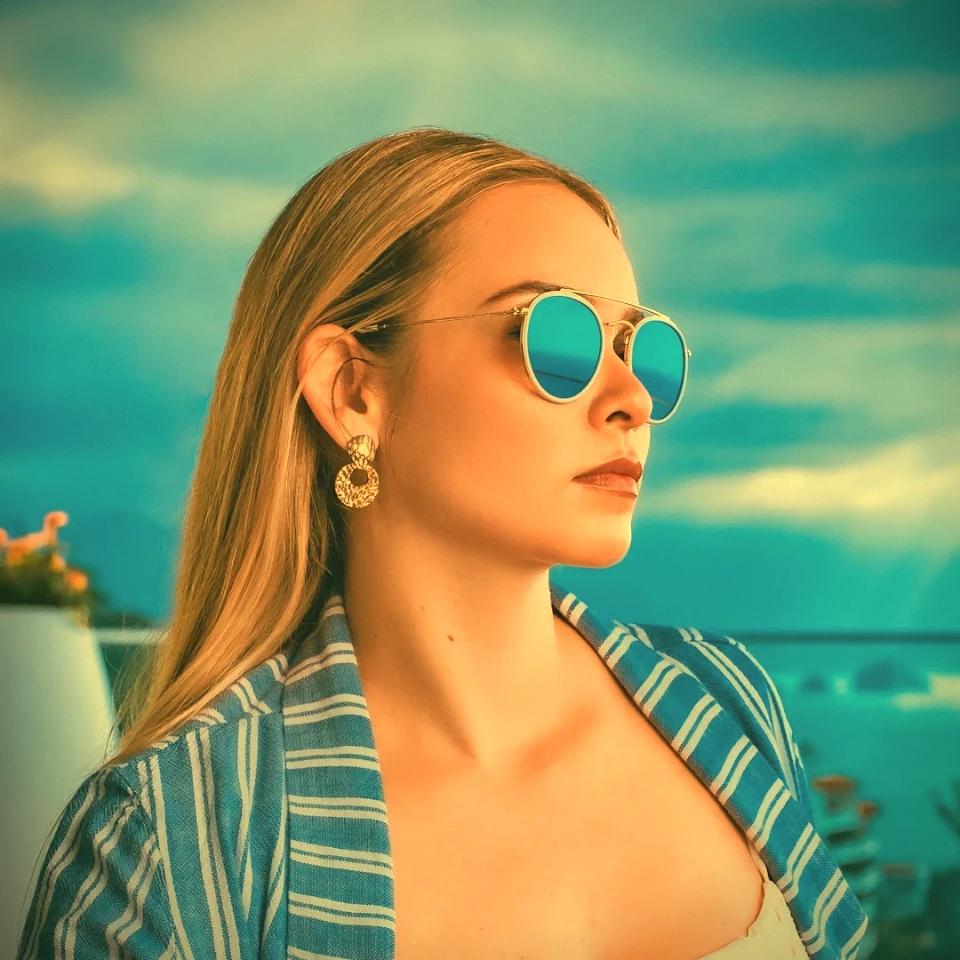
Generator efect de vintaj
Aplicați griscale, sepia, Holga, polaroid decolorat, Kodacrome, proces cruce, Lomo, Super 8, scurgeri de lumină, și alte stiluri de film de epocă în browser-ul.
Eşti gata să încerci?
Deschide PictorX în browser-ul tău
Du-te la editor