
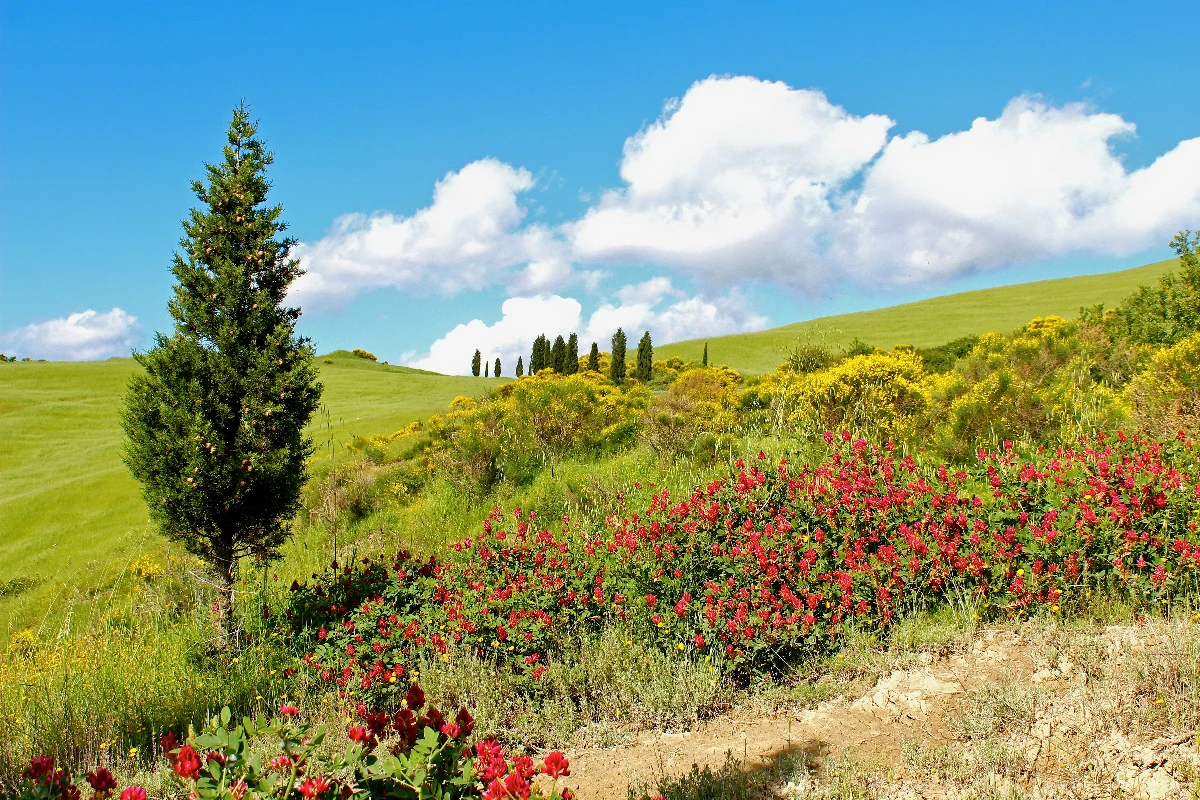
Pictează o fotografie ca puncte de culoare optice în stil Seurat — reglează mărimea, densitatea și paleta.
Filtru foto pointilist - puncte de culoare optice
Build images from separate warm and cool pigments that recombine in the eye. Choose Seurat dots, Signac mosaic tesserae, Cross bricks, strongly separated Divisionist touches, or bold Fauve strokes. Faces and edges get finer touches automatically, and the canvas ground shows between the dots. All processed on-device. Pictează o fotografie ca puncte de culoare optice în stil Seurat — reglează mărimea, densitatea și paleta.
Cum funcţionează
- Open PictorX in your browser and load a landscape or portrait photo.
- Choose Pointillism, then select Seurat, Signac, Cross, Divisionist, or Fauve and adjust Dot Size, Coverage, Optical Mix, Detail, Impasto, Palette, and Canvas Ground.
- Export the dotted look, or keep editing with layers and other effects in the same workspace.
Why dots read as Pointillism
Neo-Impressionists placed separate pigments side by side so the eye mixes them at viewing distance. Optical Mix controls that warm/cool separation, while Detail shrinks and turns marks around the photograph’s contours instead of stamping a uniform dot screen.
Five styles and seven palettes
Seurat builds a disciplined field of small, separate dots. Signac follows the subject with broader mosaic-like tesserae. Cross lays long brick-shaped strokes, Divisionist pushes pigment separation to the maximum, and Fauve uses broad strokes of arbitrary colour. Palettes include Grande Jatte, Mediterranean, Sunlit, Twilight, Seurat's gaslit Circus, and Collioure, where fauvism began.
Privacy and keep editing
Processing stays in your browser—photos are not uploaded to PictorX servers for this filter. After Pointillism, continue with layers, text, Picasso and Cubism, Vincent van Gogh, Mixed Media, or export.
Întrebări frecvente
Is Pointillism free to try?
Yes. Open PictorX in a modern browser to try Pointillism as part of the free editing workflow.
Do I need to install software for Pointillism?
No. PictorX runs in your browser, so you can start creating without a desktop software install.
How do I get started with Pointillism?
Open an image or create a new design in PictorX, select Pointillism, then adjust the result while viewing the rest of your composition.
Can I combine Pointillism with other PictorX tools?
Yes. Use Pointillism alongside layers, selections, text, filters, and other PictorX editing tools to finish your design in one workflow.
Unelte conexe
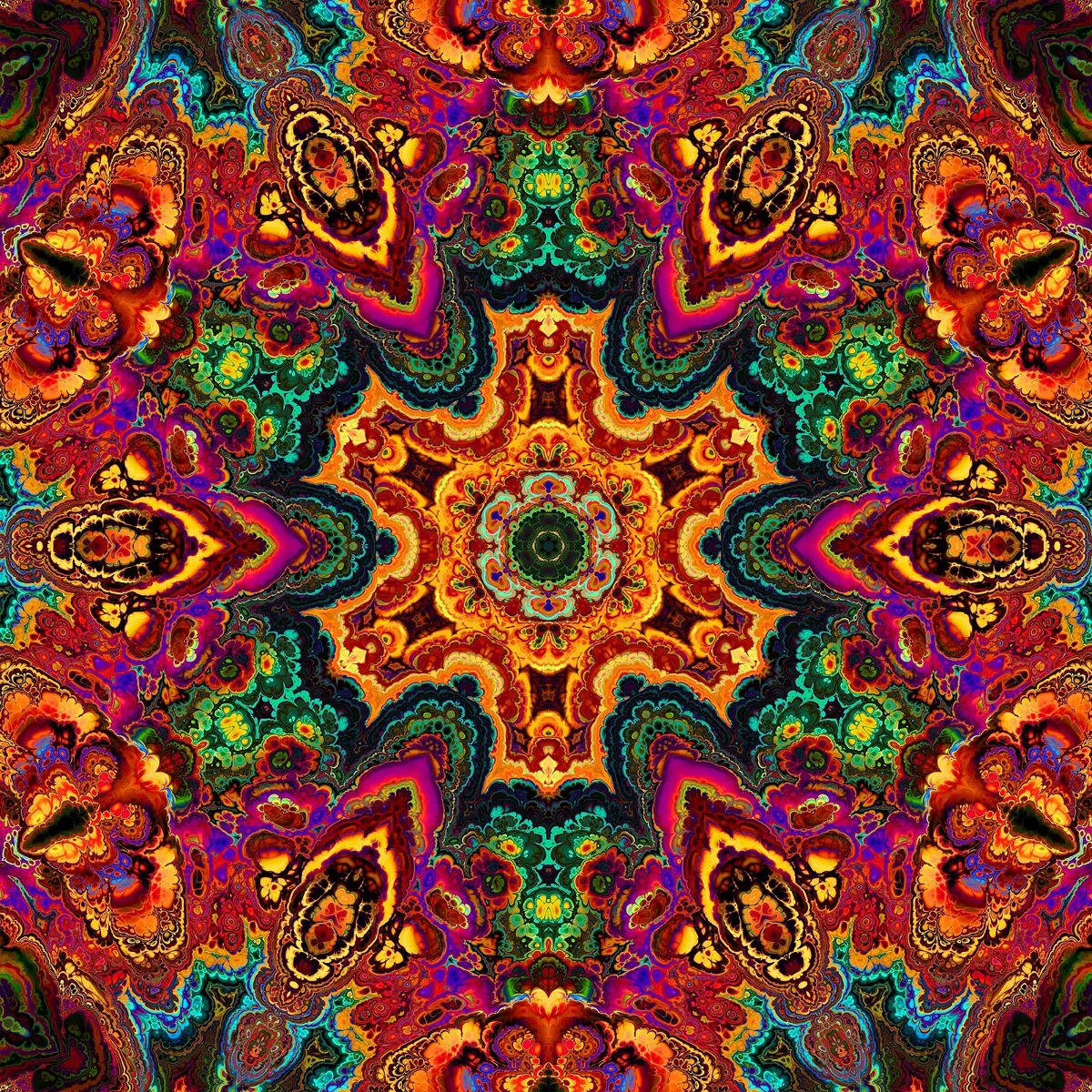
Caleidoscoape
Cum funcționează caleidoscoapele: Brewster
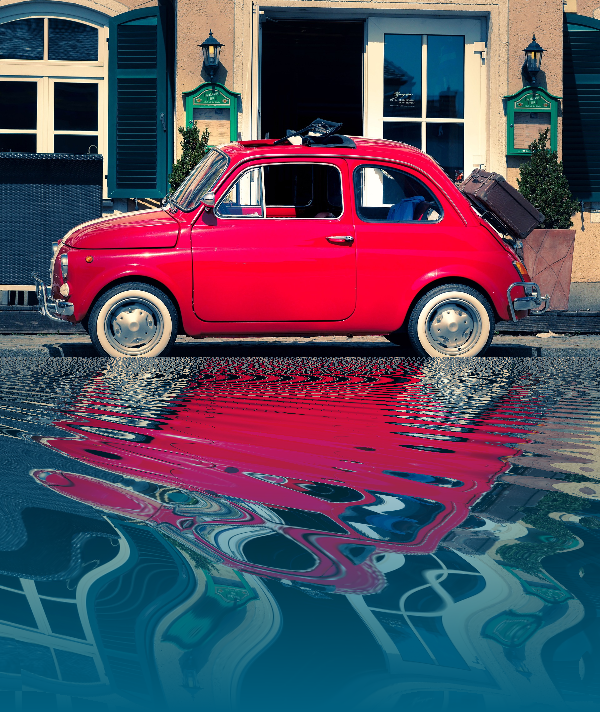
Efecte de reflexie
Oglindă, faianţă, apă, podea udă şi caleidoscop arată care transformă o fotografie într-o compoziţie reflectată.

Spirograf
Desenează hipotrochoide și epitrochoide în browser. Reglează R, r și offset-ul stiloului, animează, randomizează și salvează un PNG.
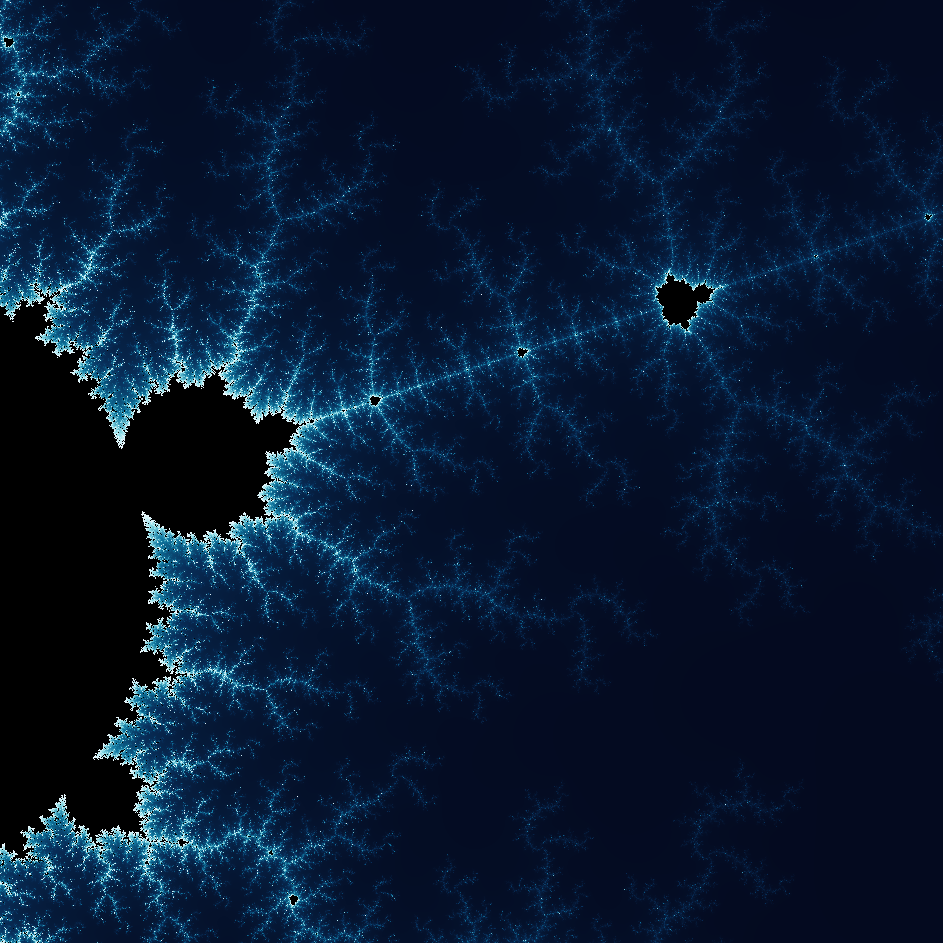
Explorează minunata lume a fractalilor
Explorează minunata lume a fractalilor. Fractalele sunt complexe, modele geometrice detaliate găsite în întreaga lume naturală.
Eşti gata să încerci?
Deschide PictorX în browser-ul tău
Du-te la editor