

Try a layout below, or open 2–20 photos to fill the collage.
Photo collage
Combine 2 to 20 photos in one frame. Try a layout on this page, replace any cell, then keep editing in PictorX with text, cutouts, and templates. Click a photo to select it, then Open to replace it. Drag to pan. Add a comic bubble and drag it like a photo. Reset restores the sample.
How it works
- Open 2–20 photos in the collage maker on this page, or start from the sample.
- Pick a layout, set the border and background, and click a cell to replace or pan a photo.
- Save the collage, or continue in the PictorX editor to add text, cutouts, and effects.
Grid collages vs freeform layouts
Grid collages feel organized for lookbooks and before/after sets. Freeform scrapbook styles work for travel and celebrations. Start with a few strong photos—too many small images get noisy.
Product and portfolio collages
Sellers and creatives often combine detail shots on one listing image. Keep spacing even, align edges, and use a shared background color so the collage feels branded.
Frequently asked questions
How many photos can I combine?
This maker takes 2 to 20 photos. For social posts, 2–9 usually reads best; use more for a lookbook or contact sheet.
Can I remove backgrounds inside a collage?
Yes. Cut out subjects, then layer them on a shared backdrop so the collage feels designed rather than pasted.
Grid or freeform—which should I pick?
Grids feel organized for lookbooks and before/after sets. Freeform scrapbook layouts work better for travel and celebrations.
Can I add captions or a title?
Yes. Add text or shapes after you arrange the photos, and keep type large enough to read on a phone.
Related tools
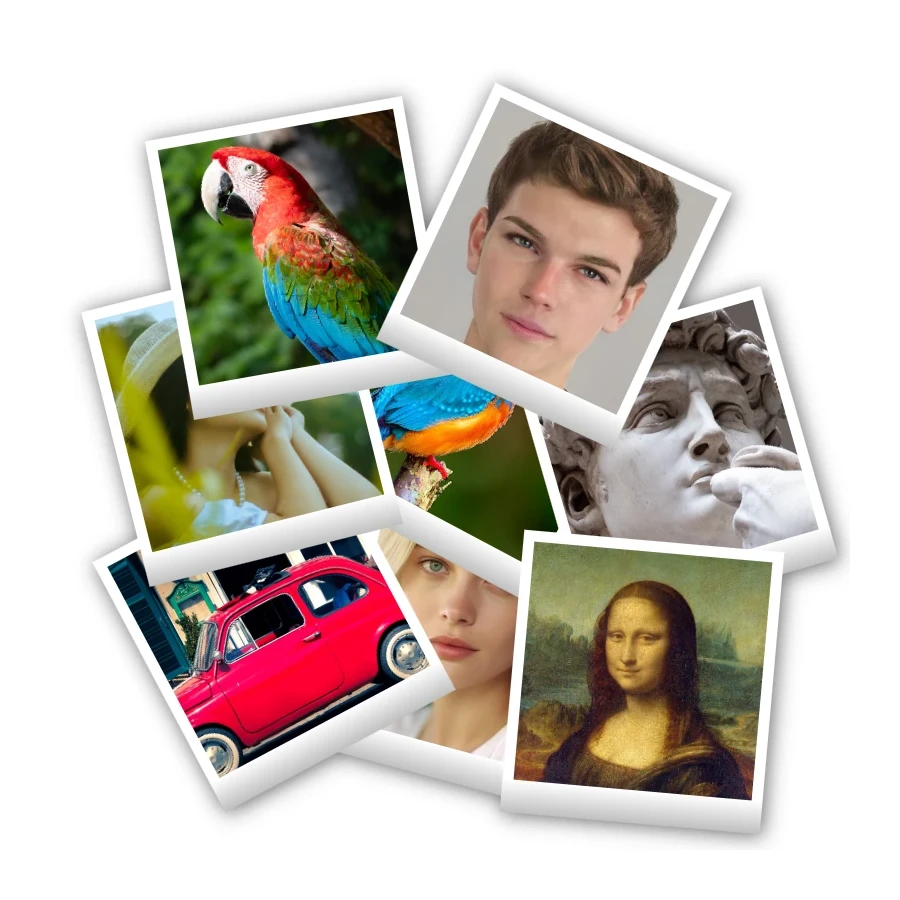
Polaroid collage
Make Polaroid collages free online with PictorX. Fill Big Picture, stack, scattered, and Droste layouts with different photos.
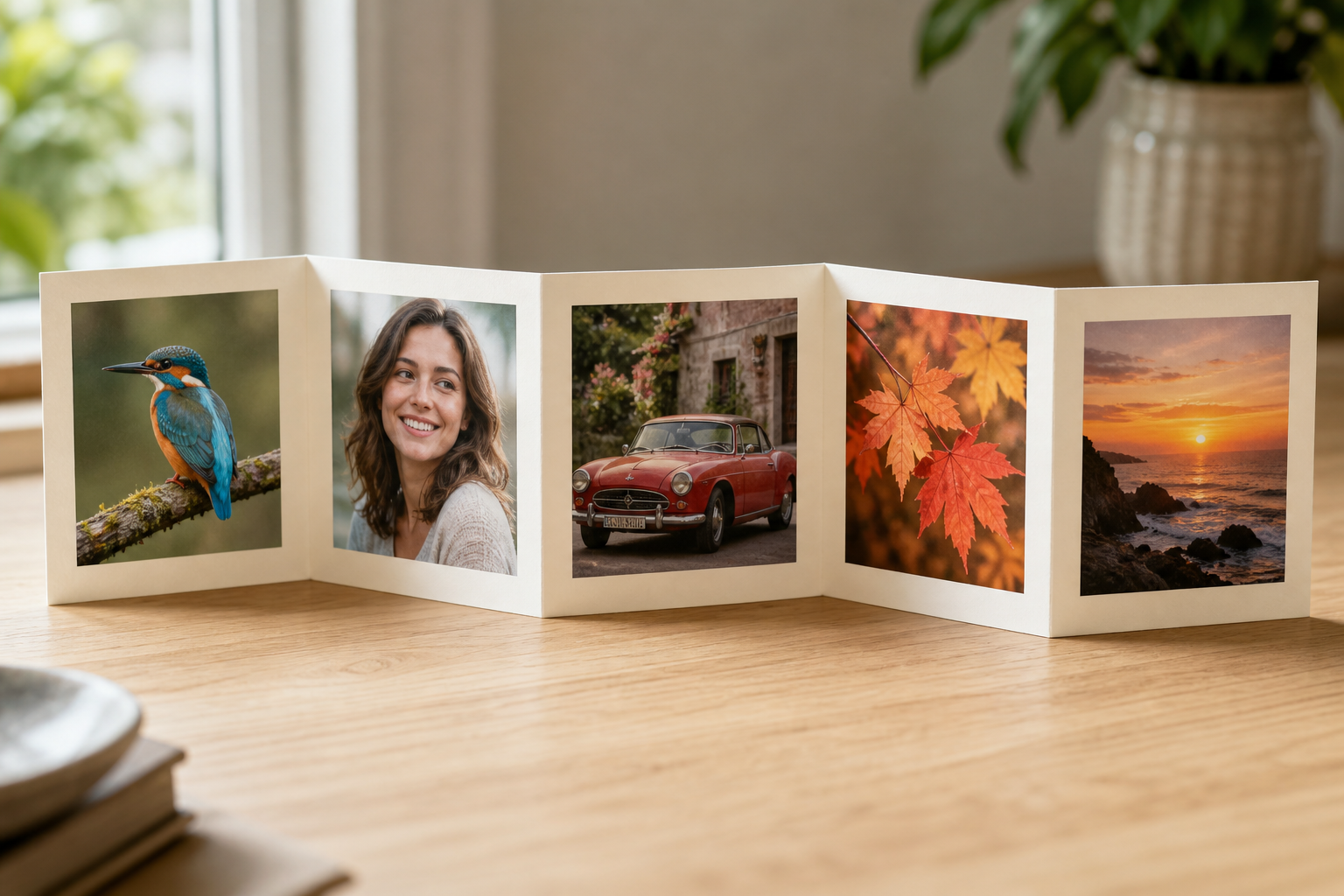
Photo fold collage
Make a photo fold collage free online with PictorX. Line up 1 to 6 photos in an accordion harmonica fold and export.

Sticker collage
Make a sticker collage free online with PictorX. Open 1 to 8 photos, cut out each subject, wrap it as a sticker, then drag and resize on a transparent, solid, or gradient backdrop.
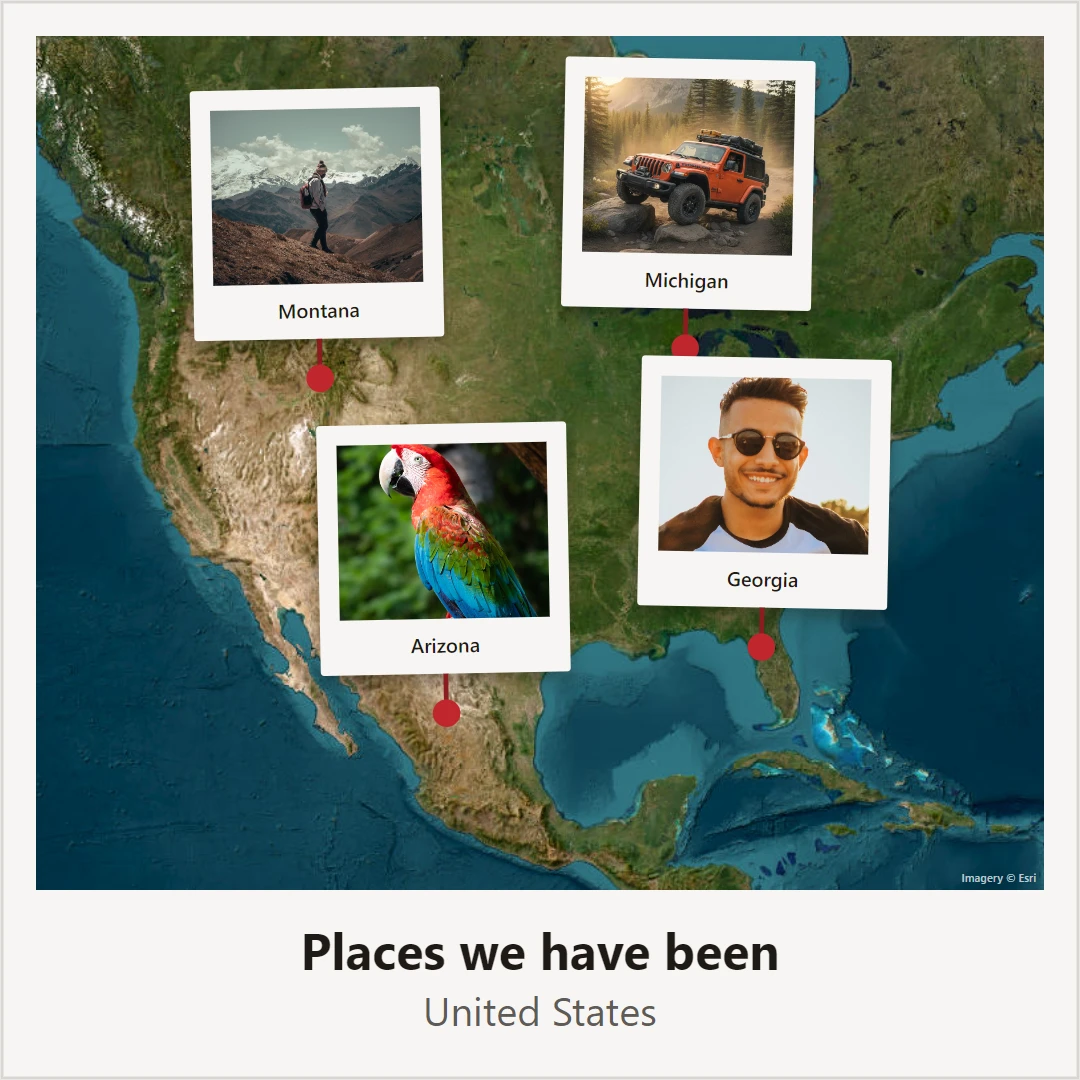
Photo map
Make a photo map free online. Pin photos and text on a map of where you met, your hometown, or holiday places, then save a poster.
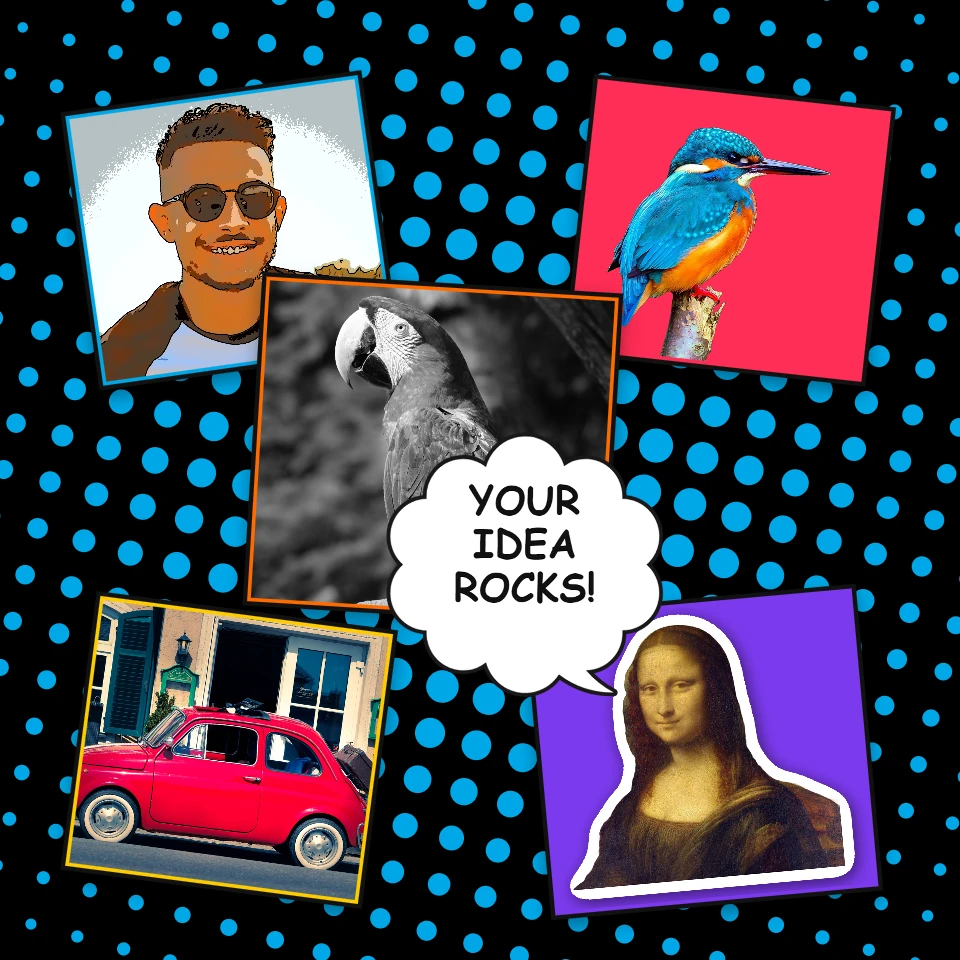
Pop Art collage
Make a Pop Art collage free online with PictorX. Scatter framed photos on a Ben-Day, ray, or stripe backdrop, add Lichtenstein-style looks and POW! bursts, then export.
Ready to try it?
Open PictorX in your browser — no install, no credit card required to start.
Go to Editor