

Try a Polaroid collage below, or open several photos to fill the frames.
Polaroid collage
Arrange several photos in instant-film frames. Try Big Picture, a stack, a scattered Polaroid wall, or a Droste nest—each frame can be a different picture—then keep editing in PictorX. Click a Polaroid to select it, then Open to replace it. Drag to pan. Shuffle rearranges the photos. Reset restores the samples.
How it works
- Open several photos on this page, or start from the mixed sample set.
- Pick a Polaroid layout, click a frame to replace it, and set the background color.
- Save the collage, or continue in the PictorX editor to add captions and effects.
Polaroid collages vs grid collages
Grid collages keep edges aligned for lookbooks and listings. Polaroid collages feel like a pinboard of instant photos—tilted frames, white borders, and a stack or wall of mixed pictures. Use the photo collage maker when you want a tight grid; use this maker when you want the instant-film look.
Big Picture, stacks, and nested Polaroids
Big Picture tiles many Polaroids across the canvas. A stack fans a few frames like a handful of prints. Scattered Polaroids spread photos over a backdrop. Droste nests smaller Polaroids inside the frame. Open your own pictures so every Polaroid is a different moment.
Frequently asked questions
How is this different from the photo collage maker?
The photo collage maker builds a grid. This maker uses Polaroid layouts—Big Picture, stack, scattered frames, and Droste—so each photo sits in an instant-film frame.
Can each Polaroid be a different photo?
Yes. Open several pictures, or click a frame and replace it. The sample set already uses mixed photos so Big Picture does not repeat one image.
Which Polaroid layout should I use?
Big Picture fills a wall of prints. Stack is a small handful. Scattered Polaroids feel like a tabletop spread. Droste nests frames inside each other.
Can I write a caption on the white border?
Yes. Save or continue in the PictorX editor, then add text on the caption strip of any Polaroid.
Related tools
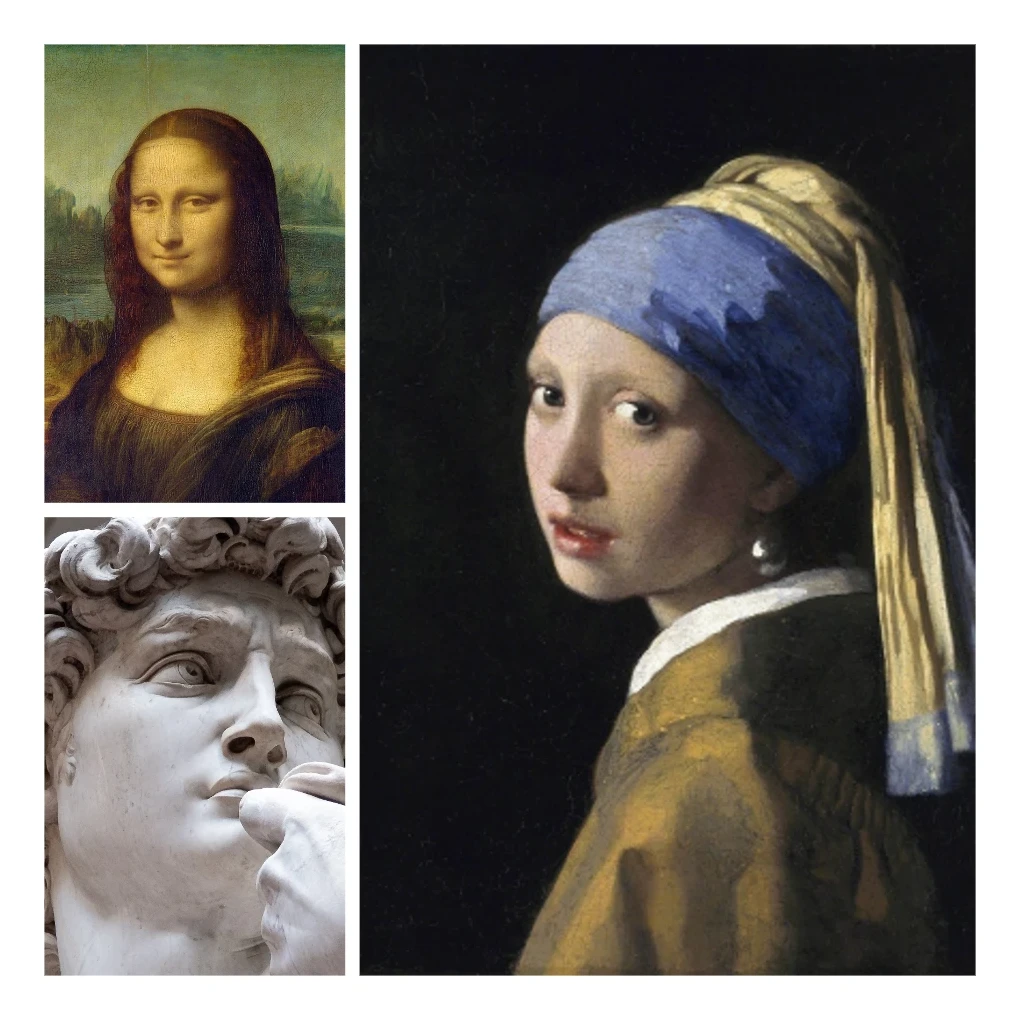
Photo collage
Make photo collages free online with PictorX. Combine 2 to 20 photos, pick a layout, and export.
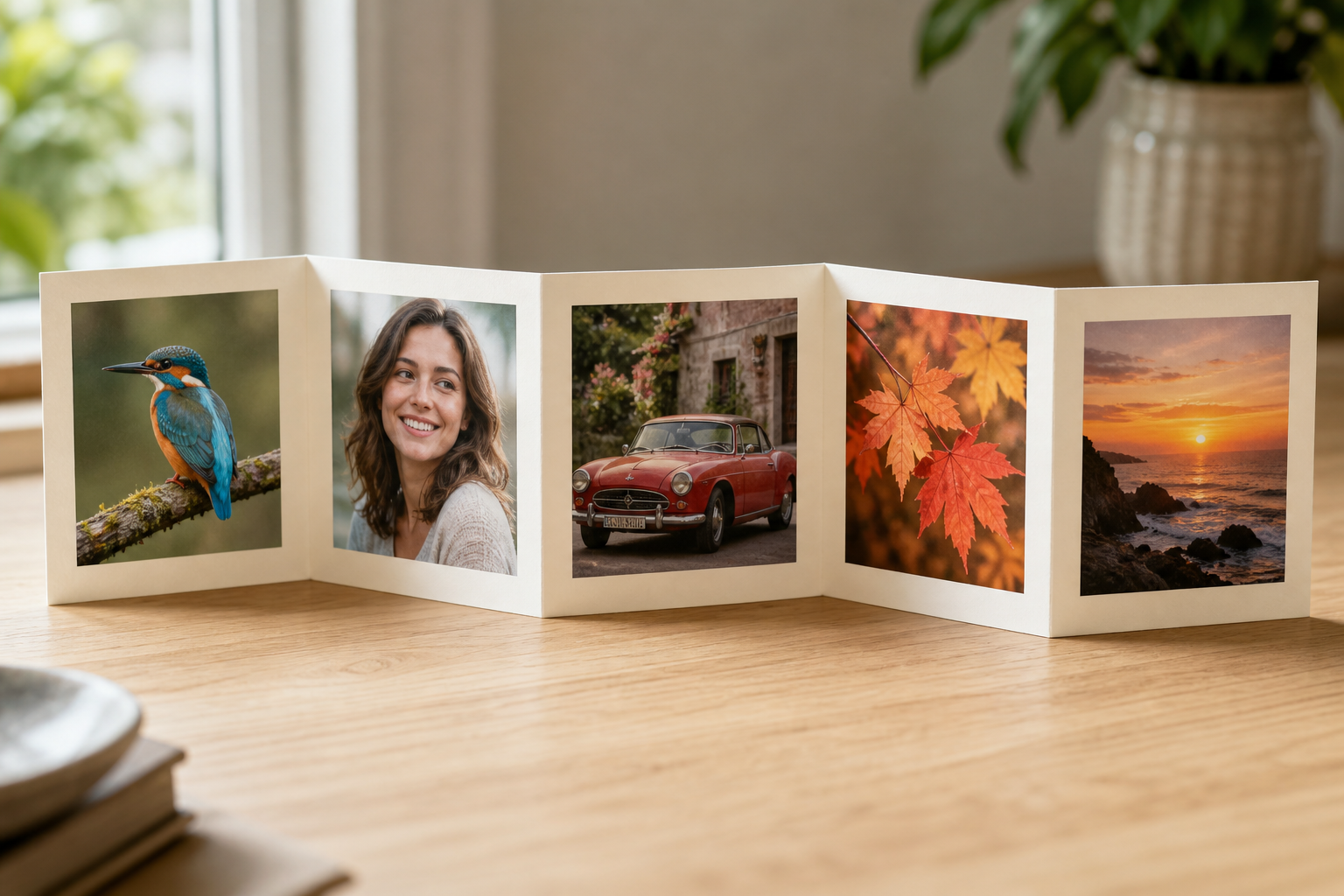
Photo fold collage
Make a photo fold collage free online with PictorX. Line up 1 to 6 photos in an accordion harmonica fold and export.
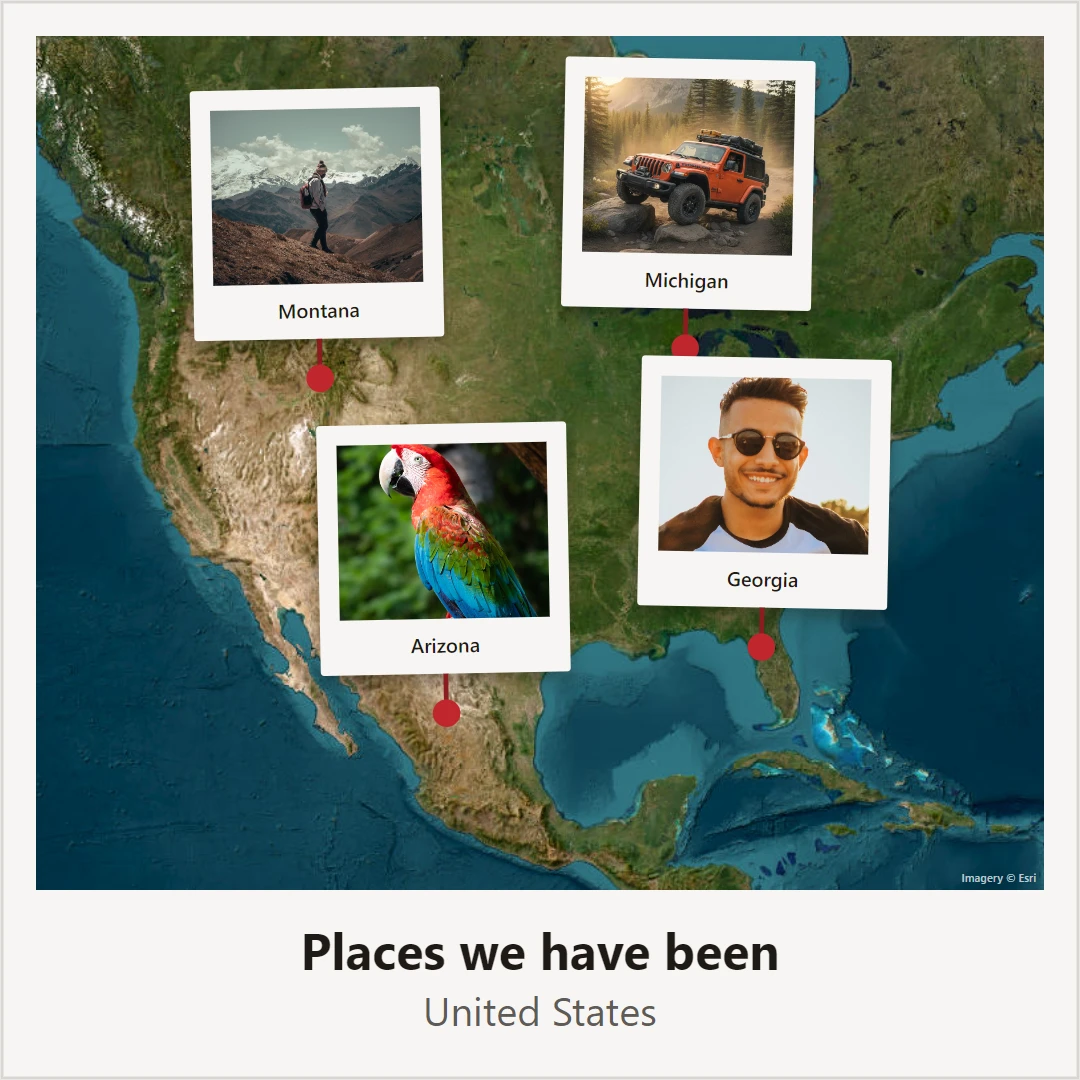
Photo map
Make a photo map free online. Pin photos and text on a map of where you met, your hometown, or holiday places, then save a poster.
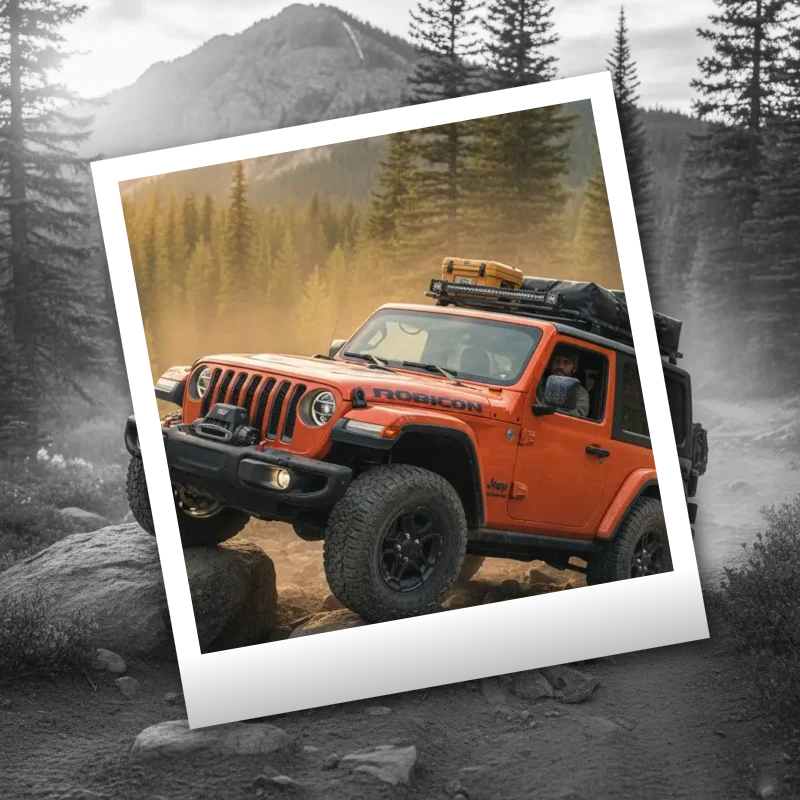
Polaroid effects
Give photos an instant-film look with frames, vintage styling, and creative Polaroid compositions.
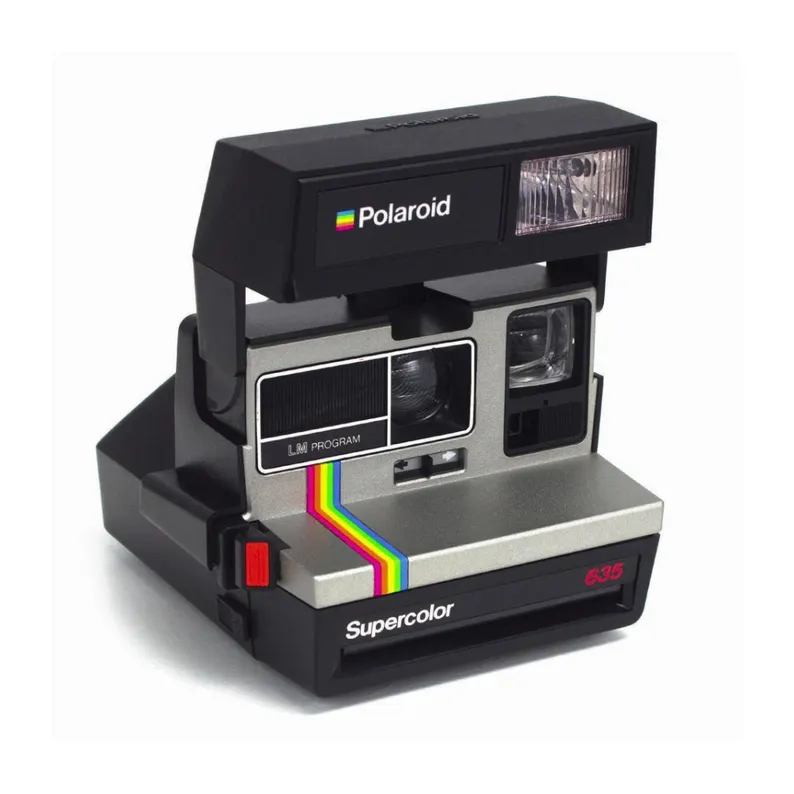
Polaroid
The story of Polaroid: Edwin Land, instant cameras, the SX-70, the end of film, and how The Impossible Project brought Polaroid back.
Ready to try it?
Open PictorX in your browser — no install, no credit card required to start.
Go to Editor