
Photo map
Turn a place into a keepsake. Search a street, city, or country, pick a map style, pin your photos, and add a title - where you met, a hometown, or the holiday you still talk about. Search a place, pin your photos, and add a title—or start from a memory preset.
How it works
- Search a place or pick a memory preset - where you met, hometown, holiday, US travels, or the world.
- Choose a map style and frame, open photos, and click the map to pin them. Add a title and a date.
- Save the poster, or continue in the PictorX editor to refine text and effects.
Where we met, hometown, and holiday maps
A photo map is a poster of a place that matters: the cafe where you met, the street you grew up on, the island you keep going back to. Search the location, choose a street, light, dark, satellite, or vintage style, then add a title, a date, and one or two photos as pins. The map is the picture - your words and photos make it yours.
Travel maps with photos on the places you have been
The craft version pins a photo on each state or country you have visited - wedding in one place, a fishing trip in another, skiing somewhere else. Zoom out to the United States or the world, drop Polaroid-style pins on the map, and leave the rest of the map visible so the photos stand out. You do not have to cover every place you have been.
Styles, frames, and print-ready posters
Street and satellite maps read like a real location. Light, dark, and vintage looks turn the same place into wall art. A mat or poster frame leaves room for a caption under the map. Save a high-resolution image for a print shop, or share the digital poster. Your photos stay in the browser; only map tiles are loaded so streets and labels can be drawn.
Frequently asked questions
What is a photo map?
It is an image of a real map - a street, city, country, or the world - with your photos and text on top. Use it for where we met, a hometown, holiday memories, or a travel map of the places you have been.
Can I add my own photos and text?
Yes. Open one or more photos, click the map to pin them, drag a pin to move it, and type a title and subtitle. You can also start from a memory preset and replace the sample pictures.
Can I make a US or world travel map?
Yes. Choose the US travels or World preset, zoom to the region you want, and pin a photo on each place. Leave some of the map uncovered so the pictures stand out, the way a physical photo map does.
Do my photos leave my device?
Your photos stay in the browser. Map tiles are loaded so the streets and labels can be drawn; they are not your pictures. Save the finished poster as a PNG on your device.
Related tools
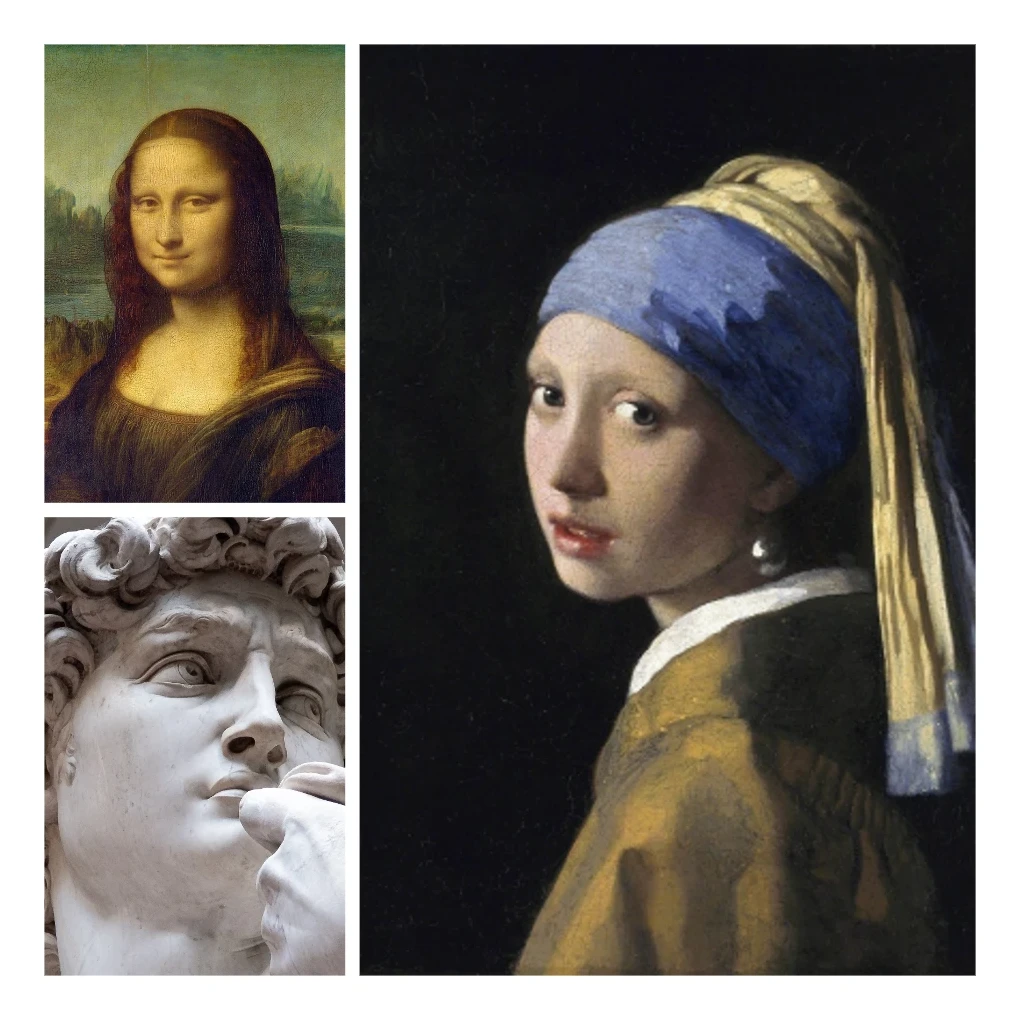
Photo collage
Make photo collages free online with PictorX. Combine 2 to 20 photos, pick a layout, and export.
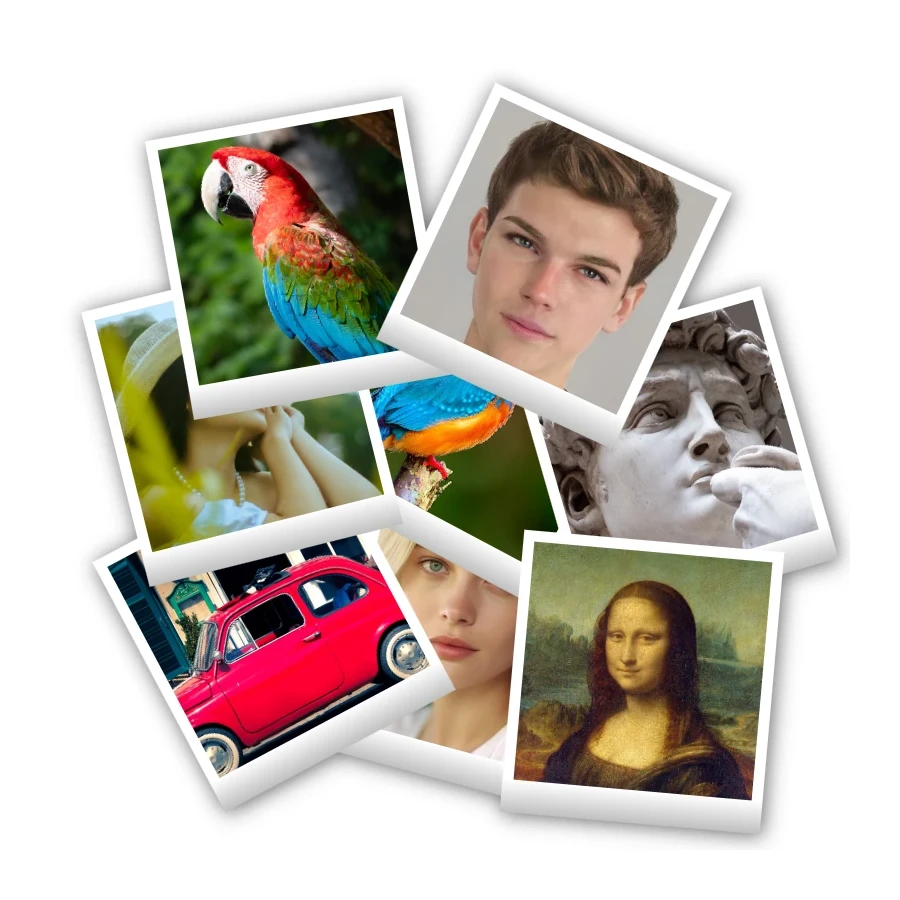
Polaroid collage
Make Polaroid collages free online with PictorX. Fill Big Picture, stack, scattered, and Droste layouts with different photos.

Text & Typography tool
Rich text styling with fonts, fills, gradients, strokes, shadows, 3D effects, contours, and decoration. Use the free PictorX online editor in your browser.

Sticker collage
Make a sticker collage free online with PictorX. Open 1 to 8 photos, cut out each subject, wrap it as a sticker, then drag and resize on a transparent, solid, or gradient backdrop.
Ready to try it?
Open PictorX in your browser — no install, no credit card required to start.
Go to Editor