

Arrange 1–8 photos, then click Start to turn them into stickers.
Sticker collage
Turn 1 to 8 photos into die-cut stickers. On-device AI removes each background and applies the Sticker Maker look. Drag stickers around the canvas, resize them from the corners, and pick a transparent, solid, or gradient backdrop. Drag to move. Use the corner handles to resize. Start turns the photos into stickers.
How it works
- Open 1–8 photos on this page, or start from the mixed sample set.
- Click Start. On-device AI cuts out each subject and builds a white sticker outline.
- Drag stickers to arrange them, resize from the corners, pick a transparent, solid, or gradient backdrop, then save.
Stickers, not a grid
A photo collage packs pictures into cells. A Polaroid collage puts each shot in an instant-film frame. A sticker collage isolates people and objects, wraps them in a die-cut outline, and lets you scatter them on one canvas—like a sheet of peel-off stickers.
Move, resize, and pick a backdrop
After the stickers appear, click one to select it, drag to move, and pull a corner handle to scale. Transparent keeps a clear PNG. Solid fills the canvas with a color from the picker. Gradient blends that color into a second stop. Shuffle rearranges the stickers; Reset restores the samples.
Frequently asked questions
How many photos can I put in a sticker collage?
This maker takes 1 to 8 photos. One sticker can fill the canvas; four to eight make a fuller sheet. Open several pictures at once, or replace a selected sticker with Open.
How is this different from Sticker Maker?
Sticker Maker turns one photo into a single die-cut sticker. This collage runs that same on-device cutout on up to eight photos, then lets you arrange and resize the stickers on a shared backdrop.
Can I keep a transparent background?
Yes. Choose Transparent, then save as PNG so chats, shops, and print files keep the clear backdrop around the stickers.
Do my photos leave my device?
Background removal runs on-device in supported browsers, the same as Remove background and Sticker Maker, so the photos are not uploaded to PictorX servers for that step.
Related tools

Make a die-cut sticker from any photo
Turn a photo into a die-cut sticker in your browser. On-device AI cuts out the person or object, then adds a white outline, shadow, holographic foil, or a colored rim. Export a transparent PNG.
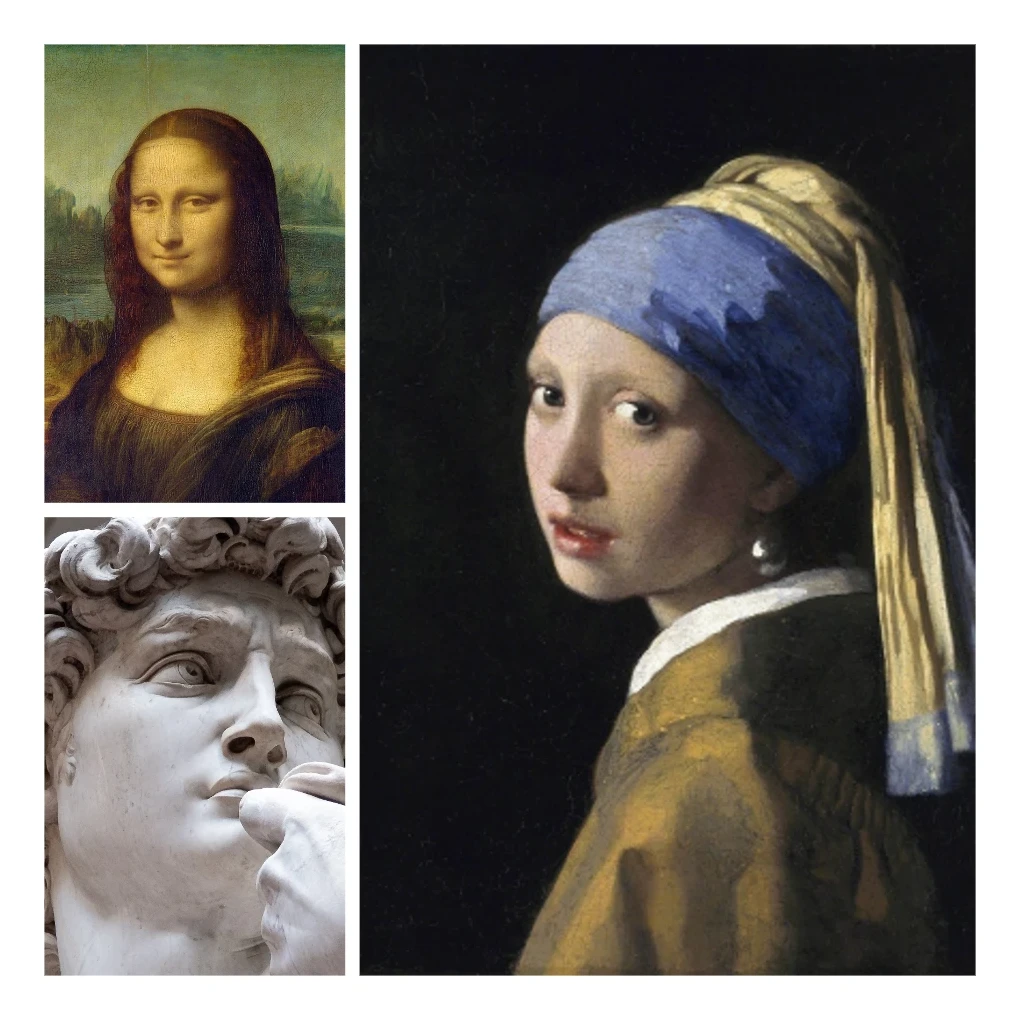
Photo collage
Make photo collages free online with PictorX. Combine 2 to 20 photos, pick a layout, and export.
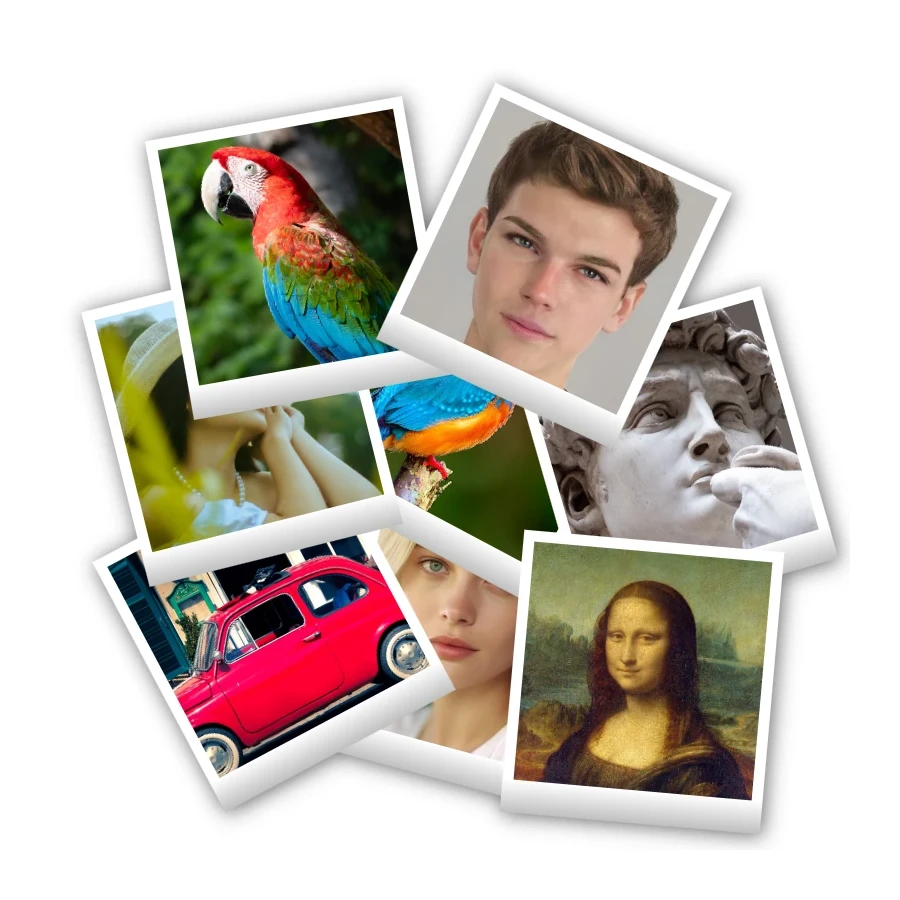
Polaroid collage
Make Polaroid collages free online with PictorX. Fill Big Picture, stack, scattered, and Droste layouts with different photos.
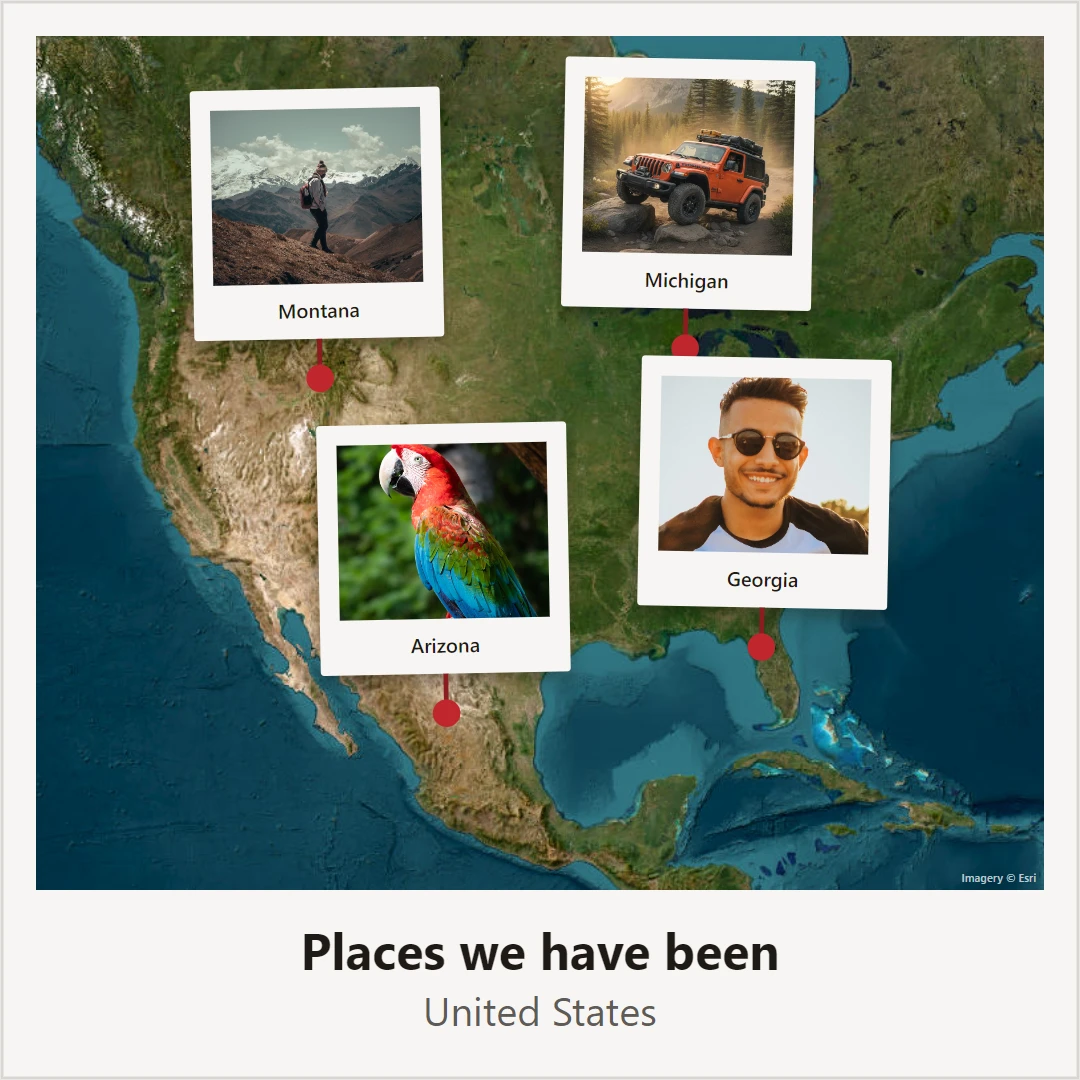
Photo map
Make a photo map free online. Pin photos and text on a map of where you met, your hometown, or holiday places, then save a poster.
Ready to try it?
Open PictorX in your browser — no install, no credit card required to start.
Go to Editor