

Hang photos in frames on a wall. Pick an arrangement and a wall, or open your own pictures.
Photo wall collage
Hang several photos like a gallery wall. Pick a salon, gallery, grid, line, dense, staircase, triptych, or pinboard arrangement with Frame Maker frames, on a painted wall, limewash, wallpaper, wainscoting, wood panels, a cork board, plaster, or brick. Move, resize, and rotate any frame, replace any picture, then save or keep editing in PictorX. Click a frame to select it, drag it to move it, and use its handles to resize or rotate it. Open replaces the photo. Style, width, and mat in the properties panel use Frame Maker. Shuffle hangs the pictures in a new order; Randomize picks a new arrangement, wall, and frames.
How it works
- Open several photos on this page, or start from the mixed sample set.
- Pick an arrangement or a look—Salon, Gallery, Grid, Line, Dense, Museum, Staircase, Triptych, Pinboard, and more—choose a wall, and set the frame style, width, and mat.
- Click a frame to select it: drag it to move it, use its handles to resize or rotate it, or Open to replace the photo. Then save or continue in PictorX.
A gallery wall, not a grid
A photo collage packs pictures into even cells. A photo wall hangs framed pictures at different sizes, the way a salon wall does: a large center photo, smaller frames around it, and space on the wall between them. Gallery hangs symmetrically around a center picture, Grid lines up matching frames, Line hangs one row along a center line, Dense packs frames close, Staircase climbs a stair wall, Triptych hangs three large frames, and Pinboard scatters tilted photos on a board. Every arrangement is laid out for the collage size and gives all frames the same moulding and mat width; after that, move, resize, and rotate frames freely.
Frame Maker frames on real walls
Each picture is framed with Frame Maker: gilded, baroque, wood, gallery, gold, floating, polaroid, and the other frame styles, plus a mat. Mixed arrangements follow the style you pick: classic gilded and silver frames, modern metal and floating frames, or playful polaroids and stamps. The wall can be painted—gallery white, blush, cream, sage, pale gray, linen, navy, charcoal, terracotta, forest green, mustard, or dusty blue—or limewash, striped or damask wallpaper, wainscoting (the frames hang above the chair rail), wood panels, a cork board, or an existing surface such as plaster, white brick, wood, stucco, concrete, brick, tiles, or stone.
Frequently asked questions
How is this different from the photo collage maker?
The photo collage maker builds a tight grid. This maker hangs each photo in its own Frame Maker frame on a wall, with mixed sizes and space between the frames.
Can each frame be a different photo?
Yes. The sample wall already mixes pictures. Open several photos at once, or click a frame and replace it.
Which arrangements are there?
Salon (a large center picture between columns of mixed frames), Gallery (symmetric around a center picture), Grid (matching frames in rows and columns), Line (one row along a center line), Dense (many frames packed close), Staircase (two rows climbing a stair wall), Triptych (three large frames), and Pinboard (tilted photos scattered on a board). Each one is laid out for the collage size you pick.
Can I move, resize, or rotate a frame?
Yes. Click a frame to select it, drag it anywhere on the wall, pull a corner handle to resize it, or turn the handle above it to rotate it—the same handles as the Pop Art collage.
Which frames can I use?
The same styles as Frame Maker: gilded, baroque, wood, gallery, gold, floating, metal, polaroid, and the rest. Style, width, mat, and mat color are in the properties panel. In Salon, Dense, and Pinboard, Style changes the frame you have selected; in the other arrangements it changes every frame.
Related tools
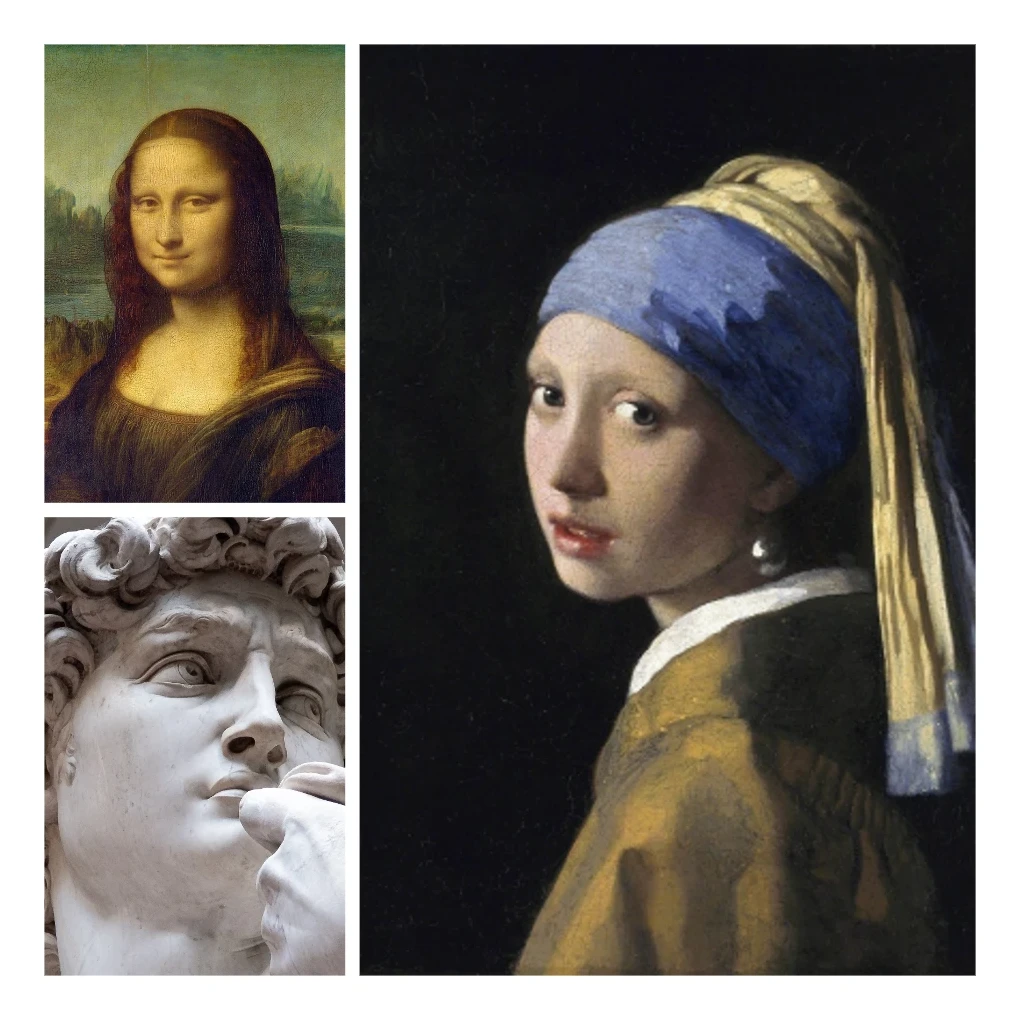
Photo collage
Make photo collages free online with PictorX. Combine 2 to 20 photos, pick a layout, and export.
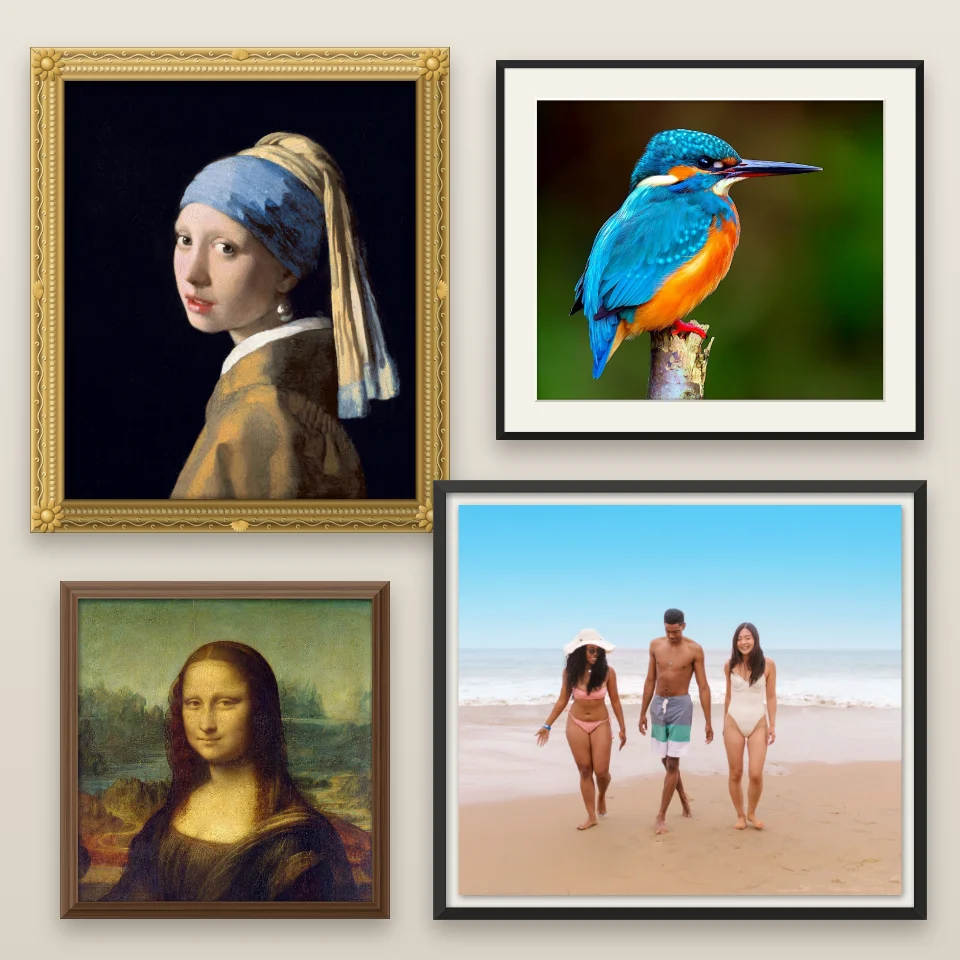
Frame Maker
Put a photo in a gilded, baroque, wood, gallery, floating, metal, polaroid, film strip or stamp frame, add a mat, and save a PNG.
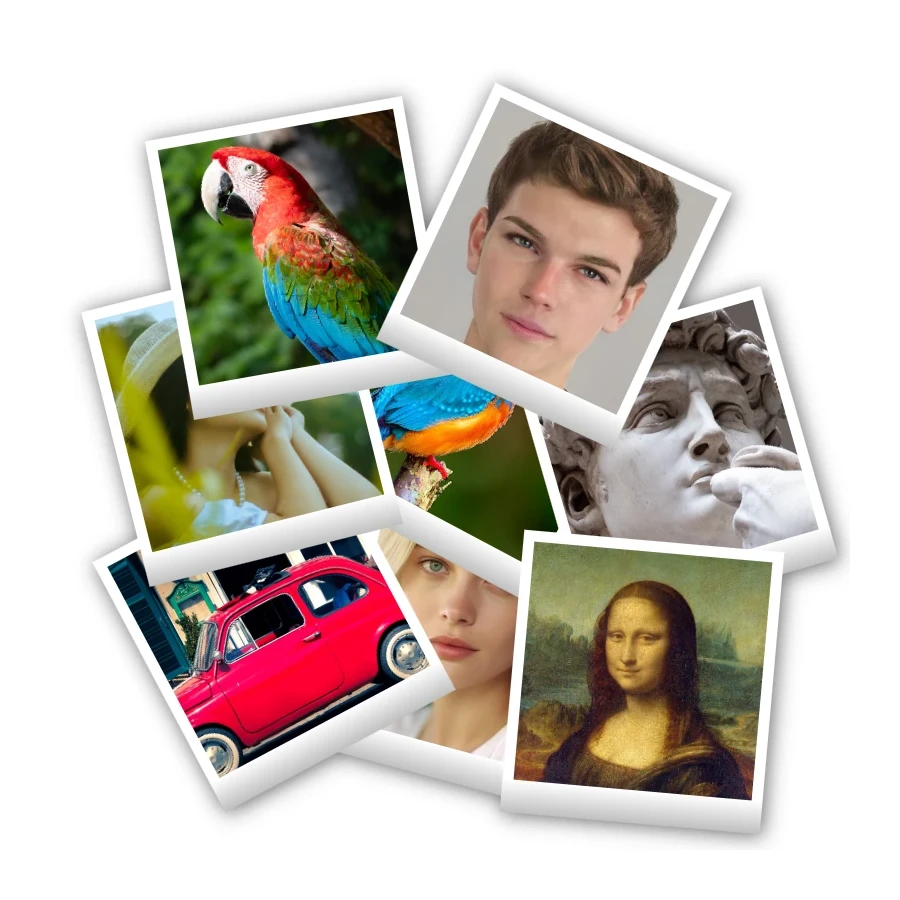
Polaroid collage
Make Polaroid collages free online with PictorX. Fill Big Picture, stack, scattered, and Droste layouts with different photos.

Pop Art collage
Make a Pop Art collage free online with PictorX. Scatter framed photos on a Ben-Day, ray, or stripe backdrop, add Lichtenstein-style looks and POW! bursts, then export.
Ready to try it?
Open PictorX in your browser — no install, no credit card required to start.
Go to Editor