

Try an accordion fold below, or open 1–6 photos to fill the panels.
Photo fold collage
A photo fold collage—also called a fold-out or harmonica collage—puts several photos on one compact accordion card. Try 1 to 6 panels on this page, replace any photo, then keep editing in PictorX. Click a panel to select it, then Open to replace it. Drag to pan. Reset restores the samples.
How it works
- Open 1–6 photos on this page, or start from the mixed sample set.
- Pick a fold width, click a panel to replace or pan a photo, and set the background color.
- Save the collage, or continue in the PictorX editor if you want to print a standing accordion card.
Accordion fold, harmonica booklet, standing screen
The classic photo fold is a long strip of sturdy paper folded like a zigzag—an accordion or harmonica fold. Each face holds a photo, so you get a continuous collage you can stand on a desk, fold into a small booklet, or use as a tiny room screen. This maker keeps that idea: one photo high and one to six photos wide.
Photo fold vs grid and Polaroid collages
A grid collage packs many photos into one rectangle. A Polaroid collage puts each picture in an instant-film frame. A photo fold is a single row that reads as a story—travel days, a wedding party, before-and-after pairs, or a family timeline. Use fewer panels when you want each photo large enough to print.
Frequently asked questions
How many photos can I put in a fold collage?
This maker takes 1 to 6 photos in a single row. Two to four panels print well as a standing accordion card; six is a longer harmonica strip.
What is a photo fold collage?
It is a fold-out collage: a long paper strip folded like a harmonica, with one photo on each panel. You can stand it up, fold it shut like a booklet, or keep the digital strip.
How is this different from the photo collage maker?
The photo collage maker builds grids of 2–20 photos. This maker is only one photo high and 1–6 photos wide, with an accordion fold so the strip looks like a physical harmonica card.
Can I print it as a real accordion card?
Yes. Save the strip, then print it on sturdy paper and fold on the creases. Continue in the PictorX editor if you want captions, a cover panel, or extra margin for folding.
Related tools
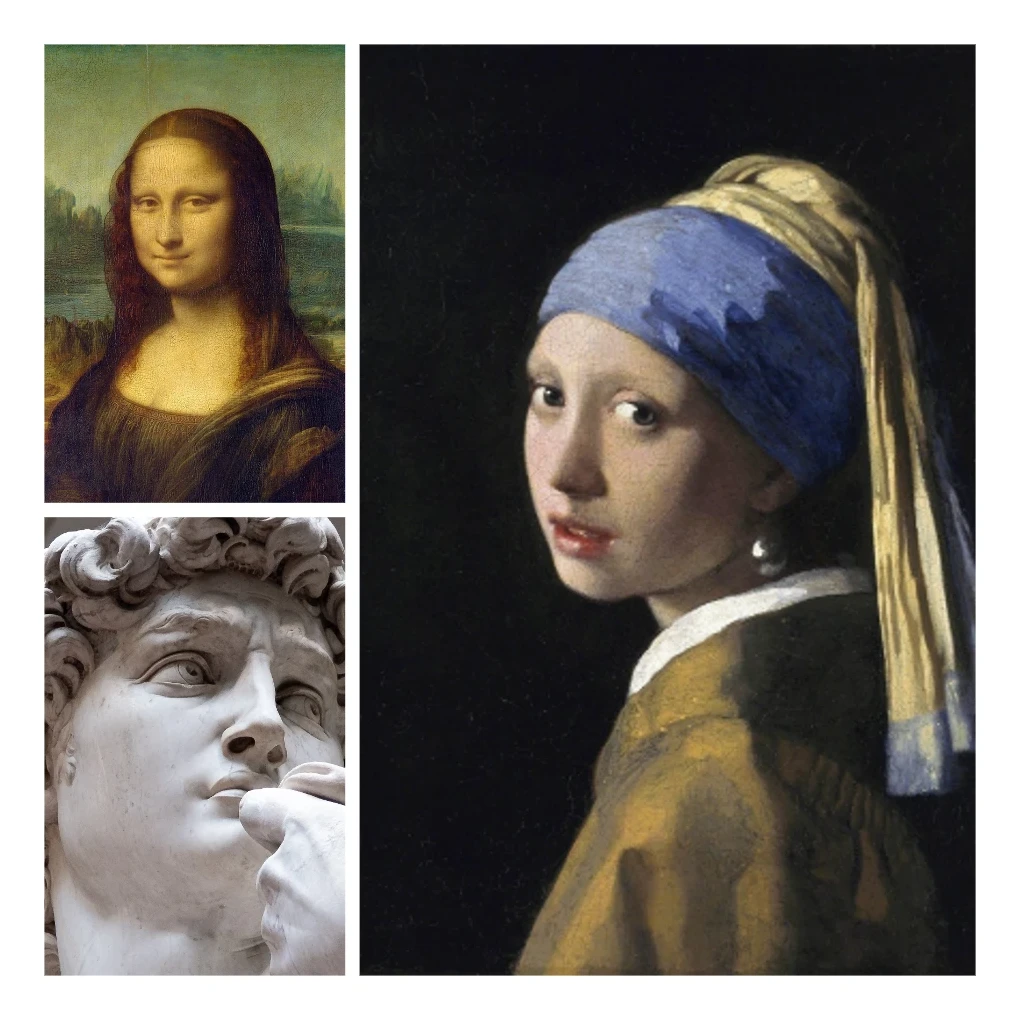
Photo collage
Make photo collages free online with PictorX. Combine 2 to 20 photos, pick a layout, and export.
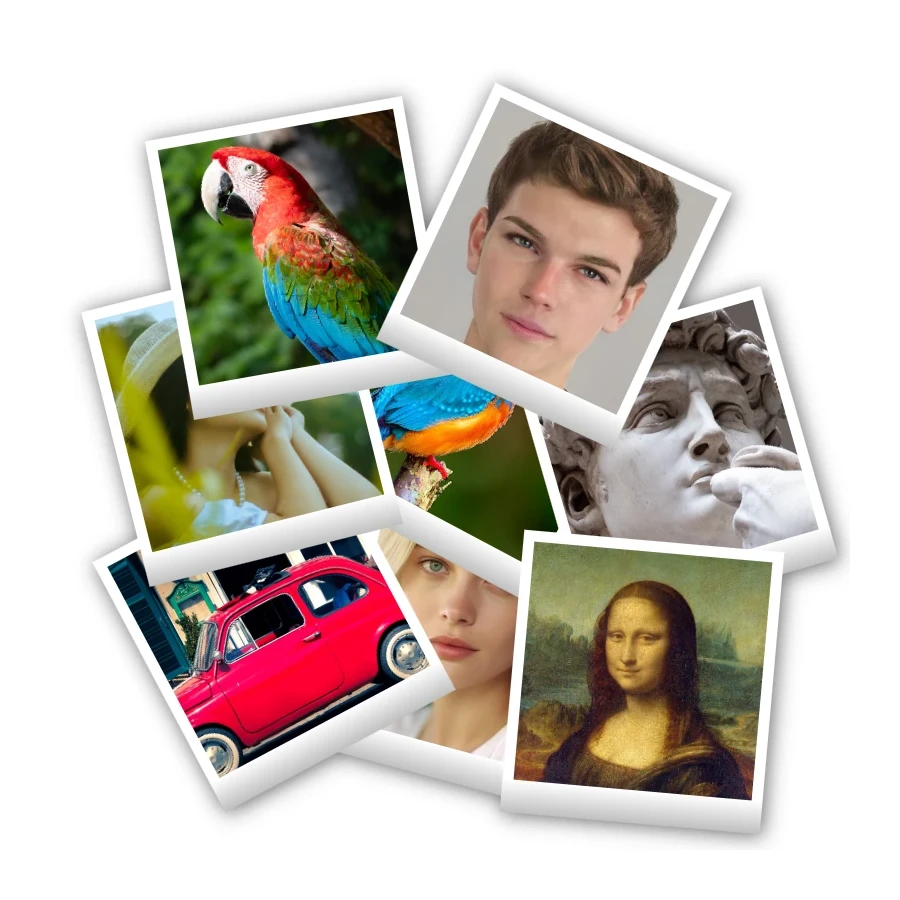
Polaroid collage
Make Polaroid collages free online with PictorX. Fill Big Picture, stack, scattered, and Droste layouts with different photos.

Sticker collage
Make a sticker collage free online with PictorX. Open 1 to 8 photos, cut out each subject, wrap it as a sticker, then drag and resize on a transparent, solid, or gradient backdrop.

Free Instagram post maker
Design Instagram posts and story graphics free with PictorX. Templates, text effects, and AI cutouts in your browser.
Ready to try it?
Open PictorX in your browser — no install, no credit card required to start.
Go to Editor