

Try the Scatter pop collage below, or open several photos to fill the frames.
Pop Art collage
Build a Pop Art collage from your photos. Scatter framed shots with a tilt across a comic-style board. PictorX paints a Ben-Day, ray, or stripe backdrop, applies a Pop Art look to each photo, and stamps POW!, BOOM!, and KA-POW! bursts on top. Click a photo to Remove background or Create sticker, or Open to replace it. Drag to move, pull a corner to resize. Properties edits the selected photo. Add a comic bubble and drag it like a photo. Reset restores the samples.
How it works
- Open several photos on this page, or start from the mixed sample set.
- Set the background pattern and accent color, and choose a Pop Art photo look. Drag framed photos to rearrange them, or pull a corner to resize.
- Drag photos and comic bubbles to arrange them, then save or keep editing in PictorX.
Scattered frames, not a quiet grid
A photo collage packs pictures into even cells. A Polaroid collage puts each shot in an instant-film frame. A Pop Art collage is a comic page: thick ink borders, Ben-Day dots, neon accent color, and onomatopoeia sitting on top of the photos. Scatter framed prints across rays and dots so every collage feels tossed and loud.
Lichtenstein looks, Warhol color, comic bursts
Each photo can take a Lichtenstein, risograph, screen-print, or comic treatment from the Effect menu. The backdrop is a pattern, not a flat fill-dots, sunburst rays, stripes, or retro pop circles. POW!, BOOM!, KA-POW!, BAMM!, OMG!, SNAP!, BANG!, and WHAM! stamp on as bursts and speech bubbles. Open your own pictures so every panel is a different moment.
Frequently asked questions
How is this different from the photo collage maker?
The photo collage maker builds a clean grid. This maker is a Pop Art comic board: patterned backgrounds, thick comic frames, Lichtenstein-style photo looks, and POW! / BOOM! bursts.
Can each panel be a different photo?
Yes. Open several pictures at once, or click a panel and replace it. Scatter layouts also take mixed photos with a slight tilt.
Does this apply an Andy Warhol grid to one photo?
No. The Warhol effects page tiles one photo in repeating colorways. This collage combines several photos, then gives each one a Pop Art treatment. Use Warhol effects when you want Marilyn-style repeats.
Can I turn off the comic text?
Yes. Continue in the PictorX editor after you save and hide the burst layers.
Related tools
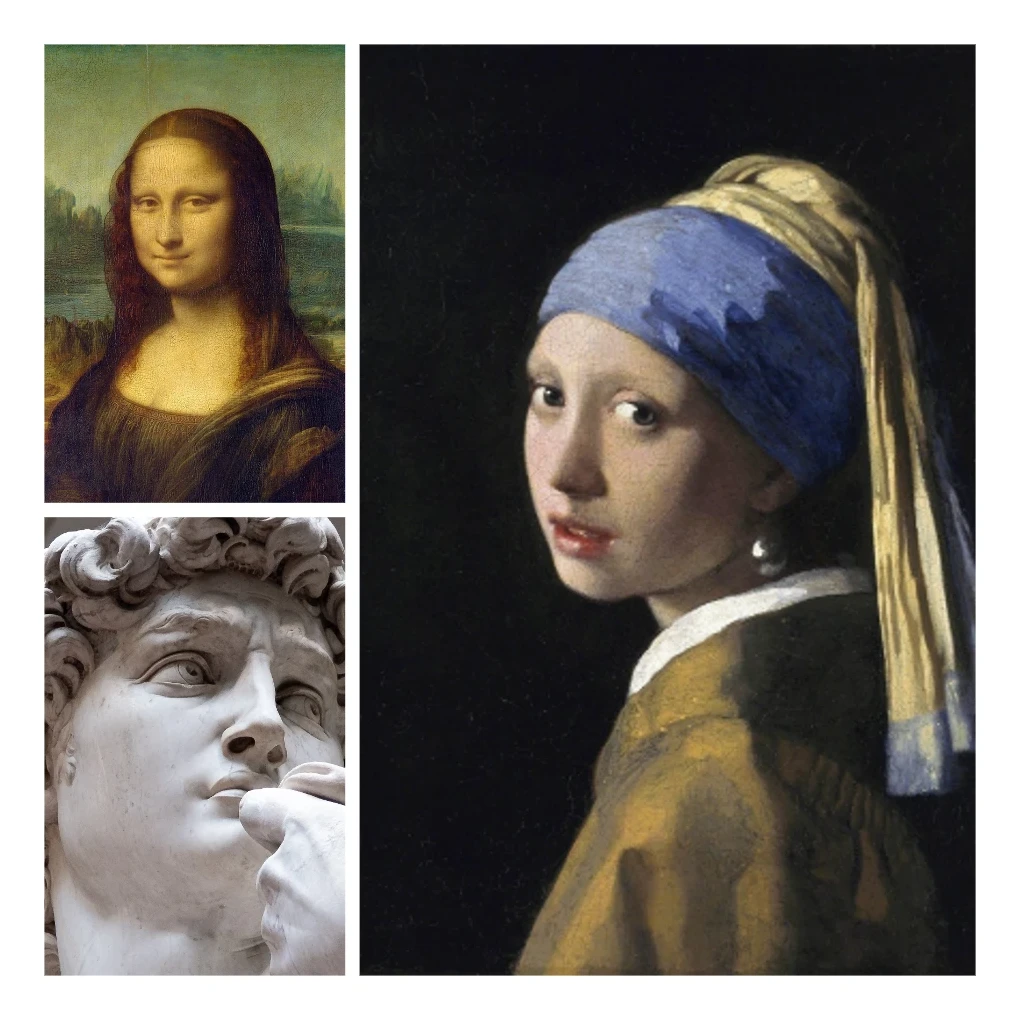
Photo collage
Make photo collages free online with PictorX. Combine 2 to 20 photos, pick a layout, and export.
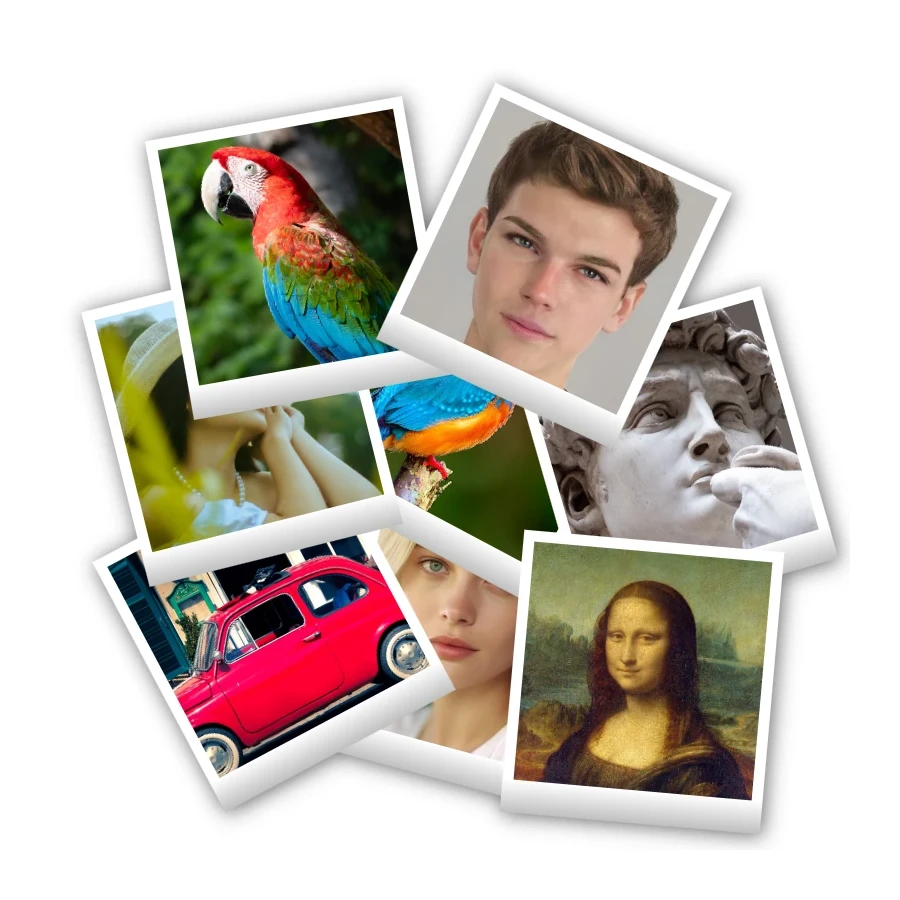
Polaroid collage
Make Polaroid collages free online with PictorX. Fill Big Picture, stack, scattered, and Droste layouts with different photos.

Sticker collage
Make a sticker collage free online with PictorX. Open 1 to 8 photos, cut out each subject, wrap it as a sticker, then drag and resize on a transparent, solid, or gradient backdrop.
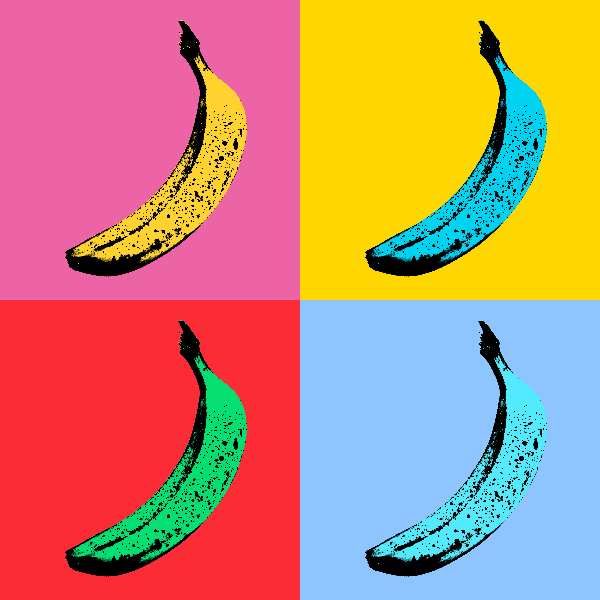
Pop Art effects
Turn photos into bold Pop Art posters—neon grids, comic dots, risograph inks, Lichtenstein, Banksy stencils, and more.
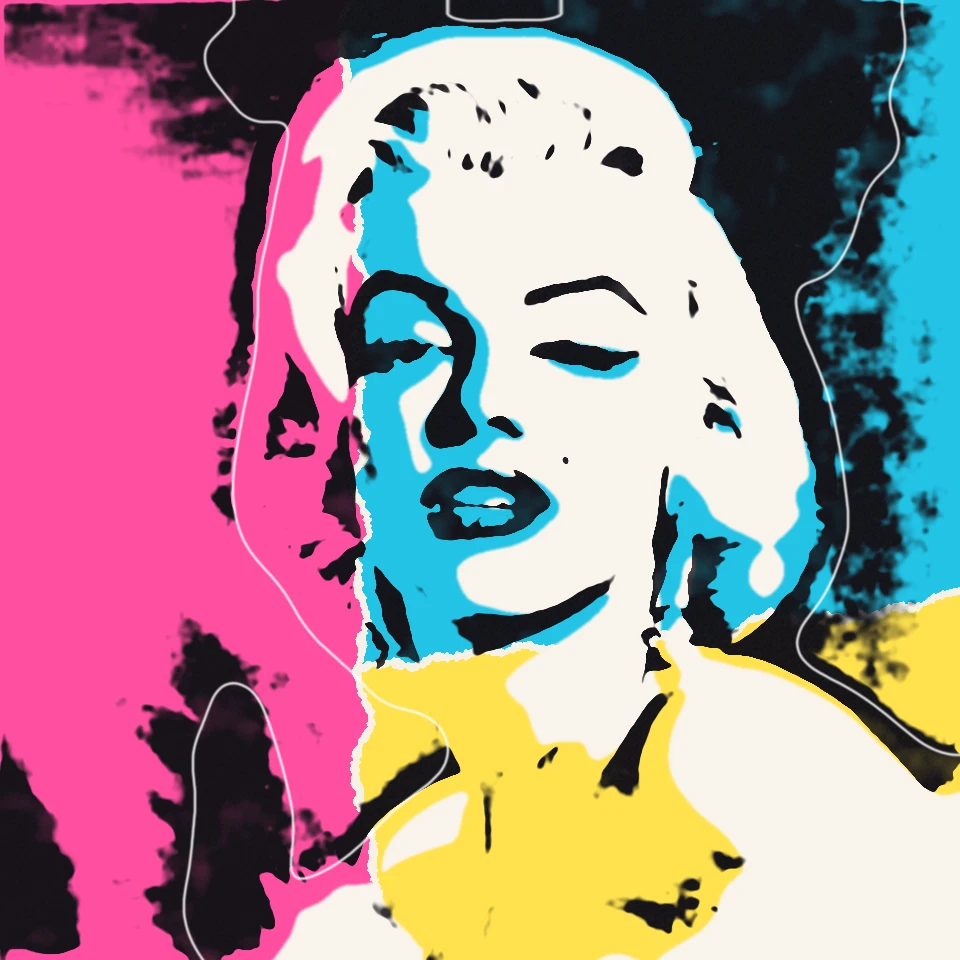
Andy Warhol photo filter
Channel Andy Warhol’s Factory energy—bold color grids, repeated icons, and pop-art portraits that feel like silkscreen posters.
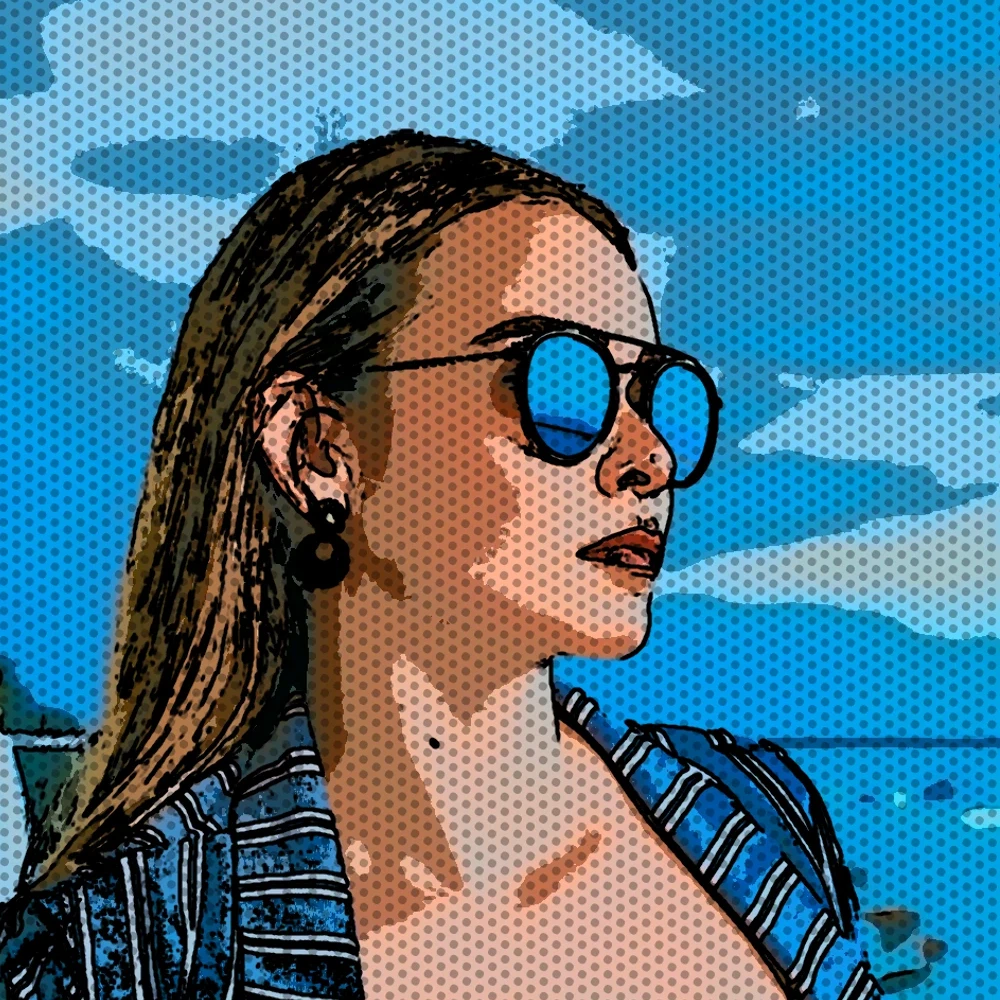
Turn a photo into comic panels
Turn a photo into a comic page in your browser. Zoom different details into 1, 2, 4, or 6 ink panels, then add optional Ben-Day dots and captions.
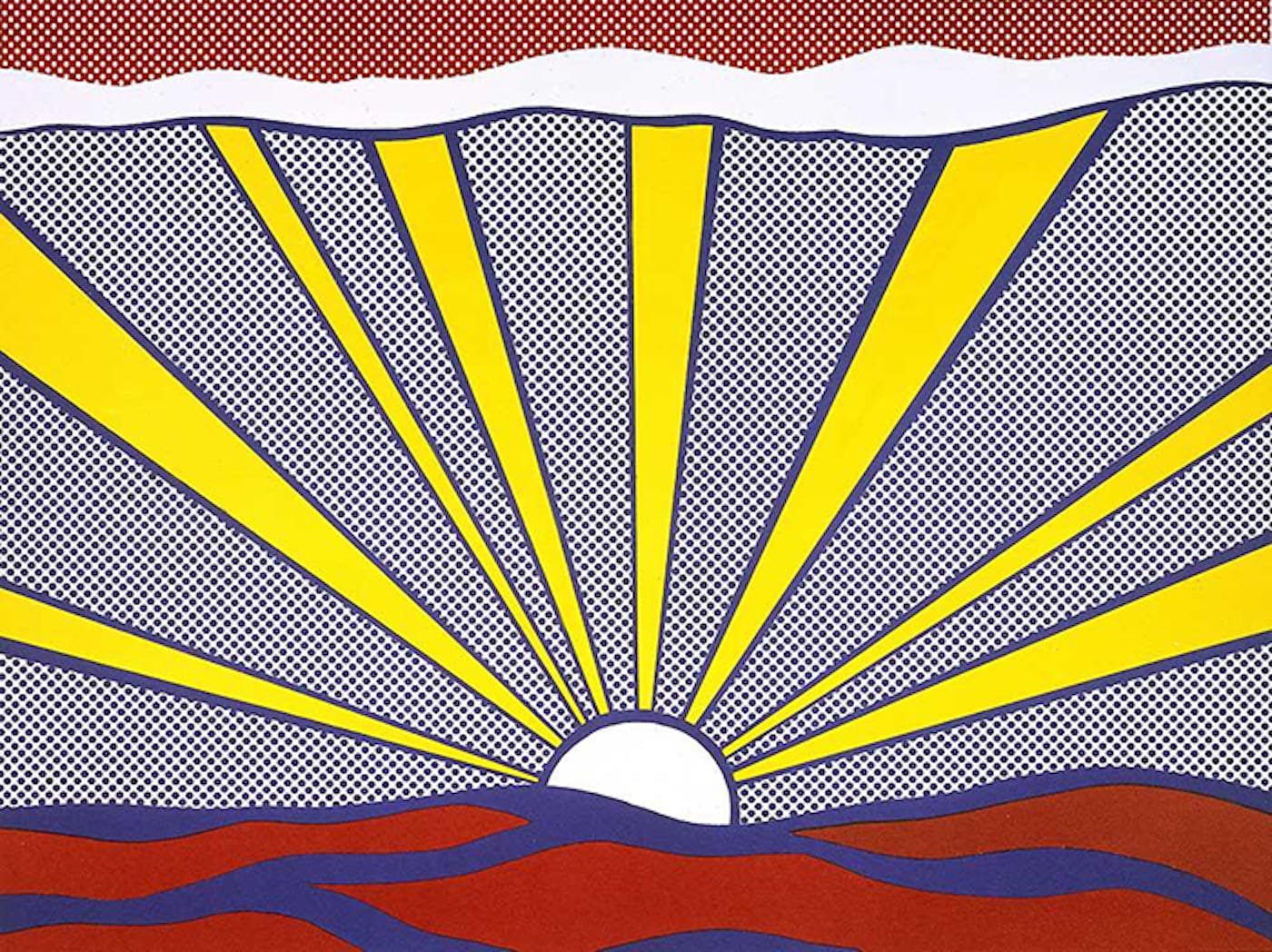
Pop Art
Learn how Pop Art turned advertising, comics, and consumer products into art—Andy Warhol, Roy Lichtenstein, silkscreen, and the rise of mass culture.
Ready to try it?
Open PictorX in your browser — no install, no credit card required to start.
Go to Editor