
Title
Design
Details
Timeline Maker
Make a timeline about anything in your browser: your life story, your family, a love story, a company, a trip or the history of science. Start from a template, add events with a date, a title, a short text and a photo or pictogram, and pick a layout and a style. Save it as a slide, an A4 page, a story or a banner, or open it in the editor with every card, photo and text on a layer of its own. Pick a template or start your own, add events with a date, a title, a short text and a photo, then save a PNG or open it in the editor.
How it works
- Pick a template, or start with an empty timeline. Choose a layout, a style and a format: a slide, an A4 page, a square, a story or a banner.
- Click an event to change its date, title, text and pictogram. Add events, move them, or sort them by date. Open photos to put them in the events.
- Space the events evenly or to scale, then save a PNG, or open the timeline in the editor in layers.
Six layouts, fourteen styles
A classic horizontal line with cards above and below, a vertical line with cards on both sides, a vertical list, a winding road, cards in rows, or a circle for a year or a cycle. Each works with every style: classic, minimal, vintage paper, blueprint, chalkboard, neon, pastel, playful, black and gold, space, retro, scrapbook, business and botanical.
Any subject, any period
Dates are written as you like: 1969, May 2015, 300 BC, the 1920s, Day 3, 14:30 or 66 million years ago. To scale places each event by its date, so long and short gaps show; evenly gives every event the same room. Eighteen templates get you started, from the history of science, space and art to your life story, a love story, a wedding day, a family history, a company history, a project plan, a school year, a sports tournament, a renovation and baby's first year.
Photos, pictograms and layers
Every event can have a photo, cut as a rounded picture, a circle, a polaroid or taped on, or a pictogram when you have no photo. The pencil opens the timeline in the PictorX editor with the background, the line, each marker, card and photo as a layer of its own, and every date, title and text as text you can still change. Your photos stay in your browser.
Frequently asked questions
How do I make a timeline online?
Pick a template or start with an empty timeline, click an event to change its date, title and text, add photos with Open, and choose a layout and a style. Save a PNG or open it in the editor. It is free and works in your browser.
Can I add photos to my timeline?
Yes. Pick an event and press Open, or drop photos on the timeline. Open takes several photos at once: the first goes into the picked event, the rest into the events after it that have no photo yet. An event without a photo shows its pictogram.
What can a timeline be about?
Anything with dates: your life story, a family history, a relationship, a trip, a company, a school project, or the history of science, space, art, music or the Earth. The templates show examples of each, and every word can be changed.
What does To scale mean?
To scale places every event by its date, so that a hundred years take ten times the room of ten years. It works with numbers in the dates (1969, 300 BC, 66 million years ago, Day 3) in time order. Evenly gives every event the same room.
Can I keep editing it?
Yes. Your timeline is kept in this browser. The pencil opens it in the PictorX editor with the background, the line, every marker, card and photo on a layer of its own, and every date, title and text as text you can edit.
Timeline Maker: how do I record a video?
Press the red Record button in the playback bar: it films what the stage shows. Press it again to stop, and the video is saved to your device. Recording is free; you only need to sign in. Without a subscription the video carries a small PictorX logo in a corner. The button beside Record opens the video options: the shape (as shown, square, story 9:16 or wide 16:9), the length (until you stop, one seamless loop, or 5, 10, 15 or 30 seconds for social media) and the file: MP4, WebM or an animated GIF. You can add one of three music tracks: calm, bright or beat. With a fixed length or One loop the video is made frame by frame, so it runs smoothly even on a slow device, and One loop joins its end to its start without a seam.
Related tools
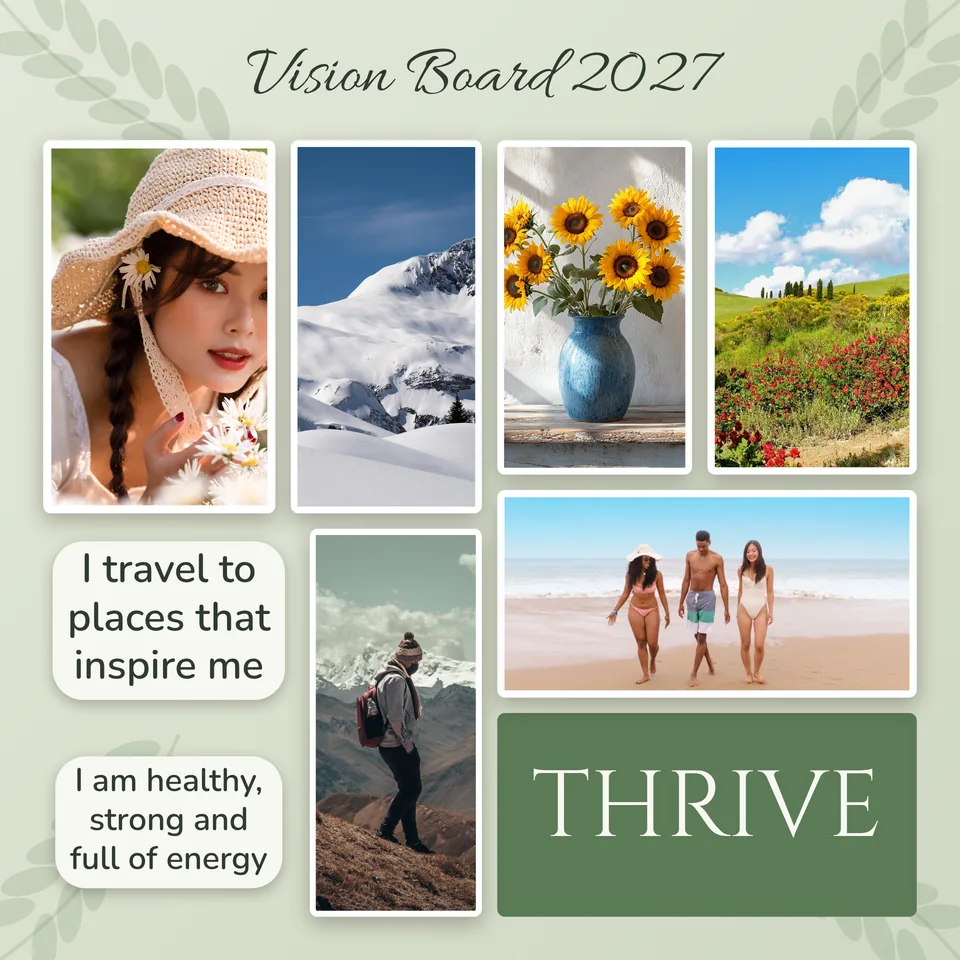
Vision Board Maker
Free vision board maker: 17 templates, 10 layouts and 15 styles. Add your photos, a word of the year and affirmations, then save a poster or phone wallpaper.
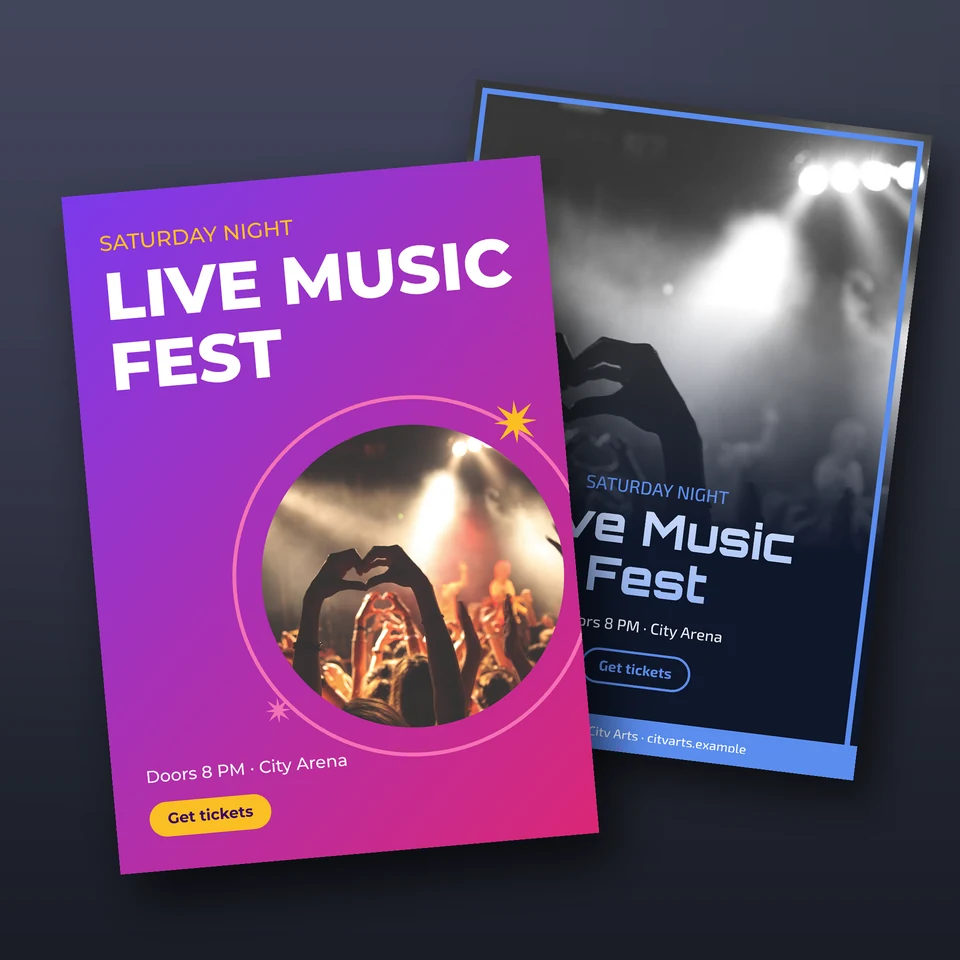
Poster Maker
Design posters and flyers in the PictorX editor: pick a layout, add your photo or a stock photo, a pattern background, shapes and editable text.
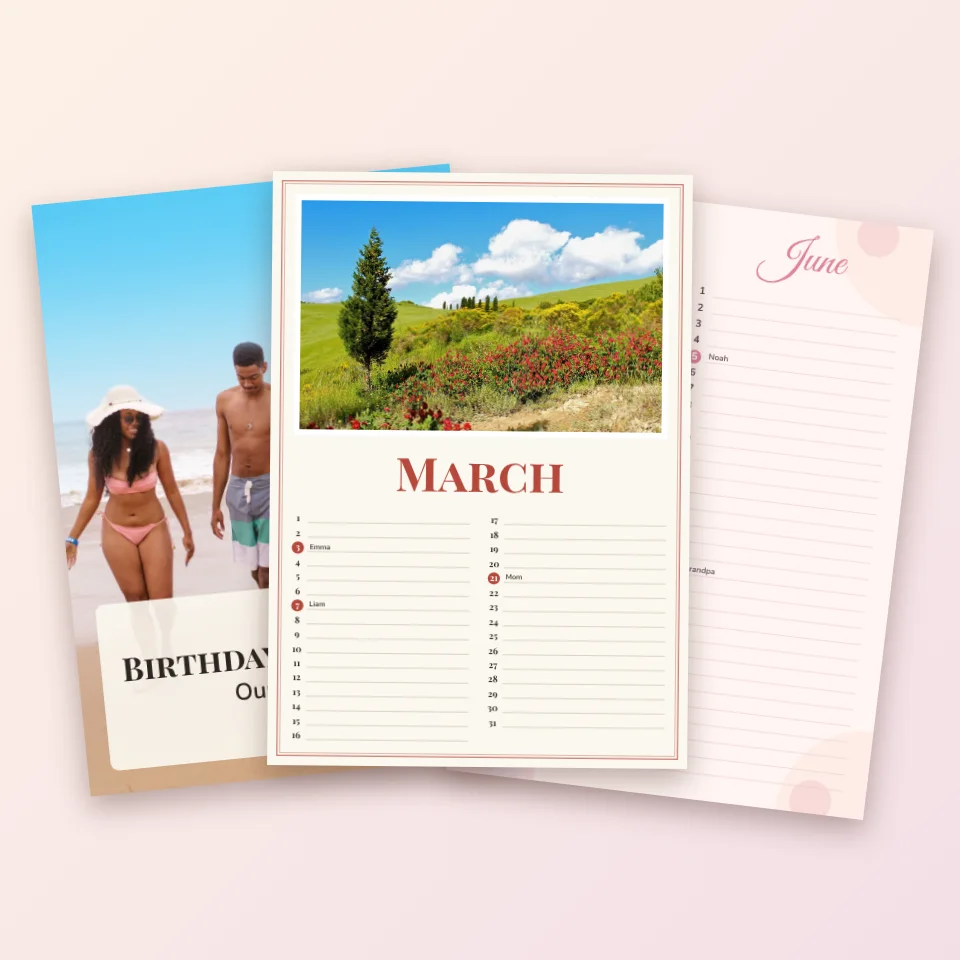
Birthday Calendar Maker
Make a birthday calendar with your own photos: a cover and January to December, a photo at the top, the side or the bottom of every page, every birthday on its day. Save a PDF to print.
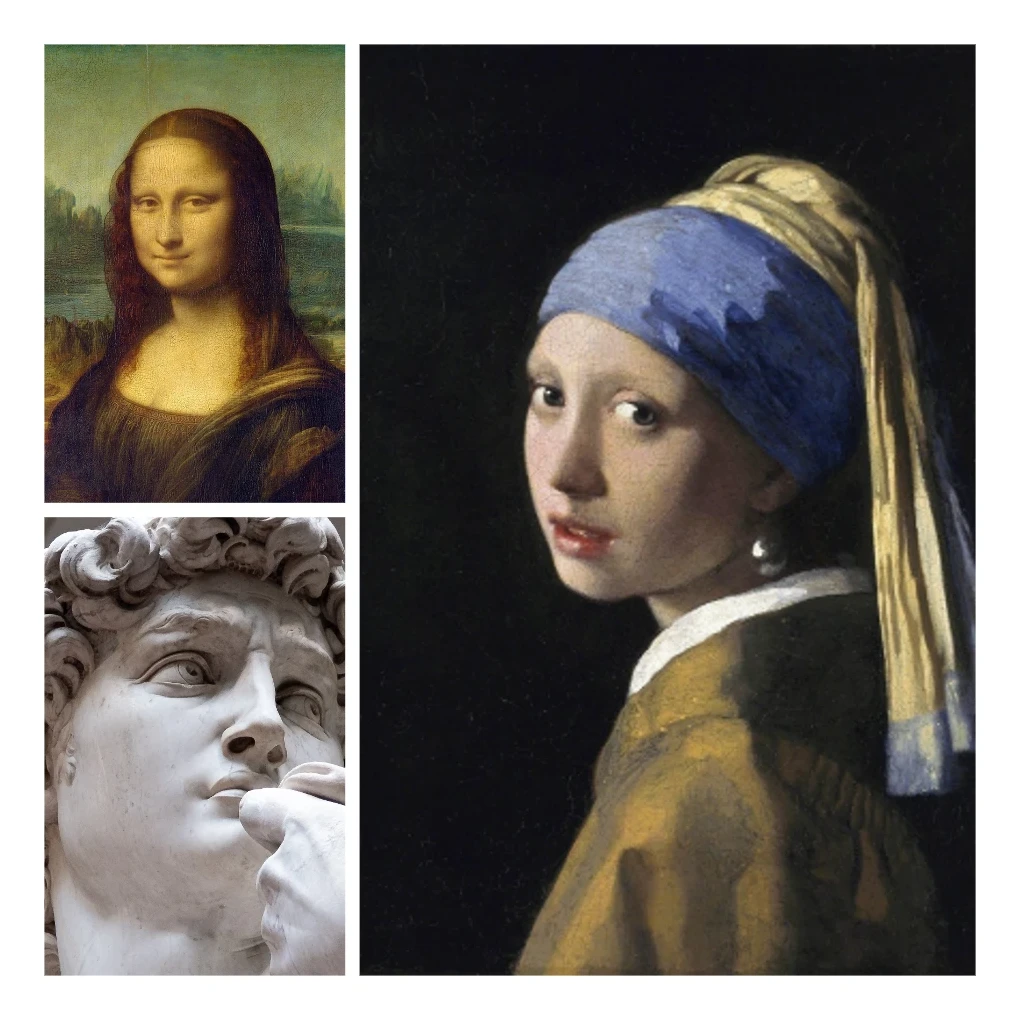
Photo collage
Make photo collages free online with PictorX. Combine 2 to 20 photos, pick a layout, and export.
Ready to try it?
Open PictorX in your browser — no install, no credit card required to start.
Go to Editor