
Words
Design
Icons
Details
Vision Board Maker
Make a vision board for the year ahead in your browser. Start from a template, put your own photos in the frames or keep the examples, write your title, a word of the year and your affirmations, and pick a layout and a style. Save it as a poster to print, a phone or desktop wallpaper, or open it in the editor with every photo, word and sticker on a layer of its own. Pick a template, put your own photos in the frames, write your title, word of the year and affirmations, then save a PNG or open it in the editor.
How it works
- Pick a template, or a layout and a style of your own. Set the format: a poster, a print, a square, a phone or a desktop wallpaper.
- Click a frame and choose a photo, or open several at once to fill the empty frames. Drag a photo inside its frame to move it.
- Write your title, a word of the year and your affirmations, one per line. Save a PNG, or open the board in the editor in layers.
Ten layouts, fifteen styles
A scrapbook collage with tilted photos and tape, a full-bleed photo mosaic, a clean grid, a bento of blocks, a polaroid pinboard, a circle of goals around your word of the year, a wheel of life, an editorial magazine page, boho arches and photos pegged to a hanging line. Each works with every style, from blush and gold, black and gold and marble to corkboard, kraft paper, grid paper, neon, sunset and retro, on grid, dotted, lined or crumpled paper if you like, and with every format, so one board becomes a poster and a phone wallpaper.
Made for your goals
Every frame stands for a part of your life: travel, health, love, career, wealth, home, growth, adventure, joy, learning, creativity or peace. An empty frame shows its icon, so a board looks finished before you add a photo, and its label can say anything you like. Your affirmations go on paper strips, sticky notes, cards or neon, sized to fit, and stickers fill the gaps.
Cut-outs, balloons and icons
Letter the title in cut-out magazine letters, in gold, silver or rose gold foil balloons for a wedding, an anniversary or a 50th birthday, or in metal foil. Cut your photos out as torn paper, stickers, hearts, circles or stars, or mix them like a scrapbook page, and add pictograms and icons from the PictorX libraries.
Keep editing in layers
The pencil opens the board in the PictorX editor with the background, each photo frame, its tape or pin, each sticker and each affirmation card as a layer of its own, and the title, the word of the year, the labels and the affirmations as text you can still change. Your photos stay in your browser.
Frequently asked questions
What is a vision board?
A board of pictures and words that show what you want in your life: places to go, habits to keep, the home, work and relationships you are working towards. Seeing it every day, on your wall or as your phone wallpaper, keeps your goals in mind.
How do I make a vision board online?
Pick a template, click a frame and choose a photo (or open several at once to fill the empty frames), then write your title, a word of the year and your affirmations, one per line. Save a PNG or open it in the editor. It is free and works in your browser.
Can I use it as a phone or desktop wallpaper?
Yes. Format sets the board's shape: a 3:4 poster, A4 or A3 for printing, a square, a 9:16 phone wallpaper, a 16:9 desktop wallpaper or a 4:3 landscape. Every layout rearranges itself for the format you choose.
What if I do not have photos yet?
Every empty frame shows the icon of its life area in the style's colours, and the examples fill the frames to begin with. Swap in your own photos whenever you like; dragging a photo moves it inside its frame.
Can I change it later?
Yes. Your board is kept in this browser. The pencil opens it in the PictorX editor with every photo frame, sticker, tape and card on a layer of its own, and the title, word of the year, labels and affirmations as text you can edit.
Related tools
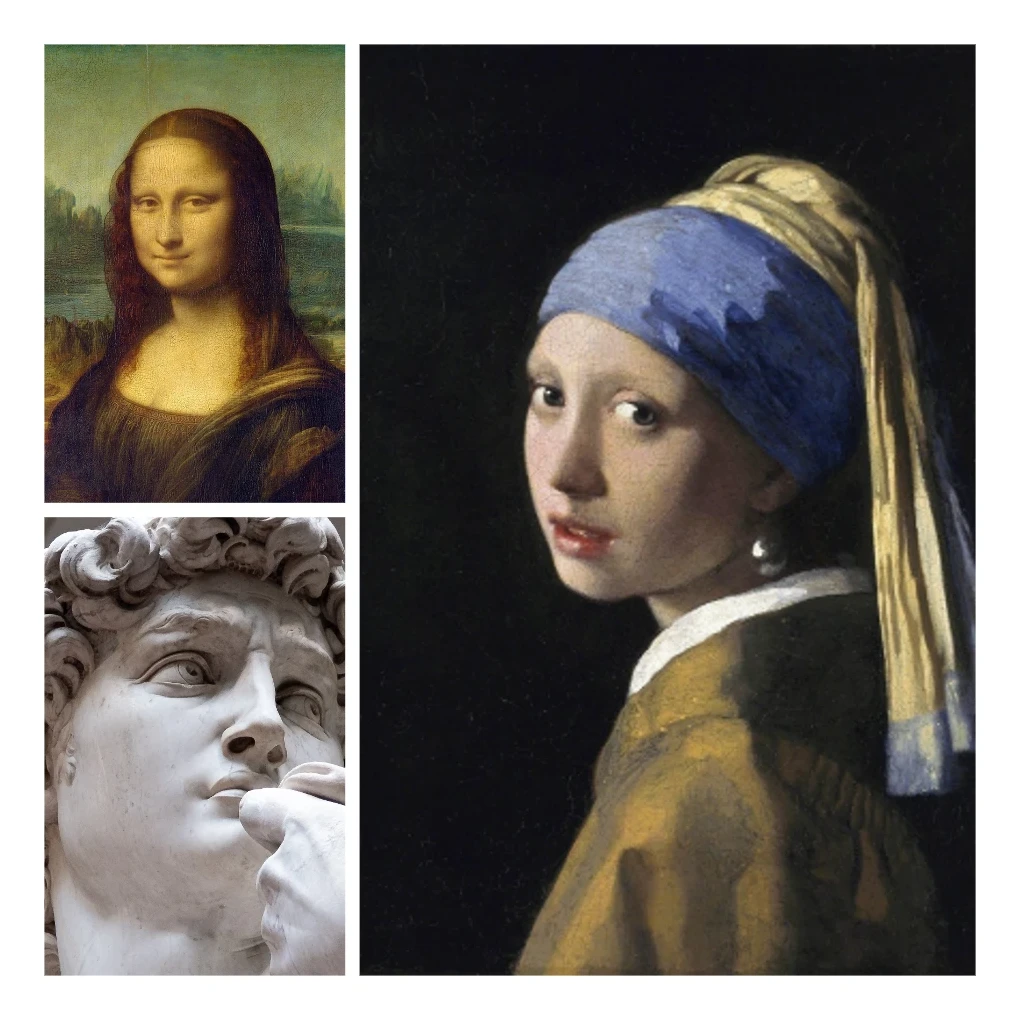
Photo collage
Make photo collages free online with PictorX. Combine 2 to 20 photos, pick a layout, and export.
Polaroid collage
Make Polaroid collages free online with PictorX. Fill Big Picture, stack, scattered, and Droste layouts with different photos.
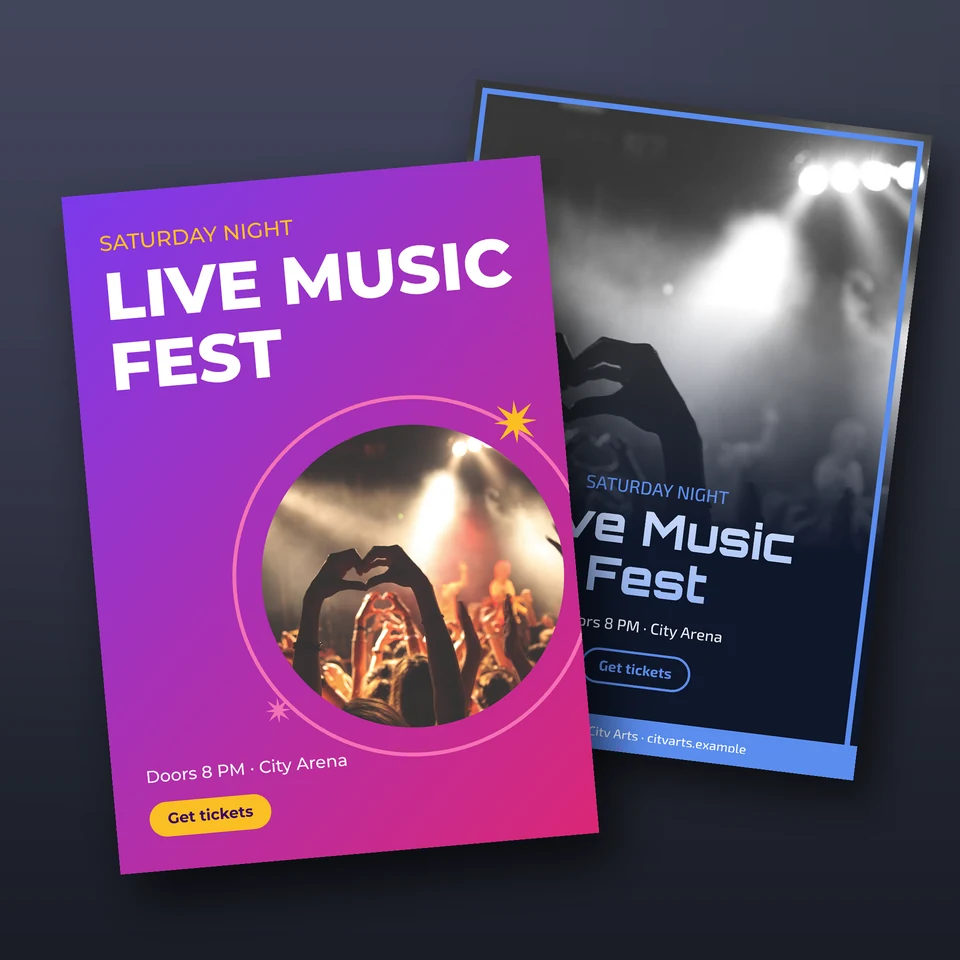
Poster Maker
Design posters and flyers in the PictorX editor: pick a layout, add your photo or a stock photo, a pattern background, shapes and editable text.
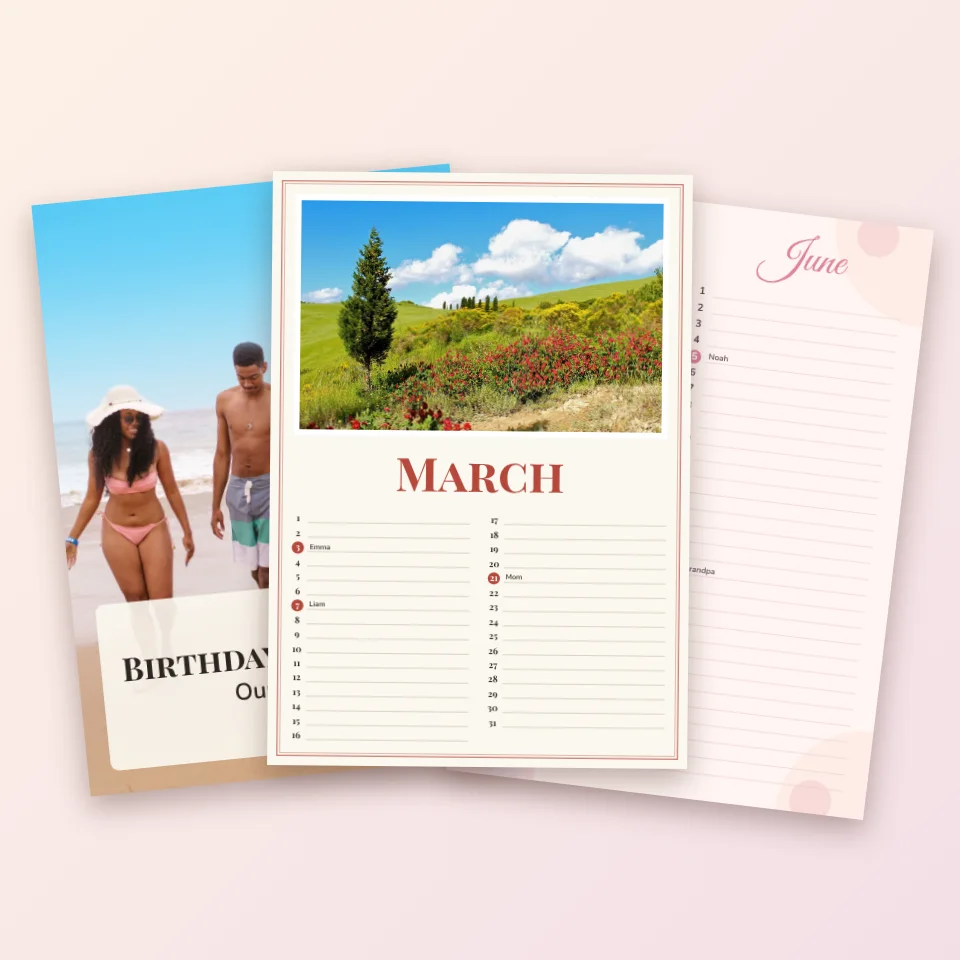
Birthday Calendar Maker
Make a birthday calendar with your own photos: a cover and January to December, a photo at the top, the side or the bottom of every page, every birthday on its day. Save a PDF to print.
Ready to try it?
Open PictorX in your browser — no install, no credit card required to start.
Go to Editor