
This page
Click a photo to select it and drag it to move it. Double-click it, press Open or drop a file to put your own photo in. You can open several photos at once: they fill the next photos in turn.
Calendar
Birthday Calendar Maker
Make a birthday calendar of your own: a cover and the twelve months, with photos of your holiday, your children, your pets or anything you like. Put the photo at the top of one month, at the side of the next and at the bottom of the one after, or let it fill the whole page. Type the birthdays once and each name lands on its day. Pick a page below the toolbar. Click a photo on the page to select it, drag it to move it and use Zoom to make it bigger; Open, a double-click or dropping a file puts your own photo in. Photo position puts the photos at the top, at the side, at the bottom or over the whole page, one to four of them, different on every page. Type birthdays as 12-3 Anna, one per line. Save the page as a picture, all pages as a PDF, or open the page in the editor in layers.
How it works
- Pick a page under the toolbar: the cover or a month. Click a photo on the page to select it and press Open, double-click it or drop your own photo on it.
- Choose where the photos go on this page, at the top, at the side, at the bottom or over the whole page, and one to four of them. Drag a photo to move it and use Zoom to crop it.
- Type the birthdays, one per line, such as 12-3 Anna. Pick a style, a list of days or a month grid, and a year or every year.
- Save the page as a picture, save all thirteen pages as a PDF to print, or open the page in the PictorX editor with every photo, the month and every name on a layer of its own.
A calendar for every year
A birthday calendar has no weekdays: every month lists its days from 1 to 31, February up to the 29th, with a line for the names. It goes on the wall, often by the door or in the hallway, and serves for years. Choose Every year for that calendar, or pick a year to give every day its weekday, weekends in the accent colour, and a month grid that starts on the right day.
Your photos, every page different
Every page has its own place for its photos: at the top, on the left or the right, at the bottom, over the whole page or no photo. The Alternate layout goes top, side, bottom by itself, and Photo collage puts two to four photos on a page. Open several photos at once and they fill the next frames in turn. Your calendar and its photos stay in this browser, so you can finish it another day.
Birthdays on their day
Type each birthday on a line of its own, day first: 12-3 Anna, 12/3/1985 Anna or 12 March Anna. Each name is written on its day with a mark on the date, and a birth year is shown after the name if you like. Six styles set the paper, the fonts and the frames: Classic, Pastel, Kids, Modern, Botanical and Night.
Frequently asked questions
What is a birthday calendar?
A calendar without weekdays that you use year after year: every month lists its days with a line for the birthdays of family and friends. Many people hang it in the hallway or by the door. With a year picked, this maker also makes a dated calendar.
Can I put the photo in a different place on every page?
Yes. Every page has its own Photo position: at the top, on the left or right side, at the bottom, over the whole page or no photo at all, and one to four photos. The Alternate layout puts them top, side, bottom by itself, and Use on all months copies the page's layout to every month.
How do I add the birthdays?
Type one birthday per line, the day first and then the month: 12-3 Anna, 12/3/1985 Anna or 12 March Anna. The name is written on its day. With Show birth years on, a year you typed is shown after the name.
Can I print the calendar?
Yes. Save as PDF writes all thirteen pages, the cover and January to December, on A4 pages ready to print. Save writes the page you see as a picture.
Are my photos uploaded?
No. The calendar is drawn in your browser. Your photos and birthdays are kept in this browser only, so the calendar is still there when you come back.
Related tools
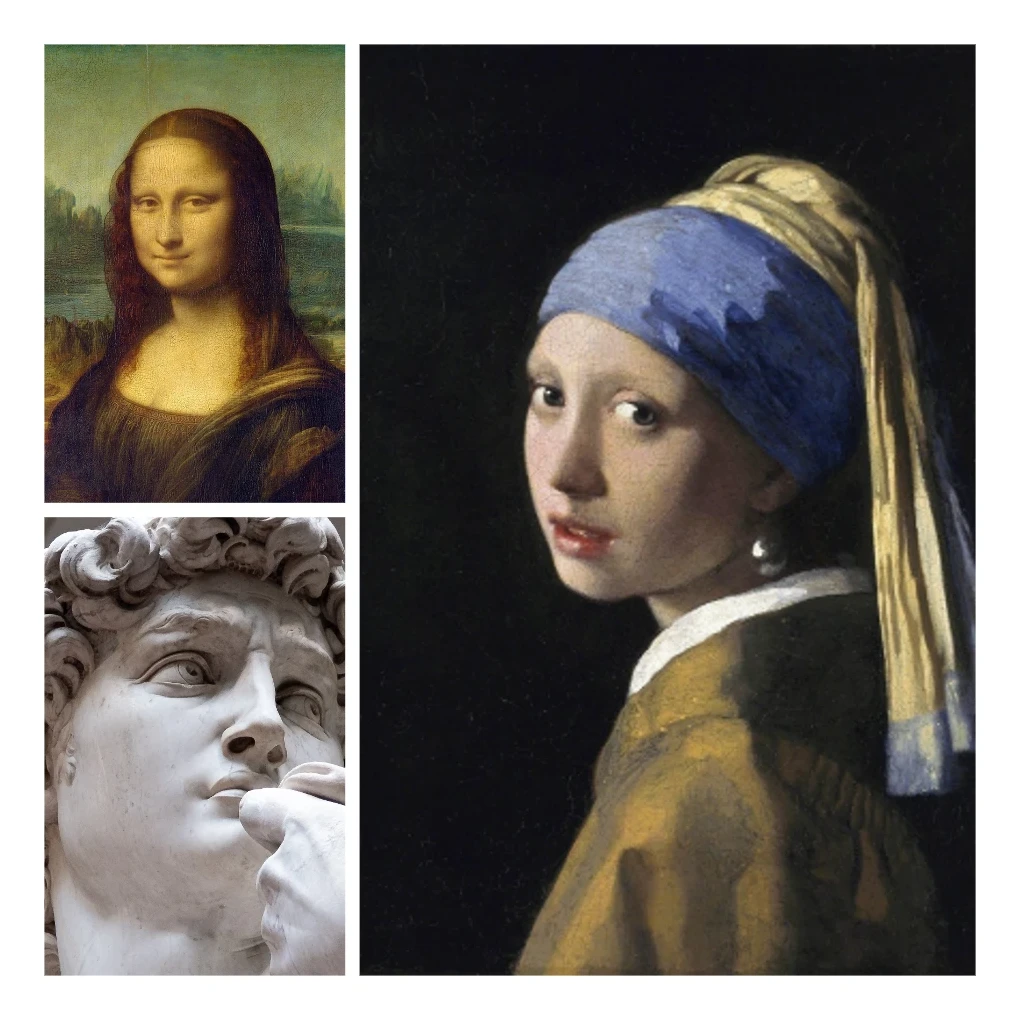
Photo collage
Make photo collages free online with PictorX. Combine 2 to 20 photos, pick a layout, and export.
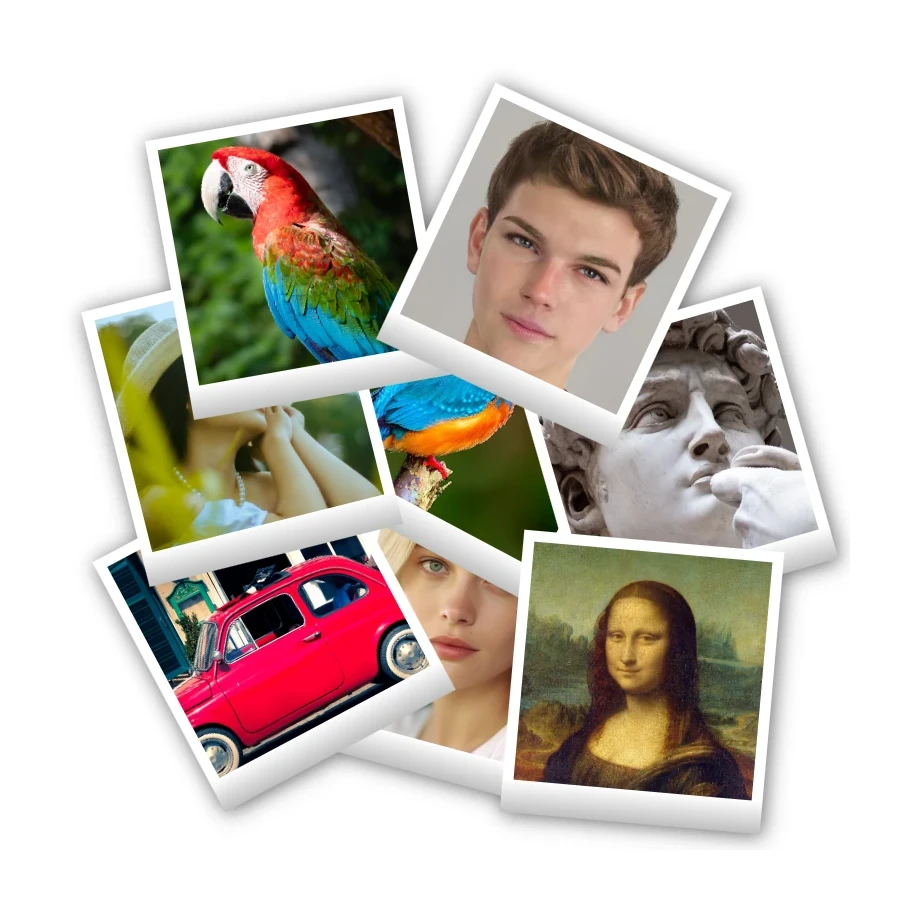
Polaroid collage
Make Polaroid collages free online with PictorX. Fill Big Picture, stack, scattered, and Droste layouts with different photos.

Book cover maker
Make a paperback book cover online from your photo in a thriller, romance, classic, sci-fi or literary style, with a spine and back cover if you like. Save as PNG.

Vintage postcard maker
Make a retro 'Greetings from' postcard online: your photo inside big 3D letters of any place name, retro backdrops and an optional postcard back. Save as PNG.
Ready to try it?
Open PictorX in your browser — no install, no credit card required to start.
Go to Editor