
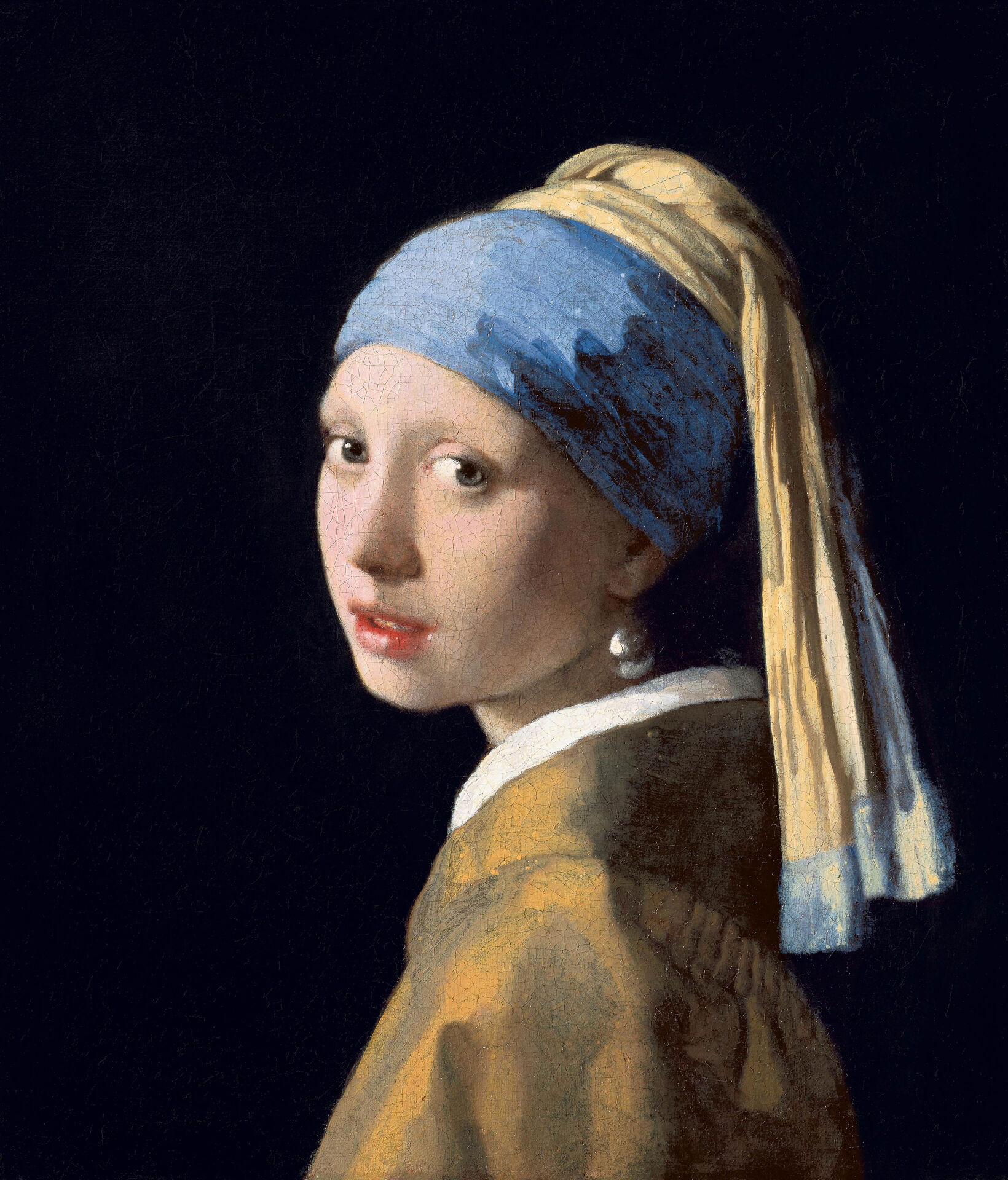
Pick a frame style—gilded, baroque, wood, gallery, floating, polaroid and more—then set the width, add a mat, and save a PNG.
Frame Maker
Frame a photo the way a framer would. Classic frames are real mouldings: gilded gold with a bead row, a deep carved baroque frame, silver, mitred wood with its grain, or black-and-gold Art Deco. Modern frames are a narrow gallery profile, a floating shadow box, brushed metal, rounded corners or just a soft shadow on the wall. Add a bevel-cut mat, or turn the photo into a polaroid, a film strip, a postage stamp or a neon sign. Pick a frame style—gilded, baroque, wood, gallery, floating, polaroid and more—then set the width, add a mat, and save a PNG.
How it works
- Open this page and try a frame on the sample, or open your own photo.
- Pick a style, then set the frame width and add a mat if you like.
- Change the frame or mat color, then save a PNG or keep editing in PictorX.
Classic frames, built like the real thing
Gilded, silver and baroque frames are gold or silver mouldings with ridges, grooves and a row of beads; the baroque frame adds a carved vine, egg-and-dart and shells. Wooden frames are four mitred pieces, each with its own grain. Every frame is lit from the top left and casts a soft shadow on the picture.
Modern frames and mats
A gallery frame is a narrow, flat profile that looks best with a wide mat. A floating frame is a shadow box: the photo floats on a backing and casts its shadow on it. The mat is cut with a bevel that catches the light, like a real passe-partout, and works with every style.
One place for every border
The Border styles of the PictorX editor—solid, gold, polaroid, film strip, vintage paper, double line, neon, hand-drawn and picture mat—are here too. In the editor all of them are under Image ▸ Border ▸ Frames.
Frequently asked questions
Which frames can I make?
Classic gilded, baroque, silver, wood and Art Deco frames; modern gallery, floating, metal, rounded and shadow frames; and creative styles like polaroid, film strip, postage stamp, vintage paper, double line, neon, hand-drawn, picture mat, gold and solid.
Does the frame cover part of my photo?
No. The frame and mat are added around the photo, so the picture grows and nothing of the photo is hidden.
Can I change the frame color?
Yes. Turn on Use color and pick a color for the wood, gallery, metal, rounded, polaroid, neon and other frames. The mat has its own color.
Does my photo leave my device?
No. The frame is drawn in your browser.
Related tools
Mural & Poster Mockup
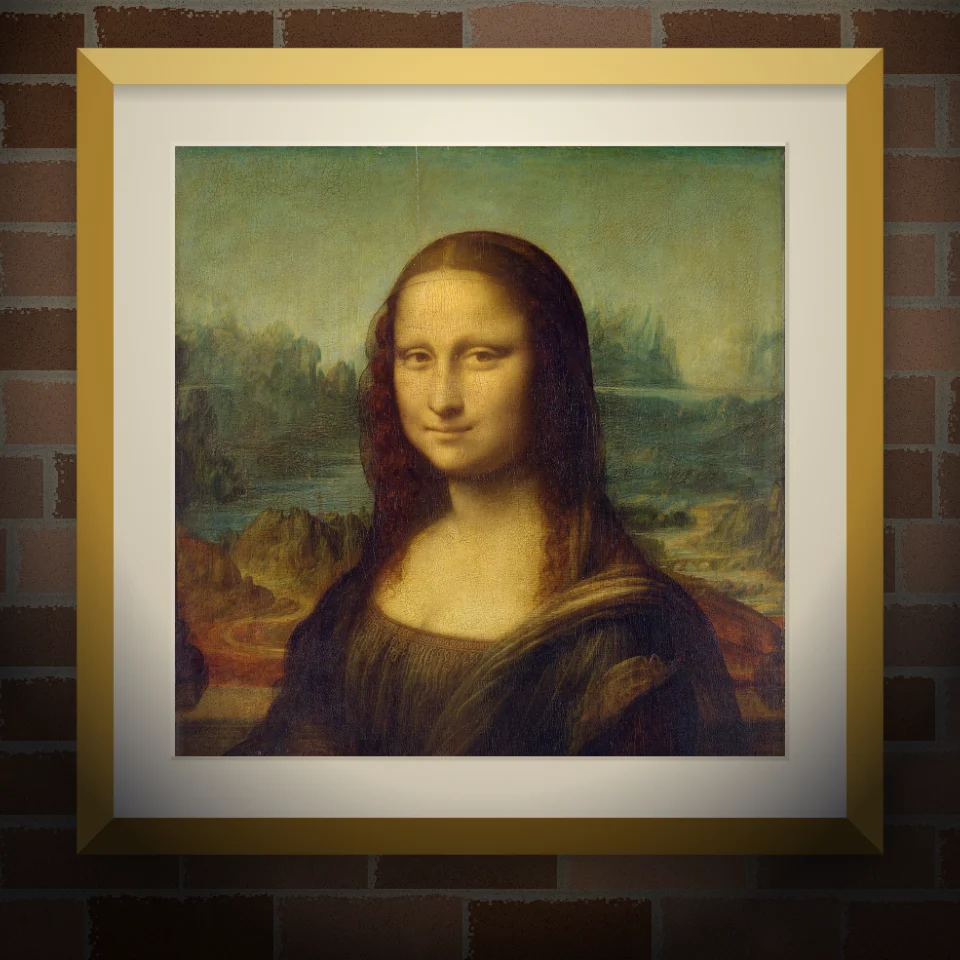
Put your photo or artwork on a real-looking wall as a painted mural, pasted poster, or framed print. Pick wall and lighting, then save a PNG.
Impressionism photo filter
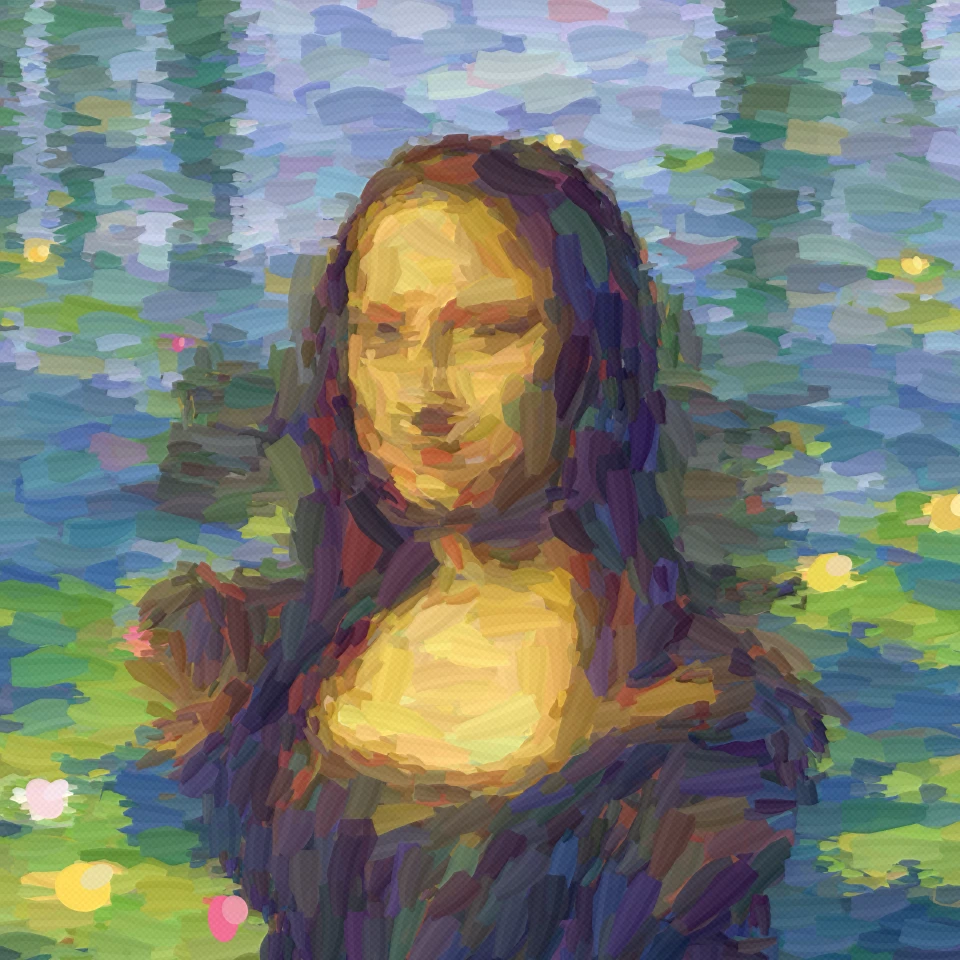
Turn a photo into an Impressionist painting in your browser: among Monet's water lilies, in the misty harbour of Impression, Sunrise or a field of poppies, in Renoir's dappled light, as a Degas pastel or with Morisot's quick strokes.

Polaroid effects
Give photos an instant-film look with frames, vintage styling, and creative Polaroid compositions.
Vintage effect generator
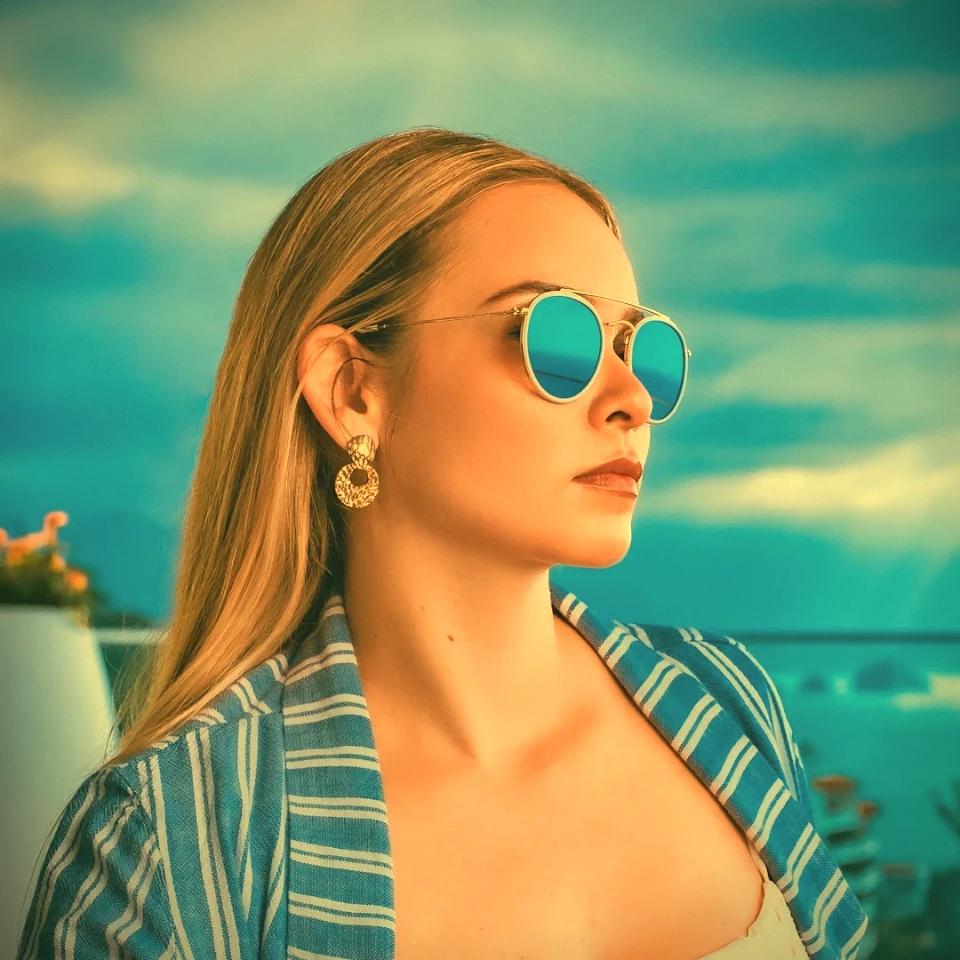
Apply grayscale, sepia, Holga, faded Polaroid, Kodachrome, cross process, Lomo, Super 8, light leak, and other vintage film styles in your browser.
Ready to try it?
Open PictorX in your browser — no install, no credit card required to start.
Go to Editor