
Tạo biển tên đường & bảng hiệu
Đặt chữ của bạn lên biển tên đường. Chọn kiểu Paris, London hoặc Mỹ, biển tưởng niệm tròn màu xanh, biển đồng khắc chữ hoặc số nhà, rồi gắn lên gạch, đá, vữa hoặc ảnh bức tường của bạn. Lưu PNG — không tải lên. Chọn kiểu biển, nhập chữ và chọn bức tường, rồi kéo biển vào vị trí.
Cách nó hoạt động
- Pick a sign style: Paris, London, or US street sign, blue plaque, brass plaque, or house number.
- Type the main text and the small text, and choose a wall and lighting.
- Drag the sign into place, add weathering and tilt, then save a PNG.
Six sign styles
Blue enamel with a green border, a white London-style sign with a red district code, a green reflective US street sign, a round blue plaque with text around the rim, an engraved brass nameplate, and a glazed house number tile. Each style fits your text to the sign automatically.
Weathered like the real thing
Weathering chips enamel back to dark metal with rusty rims, lets rust run down from the screws, fades the colors, and collects grime at the bottom. Brass tarnishes and grows green verdigris from the edges.
Hỏi thường xuyên
What can I make with the Street Sign & Plaque Maker?
Street name signs in Paris, London, and US styles, a round blue plaque, a brass nameplate, and a house number tile, each mounted on a wall.
Can I use several lines of text?
Yes. Plaques and nameplates take several lines. Street signs use the first line as the street name and the small text for a district or block number.
Can I put the sign on my own wall?
Yes. Pick My wall in the wall list and open a photo of the wall.
Do my designs leave my device?
No. Everything is drawn in your browser. Nothing is uploaded to PictorX servers.
Công cụ liên quan

Tạo biển neon
Nhập chữ và biến nó thành biển neon phát sáng trên gạch, gạch men, gỗ hoặc bê tông. Chọn màu, phông, độ sáng và tấm nền rồi lưu PNG. Không tải lên.
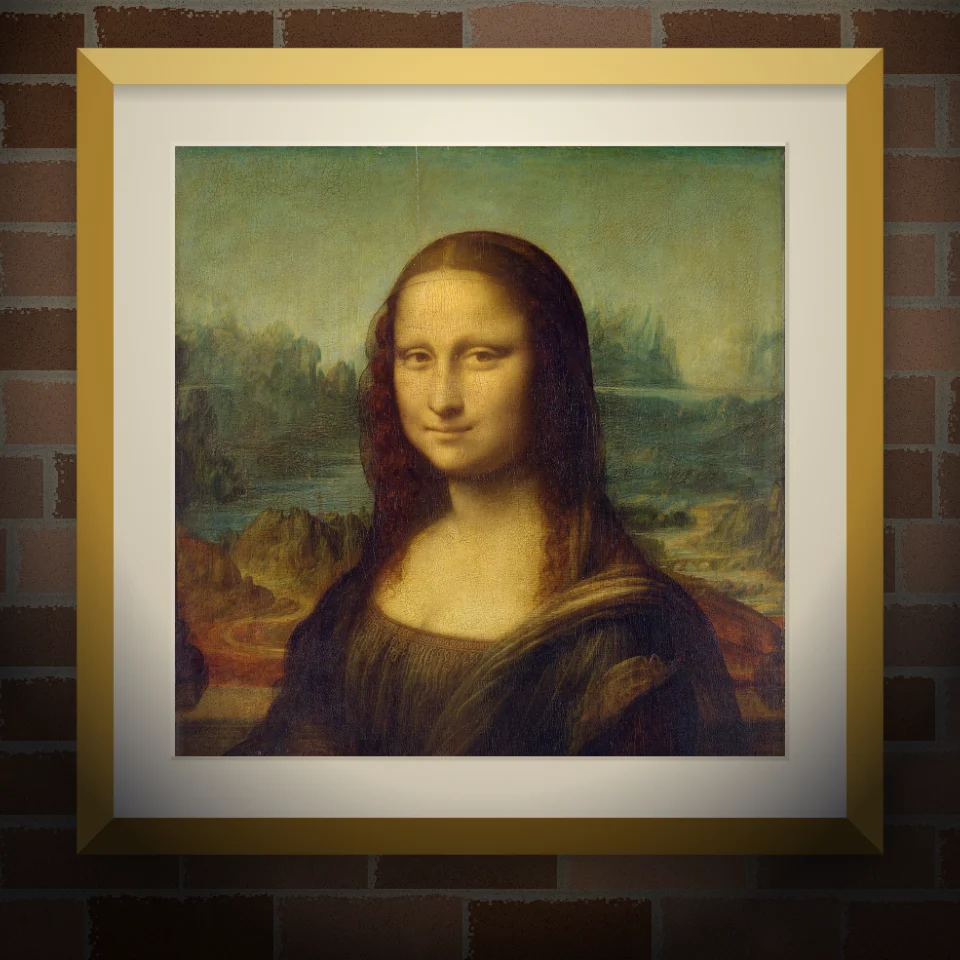
Mockup tranh tường & áp phích
Đặt ảnh hoặc tác phẩm lên bức tường chân thực dưới dạng tranh tường, áp phích dán hoặc tranh in đóng khung. Chọn tường và ánh sáng rồi lưu PNG. Không tải lên.

Banksy Street Art
Biến ảnh thành street art stencil kiểu Banksy trong trình duyệt. Chọn tường, phun, nhỏ giọt — lưu PNG. Không tải lên.

Trình tạo chữ cái cắt tạp chí
Biến những từ đã gõ thành những chữ cắt tạp chí. Tổng hợp phông chữ hoặc khoá một, ngẫu nhiên hóa màu và kích cỡ, và tải về một PNG. Không có gì được tải lên.
Sẵn sàng thử chưa?
Mở PictorX trong trình duyệt của bạn — không cài đặt, không cần thiết thẻ tín dụng để khởi động.
Tới bộ sửa