

Try a Games look below, or open your own picture.
游戏
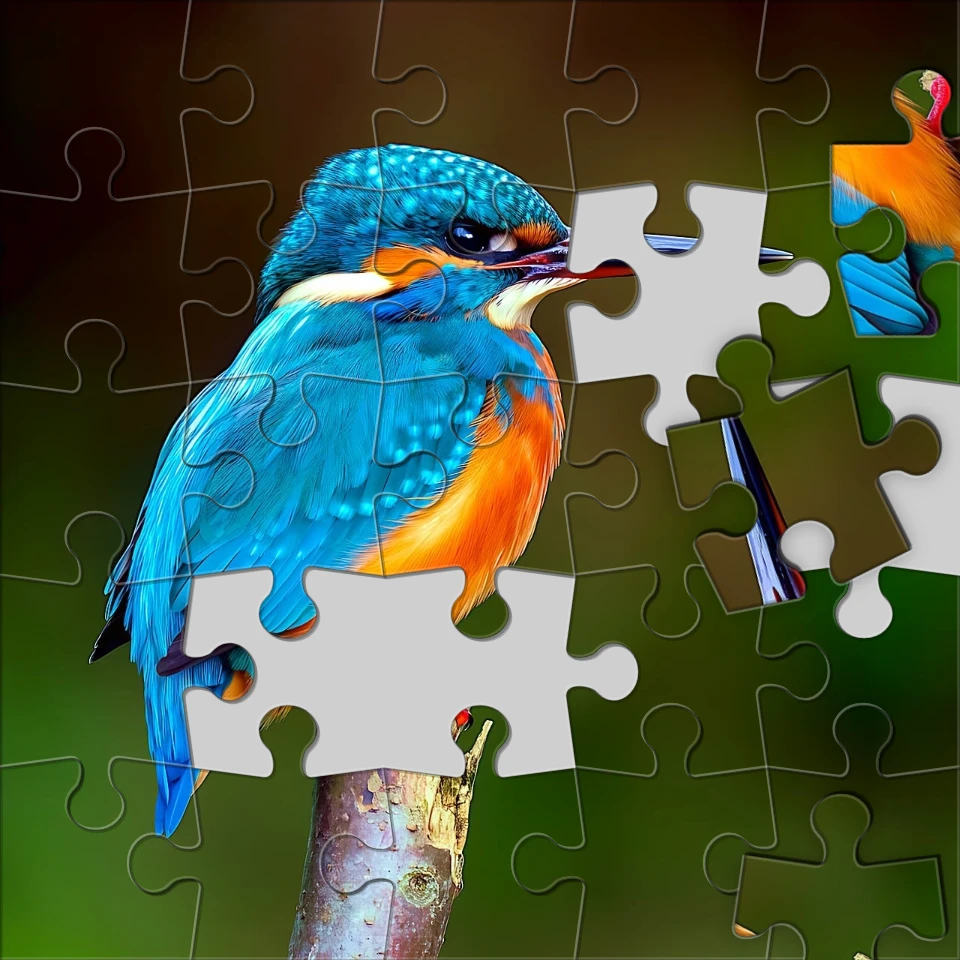
用 效果 → 游戏 把照片变成可玩外观——拼图、乐高与 Ministeck 马赛克、俄罗斯方块和滑块拼图。打开图片,选择游戏效果,然后在 PictorX 中继续编辑。 Try a Games look below, or open your own picture.
它是如何运作的
- 在浏览器中打开 PictorX,开始新项目或加载图片。
- 使用 游戏 塑造结果,再用周围的编辑工具进一步调整。
- 继续编辑、导出作品,或把结果变成下一个设计。
游戏 如何融入你的工作流
用 效果 → 游戏 把照片变成可玩外观——拼图、乐高与 Ministeck 马赛克、俄罗斯方块和滑块拼图。打开图片,选择游戏效果,然后在 PictorX 中继续编辑。 PictorX 将此功能与照片、图层、排版和设计工具放在同一工作区,让你从想法到成品无需切换应用。
用 游戏 创作更多
先做一处重点调整,在整体中查看效果并继续迭代。需要打磨社交媒体图、演示文稿、印刷版式或个人项目时,把 游戏 与其他 PictorX 工具结合使用。
Looks in this set
常见问题
Which Games looks are included?
Jigsaw Puzzle, Lego Mosaic, Ministeck Mosaic, Tetris, and Sliding Puzzle—the full Games filter menu.
Is this the same as the Puzzle page?
Puzzle is a dedicated jigsaw landing. Games groups every Games-menu effect, including puzzle, brick mosaics, Tetris, and sliding tiles.
Will Lego or Tetris look like real toys?
They are photo effects that rebuild the image as bricks or blocks. Block size and color options change how toy-like it feels.
Can I keep editing after applying a look?
Yes. Apply a Games effect, then keep using layers, text, and other filters in the same PictorX workspace.
相关工具



准备好尝试了吗?
在浏览器中打开 PictorX — 无需安装,无需信用卡即可启动。
前往编辑器