
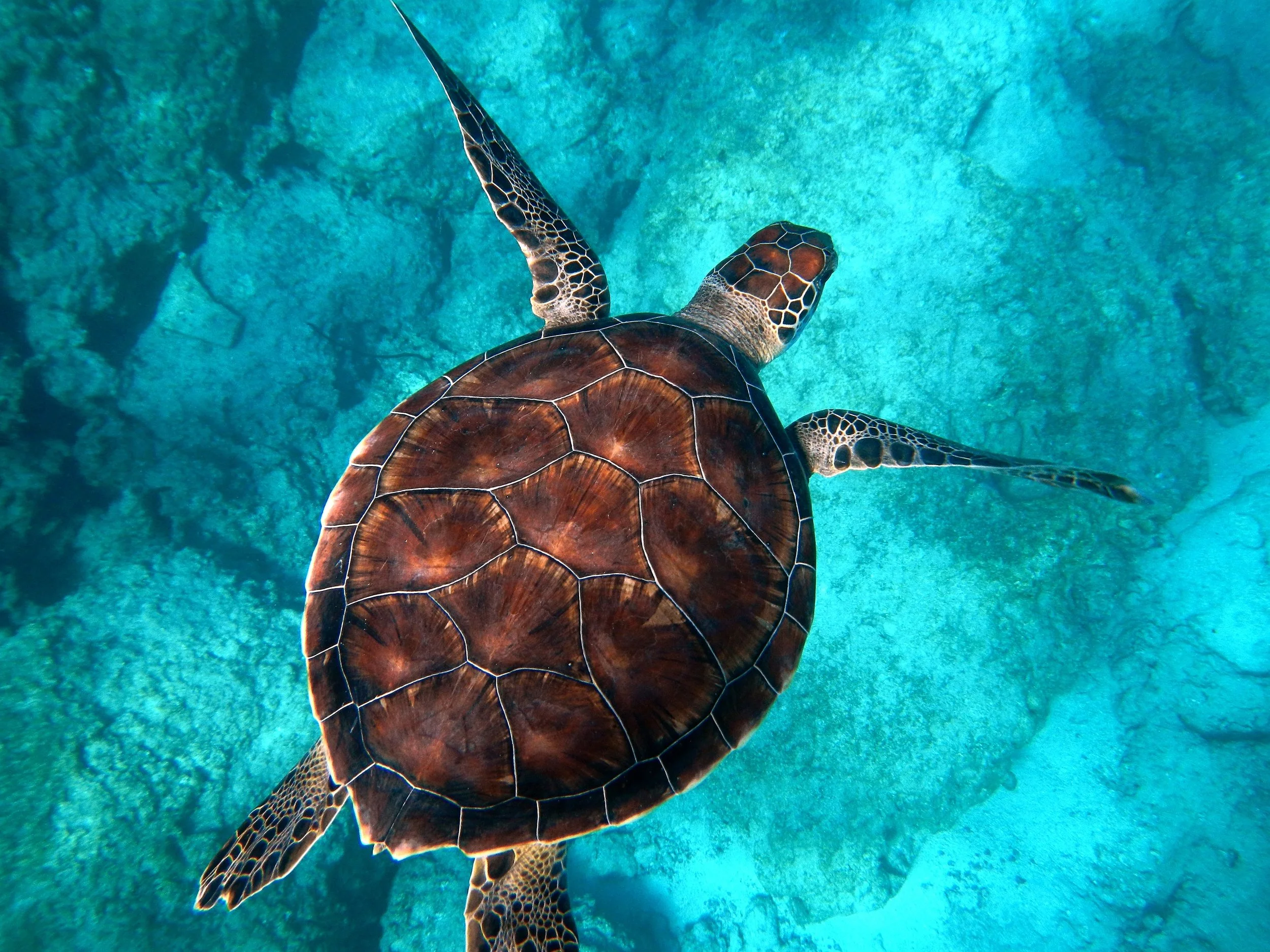
Try a Games look below, or open your own picture.
गेम्स
इफ़ेक्ट → गेम से फ़ोटो को खेलने योग्य लुक में बदलें—जिग्सॉ पज़ल, लेगो और मिनिस्टेक मोज़ेक, टेट्रिस ब्लॉक और स्लाइडिंग पज़ल। तस्वीर खोलें, गेम्स इफ़ेक्ट चुनें, PictorX में संपादन जारी रखें। Try a Games look below, or open your own picture.
यह कैसे काम करता है
- अपने ब्राउज़र में PictorX खोलें और नया प्रोजेक्ट शुरू करें या एक इमेज लोड करें।
- परिणाम गढ़ने के लिए गेम्स इस्तेमाल करें, फिर आसपास के एडिटर टूल से निखारें।
- संपादन जारी रखें, अपना काम एक्सपोर्ट करें, या परिणाम को अपने अगले डिज़ाइन में बदलें।
गेम्स आपके वर्कफ़्लो में कैसे फ़िट बैठता है
इफ़ेक्ट → गेम से फ़ोटो को खेलने योग्य लुक में बदलें—जिग्सॉ पज़ल, लेगो और मिनिस्टेक मोज़ेक, टेट्रिस ब्लॉक और स्लाइडिंग पज़ल। तस्वीर खोलें, गेम्स इफ़ेक्ट चुनें, PictorX में संपादन जारी रखें। PictorX इस फ़ीचर को आपकी फ़ोटो, लेयर्स, टाइपोग्राफ़ी और डिज़ाइन टूल्स के साथ रखता है, ताकि आप ऐप्लिकेशन बदले बिना विचार से तैयार ग्राफ़िक तक पहुँच सकें।
गेम्स से और बनाएँ
एक केंद्रित बदलाव से शुरू करें, संदर्भ में नतीजा देखें, और दोहराते रहें। सोशल मीडिया, प्रेजेंटेशन, प्रिंट लेआउट या निजी प्रोजेक्ट के लिए पॉलिश इमेज चाहिए तो गेम्स को अन्य PictorX टूल्स के साथ मिलाएँ।
Looks in this set
अक्सर पूछे जाने वाले प्रश्न
Which Games looks are included?
Jigsaw Puzzle, Lego Mosaic, Ministeck Mosaic, Tetris, and Sliding Puzzle—the full Games filter menu.
Is this the same as the Puzzle page?
Puzzle is a dedicated jigsaw landing. Games groups every Games-menu effect, including puzzle, brick mosaics, Tetris, and sliding tiles.
Will Lego or Tetris look like real toys?
They are photo effects that rebuild the image as bricks or blocks. Block size and color options change how toy-like it feels.
Can I keep editing after applying a look?
Yes. Apply a Games effect, then keep using layers, text, and other filters in the same PictorX workspace.
संबंधित टूल
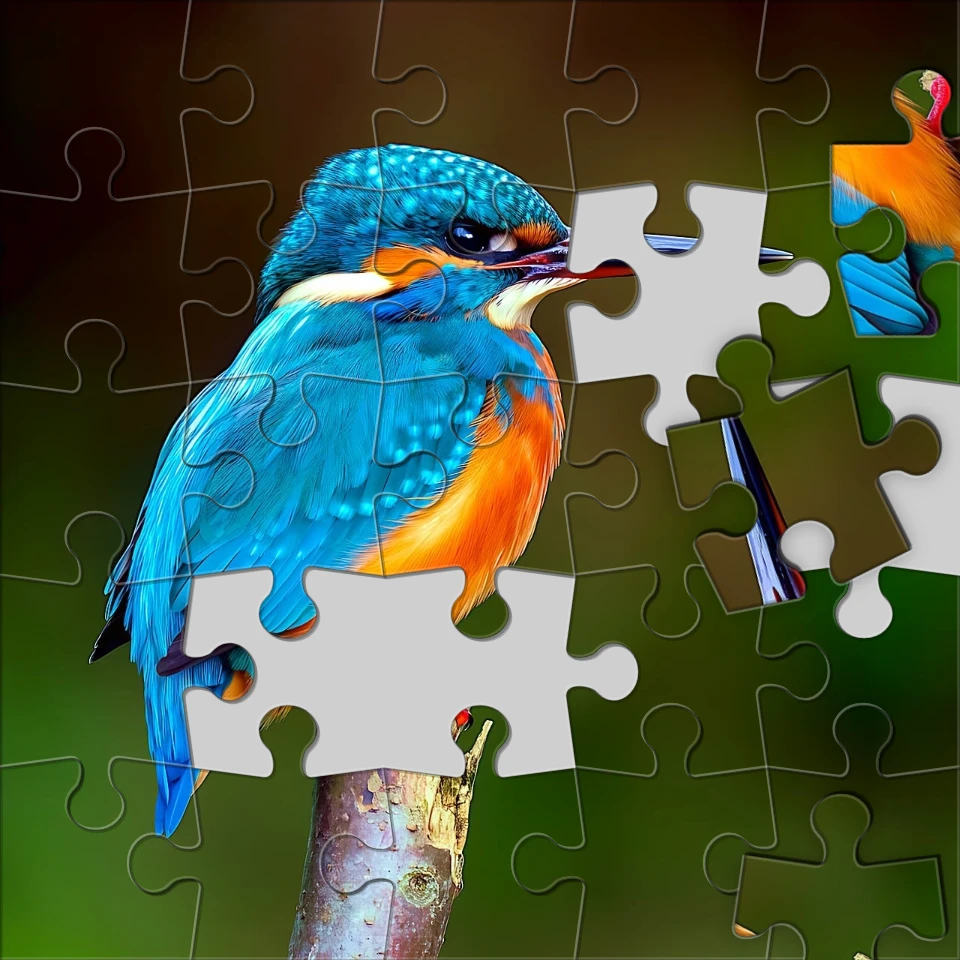
फ़ोटो को जिगसॉ पज़ल बनाएँ
ब्राउज़र में फ़ोटो को जिगसॉ पज़ल बनाएँ। टुकड़ों की संख्या सेट करें, टाइल हटाएँ या बिखेरें, और तस्वीर को पज़ल में फ़ेड करें।

पिक्सेलेट इफ़ेक्ट
फ़ोटो को मोज़ेक टाइल, हेक्सागॉन, क्रिस्टल, लो-पॉली आर्ट, हाफ़टोन डॉट्स और रेट्रो आर्केड पैलेट में बदलें।

कलात्मक प्रभाव
ऑयल पेंटिंग, वॉटरकलर, पेंसिल, कॉमिक इंक, पेस्टल, पेपर कट-आउट और अन्य स्टूडियो आर्ट लुक से फ़ोटो बदलें।

फ़ोटो को कैलिडोस्कोप में मोड़ें
ब्राउज़र में फ़ोटो को रेडियल कैलिडोस्कोप पैटर्न बनाएँ। भुजाएँ, कोण और रोटेशन सेट करें।
आज़माने के लिए तैयार?
अपने ब्राउज़र में PictorX खोलें — शुरू करने के लिए इंस्टॉल या क्रेडिट कार्ड की ज़रूरत नहीं।
एडिटर पर जाएँ