
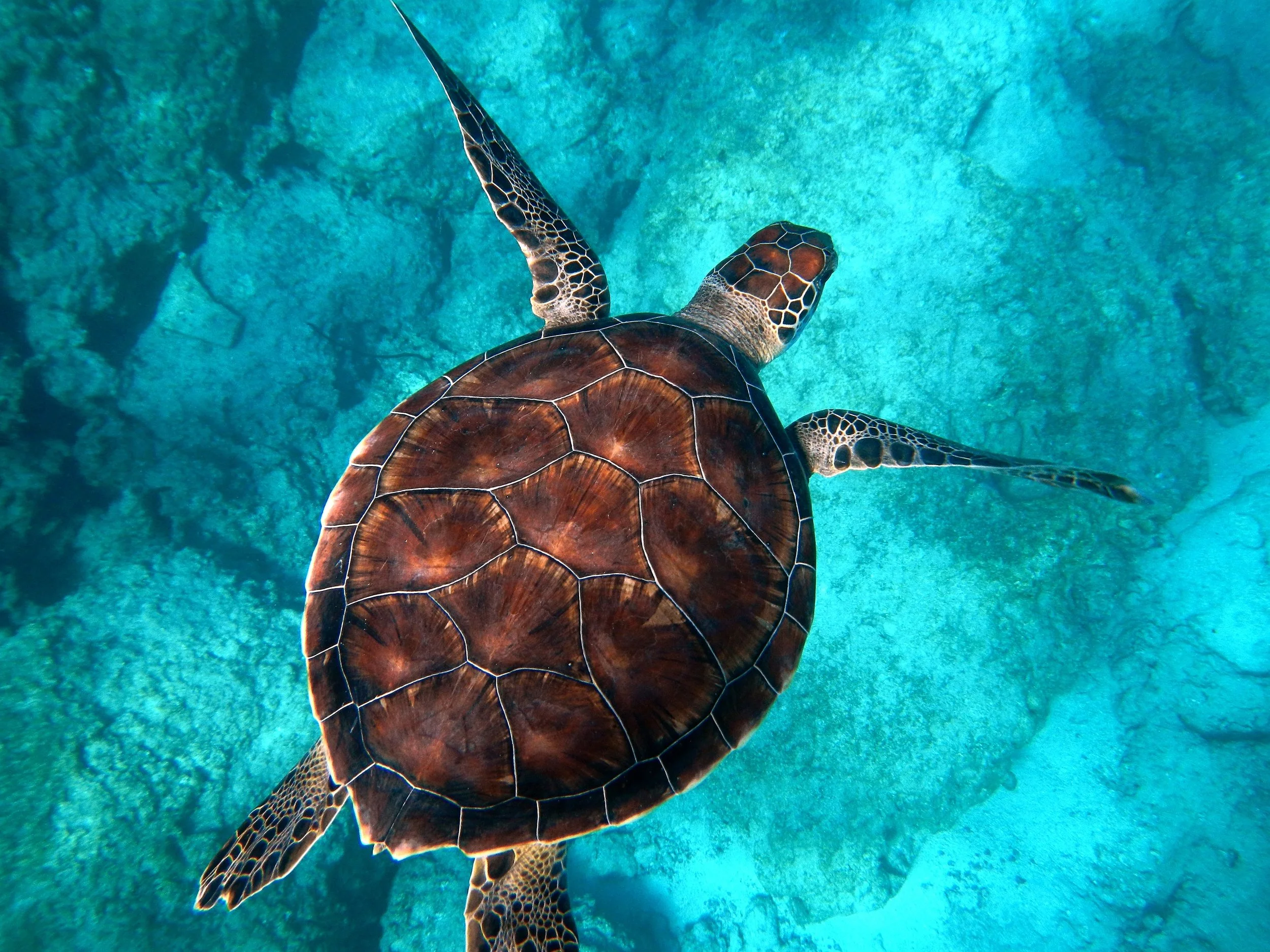
Try a Games look below, or open your own picture.
Game
Ubah foto menjadi tampilan yang bisa dimainkan dengan Efek → Permainan—puzzle jigsaw, mosaik Lego dan Ministeck, blok Tetris, dan puzzle geser. Buka gambar, pilih efek Game, lalu lanjutkan di PictorX. Try a Games look below, or open your own picture.
cara itu works
- Buka PictorX di browser Anda dan mulai baru proyek atau load gambar.
- Gunakan Game ke bentuk hasil, lalu sempurnakan itu dengan surrounding editor alat.
- biarkan pengeditan, ekspor Anda kerja, atau ubah hasil menjadi Anda berikutnya desain.
cara Game fits Anda alur kerja
Ubah foto menjadi tampilan yang bisa dimainkan dengan Efek → Permainan—puzzle jigsaw, mosaik Lego dan Ministeck, blok Tetris, dan puzzle geser. PictorX menyimpan fitur alongside Anda foto, lapisan, typography, dan desain alat, sehingga Anda dapat pindahkan dari idea ke selesai grafis tanpa berpindah aplikasi.
Buat lebih dengan Game
Mulai dengan satu focused ubah, ulasan hasil di context, dan biarkan iterating. gabungkan Game dengan lain PictorX alat saat Anda membutuhkan polished gambar untuk sosial media, presentasi, cetak tata letak, atau personal proyek.
Looks in this set
Pertanyaan yang sering diajukan
Which Games looks are included?
Jigsaw Puzzle, Lego Mosaic, Ministeck Mosaic, Tetris, and Sliding Puzzle—the full Games filter menu.
Is this the same as the Puzzle page?
Puzzle is a dedicated jigsaw landing. Games groups every Games-menu effect, including puzzle, brick mosaics, Tetris, and sliding tiles.
Will Lego or Tetris look like real toys?
They are photo effects that rebuild the image as bricks or blocks. Block size and color options change how toy-like it feels.
Can I keep editing after applying a look?
Yes. Apply a Games effect, then keep using layers, text, and other filters in the same PictorX workspace.
Related alat
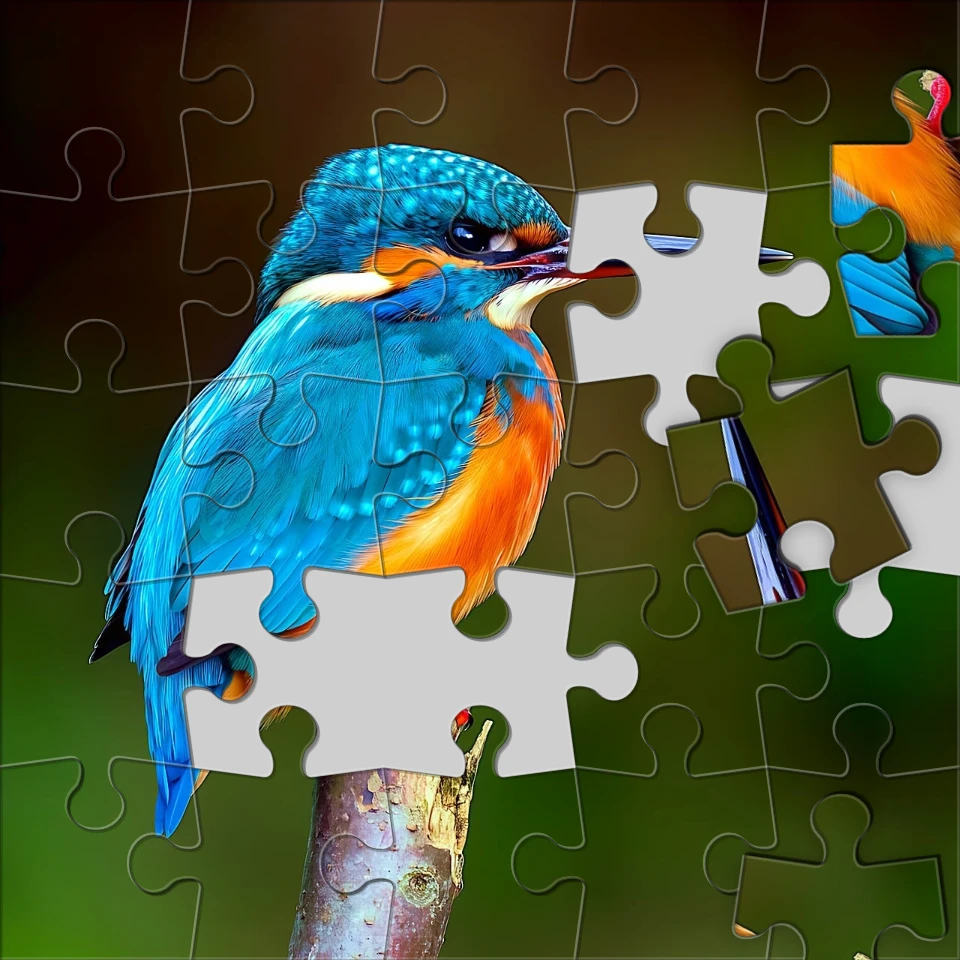
ubah foto menjadi jigsaw puzzle
ubah foto menjadi jigsaw puzzle di browser Anda. atur piece count, hapus atau scatter tiles, dan fade gambar menjadi puzzle.

Efek piksel
ubah foto menjadi mosaic tiles, hexagons, crystals, low-poly art, halftone dots, dan retro arcade palettes.

Efek artistik
Transformasi foto dengan oil painting, watercolor, pencil, comic ink, pastels, paper potong-keluar, dan lain studio art tampilan.

lipat foto menjadi kaleidoscope
ubah foto menjadi radial kaleidoscope pattern di browser Anda. atur sides, sudut, dan rotation.
Siap ke coba itu?
Buka PictorX di browser Anda — tidak instalasi, tidak credit kartu diperlukan ke mulai.
Ke Editor