

Try a Games look below, or open your own picture.
Spel
Gör foton till lekfulla looks med Effekter → Spel—pussel, Lego- och Ministeck-mosaiker, Tetris-block och skjutpussel. Öppna en bild, välj en Spel-effekt och fortsätt i PictorX. Try a Games look below, or open your own picture.
Hur det fungerar
- Öppna PictorX i din webbläsare och starta ett nytt projekt eller ladda en bild.
- Använd Spel för att forma resultatet, förfina det sedan med de omgivande redaktörsverktygen.
- Fortsätt redigera, exportera ditt arbete eller förvandla resultatet till din nästa design.
Hur Spel passar ditt arbetsflöde
PictorX håller funktionen tillsammans med dina foton, lager, typografi och designverktyg, så att du kan flytta från en idé till en färdig grafik utan att byta applikationer.
Skapa mer med Spel
Börja med en fokuserad förändring, granska resultatet i sammanhanget och hålla iterating. Kombinera Spel med andra PictorX-verktyg när du behöver en polerad bild för sociala medier, en presentation, en trycklayout eller ett personligt projekt.
Looks in this set
Ofta ställda frågor
Which Games looks are included?
Jigsaw Puzzle, Lego Mosaic, Ministeck Mosaic, Tetris, and Sliding Puzzle—the full Games filter menu.
Is this the same as the Puzzle page?
Puzzle is a dedicated jigsaw landing. Games groups every Games-menu effect, including puzzle, brick mosaics, Tetris, and sliding tiles.
Will Lego or Tetris look like real toys?
They are photo effects that rebuild the image as bricks or blocks. Block size and color options change how toy-like it feels.
Can I keep editing after applying a look?
Yes. Apply a Games effect, then keep using layers, text, and other filters in the same PictorX workspace.
Relaterade verktyg
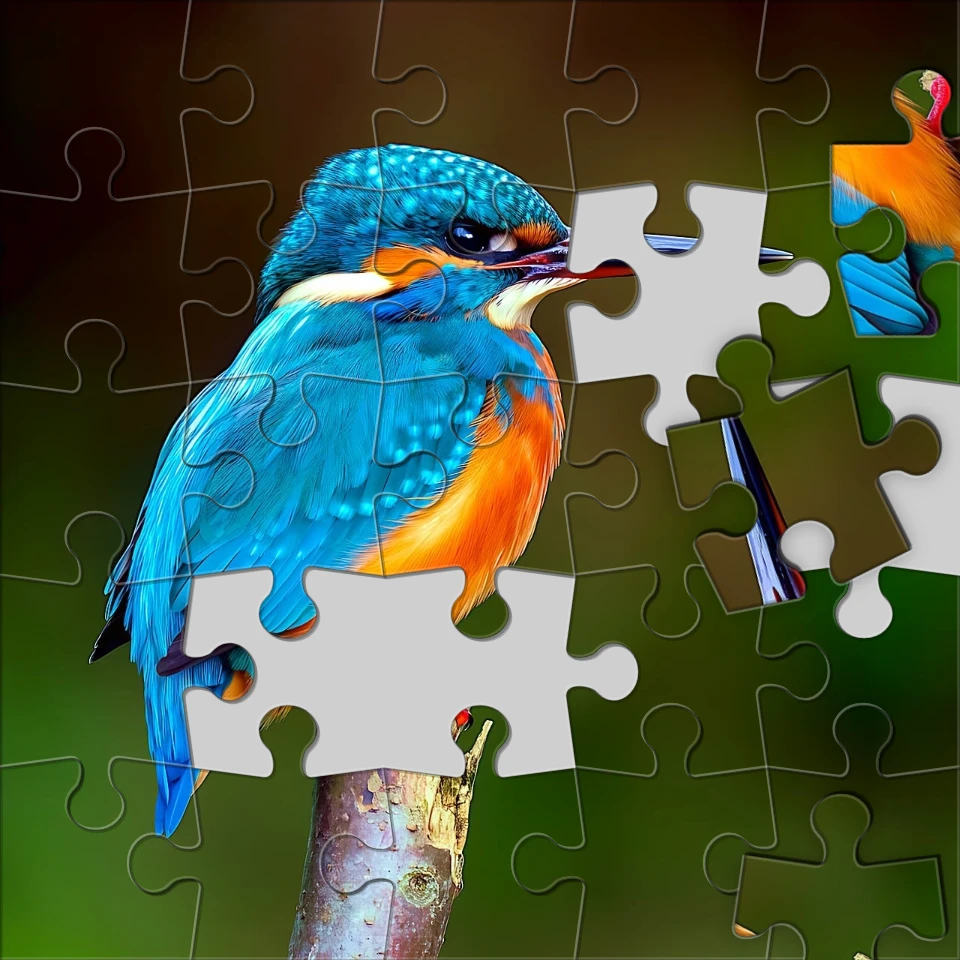
Förvandla ett foto till ett pussel
Vänd ett foto till ett pussel i din webbläsare. Ställ in biträkning, ta bort eller scatterplattor och blekna bilden i ett pussel.

Pixelateffekter
Förvandla bilder till mosaikplattor, hexagoner, kristaller, lågpoly konst, halvton prickar och retro arkadpaletter.

Konstnärliga effekter
Förvandla foton med oljemålning, akvarell, penna, komisk bläck, pasteller, papper cut-out och annan studio konst ser ut.

Vik ett foto till ett kaleidoskop
Förvandla ett foto till ett radiellt kaleidoskopmönster i din webbläsare. Sätt sidor, vinkel och rotation.
Redo att prova det?
Öppna PictorX i din webbläsare - ingen installation, inget kreditkort krävs för att starta.
Gå till Editor