

Try a Games look below, or open your own picture.
ゲーム
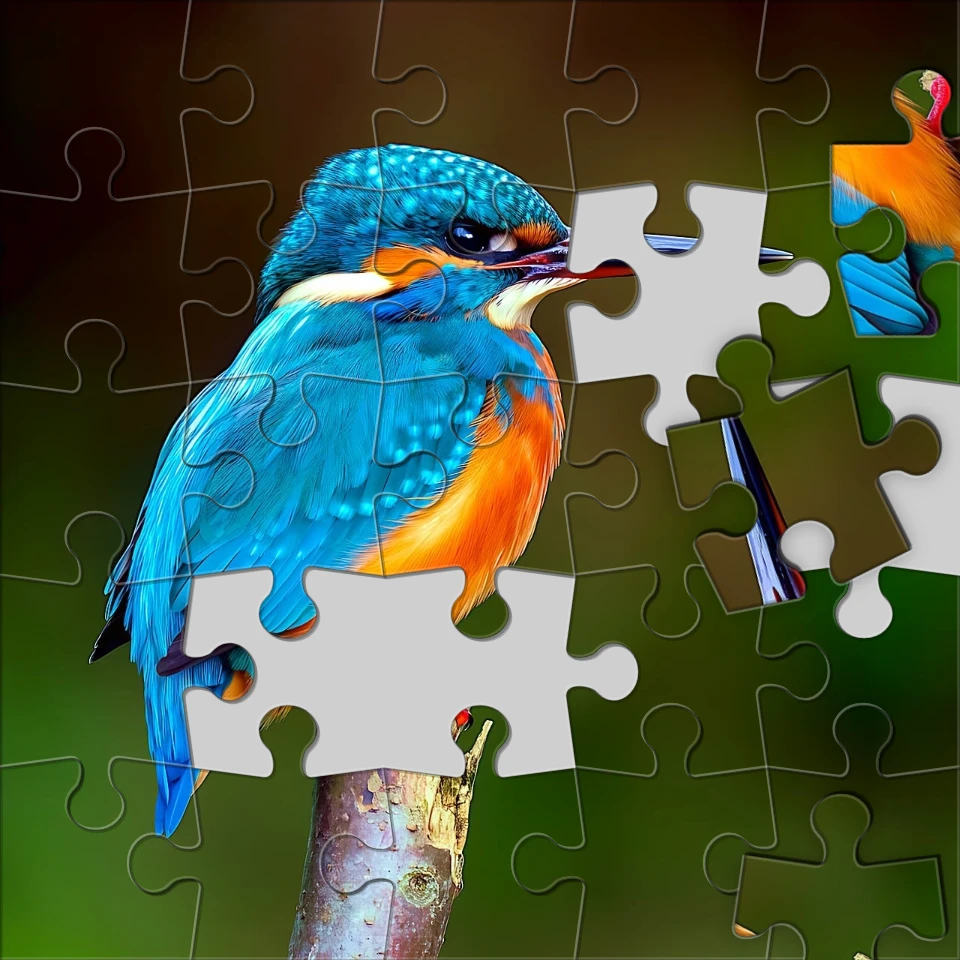
効果 → ゲーム で写真を遊べる見た目に—ジグソーパズル、レゴとミニステックのモザイク、テトリスブロック、スライディングパズル。画像を開き、ゲーム効果を選んで PictorX で編集を続けます。 Try a Games look below, or open your own picture.
使い方
- ブラウザで PictorX を開き、新規プロジェクトを始めるか画像を読み込みます。
- ゲームで結果を形作り、周りのエディターツールで整えます。
- 編集を続ける、作品を書き出す、または結果を次のデザインにします。
ゲーム がワークフローに合う理由
効果 → ゲーム で写真を遊べる見た目に—ジグソーパズル、レゴとミニステックのモザイク、テトリスブロック、スライディングパズル。画像を開き、ゲーム効果を選んで PictorX で編集を続けます。 PictorX は写真、レイヤー、タイポグラフィ、デザインツールの隣に機能を置くので、アプリを切り替えずにアイデアから完成グラフィックへ進めます。
ゲーム でもっと作る
一つの変化に集中し、文脈で結果を確認し、繰り返し整えます。SNS、プレゼン、印刷レイアウト、個人プロジェクト向けに仕上げたいとき、ゲーム を他の PictorX ツールと組み合わせます。
Looks in this set
よくある質問
Which Games looks are included?
Jigsaw Puzzle, Lego Mosaic, Ministeck Mosaic, Tetris, and Sliding Puzzle—the full Games filter menu.
Is this the same as the Puzzle page?
Puzzle is a dedicated jigsaw landing. Games groups every Games-menu effect, including puzzle, brick mosaics, Tetris, and sliding tiles.
Will Lego or Tetris look like real toys?
They are photo effects that rebuild the image as bricks or blocks. Block size and color options change how toy-like it feels.
Can I keep editing after applying a look?
Yes. Apply a Games effect, then keep using layers, text, and other filters in the same PictorX workspace.
関連ツール



試してみますか?
ブラウザで PictorX を開きます。インストール不要、始めるのにクレジットカードも不要です。
エディターへ