

Try a Games look below, or open your own picture.
Giochi
Turn photos into playable looks with Effetti → Giochi—jigsaw puzzle, Lego and Ministeck mosaics, Tetris blocks, and sliding puzzles. Open a picture, pick a Games effect, and keep editing in PictorX. Try a Games look below, or open your own picture.
Come funziona
- Apri PictorX nel browser e avvia un nuovo progetto o carica un’immagine.
- Usa Giochi per modellare il risultato, poi perfezionarlo con gli altri strumenti dell’editor.
- Continua a modificare, esporta il lavoro o trasforma il risultato nel tuo prossimo design.
Come Giochi si inserisce nel tuo flusso di lavoro
Turn photos into playable looks with Effetti → Giochi—jigsaw puzzle, Lego and Ministeck mosaics, Tetris blocks, and sliding puzzles. PictorX tiene la funzione accanto a foto, livelli, tipografia e strumenti di design, così passi dall’idea al grafico finito senza cambiare applicazione.
Crea di più con Giochi
Parti da una modifica mirata, valuta il risultato nel contesto e continua a iterare. Combina Giochi con altri strumenti PictorX per social, presentazioni, layout di stampa o progetti personali.
Looks in this set
Domande frequenti
Which Games looks are included?
Jigsaw Puzzle, Lego Mosaic, Ministeck Mosaic, Tetris, and Sliding Puzzle—the full Games filter menu.
Is this the same as the Puzzle page?
Puzzle is a dedicated jigsaw landing. Games groups every Games-menu effect, including puzzle, brick mosaics, Tetris, and sliding tiles.
Will Lego or Tetris look like real toys?
They are photo effects that rebuild the image as bricks or blocks. Block size and color options change how toy-like it feels.
Can I keep editing after applying a look?
Yes. Apply a Games effect, then keep using layers, text, and other filters in the same PictorX workspace.
Strumenti correlati
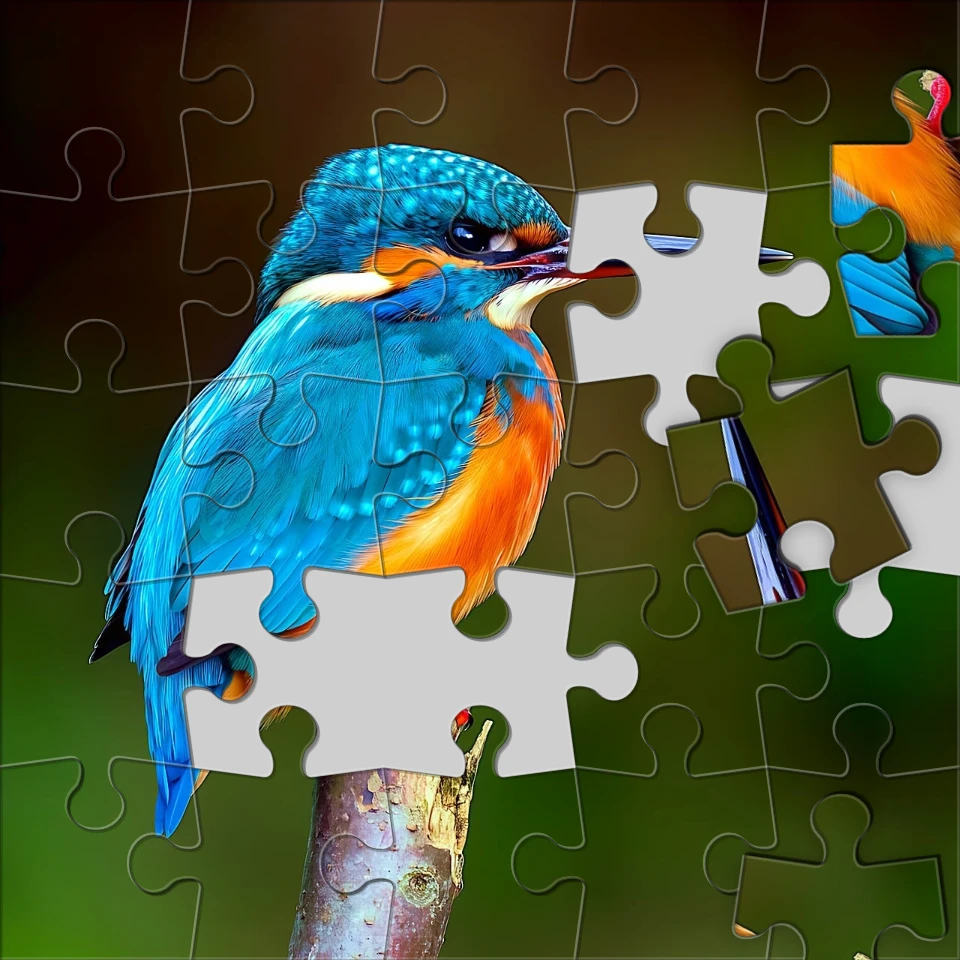
Trasforma una foto in un puzzle
Trasforma una foto in un puzzle nel browser. Imposta il numero di pezzi, togli o spargi le tessere e sfuma l'immagine nel puzzle. Nulla viene caricato sui server PictorX.

Effetti pixelati
Trasforma le foto in tessere di mosaico, esagoni, cristalli, grafica low-poly, punti mezzitoni e tavolozze arcade retrò. Utilizza PictorX gratuitamente nel tuo browser senza che sia richiesta l'installazione di software.

Effetti artistici
Trasforma le foto con pittura a olio, acquerello, matita, inchiostro fumetto, pastelli, ritagli di carta e altri look artistici da studio. Utilizza PictorX gratuitamente nel tuo browser senza che sia richiesta l'installazione di software.

Piega una foto in un caleidoscopio
Trasforma una foto in un motivo caleidoscopico radiale nel browser. Imposta lati, angolo e rotazione. Nulla viene caricato sui server PictorX.
Pronto a provarlo?
Apri PictorX nel tuo browser: nessuna installazione, nessuna carta di credito richiesta per iniziare.
Vai all'editor