
Bridges
Bridges is a logic puzzle of islands and bridges, known in Japan as Hashiwokakero or Hashi. Every island shows how many bridges end on it; join them with straight bridges that never cross until all the islands form one network. Every puzzle here is made in your browser and has exactly one solution, from a quick 7 x 7 to a hard 15 x 15. Join the islands with bridges so that every island has as many bridges as its number. Bridges run straight across or down, at most two between the same two islands, they never cross, and together they must connect all the islands. Click or tap between two islands to build a bridge; a second click doubles it and a third takes it away. You can also drag from one island to another.
How it works
- Choose a board size and a difficulty, or keep the 9 x 9 Medium puzzle that is ready.
- Click or tap between two islands to build a bridge; click again for a double bridge and once more to remove it. You can also drag from island to island.
- Give every island its number of bridges and connect them all. A complete island is filled in; Hint marks the next bridge and Solve shows the whole solution.
The rules
Bridges run straight across or down between two islands, with nothing in between. Two islands can share one or two bridges, never more, and a bridge may not cross another bridge or an island. The number on an island is how many bridges end there, and at the end every island must be reachable from every other one over the bridges.
How to start
Look for islands that leave no choice. A 4 in a corner, with only two neighbours, needs double bridges to both; an 8 needs two bridges in all four directions. A 1 next to another 1 cannot join it, because the two would be cut off from the rest. Each certain bridge lowers what its neighbours still need, and the puzzle opens up from there.
Easy, medium and hard
Easy puzzles can be solved one certain bridge at a time, from the numbers alone. Medium and Hard puzzles also make you think ahead: if this bridge were there, would an island be left without a way out, or would a group of islands close itself off? A Hard puzzle needs that kind of reasoning several times, on boards with more islands.
Frequently asked questions
Does every puzzle have exactly one solution?
Yes. The computer builds each puzzle from a network of islands and bridges and keeps it only if a solver finds exactly one way to place the bridges. You never have to guess; every bridge can be worked out.
What do Hint and Solve do?
Hint marks one line on the board: a bridge that belongs there, or one of yours that is not part of the solution. Solve places the bridges of the solution one by one, and Step places one at a time. A puzzle solved with help does not count for your best time.
Why can't I build a bridge?
A bridge cannot cross another bridge. Remove the bridge in the way first, by clicking it until it disappears, or press Undo. Islands that see each other across a bridge cannot be joined until it is gone.
What is Hashiwokakero?
It is the Japanese name of the puzzle, meaning build bridges. It was published by Nikoli, the Japanese puzzle magazine that also made Sudoku popular, in 1990, and it is also known as Hashi or Bridges.
Can I play with the keyboard?
Yes. Tab or the arrow keys move from island to island, and Shift with an arrow key builds the bridge in that direction; press it again for a double bridge and a third time to remove it. Ctrl+Z undoes a bridge.
Bridges: how do I record a video?
Press the red Record button in the playback bar: it films what the stage shows. Press it again to stop, and the video is saved to your device. Recording is free; you only need to sign in. Without a subscription the video carries a small PictorX logo in a corner. The button beside Record opens the video options: the shape (as shown, square, story 9:16 or wide 16:9), the length (until you stop, or 5, 10, 15 or 30 seconds for social media) and the file: MP4, WebM or an animated GIF. You can add one of three music tracks: calm, bright or beat.
Related tools
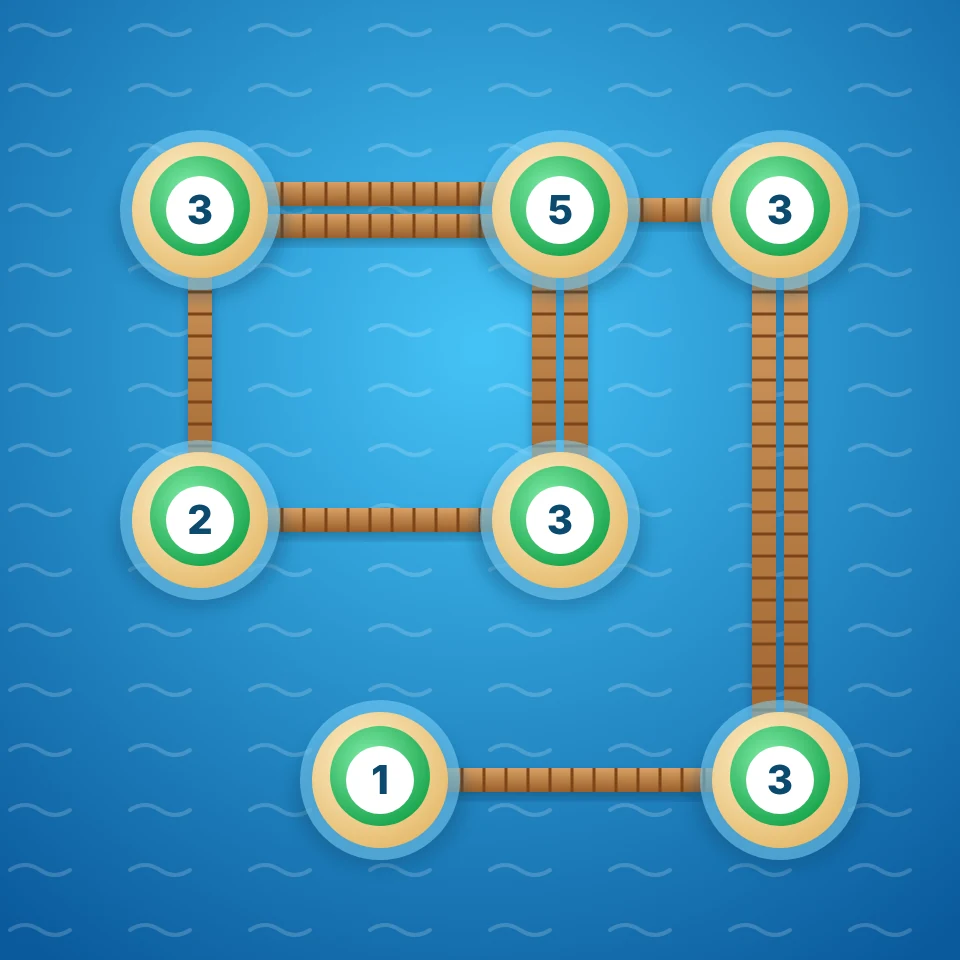
How the Bridges puzzle works
How the Bridges puzzle works: the rules of Hashiwokakero, where it comes from, the techniques that solve it, and how a computer makes puzzles with exactly one solution.
Lights Out
Play Lights Out, the classic lamp puzzle: press a lamp to toggle it and its neighbours until every lamp is off. Boards from 3×3 to 6×6, always solvable, with hints, a solver and best scores.
Sudoku
Play Sudoku free in your browser. Fresh puzzles with exactly one solution, four levels from Easy to Expert, pencil notes, hints, mistake highlighting and undo.
Nonograms
Solve free nonograms in your browser. Every puzzle is generated, has one logical solution and reveals a pixel picture. Choose sizes from 5x5 to 20x20 and mark empty cells with crosses.
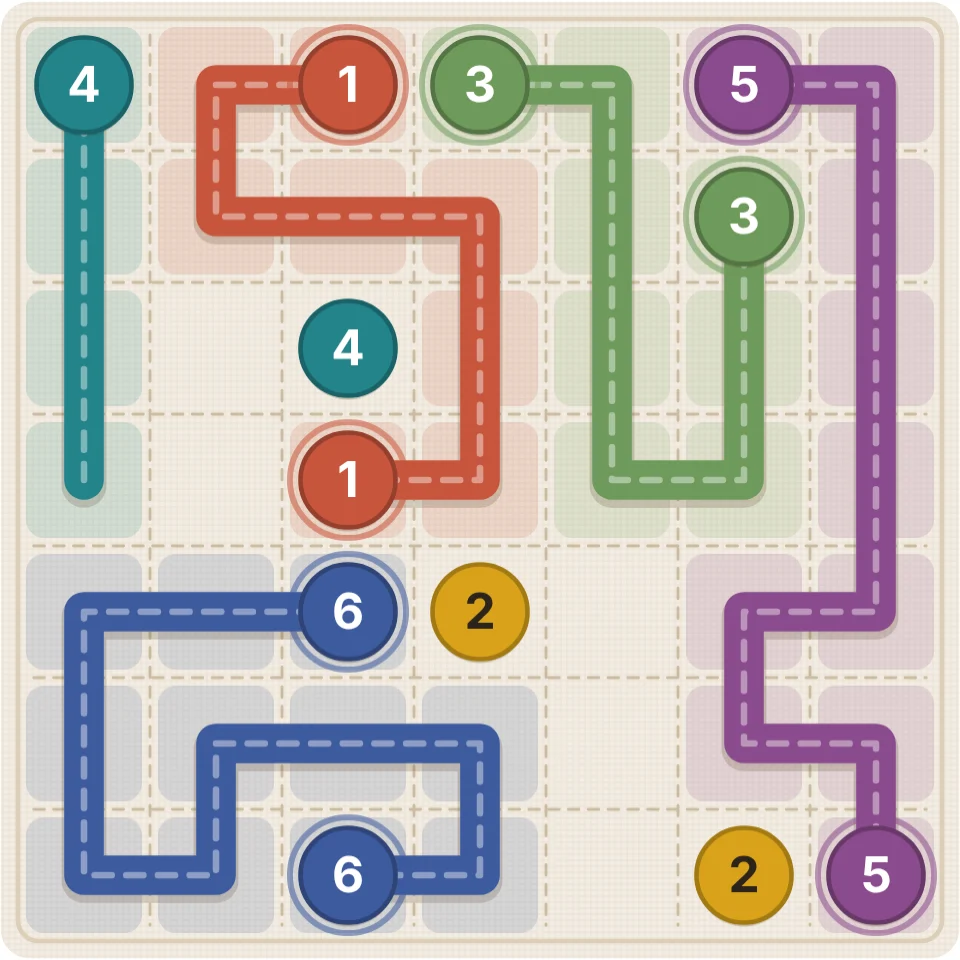
Thread Link
Play Thread Link, a free numberlink puzzle: draw a thread between each pair of matching numbers, without crossings, until every square is used. Seven board sizes, endless numbered puzzles, hints and undo.
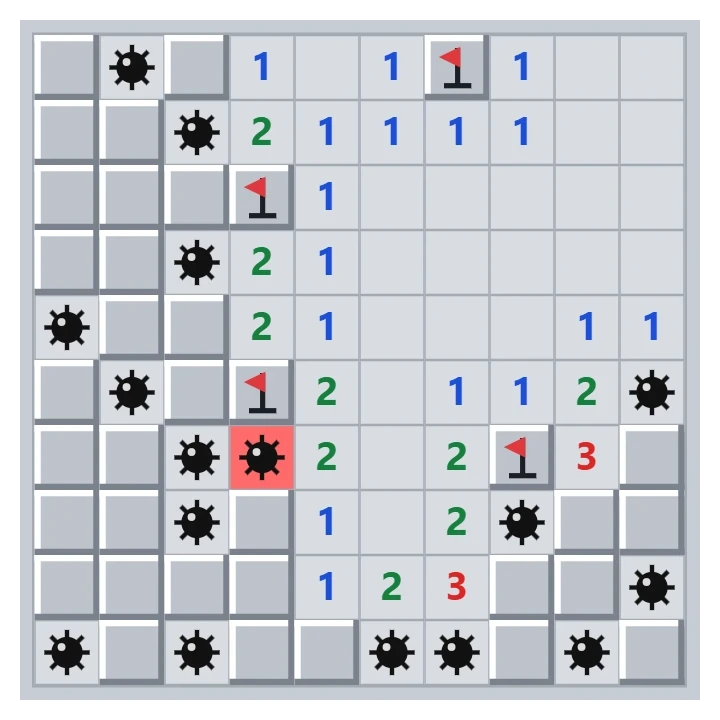
Minesweeper
Play classic Minesweeper free in your browser. Beginner, Intermediate, Expert or a custom field, a safe first click, flags, chording and best times.
Chess Puzzles
Solve 5000 free chess puzzles in your browser: mate in 1 to mate in 5, and win in 2 or 3 moves. Pick easy, medium or hard, White or Black to play, with hints and the full solution.
Ready to try it?
Open PictorX in your browser — no install, no credit card required to start.
Go to Editor