
Sudoku
Every puzzle is generated fresh and has exactly one solution. Fill each empty cell so that every row, every column and every 3 x 3 box contains the digits 1 to 9 once. Use notes to keep track of candidates, and a hint when you are stuck. Select a cell and type a digit or tap the pad. Turn on Notes to pencil in candidates.
How it works
- Pick Easy, Medium, Hard or Expert. A new puzzle with a unique solution is made for you.
- Select a cell and type a digit, or tap a number on the pad. Turn on Notes to pencil in candidates instead.
- Use Undo to step back and Hint to reveal a cell. Fill every cell correctly to solve the puzzle.
Four levels
Easy puzzles start with about 40 given digits, Medium with 32, Hard with 27 and Expert with as few as 23. Fewer givens means you need longer chains of logic, but every puzzle can be solved without guessing.
Notes and mistakes
Notes let you write small candidate digits in a cell. When you place a digit, it is removed from the notes in the same row, column and box. With mistake highlighting on, wrong digits and clashes are shown in red.
Hints and best times
A hint fills in the selected cell, or the easiest empty cell if nothing is selected. Your best time for each level is kept in your browser, but only for puzzles solved without hints.
Frequently asked questions
Does every puzzle have one solution?
Yes. The generator removes digits one by one and checks after each step that the puzzle still has exactly one solution.
Can I use the keyboard?
Yes. Use the arrow keys to move, 1 to 9 to place a digit, Backspace to clear, N to switch notes, H for a hint and Ctrl+Z to undo.
Is it free?
Yes. Sudoku on PictorX is free, runs in your browser and needs no sign-up.
Related tools
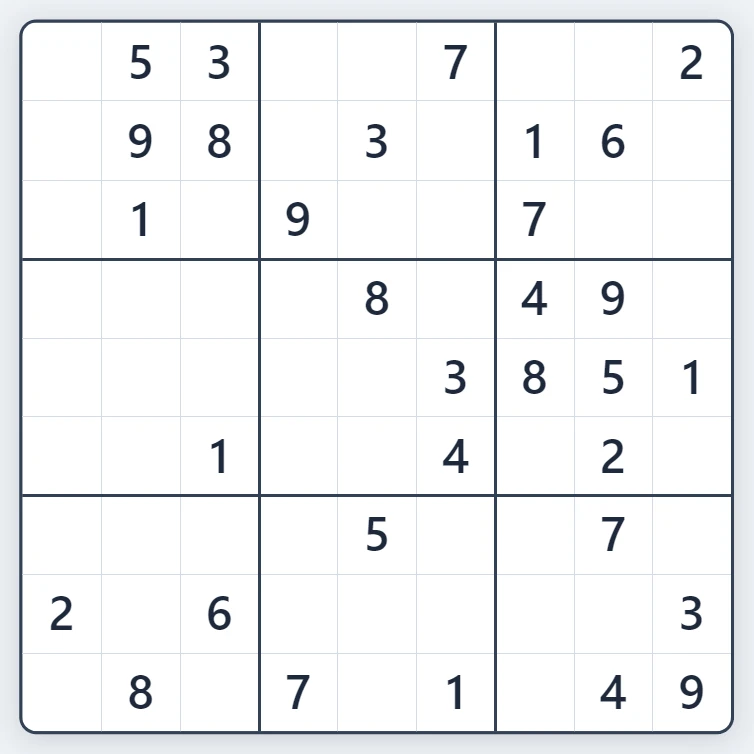
About Sudoku - history, rules and techniques
How does Sudoku work? Where the puzzle comes from, the simple rules, techniques such as singles, pairs and pointing, and why a good puzzle has one solution.
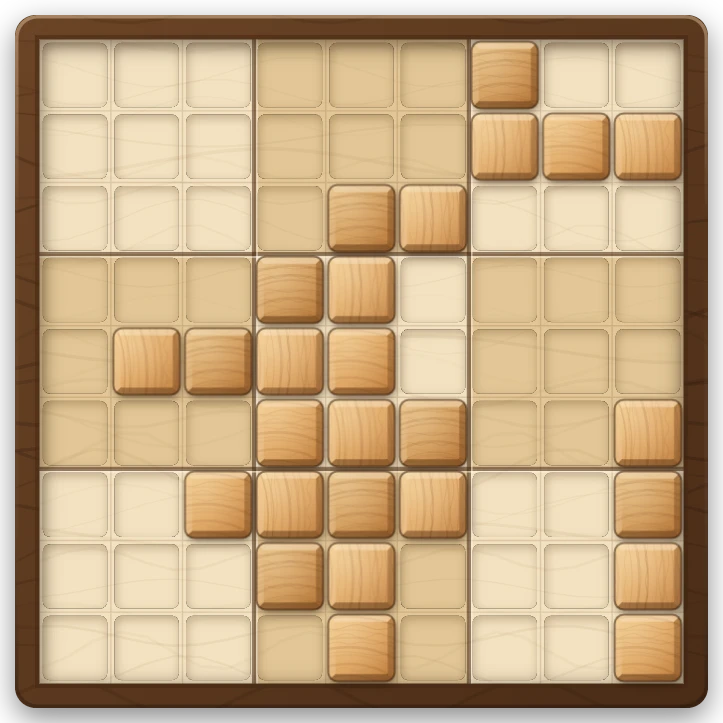
Wood Block Sudoku Puzzle
Play Wood Block Sudoku free in your browser. Drag wooden pieces onto a 9x9 board and clear rows, columns and 3x3 boxes. Combos, streaks, a holder slot and no time limit.
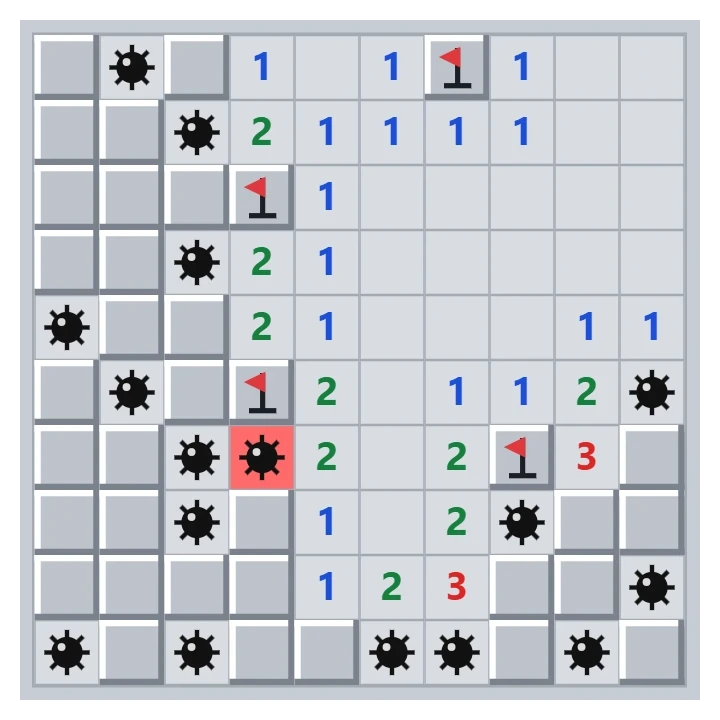
Minesweeper
Play classic Minesweeper free in your browser. Beginner, Intermediate, Expert or a custom field, a safe first click, flags, chording and best times.
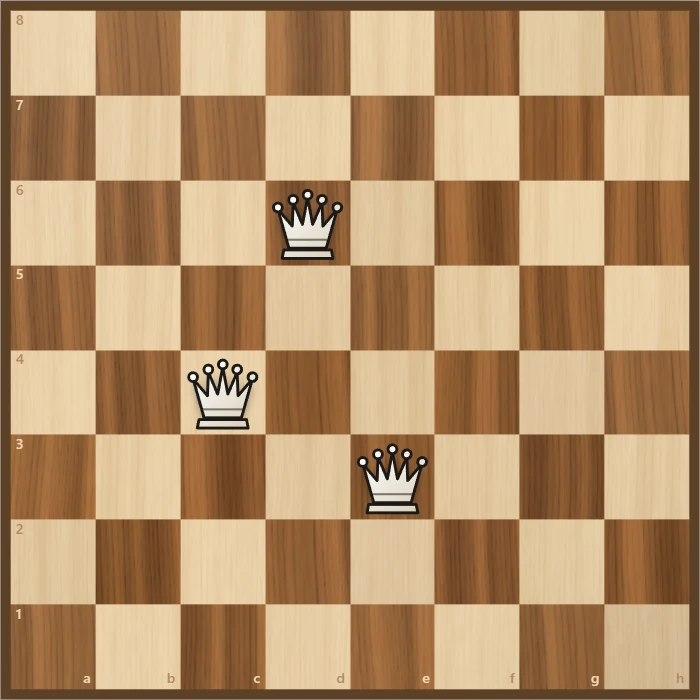
Eight Queens
Place eight queens on a chessboard so that none attacks another. Try it yourself, watch the backtracking search find a solution step by step, and go through all 92 solutions.
Ready to try it?
Open PictorX in your browser — no install, no credit card required to start.
Go to Editor