
Minesweeper
Open every cell that does not hide a mine. Each number tells you how many mines touch that cell, so you can work out where the mines are and flag them. Your first click is always safe and opens an area to start from. Click a cell to open it, right-click or press and hold to place a flag. Click a number with all its flags to open its neighbours.
How it works
- Pick Beginner, Intermediate or Expert, or set your own width, height and number of mines.
- Click a cell to open it. Right-click, or press and hold on a phone, to place a flag on a cell you think hides a mine.
- Click a number that already has enough flags around it to open all its other neighbours at once. Open every safe cell to win.
Levels
Beginner is 9 x 9 with 10 mines, Intermediate is 16 x 16 with 40 mines and Expert is 30 x 16 with 99 mines. With Custom you choose a field from 5 x 5 to 40 x 24 and up to the number of mines that still fits.
Flags and chords
Flags mark the cells you are sure about, and the counter in the top left shows how many mines are still unflagged. A chord click on a number opens all its neighbours that are not flagged. If one of your flags is wrong, you will hit a mine.
Timer and best times
The timer starts with your first click. Your best time for each field size is kept in your browser, so you can try to beat it.
Frequently asked questions
Is the first click always safe?
Yes. The mines are placed after your first click, never on that cell or the cells around it, so you always start with an open area.
How do I place a flag on a phone?
Press and hold a cell to place or remove a flag, or turn on the flag switch in the top right so that a tap places flags.
Is it free?
Yes. Minesweeper on PictorX is free, runs in your browser and needs no sign-up.
Related tools
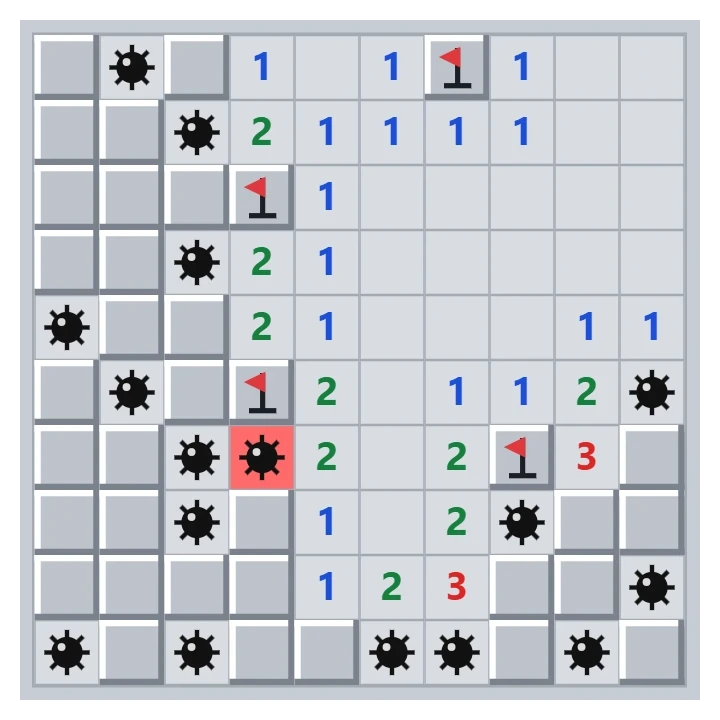
About Minesweeper - history, rules and strategy
How Minesweeper works: where the game comes from, what the numbers mean, safe patterns such as 1-2-1, when you have to guess, and tips for faster times.
Maze
Play a free maze game in your browser. Find the way from the green start to the red exit in mazes from 5 x 5 to 100 x 100, against the clock or in the fog.
Wood Block Sudoku Puzzle
Play Wood Block Sudoku free in your browser. Drag wooden pieces onto a 9x9 board and clear rows, columns and 3x3 boxes. Combos, streaks, a holder slot and no time limit.
Memory
Play the classic memory card game free in your browser. Turn over two cards at a time and find all the pairs on your own, with a friend or against the computer. Four grid sizes and three picture sets.
Ready to try it?
Open PictorX in your browser — no install, no credit card required to start.
Go to Editor