
Thread Link
Every number sits on the board twice. Lay a thread from each number to its twin, square by square, so that no two threads cross and no square is left empty. It sounds simple on a 5×5 board; on 12×12 with thirteen pairs it takes real planning. Every puzzle has a number, so you can come back to it or share it. Every number is on the board twice. Drag from a number to its twin to lay a thread between them. Threads cannot cross, and the puzzle is solved when every pair is linked and every square is used. Drag back along a thread to shorten it, or start on a thread to change its route; a thread you draw over is cut and grows back when you move away again.
How it works
- Choose a board size from 5×5 to 12×12; a new puzzle appears straight away.
- Drag from a number to the same number to lay a thread between them. Threads cannot cross or pass another number.
- Link every pair and use every square to solve it. Stuck? Undo, take a hint for one pair, or let Solve show the whole board.
The rules
Each pair of equal numbers must be joined by one thread that runs through the squares horizontally and vertically, never diagonally. A square holds at most one thread, so threads cannot cross or touch the same square, and a thread cannot pass over a number that is not its own. The puzzle is solved when every pair is linked and every square of the board is part of a thread.
Drawing and changing threads
Start on a number and drag. Drag back along the thread to shorten it, or press anywhere on a thread to go on from there. Draw across another thread and it is cut where you cross it; it grows back if you move away again before you let go. Moves counts how often you switch to another thread, so a tidy solution takes about as many moves as there are pairs.
Where the puzzles come from
Each puzzle is made in your browser. A random path visits every square of the grid once, and is then cut into pieces of at least three squares; the two ends of each piece become a numbered pair. So every puzzle has a solution that fills the board, and any other set of threads that links all pairs and fills the board counts too. The size and the puzzle number always give the same puzzle.
Frequently asked questions
Do I have to fill every square?
Yes. Linking all pairs is not enough: the puzzle is solved when every square is part of a thread. When all pairs are linked but squares are still empty, the status line says so, and you can reroute a thread through the gaps.
Can a puzzle have more than one solution?
Sometimes. The game accepts any set of threads that links every pair without crossings and fills the board, not only the route it made the puzzle from. Hint and Solve show that route.
How are moves and best times counted?
A move is every time you start drawing a different thread than the one before, so going on with the same thread is still one move. The clock starts with your first thread and pauses while the page is hidden. Your best time per board size is kept in this browser, and only counts when you solved the puzzle without hints or Solve.
Can I play with the keyboard?
Yes. Click the board or tab to it, move the frame with the arrow keys, press Space or Enter on a number or thread to pick it up, draw with the arrow keys, and press Space or Enter again to put it down. Ctrl+Z and Ctrl+Y undo and redo.
Does this upload anything?
No. Puzzles are made and drawn in your browser, and your game is kept in its local storage. Save image downloads a PNG of the board.
Related tools
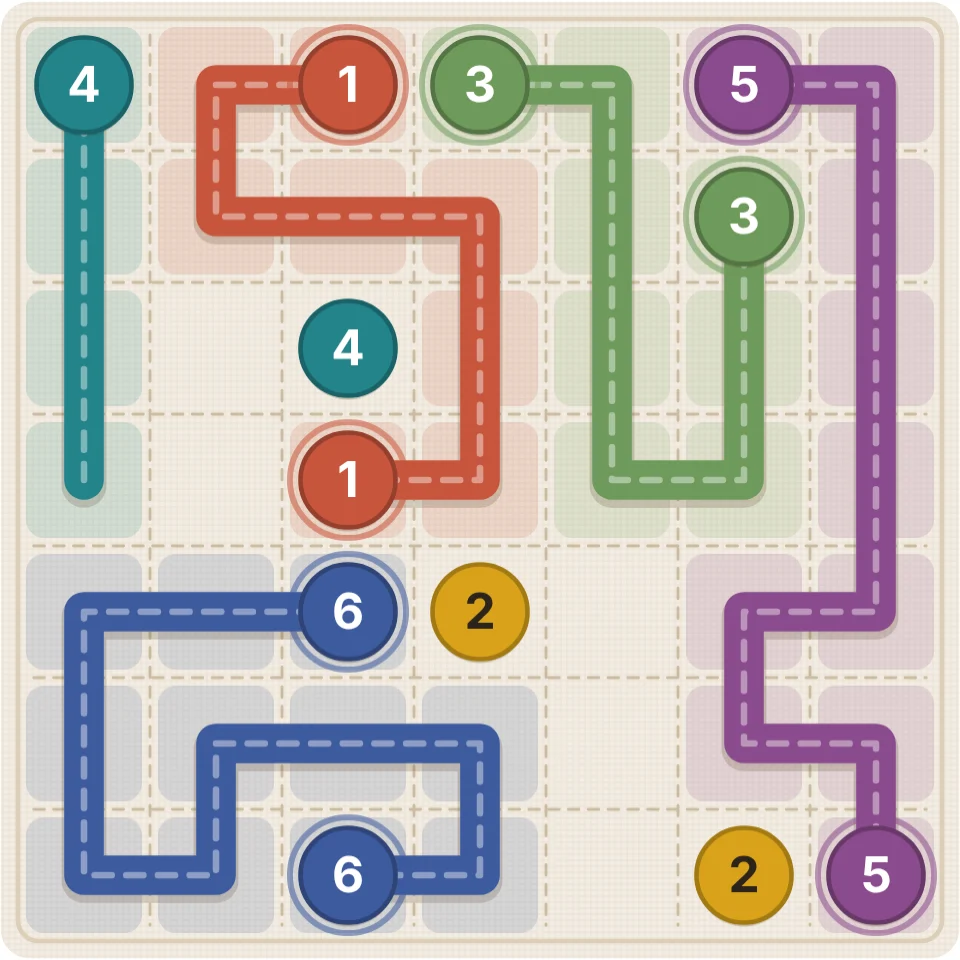
How numberlink puzzles work
How do numberlink puzzles like Thread Link work? The rules, a history of over a century, why it is hard for computers, how puzzles are made and solving tips.
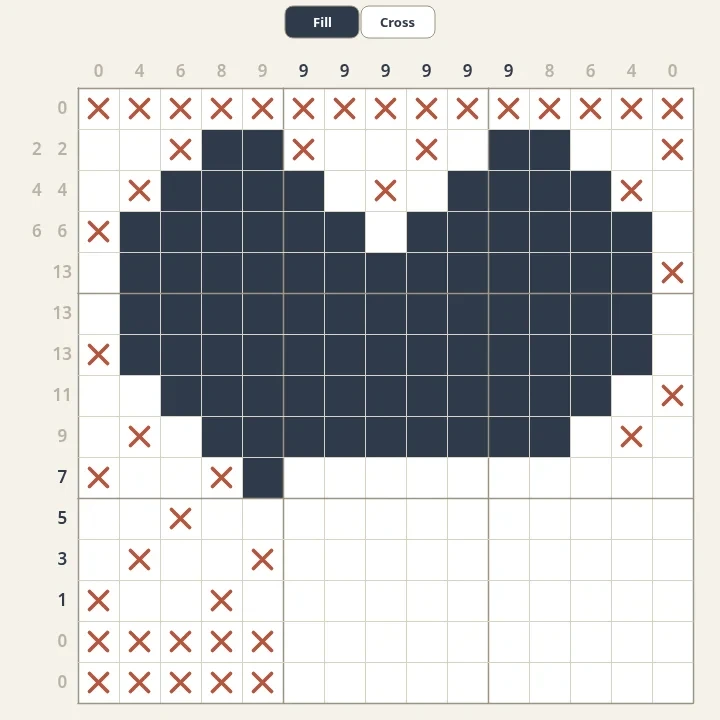
Nonograms
Solve free nonograms in your browser. Every puzzle is generated, has one logical solution and reveals a pixel picture. Choose sizes from 5x5 to 20x20 and mark empty cells with crosses.
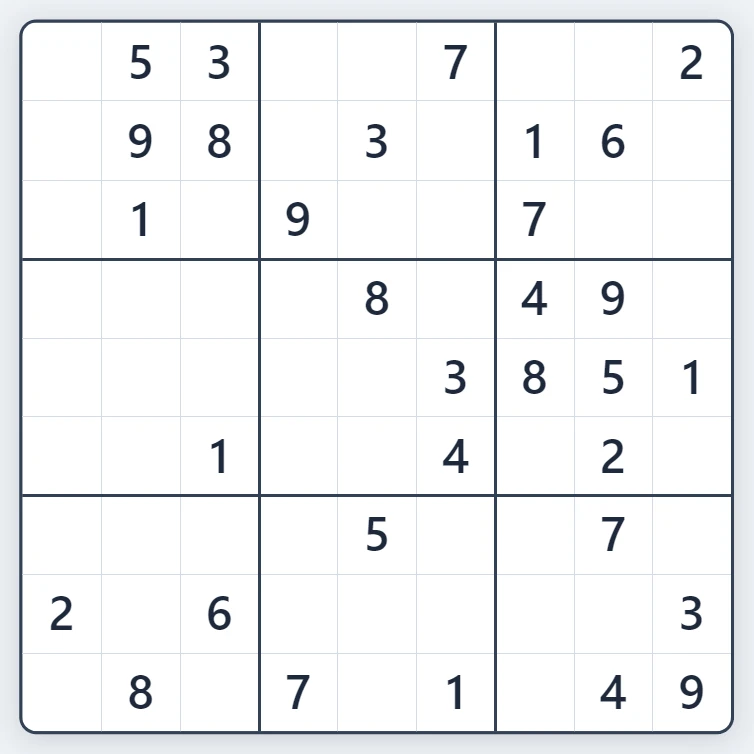
Sudoku
Play Sudoku free in your browser. Fresh puzzles with exactly one solution, four levels from Easy to Expert, pencil notes, hints, mistake highlighting and undo.
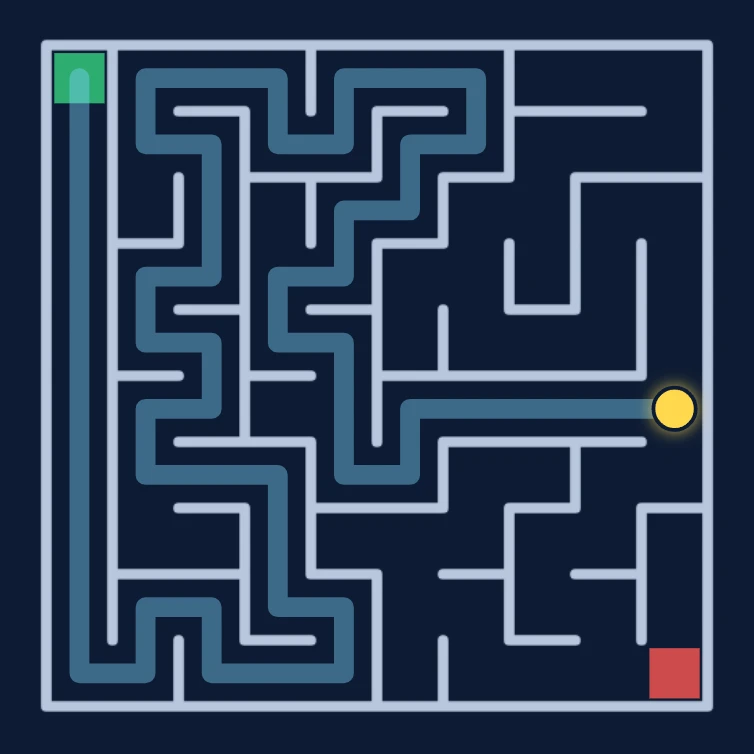
Maze
Play a free maze game in your browser. Find the way from the green start to the red exit in mazes from 5 x 5 to 100 x 100, against the clock or in the fog.
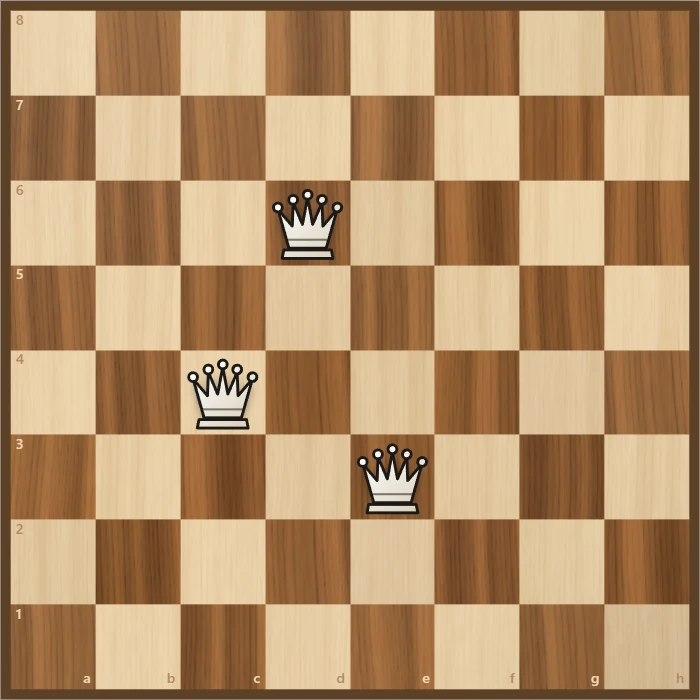
Eight Queens
Place eight queens on a chessboard so that none attacks another. Try it yourself, watch the backtracking search find a solution step by step, and go through all 92 solutions.
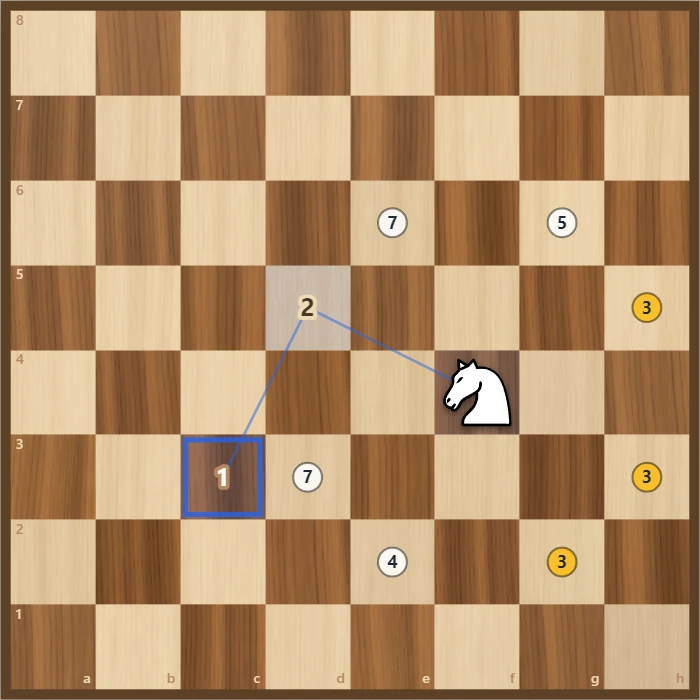
Knight's Tour
Jump a chess knight to every square of the board exactly once. Play it yourself with Warnsdorff hints, or watch Solve finish an open or closed tour. Save the path as a PNG.
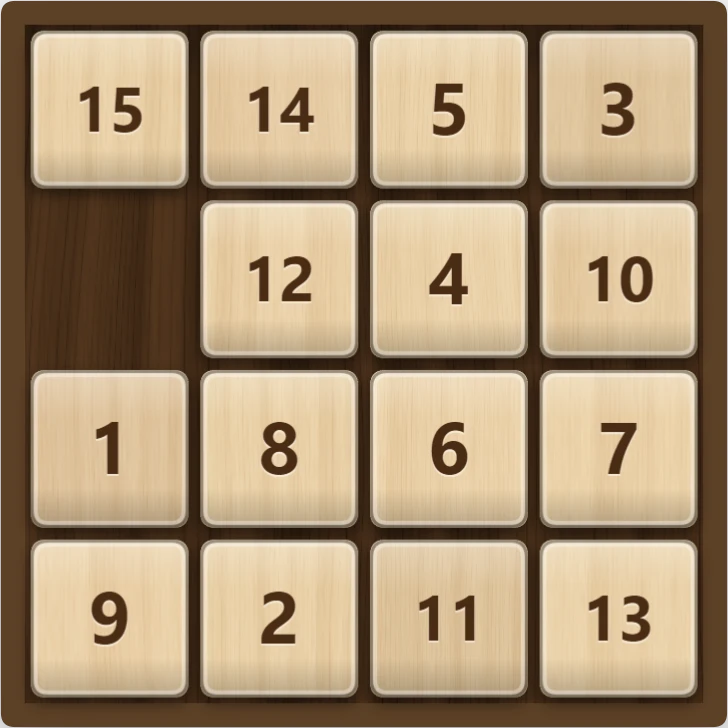
15 Puzzle
Play the classic 15 sliding puzzle in your browser on 3×3, 4×4, or 5×5 wooden tiles. Shuffle, slide whole rows at once, try Sam Loyd's impossible 14-15, or watch Solve finish it.
Ready to try it?
Open PictorX in your browser — no install, no credit card required to start.
Go to Editor