
Nonograms
Use the numbers beside each row and above each column to work out which cells are filled. Every puzzle is freshly generated, can be solved by logic alone and turns into a pixel picture when you finish. Click or drag to fill cells. Right-click or use Cross to mark empty cells.
How it works
- Choose a size from 5x5 to 20x20, or set your own width and height.
- Click or drag to fill cells. Right-click, or switch to Cross, to mark cells you know are empty.
- Fill every row and column to match its numbers and the pixel picture appears.
How the numbers work
Each number is a run of filled cells in that row or column, in order. A row marked 3 1 has a run of three, at least one empty cell, and then a single filled cell. Numbers turn grey once their line matches.
Fair puzzles
Every puzzle is generated and then checked with a line-by-line solver, so it always has exactly one answer that you can reach without guessing.
Tips
Start with the big numbers: in a row of 10, a run of 8 must cover the middle 6 cells. Use crosses generously, because empty cells give you as much information as filled ones.
Frequently asked questions
Do I ever need to guess?
No. Each puzzle can be solved by looking at one row or column at a time and combining what you learn.
Can I undo a mistake?
Yes. Press Undo or Ctrl+Z. Hint fixes a wrong cell first, or fills in a cell you can deduce.
Is it free?
Yes. Nonograms on PictorX is free, runs in your browser and needs no sign-up.
Related tools
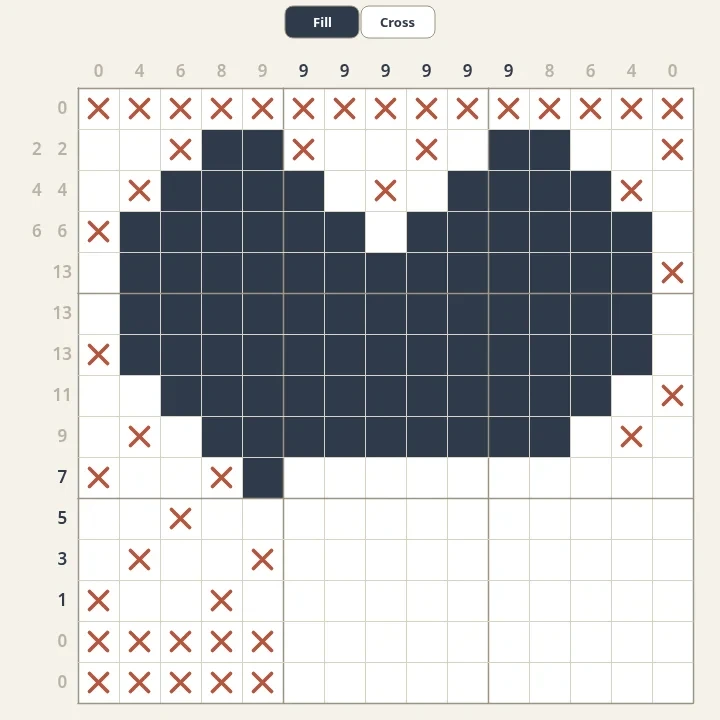
About Nonograms - history and how to solve picture puzzles
How do you solve nonograms? Where the picture logic puzzles come from, why they are also called Picross and Griddlers, and techniques that need no guessing.
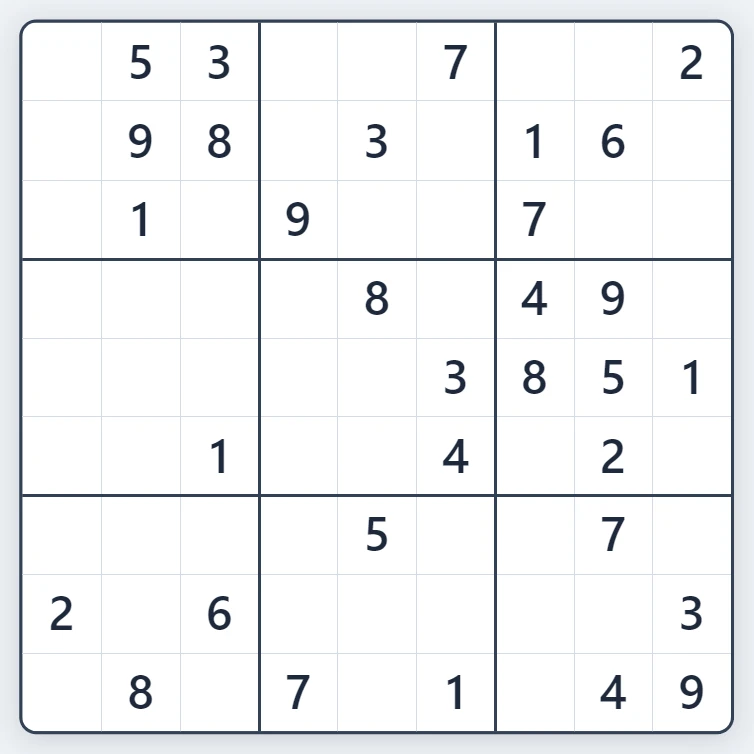
Sudoku
Play Sudoku free in your browser. Fresh puzzles with exactly one solution, four levels from Easy to Expert, pencil notes, hints, mistake highlighting and undo.
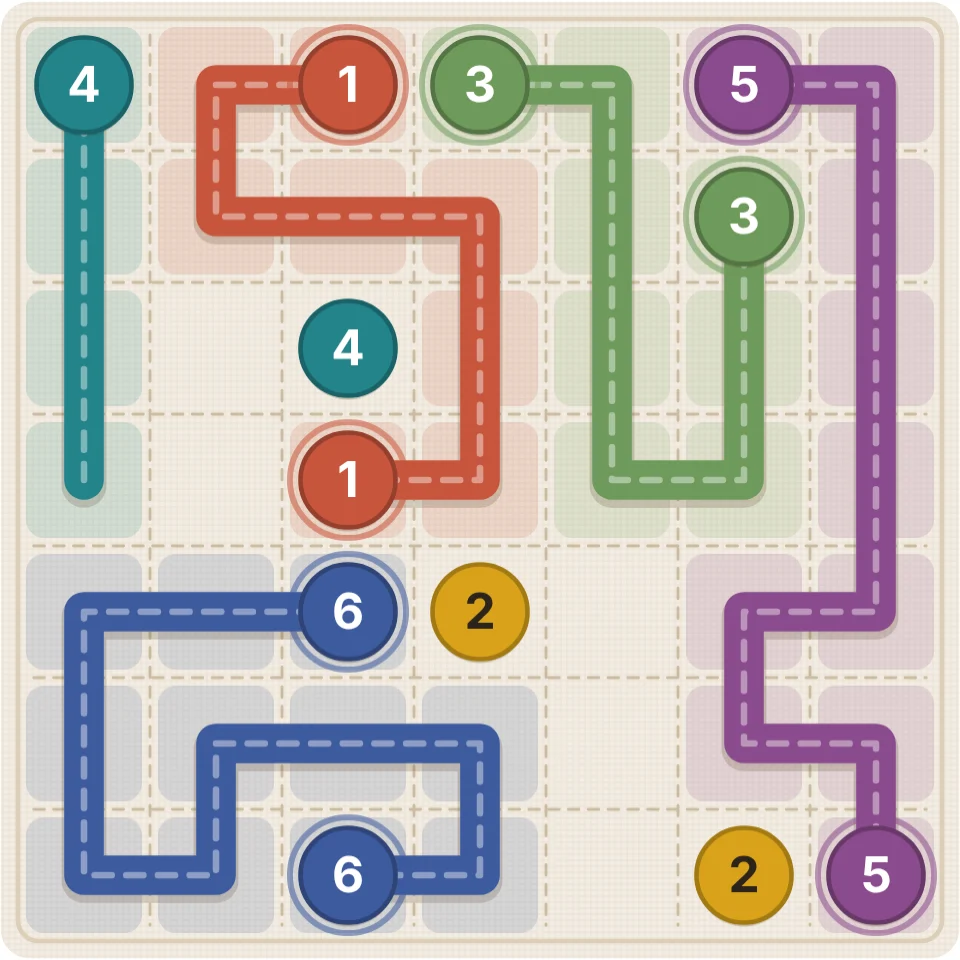
Thread Link
Play Thread Link, a free numberlink puzzle: draw a thread between each pair of matching numbers, without crossings, until every square is used. Seven board sizes, endless numbered puzzles, hints and undo.
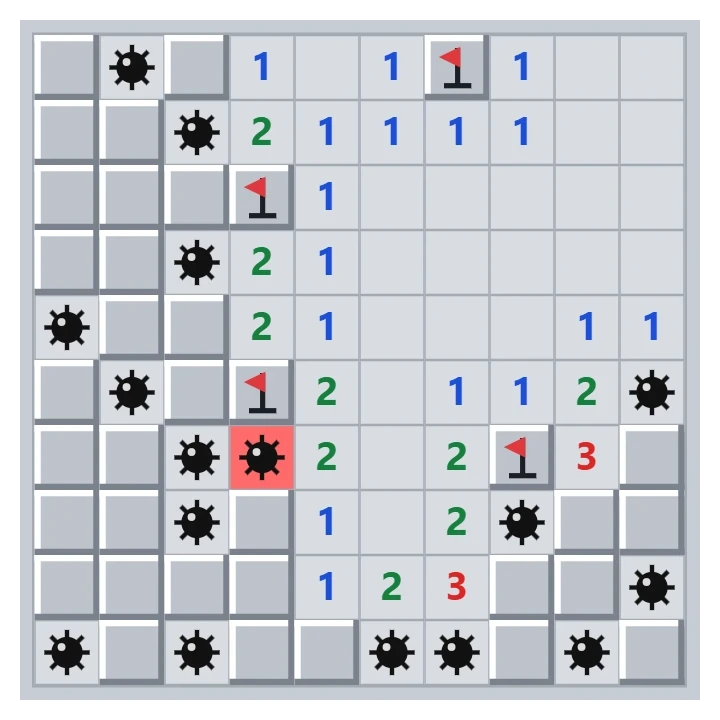
Minesweeper
Play classic Minesweeper free in your browser. Beginner, Intermediate, Expert or a custom field, a safe first click, flags, chording and best times.
Snake
Play a calm, minimal Snake game free in your browser. Choose slow, normal or fast, play with solid walls or wrap around the edges, and steer with arrow keys or a swipe.
Ready to try it?
Open PictorX in your browser — no install, no credit card required to start.
Go to Editor