
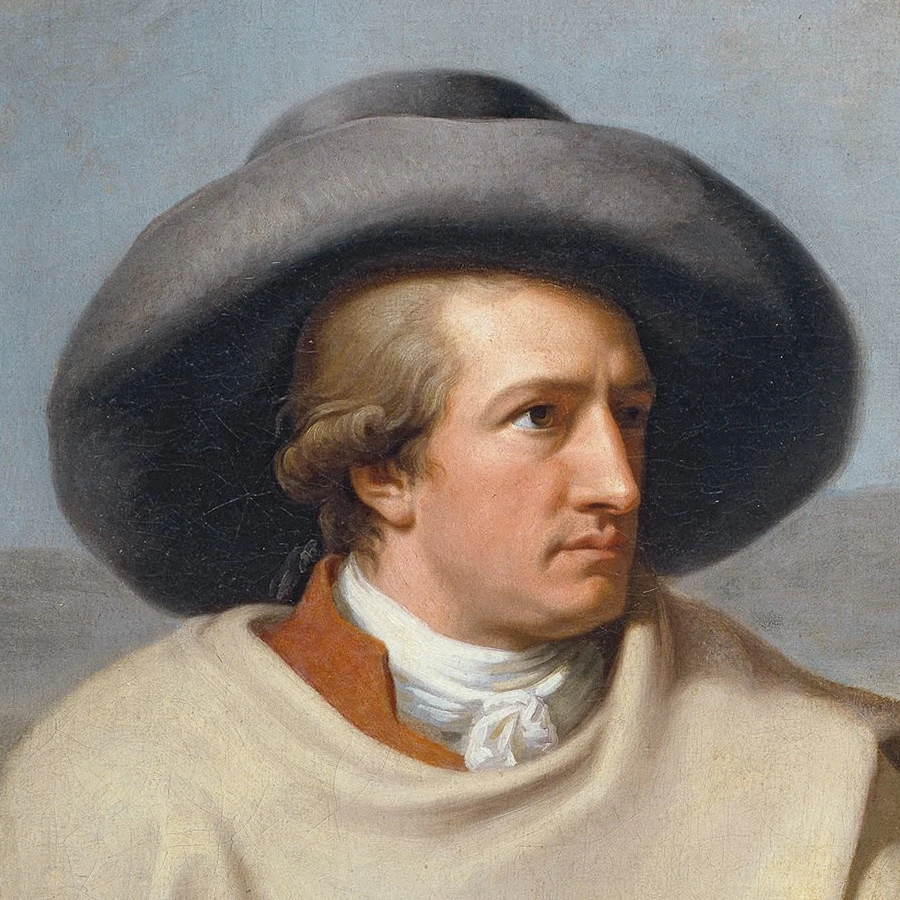
Turn a photo into Matisse cut-outs, Fauve colour or a single flowing line — pick a Style and Palette, then adjust Shape Size.
Henri Matisse and Fauvism
Matisse simplified the world into a few flat, singing shapes, and in 1905 he led the Fauves—the “wild beasts” who set colour free from nature. This app follows both: it reduces your photo to a handful of colour shapes and cuts them from painted paper, sets them in a red room or draws them with a single brush line, or repaints it in the bold, arbitrary colour of Matisse, Derain and Vlaminck, with cool shadows, hot lights and visible strokes. All processed on-device. Turn a photo into Matisse cut-outs, Fauve colour or a single flowing line — pick a Style and Palette, then adjust Shape Size.
How it works
- Open PictorX in your browser and load a photo — portraits, landscapes and still lifes with a few clear shapes work best.
- Pick a Style—Matisse's Cut-Outs, Fauve, Harmony in Red or Line Drawing, or the Fauvism styles Woman with a Hat, Collioure, London or Vlaminck—and a Palette, then adjust Shape Size, Colors, Ornaments and Line Work for Matisse, or Brush Size, Color Boldness, Brushwork and Outlines for Fauvism.
- Export the picture, or keep editing with layers and other effects in the same workspace.
From Fauve colour to the cut-outs in one app
The Style list holds two effects. Henri Matisse follows the painter through his whole career, from Fauve colour and the red room of 1908 to his line drawings and the paper cut-outs of his last years. Fauvism follows the movement he led in 1905 with André Derain and Maurice de Vlaminck, with styles after each of them; pick one of its styles and the panel switches to its own sliders.
Why few, flat shapes read as Matisse
Matisse spent his life simplifying: fewer colours, larger areas, firmer outlines. The filter groups your photo into a handful of colour shapes and smooths every outline into a calm curve, so the picture keeps its composition while losing photographic detail. Colors sets how many shapes there are; Shape Size sets how simple their outlines become.
Four Matisse styles and six palettes
Cut-Outs cuts the shapes from gouache-painted paper with scissor-like edges and scatters seaweed and leaf forms on the ground, as in Jazz and the late cut-outs. Fauve paints in broad strokes of arbitrary colour, after Woman with a Hat (1905). Harmony in Red sets the shapes in a flat red room with dark-blue arabesques, after The Dessert: Harmony in Red (1908), and Line Drawing reduces everything to a few fluent brush lines. Palettes: Photo, Jazz, Blue Nudes, Fauve, Harmony in Red and Nice.
Four Fauve painters
Woman with a Hat follows Matisse's scandalous portrait of 1905: broad patches of arbitrary colour, green and violet shadows across the face and loose blue-green contours. Collioure follows the summer Matisse and André Derain spent in that harbour, building pictures from separate dabs of pure colour with the canvas showing between them. London follows Derain's views of the Thames, with flat complementary blocks, horizontal broken strokes and dark outlines, and Vlaminck lays on long, thick, swirling strokes of hot reds, oranges and blues.
Colour that describes feeling, not nature
Color Boldness sets how far the colours depart from the photo: at low values the photo's own hues are simply intensified; at high values every zone receives an arbitrary Fauve colour, lights turn warm and shadows cool and complementary. Palette chooses the pigments—Fauve for each painter's own colours, Photo to keep your hues, Hot, Cool, or Complementary to flip every colour to its opposite. Brush Size, Brushwork and Outlines control the stroke size, how loose the hand is, and the weight of the painted contours.
Privacy and keep editing
Processing stays in your browser—photos are not uploaded to PictorX servers for this filter. After Henri Matisse and Fauvism, continue with layers, text, Kandinsky, Paul Klee, Vincent van Gogh, Pointillism, or export.
Frequently asked questions
What does the Henri Matisse and Fauvism app do?
It turns a photo into a picture in the manner of Henri Matisse—paper cut-outs, Fauve colour, Harmony in Red or a line drawing—or repaints it in the wild, arbitrary colour of the Fauves he led: Matisse's Woman with a Hat, Collioure, Derain's London or Vlaminck. It is built from your photo's own shapes, not a copy of a museum painting.
What was Fauvism?
A short-lived movement of about 1905–1908 that used pure, unnatural colour to express feeling rather than to describe things. At the 1905 Salon d'Automne in Paris the critic Louis Vauxcelles called its painters “fauves”, wild beasts.
Which Fauve styles are included?
Woman with a Hat, after Matisse's portrait of 1905; Collioure, after the summer Matisse and André Derain spent in that harbour; London, after Derain's views of the Thames; and Vlaminck, with his thick, hot strokes. Each has its own sliders—Brush Size, Color Boldness, Brushwork and Outlines—and the palettes Fauve, Photo, Hot, Cool and Complementary.
Is this a real Matisse or Derain?
No. It is a digital homage for your own photos. Matisse's own works are in museums such as the Centre Pompidou in Paris, the Musée Matisse in Nice and the Museum of Modern Art in New York; the Fauve paintings of Derain and Vlaminck hang in museums and collections around the world.
What photos work best?
Photos with a few large, clear shapes: portraits suit Line Drawing, Fauve and Woman with a Hat, landscapes and plants suit Cut-Outs and Collioure, cities and rivers suit London, trees and villages suit Vlaminck, and interiors or still lifes suit Harmony in Red. Photos with clear light and shadow give the strongest Fauve colour.
Can I keep editing after Henri Matisse and Fauvism?
Yes. Continue with layers, text, other artistic looks, or export from the same PictorX workspace.
Related tools
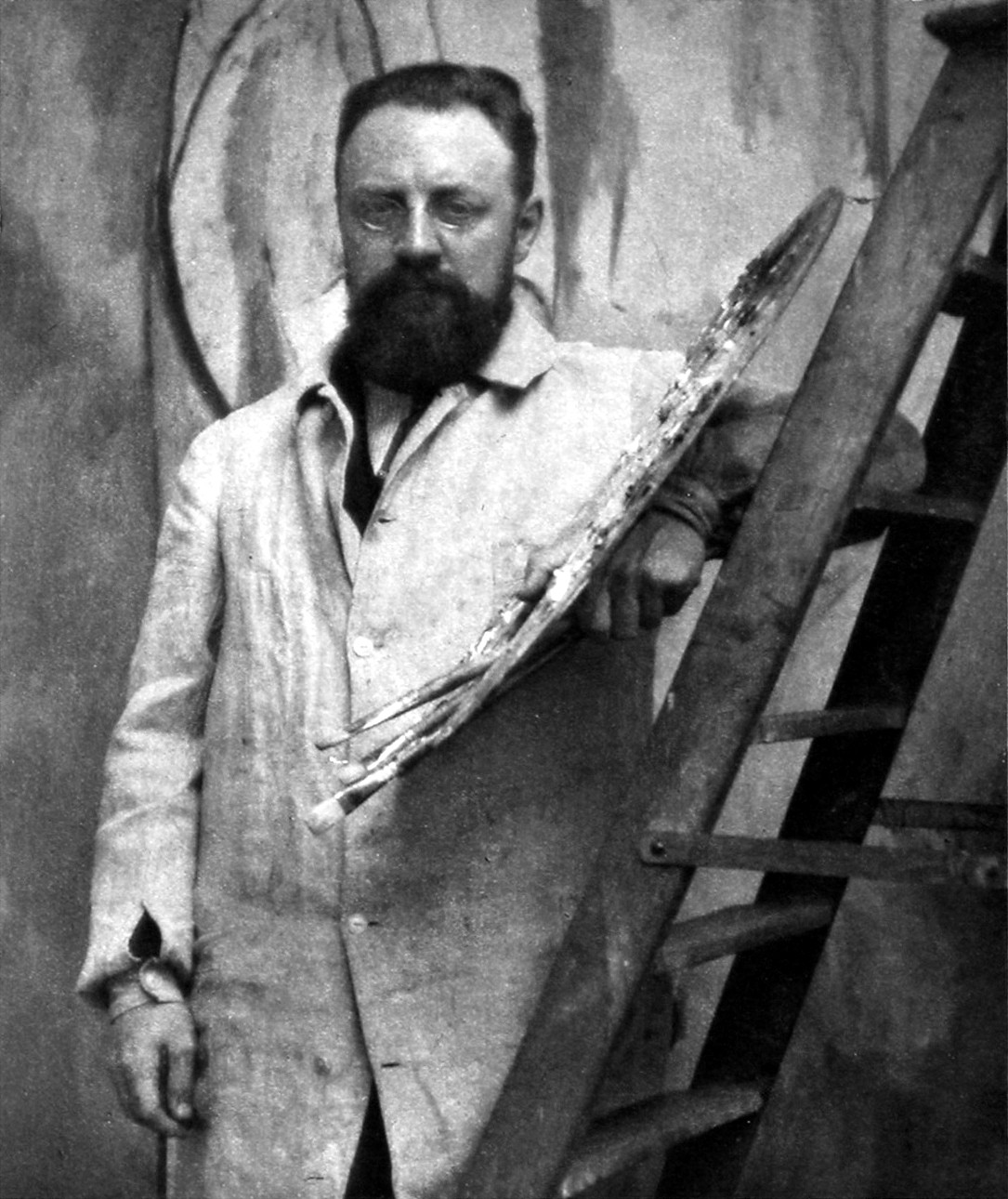
Henri Matisse
Who was Henri Matisse? From law clerk to painter, the Fauves of 1905, Harmony in Red and Dance, the Nice years, single-line drawings and the paper cut-outs.
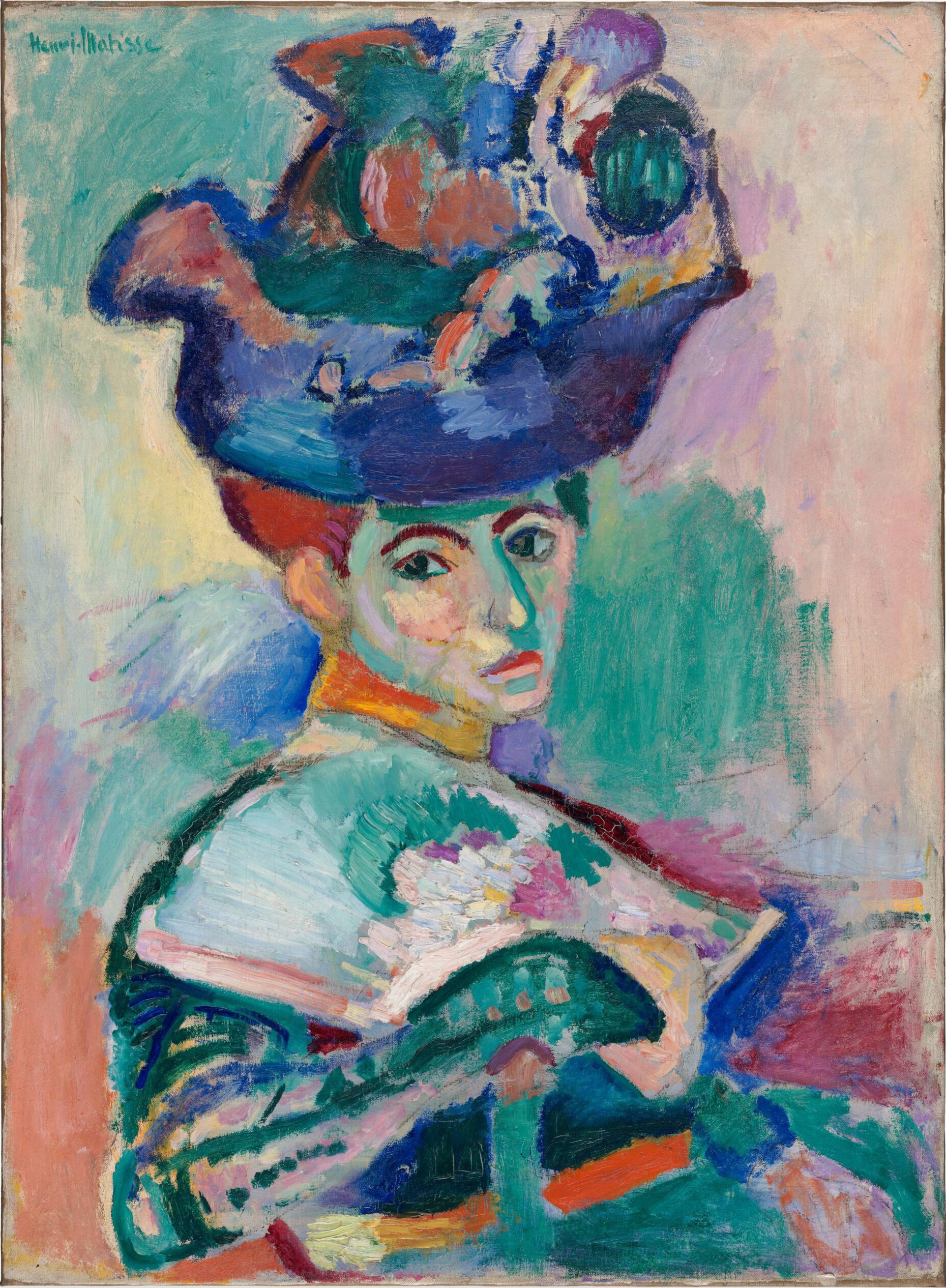
Fauvism
What was Fauvism? The 1905 'wild beasts' who painted with pure, bright colour: roots in Van Gogh and Gauguin, Matisse and Derain at Collioure, key paintings.
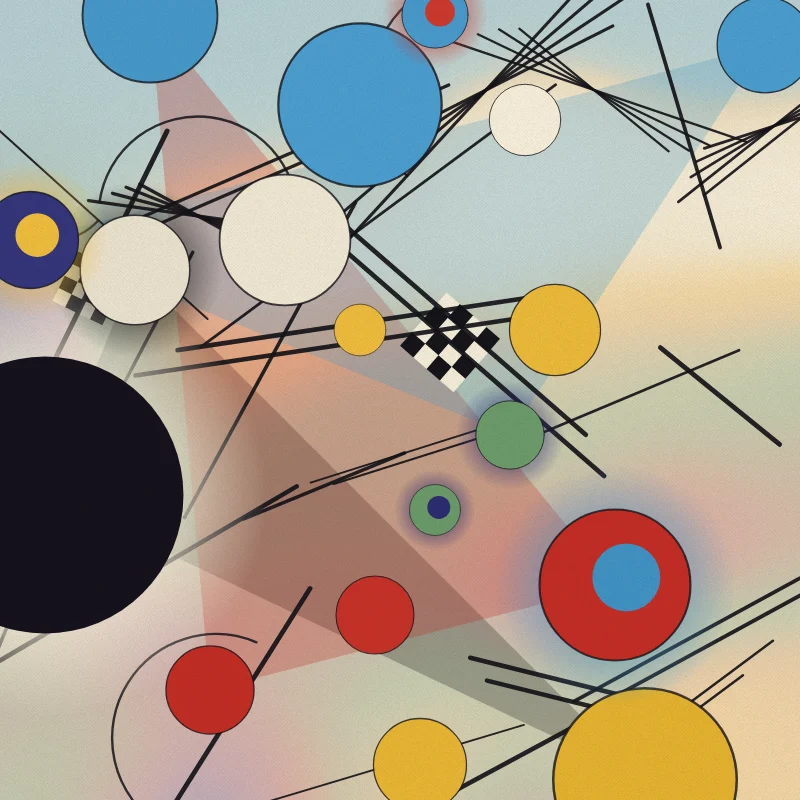
Kandinsky photo filter - circles, lines and colour
Turn a photo into a Wassily Kandinsky-style abstraction in your browser: Composition VIII circles and lines, Squares with Concentric Circles, Several Circles on black, or a free Improvisation.
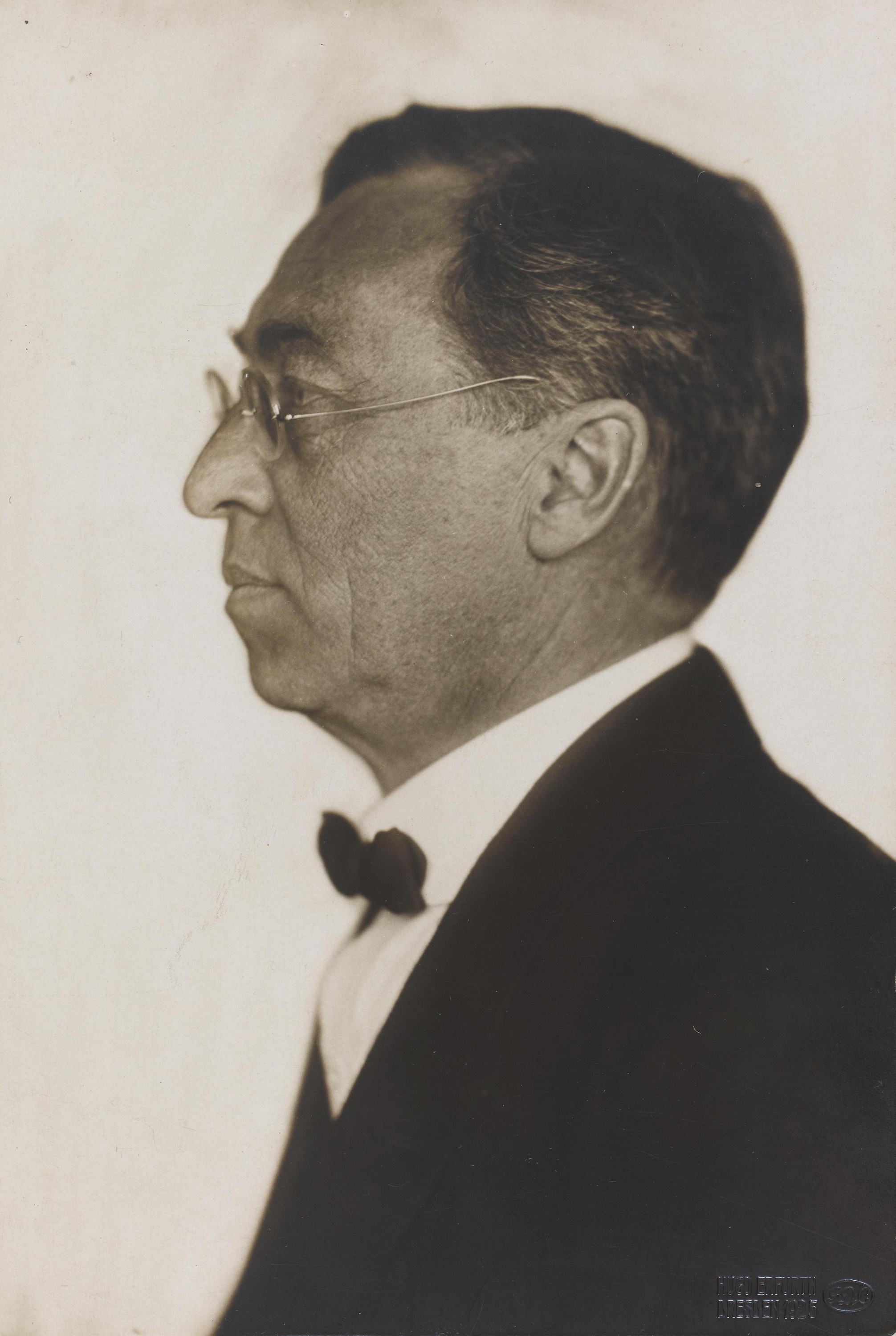
Wassily Kandinsky
Who was Wassily Kandinsky? A pioneer of abstract art: the Blue Rider, colour as music, Squares with Concentric Circles, Composition VIII and Several Circles.
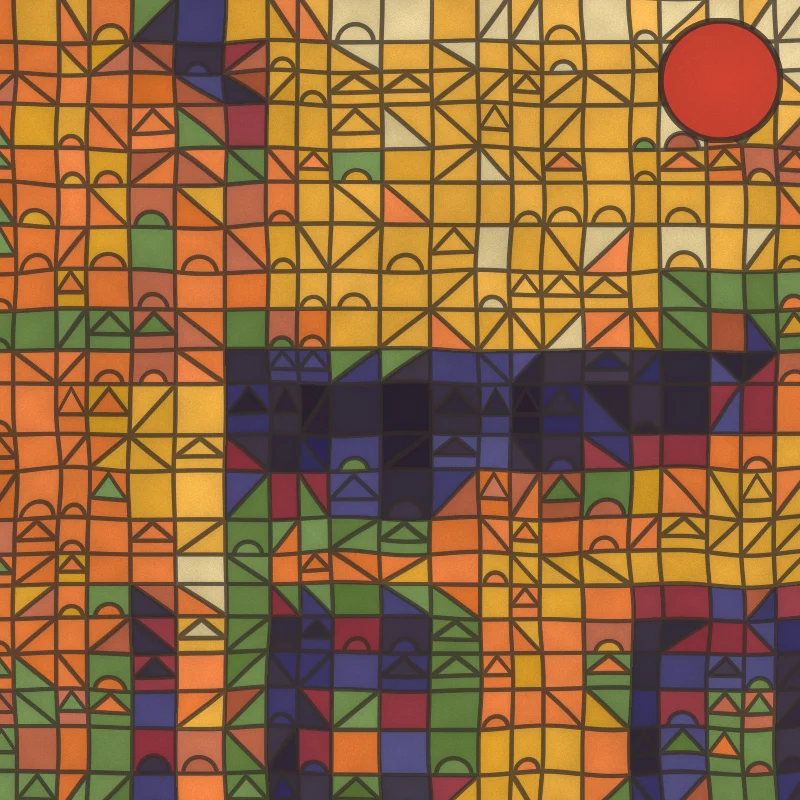
Paul Klee photo filter - magic squares, castles and lines
Turn a photo into a Paul Klee-style painting in your browser: magic squares of colour, Castle and Sun tiles, Ad Parnassum dots, a line taken for a walk, or Tunisian watercolours.
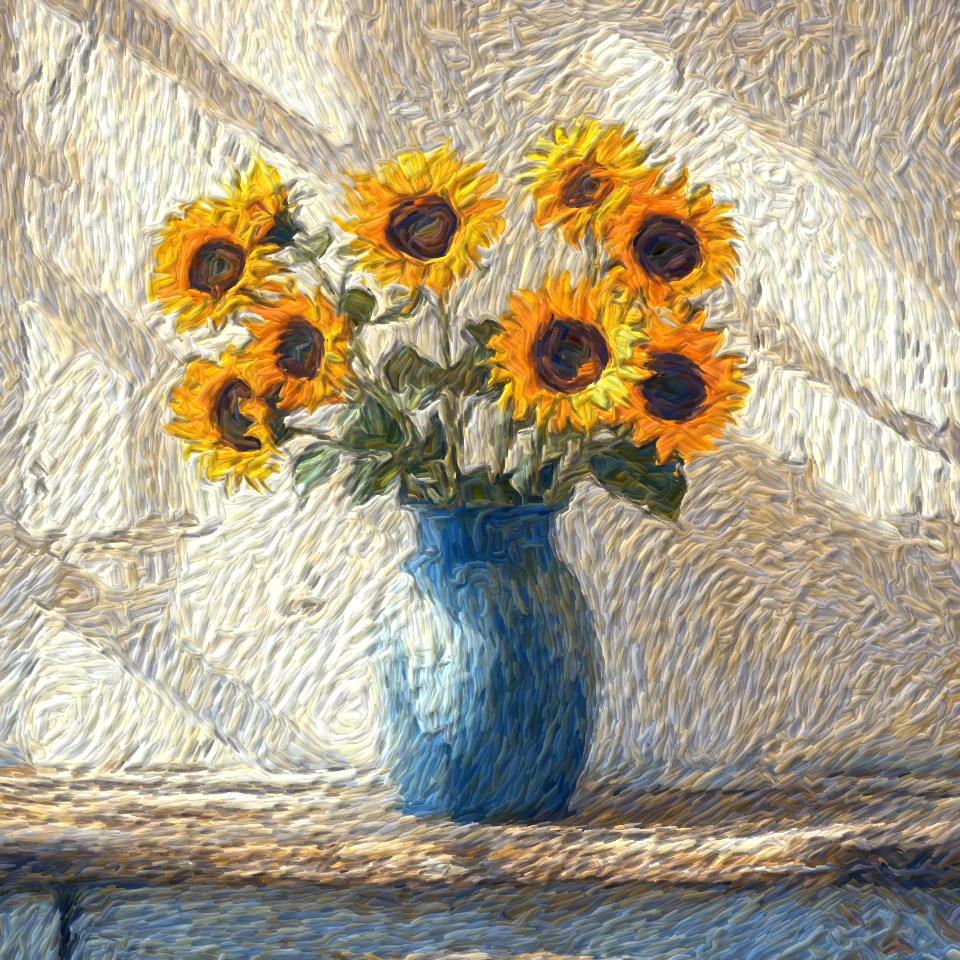
Paint a photo in Van Gogh brushstrokes
Turn a photo into swirling Starry Night-style brushstrokes in your browser. A digital homage to Van Gogh impasto—not a museum reproduction.
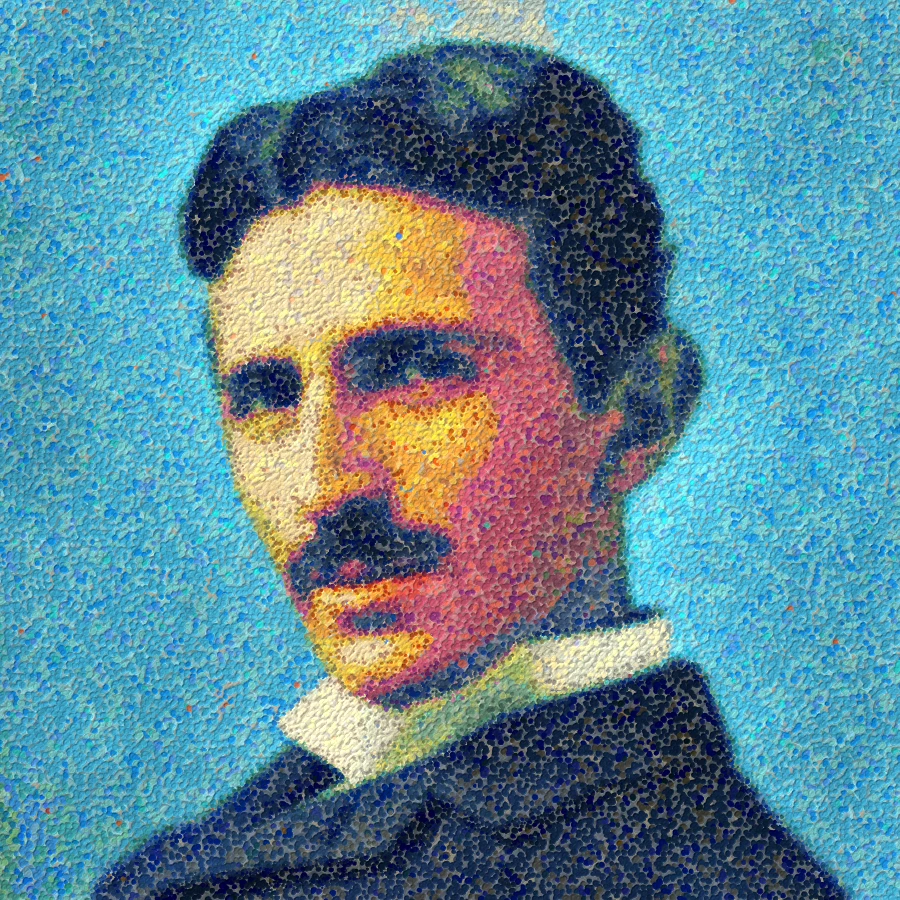
Pointillism filter
Turn a photo into a pointillist painting in the style of Seurat, Signac, Cross or the Fauves. Choose a palette, set Dot Size and Optical Mix, then save.
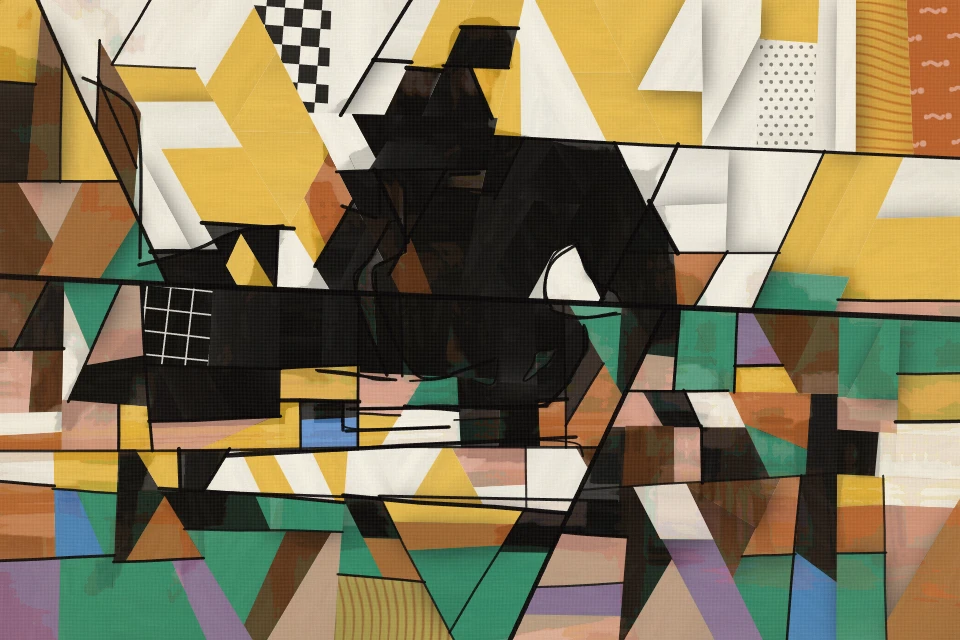
Pablo Picasso and Cubism
Turn a photo into Pablo Picasso and Cubism in your browser: the Blue and Rose Periods, Analytic or Synthetic Cubism, a Cubist portrait, papier collé, Crystal Cubism, the fractured portraits of the Weeping Woman or the black-and-white shards of Guernica.
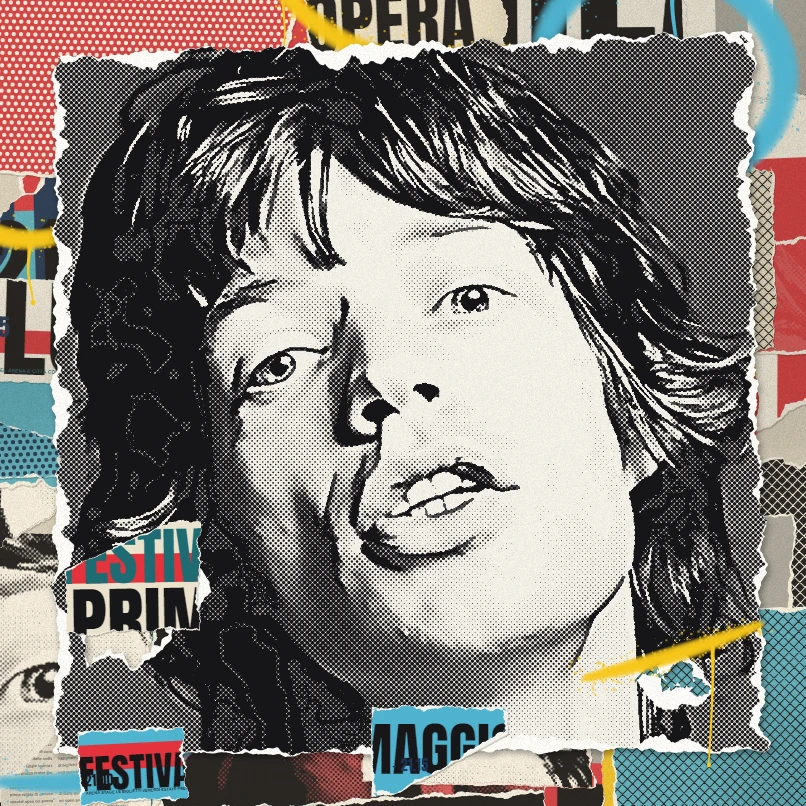
Pop Art photo filter
Turn a photo into pop art in your browser: a retro pop poster, a pop pattern, a WPAP portrait in rainbow facets, a street collage, an ink splash, gold leaf, a silhouette, a sunburst or a grid of pop emblems.
Artistic effects
Transform photos with oil painting, watercolor, pencil, comic ink, pastels, paper cut-out, and other studio art looks.
Ready to try it?
Open PictorX in your browser — no install, no credit card required to start.
Go to Editor