
Zamień zdjęcie w wycinanki, fowistyczny kolor lub jedną płynną linię Matisse’a — wybierz styl i paletę, a potem dostosuj rozmiar kształtów.
Filtr zdjęć Matisse - wycinanki, fowistyczny kolor i linia
Matisse simplified the world into a few flat, singing shapes. This filter does the same with your photo: it reduces it to a handful of colour shapes with calm, drawn outlines, then cuts them from painted paper, paints them in arbitrary Fauve colour, sets them in a red room, or draws them with a single brush line. All processed on-device. Zamień zdjęcie w wycinanki, fowistyczny kolor lub jedną płynną linię Matisse’a — wybierz styl i paletę, a potem dostosuj rozmiar kształtów.
Jak to działa
- Open PictorX in your browser and load a photo — portraits, landscapes and still lifes with a few clear shapes work best.
- Choose Matisse, then pick a Style (Cut-Outs, Fauve, Harmony in Red or Line Drawing) and a Palette, and adjust Shape Size, Colors, Ornaments, Line Work and Paper Texture.
- Export the picture, or keep editing with layers and other effects in the same workspace.
Why few, flat shapes read as Matisse
Matisse spent his life simplifying: fewer colours, larger areas, firmer outlines. The filter groups your photo into a handful of colour shapes and smooths every outline into a calm curve, so the picture keeps its composition while losing photographic detail. Colors sets how many shapes there are; Shape Size sets how simple their outlines become.
Four styles and six palettes
Cut-Outs cuts the shapes from gouache-painted paper with scissor-like edges and scatters seaweed and leaf forms on the ground, as in Jazz and the late cut-outs. Fauve paints in broad strokes of arbitrary colour, after Woman with a Hat (1905). Harmony in Red sets the shapes in a flat red room with dark-blue arabesques, after The Dessert: Harmony in Red (1908), and Line Drawing reduces everything to a few fluent brush lines. Palettes: Photo, Jazz, Blue Nudes, Fauve, Harmony in Red and Nice.
Privacy and keep editing
Processing stays in your browser—photos are not uploaded to PictorX servers for this filter. After Matisse, continue with layers, text, Kandinsky, Paul Klee, Pointillism, or export.
Często zadawane pytania
What does the Matisse filter do?
It turns a photo into a picture in the manner of Henri Matisse—paper cut-outs, Fauve colour, Harmony in Red or a line drawing—built from your photo's own shapes, not a copy of a museum painting. Style, Palette, Shape Size, Colors, Ornaments and Line Work shape the look.
Is this a real Matisse?
No. It is a digital homage for your own photos. Matisse's own works are in museums such as the Centre Pompidou in Paris, the Musée Matisse in Nice and the Museum of Modern Art in New York.
What photos work best?
Photos with a few large, clear shapes: portraits suit Line Drawing and Fauve, landscapes and plants suit Cut-Outs, and interiors or still lifes suit Harmony in Red. Fewer Colors give bolder results.
Can I keep editing after applying Matisse?
Yes. Continue with layers, text, other artistic looks, or export from the same PictorX workspace.
Powiązane narzędzia
Henri Matisse
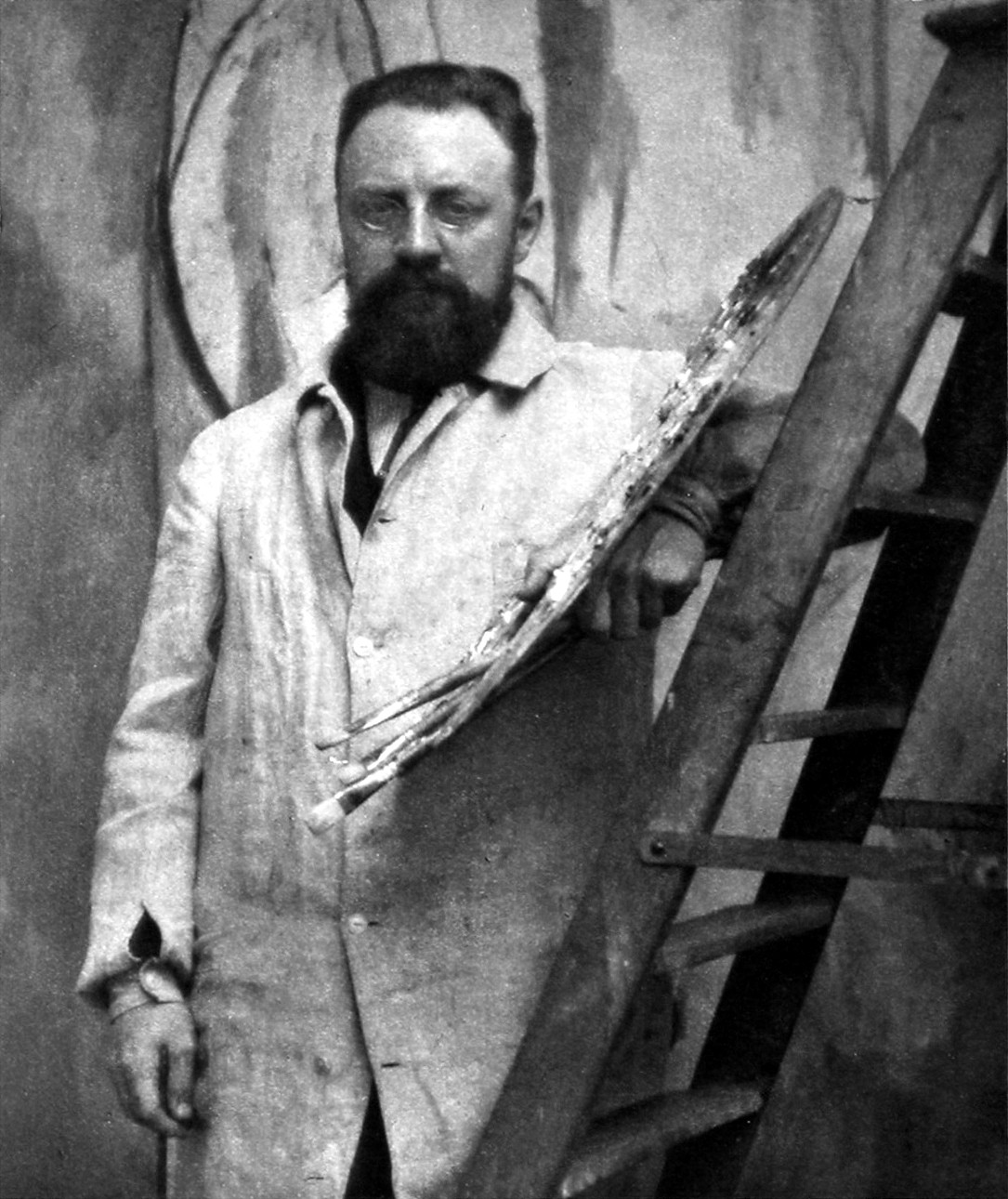
Krótki przewodnik po Henrim Matissie: od kancelisty do malarza, fowiści z 1905 roku, Harmonia w czerwieni i Taniec, lata w Nicei, rysunki linearne, rysowanie nożyczkami w wycinankach i cyfrowy hołd, który wypróbujesz w PictorX.
Filtr zdjęć Kandinsky - koła, linie i kolor
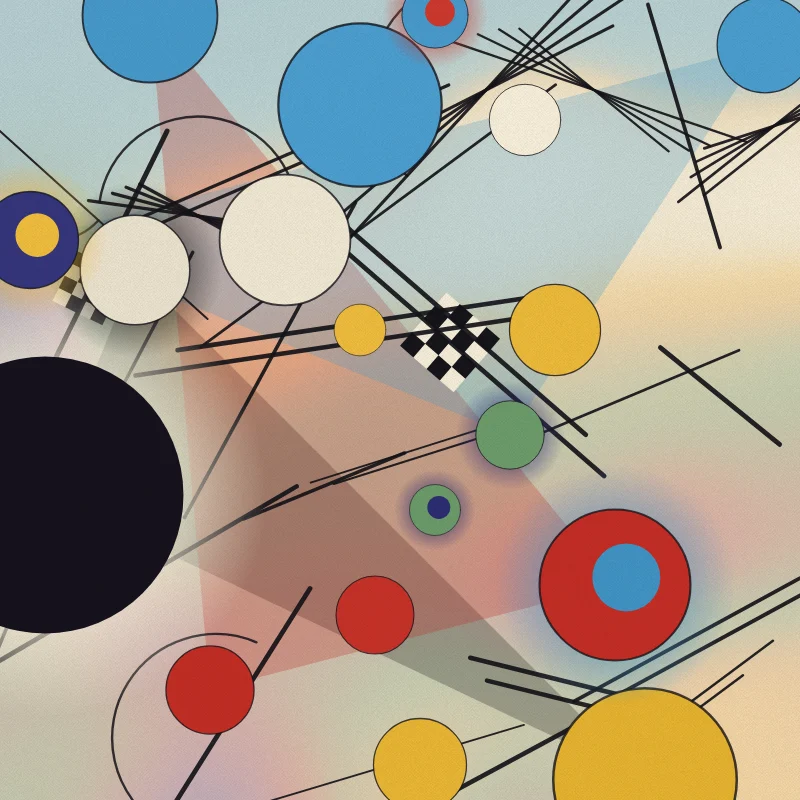
Zamień zdjęcie w abstrakcję w stylu Wassily’ego Kandinsky’ego w przeglądarce: koła i linie z Kompozycji VIII, kwadraty z koncentrycznymi okręgami, Kilka kół na czerni lub swobodna Improwizacja.
Wassily Kandinsky
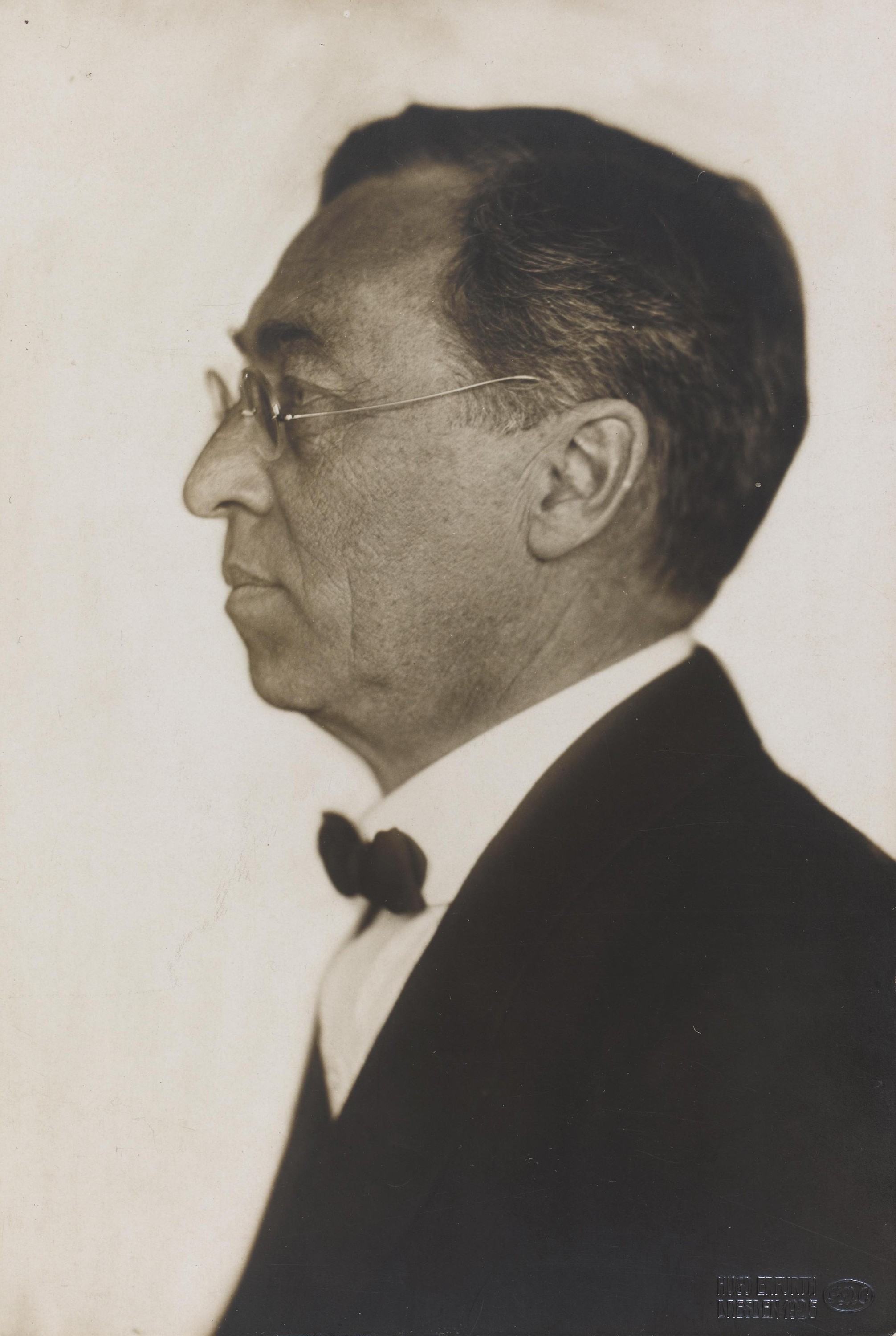
Krótki przewodnik po Wassilym Kandinskym: z Moskwy do Monachium, Murnau i Der Blaue Reiter, kolor jako muzyka, kwadraty z koncentrycznymi okręgami, Bauhaus i Kompozycja VIII, Kilka kół oraz cyfrowy hołd, który wypróbujesz w PictorX.
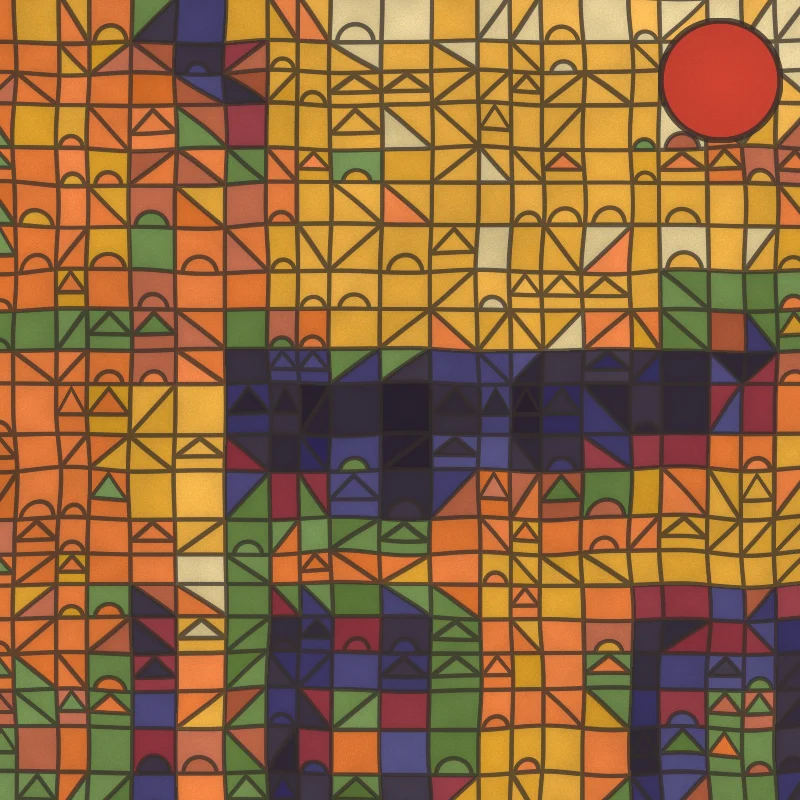
Filtr zdjęć Paul Klee - magiczne kwadraty, zamki i linie
Zamień zdjęcie w obraz w stylu Paula Klee w przeglądarce: magiczne kwadraty koloru, kafle Zamku i słońca, kropki Ad Parnassum, linia na spacerze lub tunezyjskie akwarele.
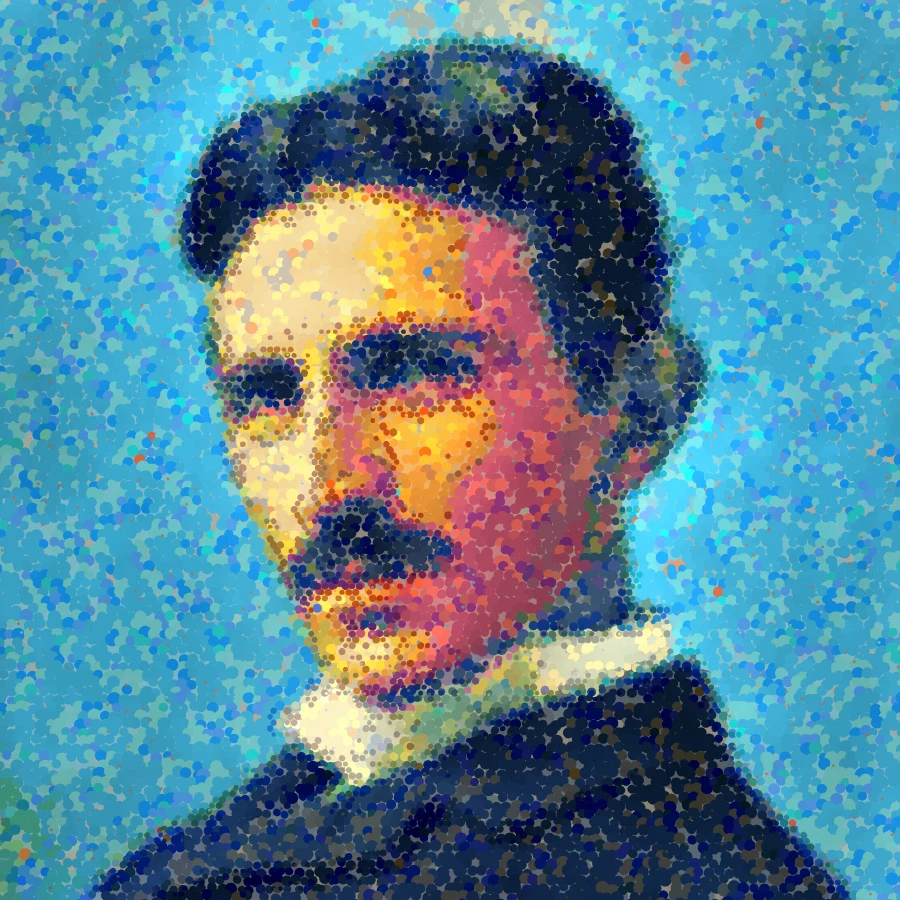
Filtr pointylistyczny - optyczne punkty koloru
Zamień zdjęcie w przeglądarce na punkty w stylu Seurata lub mozaikowe pociągnięcia w stylu Signaca. Dostosuj rozmiar punktów, pokrycie, mieszankę optyczną, szczegół, impast, styl, paletę i podkład płótna.
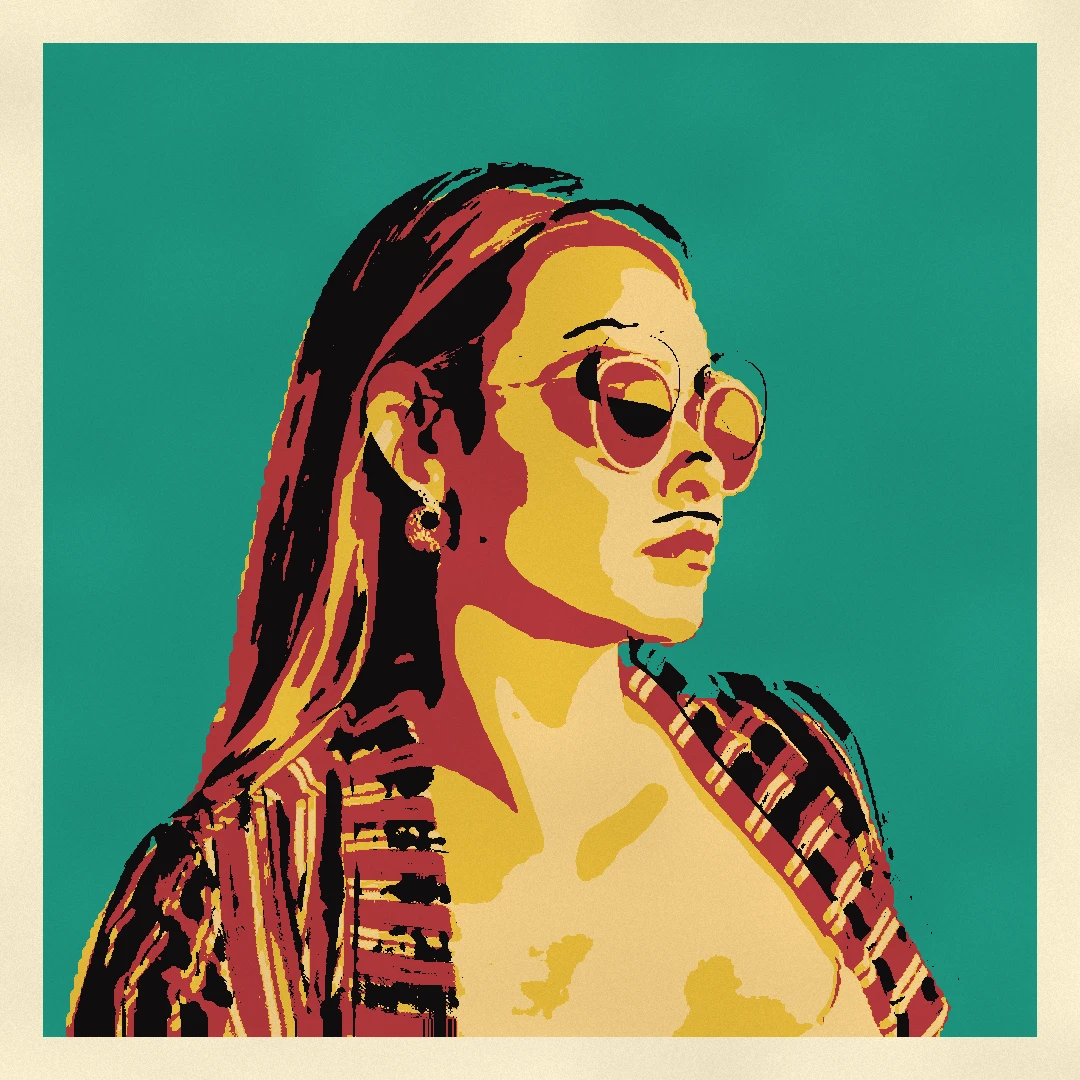
Filtr zdjęć pop-art
Zamień zdjęcie w pop-art w przeglądarce: komiksy à la Lichtenstein z kropkami Ben-Day i wybuchem WHAAM!, siatki sitodruków à la Warhol, półtony CMYK, duotony Riso i naklejki pop.

Efekty artystyczne
Przekształcaj zdjęcia za pomocą malarstwa olejnego, akwareli, ołówka, tuszu komiksowego, pasteli, wycinanek z papieru i innych dzieł sztuki studyjnej.
Chcesz wypróbować?
Otwórz PictorX w swojej przeglądarce — do uruchomienia nie jest wymagana żadna instalacja ani karta kredytowa.
Przejdź do edytora