
Gatuskylt- & plakettmaker
Sätt din egen text på en gatuskylt. Välj Paris-, London- eller USA-stil, en rund blå tavla, en graverad mässingsskylt eller ett husnummer, och montera den på tegel, sten, puts eller ett foto av din vägg. Spara PNG — ingenting laddas upp. Välj en skyltstil, skriv din text och välj en vägg, och dra skylten på plats.
Hur det fungerar
- Pick a sign style: Paris, London, or US street sign, blue plaque, brass plaque, or house number.
- Type the main text and the small text, and choose a wall and lighting.
- Drag the sign into place, add weathering and tilt, then save a PNG.
Six sign styles
Blue enamel with a green border, a white London-style sign with a red district code, a green reflective US street sign, a round blue plaque with text around the rim, an engraved brass nameplate, and a glazed house number tile. Each style fits your text to the sign automatically.
Weathered like the real thing
Weathering chips enamel back to dark metal with rusty rims, lets rust run down from the screws, fades the colors, and collects grime at the bottom. Brass tarnishes and grows green verdigris from the edges.
Ofta ställda frågor
What can I make with the Street Sign & Plaque Maker?
Street name signs in Paris, London, and US styles, a round blue plaque, a brass nameplate, and a house number tile, each mounted on a wall.
Can I use several lines of text?
Yes. Plaques and nameplates take several lines. Street signs use the first line as the street name and the small text for a district or block number.
Can I put the sign on my own wall?
Yes. Pick My wall in the wall list and open a photo of the wall.
Do my designs leave my device?
No. Everything is drawn in your browser. Nothing is uploaded to PictorX servers.
Relaterade verktyg

Neonskylt-skapare
Skriv ett ord och gör det till en lysande neonskylt på tegel, kakel, trä eller betong. Välj färg, typsnitt, glöd och platta, spara PNG. Ingenting laddas upp.
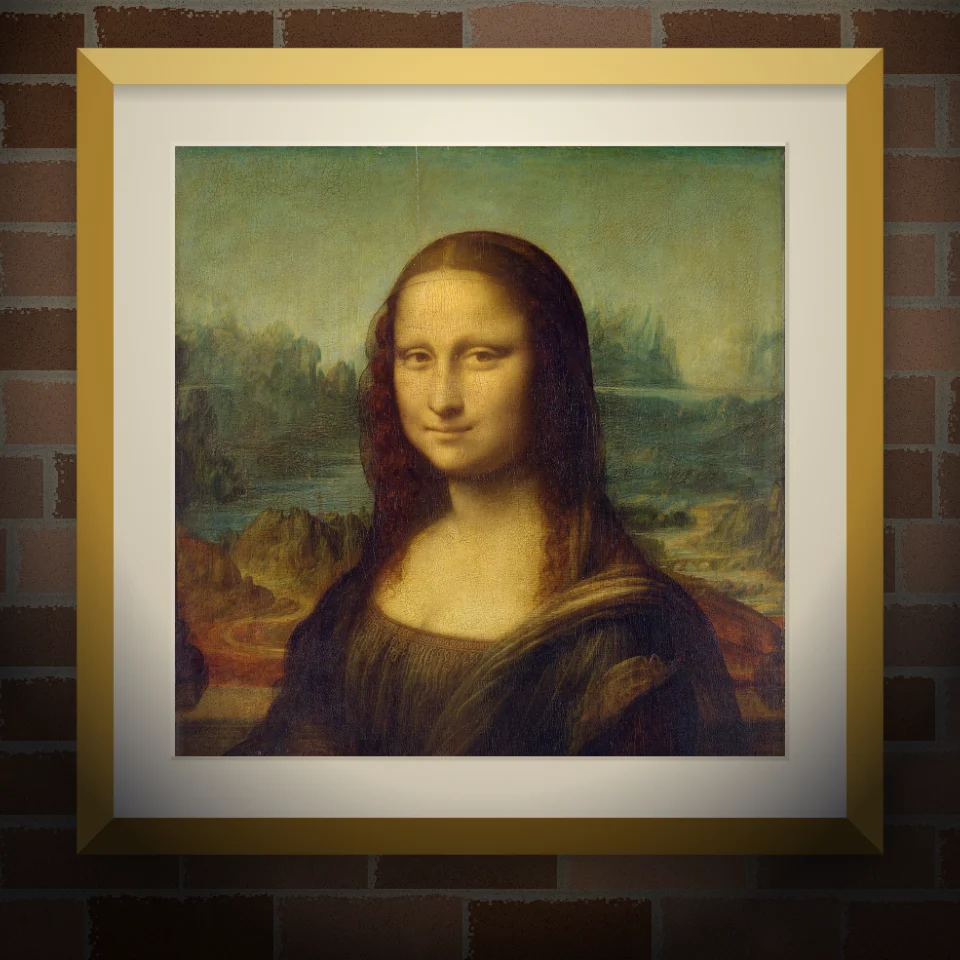
Väggmålning- & affischmockup
Sätt ditt foto eller konstverk på en realistisk vägg som väggmålning, klistrad affisch eller inramat tryck. Välj vägg och ljus, spara PNG. Ingenting laddas upp.

Banksy Street Art
Gör ett foto till Banksy-liknande schablon-street-art i webbläsaren. Välj vägg, spray och droppar — spara PNG. Ingenting laddas upp.

Magazine Cutout Brev Generator
Förvandla skrivna ord i tidskrifts-stil cutout brev. Blanda teckensnitt eller låsa en, randomisera färger och storlekar, och ladda ner en PNG. Inget laddas upp.
Redo att prova det?
Öppna PictorX i din webbläsare - ingen installation, inget kreditkort krävs för att starta.
Gå till Editor