
Pembuat papan jalan & plakat
Tulis teks Anda di papan jalan. Pilih gaya Paris, London, atau AS, plakat biru bundar, papan kuningan berukir, atau nomor rumah, lalu pasang di bata, batu, plester, atau foto dinding Anda. Simpan PNG — tidak diunggah. Pilih gaya papan, ketik teks dan pilih dinding, lalu seret papan ke tempatnya.
cara itu works
- Pick a sign style: Paris, London, or US street sign, blue plaque, brass plaque, or house number.
- Type the main text and the small text, and choose a wall and lighting.
- Drag the sign into place, add weathering and tilt, then save a PNG.
Six sign styles
Blue enamel with a green border, a white London-style sign with a red district code, a green reflective US street sign, a round blue plaque with text around the rim, an engraved brass nameplate, and a glazed house number tile. Each style fits your text to the sign automatically.
Weathered like the real thing
Weathering chips enamel back to dark metal with rusty rims, lets rust run down from the screws, fades the colors, and collects grime at the bottom. Brass tarnishes and grows green verdigris from the edges.
Frequently asked questions
What can I make with the Street Sign & Plaque Maker?
Street name signs in Paris, London, and US styles, a round blue plaque, a brass nameplate, and a house number tile, each mounted on a wall.
Can I use several lines of text?
Yes. Plaques and nameplates take several lines. Street signs use the first line as the street name and the small text for a district or block number.
Can I put the sign on my own wall?
Yes. Pick My wall in the wall list and open a photo of the wall.
Do my designs leave my device?
No. Everything is drawn in your browser. Nothing is uploaded to PictorX servers.
Related alat

Pembuat papan neon
Ketik kata dan ubah jadi papan neon menyala di bata, ubin, kayu, atau beton. Pilih warna, font, cahaya, dan pelat, lalu simpan PNG. Tidak diunggah.
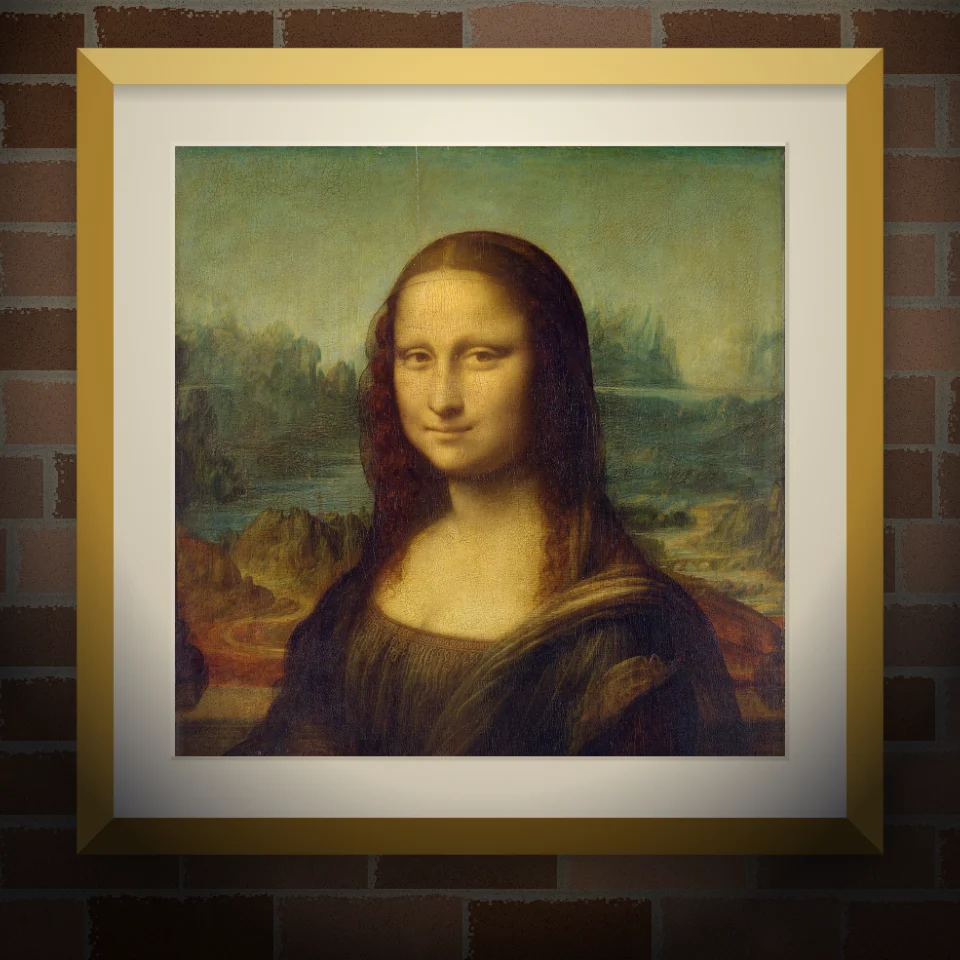
Mockup mural & poster
Tempatkan foto atau karya Anda di dinding realistis sebagai mural, poster tempel, atau cetakan berbingkai. Pilih dinding dan cahaya, lalu simpan PNG. Tidak diunggah.

Banksy Street Art
Ubah foto jadi street art stensil bergaya Banksy di browser. Pilih dinding, semprot, tetes — simpan PNG. Tidak diunggah.

Generator huruf guntingan majalah
Ubah kata menjadi huruf guntingan majalah. Campur font atau kunci satu, unduh PNG. Tidak ada yang diunggah.
Siap ke coba itu?
Buka PictorX di browser Anda — tidak instalasi, tidak credit kartu diperlukan ke mulai.
Ke Editor