
Gadeskilt- & plademaker
Sæt din egen tekst på et gadeskilt. Vælg Paris-, London- eller US-stil, en rund blå plade, et graveret messingskilt eller et husnummer, og monter det på mursten, sten, puds eller et foto af din væg. Gem PNG — intet uploades. Vælg en skiltestil, skriv din tekst og vælg en væg, og træk skiltet på plads.
Sådan virker det
- Pick a sign style: Paris, London, or US street sign, blue plaque, brass plaque, or house number.
- Type the main text and the small text, and choose a wall and lighting.
- Drag the sign into place, add weathering and tilt, then save a PNG.
Six sign styles
Blue enamel with a green border, a white London-style sign with a red district code, a green reflective US street sign, a round blue plaque with text around the rim, an engraved brass nameplate, and a glazed house number tile. Each style fits your text to the sign automatically.
Weathered like the real thing
Weathering chips enamel back to dark metal with rusty rims, lets rust run down from the screws, fades the colors, and collects grime at the bottom. Brass tarnishes and grows green verdigris from the edges.
Ofte stillede spørgsmål
What can I make with the Street Sign & Plaque Maker?
Street name signs in Paris, London, and US styles, a round blue plaque, a brass nameplate, and a house number tile, each mounted on a wall.
Can I use several lines of text?
Yes. Plaques and nameplates take several lines. Street signs use the first line as the street name and the small text for a district or block number.
Can I put the sign on my own wall?
Yes. Pick My wall in the wall list and open a photo of the wall.
Do my designs leave my device?
No. Everything is drawn in your browser. Nothing is uploaded to PictorX servers.
Relaterede værktøjer

Neonskilt-maker
Skriv et ord og gør det til et lysende neonskilt på mursten, fliser, træ eller beton. Vælg farve, skrift, glød og plade, gem PNG. Intet uploades.
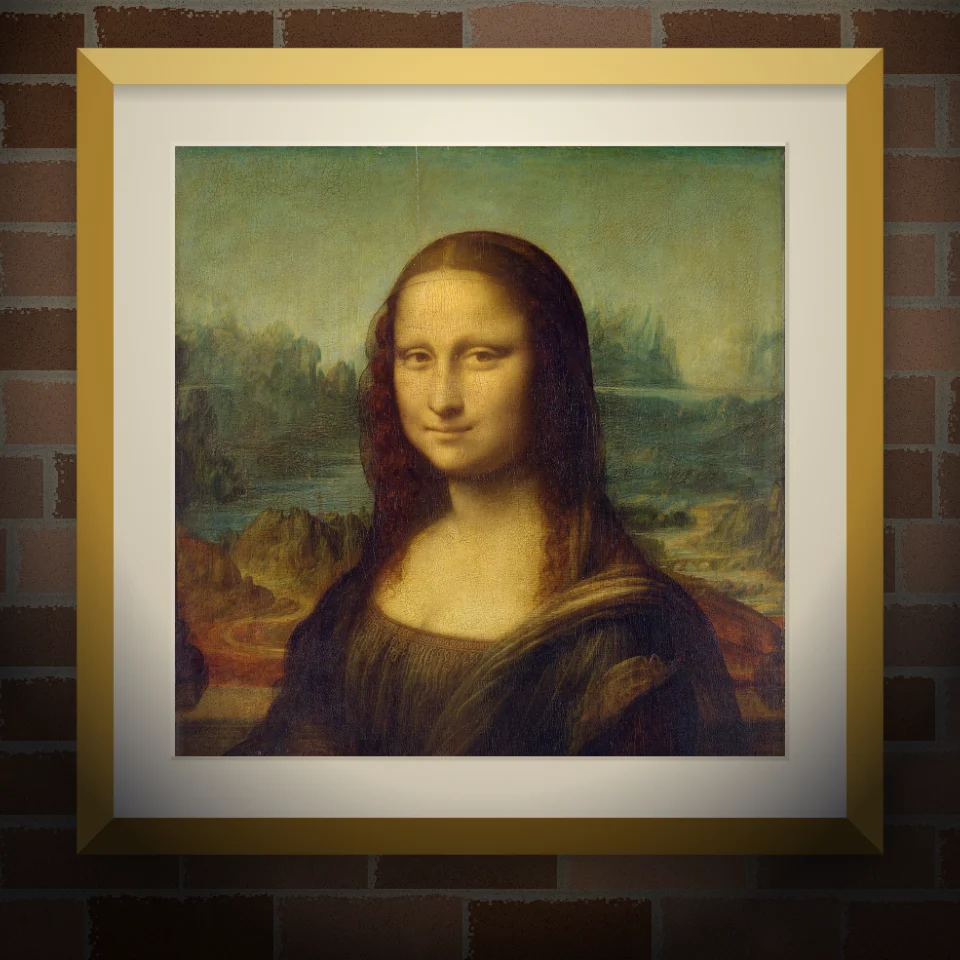
Vægmaleri- & plakatmockup
Sæt dit foto eller kunstværk på en realistisk væg som vægmaleri, klistret plakat eller indrammet print. Vælg væg og lys, gem PNG. Intet uploades.

Banksy Street Art
Gør et foto til Banksy-agtig stencil-street-art i browseren. Vælg væg, spray og dryp — gem PNG. Intet uploades.

Name
Vend indtastede ord til magazine-stil udskæring bogstaver. Bland skrifttyper eller lås en, randomiser farver og størrelser, og download en PNG. Intet er uploadet.
Er du klar til at prøve?
Åbn PictorX i din browser - ingen installation, ingen kreditkort kræves for at starte.
Gå til Editor