
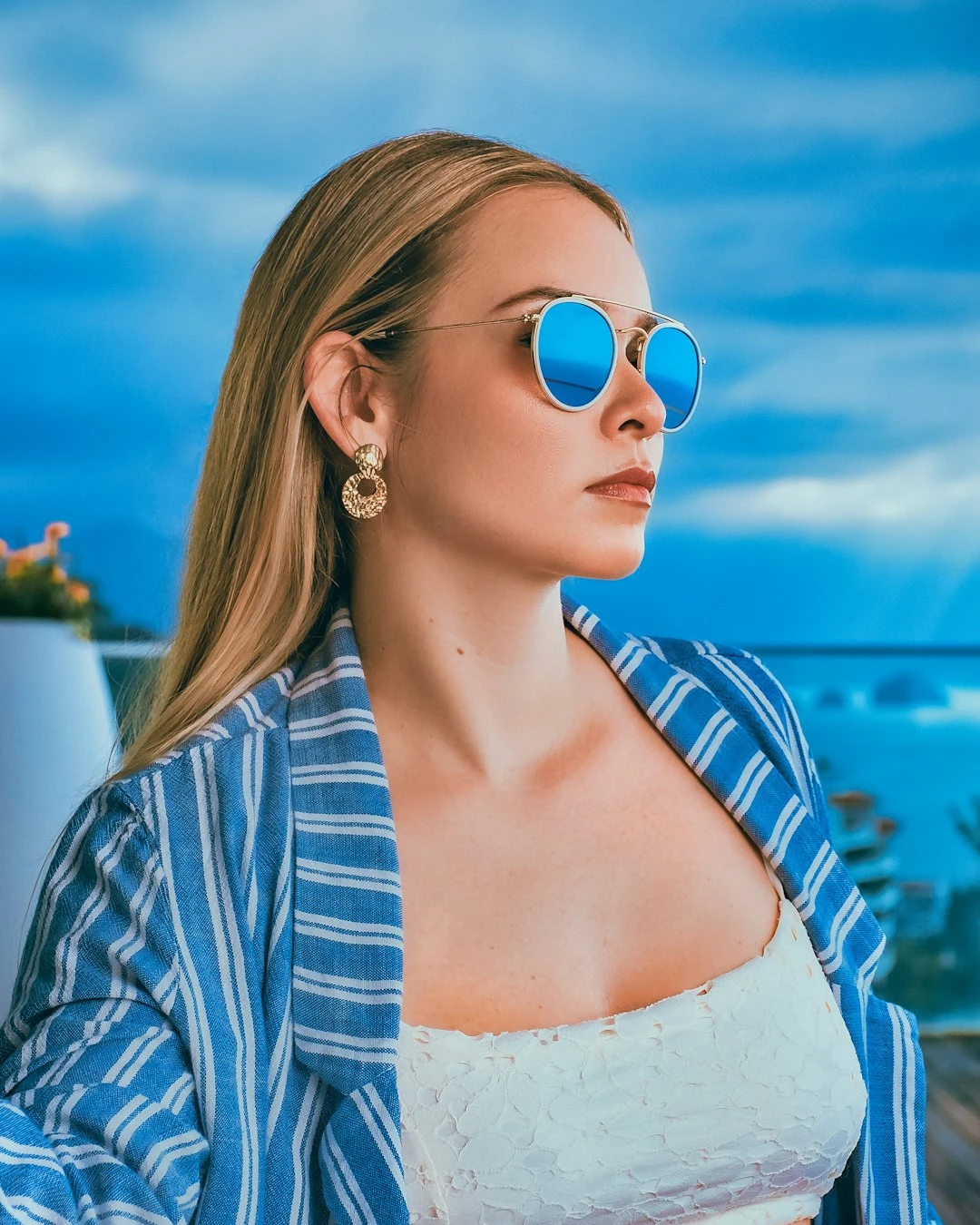
Try a comic page below, or open your own picture.
Turn a photo into comic panels
Build a comic page from one photo: each panel zooms a different detail and uses a slightly different ink or pop-art look. PictorX Comic maker runs in the browser, then lets you keep editing with layers, text, and other effects. Click a panel to select it, then drag to pan the zoomed detail. Properties adds dots and captions. Shuffle changes crops and styles.
How it works
- Open PictorX in your browser and load a photo.
- Pick a panel layout, then drag to pan each zoomed detail. Turn on dots or captions if you want them.
- Export the comic page, or keep editing with layers and other effects in the same workspace.
Panels are details, not copies
A 1 | 2 layout is one large comic panel beside two smaller ones-not the same photo tiled three times. Each cell zooms a different region and renders it in a slightly different pop-art or ink style, the way a comic page cuts from a wide shot to a close-up.
Ink, dots, and captions
Line weight is the ink stroke. Color levels flatten the fill. Optional Ben-Day dots add a Lichtenstein-style screen. Caption boxes sit on the page so you can letter a short line without leaving the mini-app.
Frequently asked questions
What does Comic maker do?
It turns one photo into a comic page. Each panel zooms a different detail, flattens color, and draws ink outlines. Optional Ben-Day dots and captions finish the panel.
Do extra panels just repeat the same photo?
No. A 2-up or 1 | 2 page crops and enlarges different regions—wide shot beside close-ups—and gives each cell a slightly different pop-art or ink style.
Can I add dots and captions?
Yes. Open Properties to toggle Ben-Day dots and caption boxes.
Can I keep editing after applying comic?
Yes. Continue with layers, text, other artistic looks, or export from the same PictorX workspace.
Related tools

Artistic effects
Transform photos with oil painting, watercolor, pencil, comic ink, pastels, paper cut-out, and other studio art looks.
Edge effects
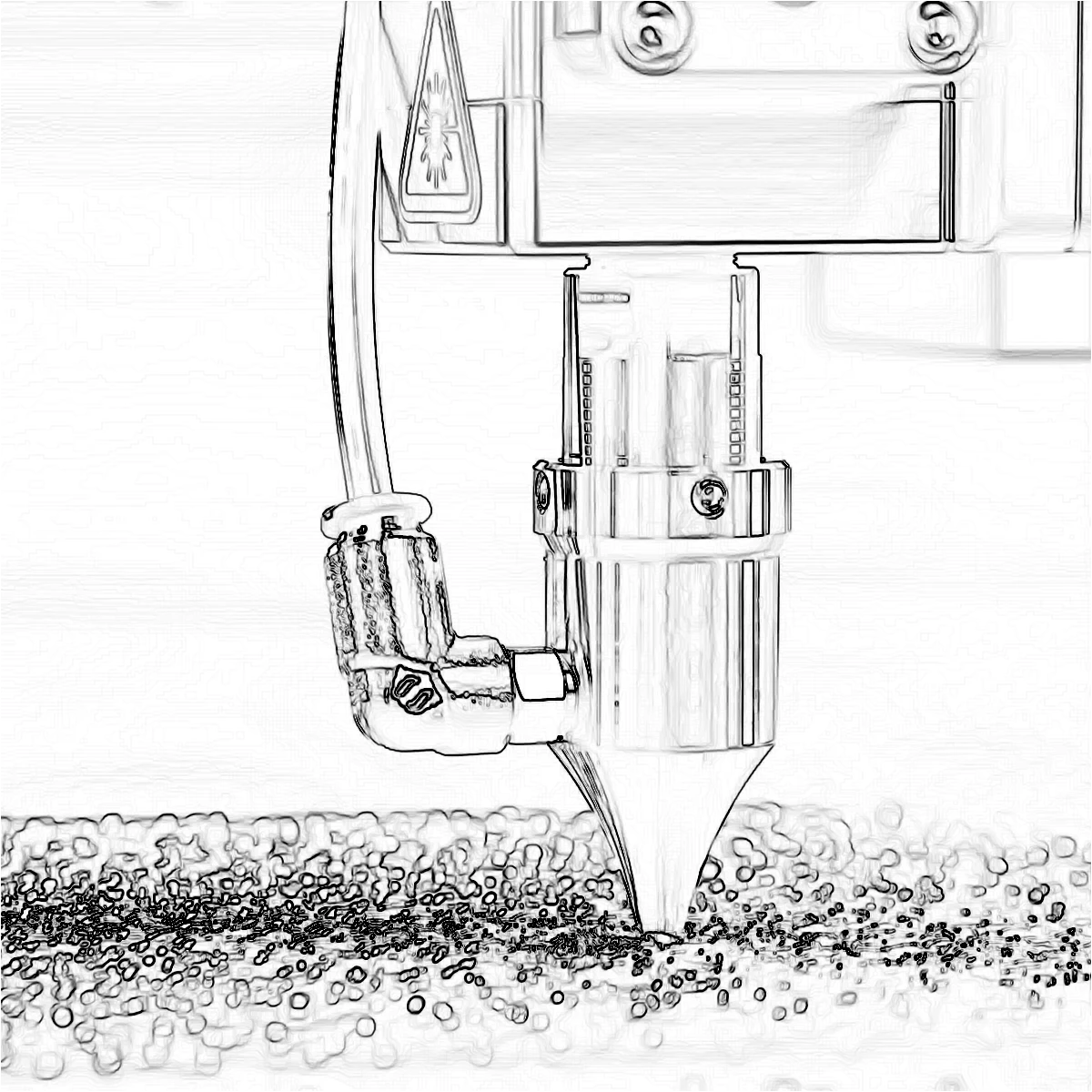
Trace outlines with Canny, Sobel, Laplace, Find Edges, Glowing Edges, XDoG, and Morphological Gradient—classic detectors that turn a photo into line art.
Pop Art effects
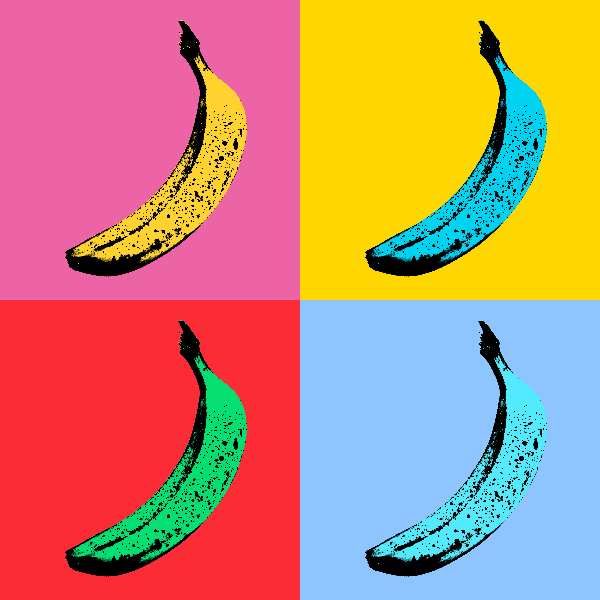
Turn photos into bold Pop Art posters—neon grids, comic dots, risograph inks, Lichtenstein, Banksy stencils, and more.
Turn a photo into a tiny planet
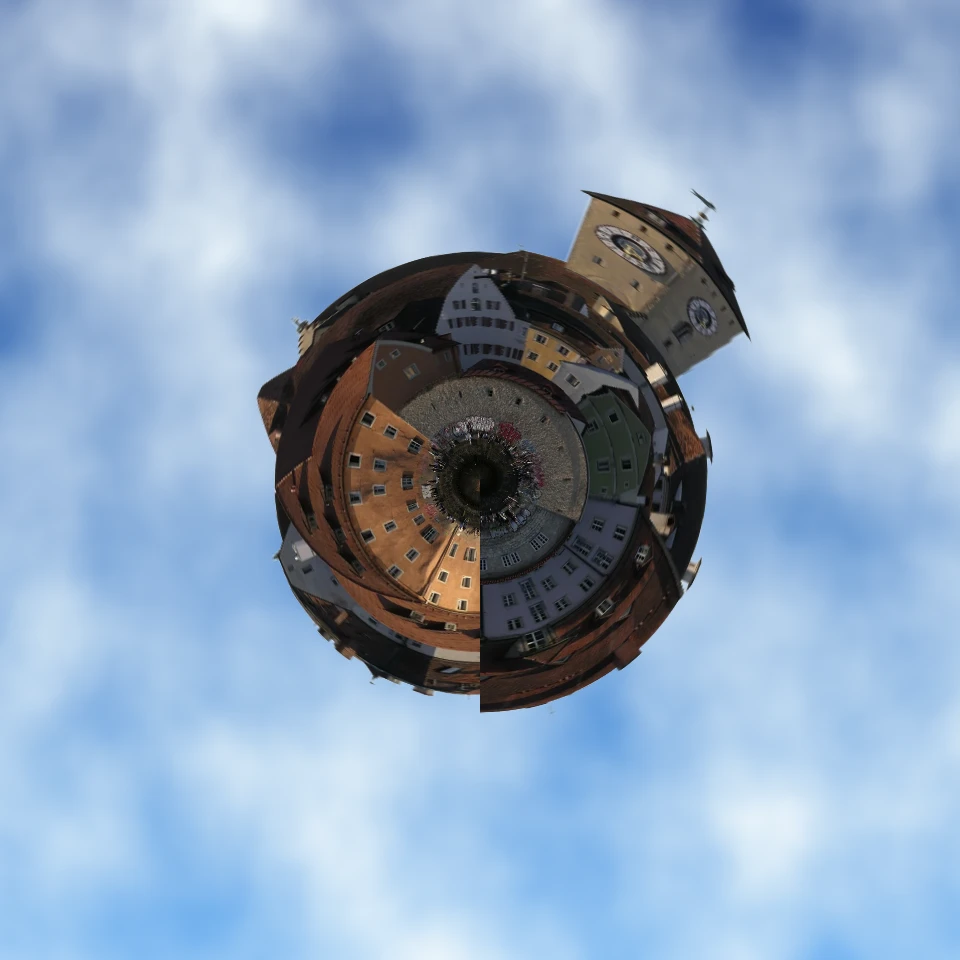
Turn a skyline or landscape into a tiny planet in your browser. On-device AI removes the sky, flips the scene, wraps it with polar coordinates, and sits it on clouds, stars, a gradient, or a solid color.
Ready to try it?
Open PictorX in your browser — no install, no credit card required to start.
Go to Editor