
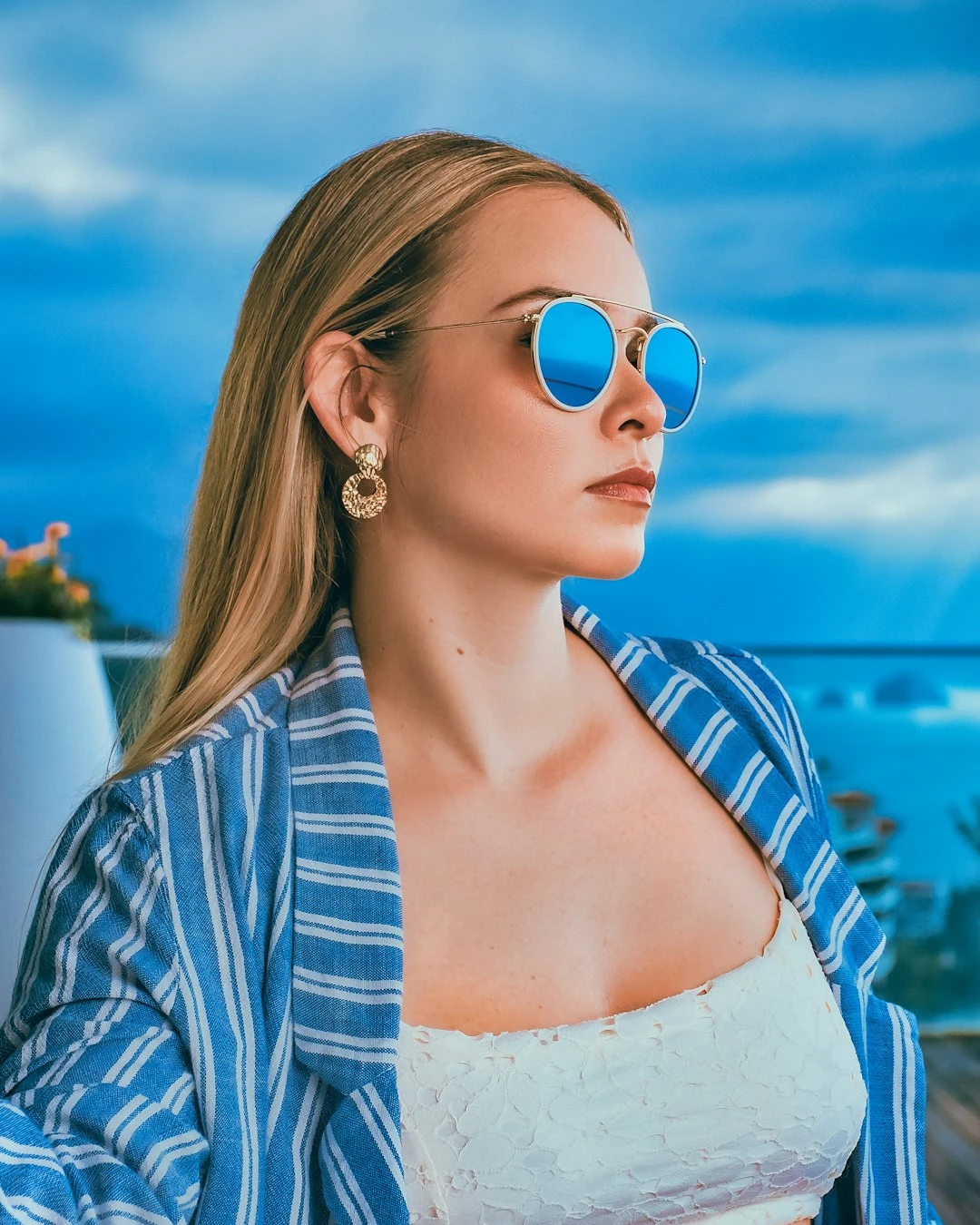
Probeer hieronder een strippagina, of open je eigen afbeelding.
Verander een foto in strippanelen
Bouw een strippagina van één foto: elk paneel zoomt in op een ander detail en gebruikt een iets andere inkt- of pop-art-look. PictorX Comic Maker draait in de browser en laat je vervolgens doorgaan met bewerken met lagen, tekst en andere effecten. Klik op een paneel om het te selecteren en sleep vervolgens om het ingezoomde detail te verschuiven. Eigenschappen voegt punten en bijschriften toe. Shuffle verandert bijsnijden en stijlen. Klik een paneel om te selecteren, sleep om het uitvergrote detail te verschuiven. Eigenschappen voegt stippen en onderschriften toe. Shuffle verandert uitsnedes en stijlen.
Hoe het werkt
- Open PictorX in uw browser en laad een foto.
- Kies een paneelindeling en sleep vervolgens om elk ingezoomd detail te pannen. Schakel punten of bijschriften in als u dat wilt.
- Exporteer de strippagina of blijf bewerken met lagen en andere effecten in dezelfde werkruimte.
Panelen zijn details, geen kopieën
Een 1 | 2-indeling is één groot strippaneel naast twee kleinere - niet drie keer dezelfde foto. Elke cel zoomt in op een ander gebied en geeft dit weer in een iets andere pop-art- of inktstijl, zoals een strippagina van een brede opname naar een close-up gaat.
Inkt, stippen en bijschriften
De lijndikte is de inktstreek. Kleurniveaus maken de vulling vlakker. Optionele Ben-Day-stippen voegen een scherm in Lichtenstein-stijl toe. Er staan ondertitelvakken op de pagina, zodat u een korte regel kunt schrijven zonder de mini-app te verlaten.
Veelgestelde vragen
What does Comic maker do?
It turns one photo into a comic page. Each panel zooms a different detail, flattens color, and draws ink outlines. Optional Ben-Day dots and captions finish the panel.
Do extra panels just repeat the same photo?
No. A 2-up or 1 | 2 page crops and enlarges different regions—wide shot beside close-ups—and gives each cell a slightly different pop-art or ink style.
Can I add dots and captions?
Yes. Open Properties to toggle Ben-Day dots and caption boxes.
Can I keep editing after applying comic?
Yes. Continue with layers, text, other artistic looks, or export from the same PictorX workspace.
Gerelateerde gereedschappen

Artistieke effecten
Transformeer foto's met olieverf, aquarel, potlood, stripinkt, pastelkleuren, uitgesneden papier en andere studiokunstlooks.
Randeffecten
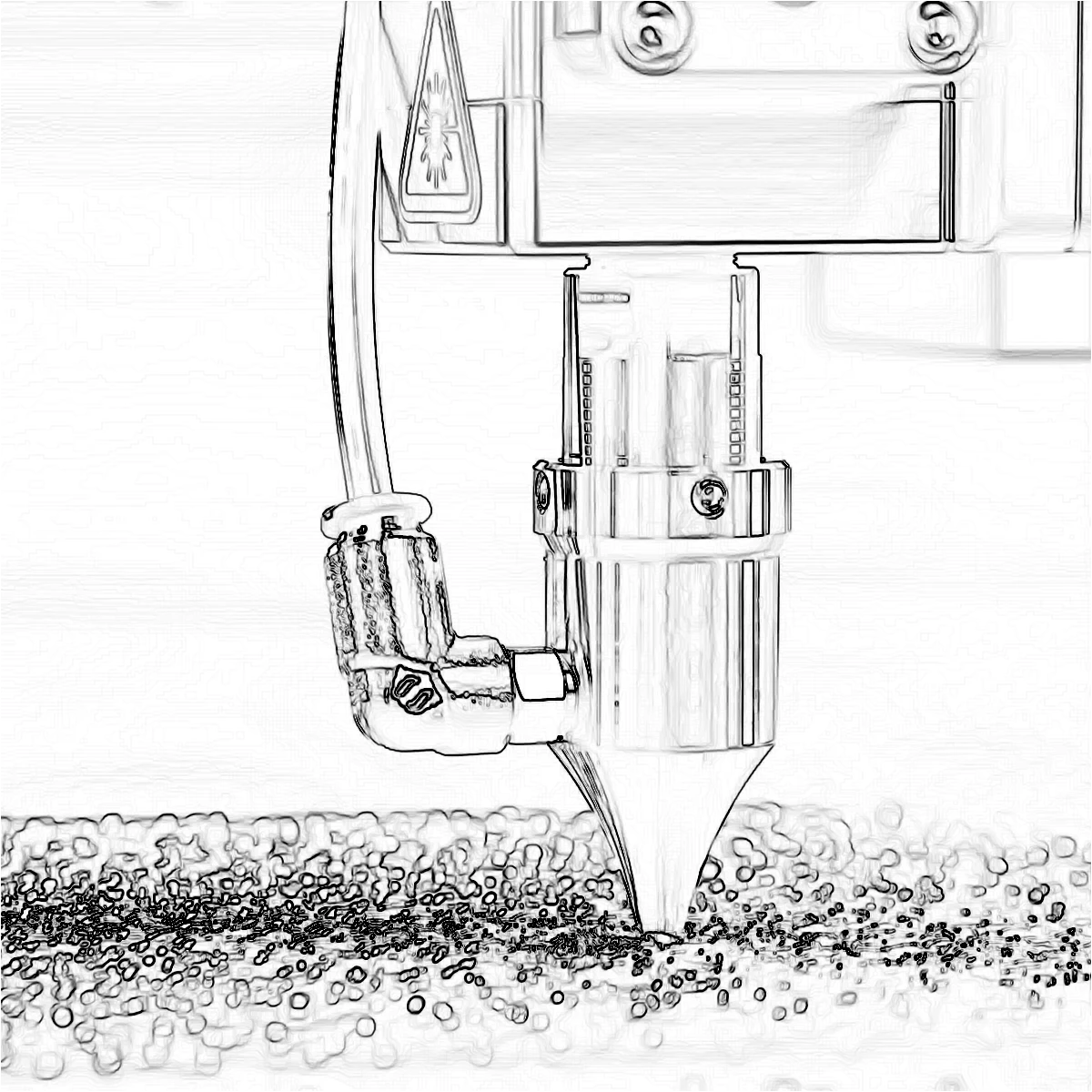
Trek contouren met Canny, Sobel, Laplace, Randen zoeken, Gloeiende randen, XDoG en Morfologische gradiënt: detectoren die een foto in lijntekeningen veranderen.
Pop-art-effecten
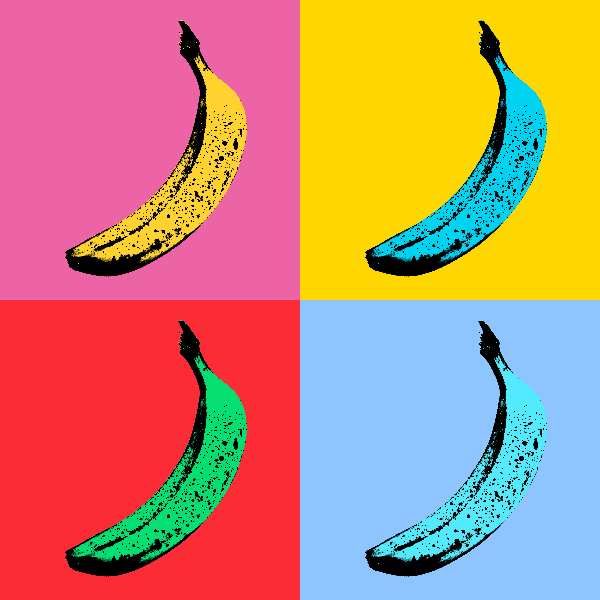
Verander foto's in opvallende pop-artposters: neonrasters, komische stippen, risograafinkten, Lichtenstein-, Banksy-stencils en meer.
Maak van een foto een miniplaneet
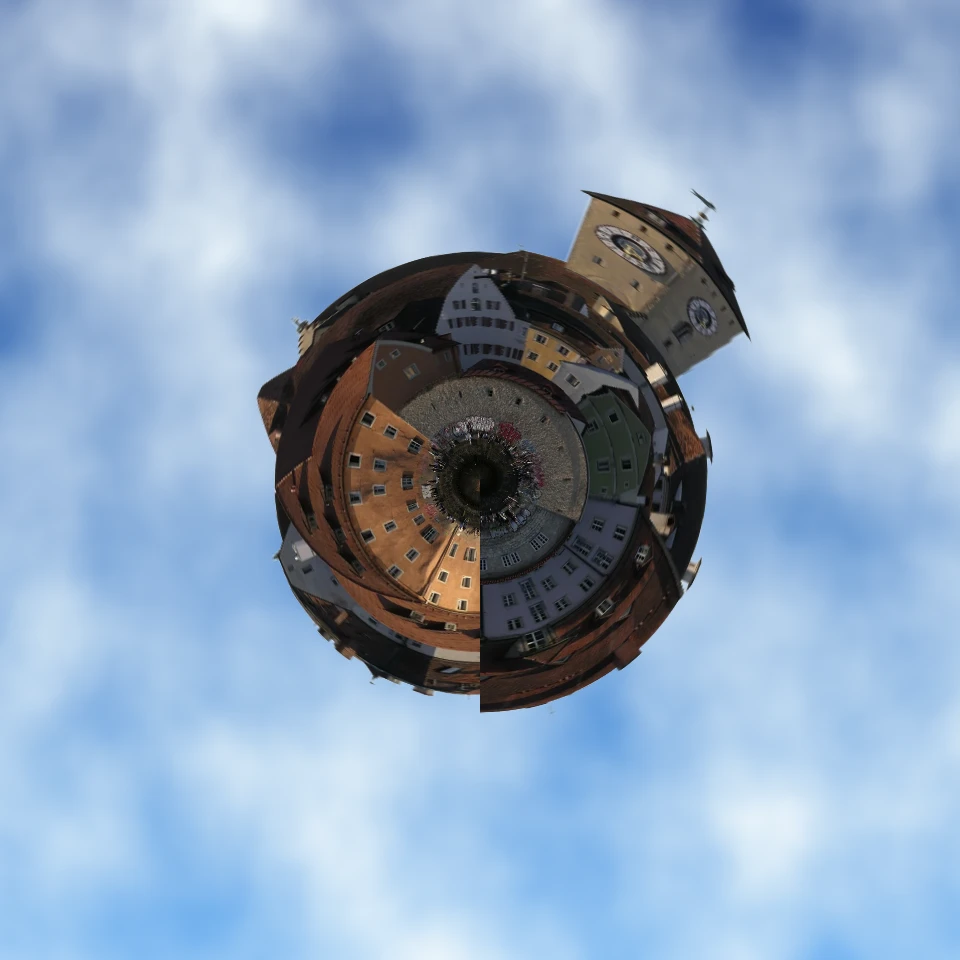
Maak in de browser van een skyline of landschap een miniplaneet. Lokale AI verwijdert de lucht, spiegelt de scène, wikkelt die in poolcoördinaten en zet hem op wolken, sterren, een verloop of een effen kleur.
Klaar om het te proberen?
Open PictorX in uw browser - geen installatie, geen creditcard vereist om te starten.
Ga naar Editor