
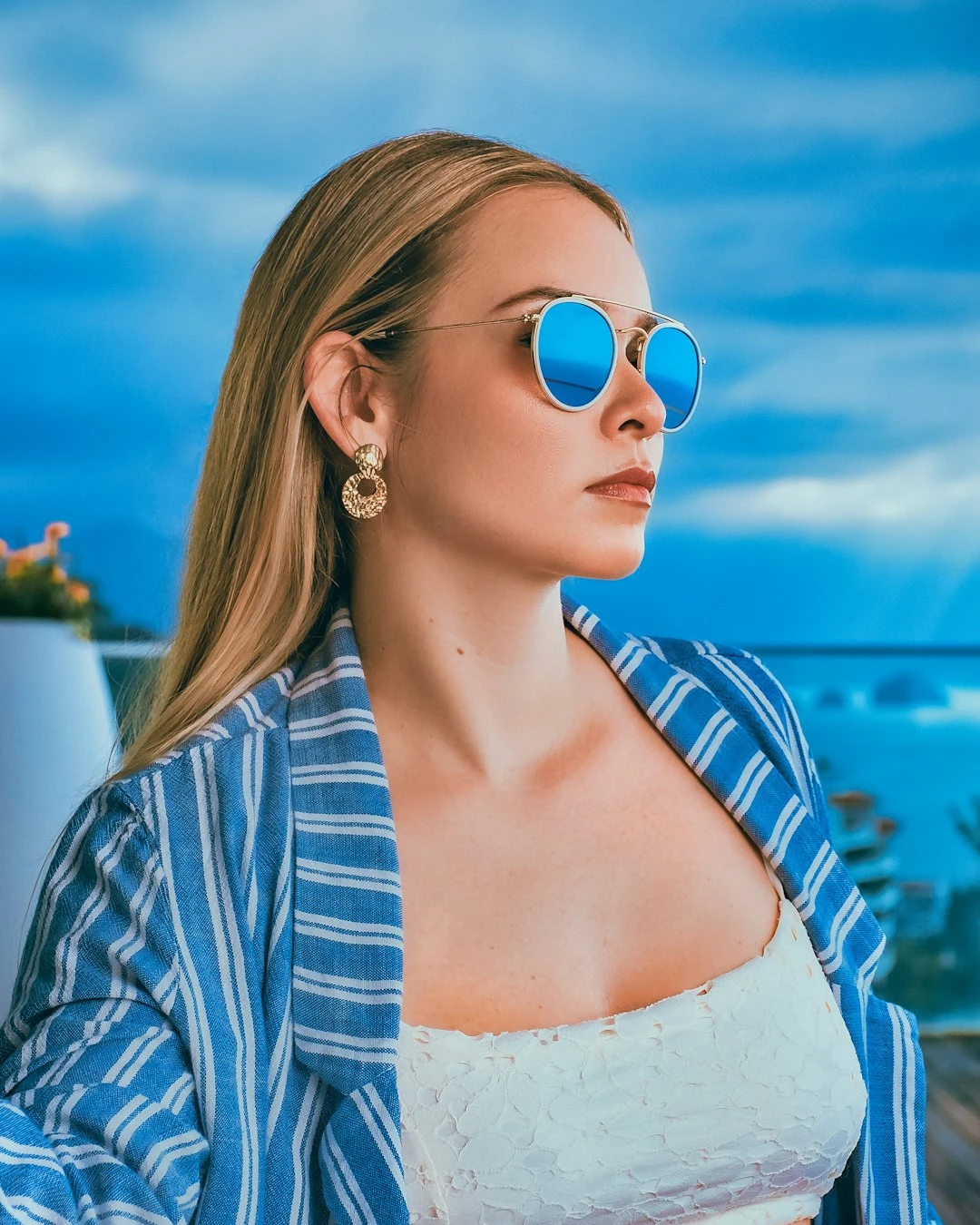
Experimente uma página de banda desenhada abaixo, ou abra a sua própria imagem.
Transforme uma foto em painéis de quadrinhos
Crie uma página de quadrinhos a partir de uma foto: cada painel amplia um detalhe diferente e usa uma tinta ou aparência pop-art ligeiramente diferente. O PictorX Comic Maker é executado no navegador e permite que você continue editando com camadas, texto e outros efeitos. Clique em um painel para selecioná-lo e arraste para deslocar o detalhe ampliado. Propriedades adiciona pontos e legendas. Shuffle altera cortes e estilos. Clique num painel para o selecionar e arraste para deslocar o detalhe ampliado. Propriedades adiciona pontos e legendas. Baralhar muda recortes e estilos.
Como funciona
- Abra o PictorX no seu navegador e carregue uma foto.
- Escolha um layout de painel e arraste para deslocar cada detalhe ampliado. Ative pontos ou legendas se desejar.
- Exporte a página de quadrinhos ou continue editando com camadas e outros efeitos na mesma área de trabalho.
Painéis são detalhes, não cópias
Um 1 | O layout 2 é um grande painel de quadrinhos ao lado de dois menores - não a mesma foto lado a lado três vezes. Cada célula amplia uma região diferente e a renderiza em um estilo pop-art ou tinta ligeiramente diferente, da mesma forma que uma página de quadrinhos corta de uma tomada ampla para um close-up.
Tinta, pontos e legendas
A espessura da linha é o traço de tinta. Os níveis de cores nivelam o preenchimento. Os pontos Ben-Day opcionais adicionam uma tela no estilo Lichtenstein. As caixas de legenda ficam na página para que você possa escrever uma linha curta sem sair do miniaplicativo.
Perguntas frequentes
What does Comic maker do?
It turns one photo into a comic page. Each panel zooms a different detail, flattens color, and draws ink outlines. Optional Ben-Day dots and captions finish the panel.
Do extra panels just repeat the same photo?
No. A 2-up or 1 | 2 page crops and enlarges different regions—wide shot beside close-ups—and gives each cell a slightly different pop-art or ink style.
Can I add dots and captions?
Yes. Open Properties to toggle Ben-Day dots and caption boxes.
Can I keep editing after applying comic?
Yes. Continue with layers, text, other artistic looks, or export from the same PictorX workspace.
Ferramentas relacionadas

Efeitos artísticos
Transforme fotos com pintura a óleo, aquarela, lápis, tinta de banda desenhada, pastéis, recortes de papel e outros looks de arte de estúdio.
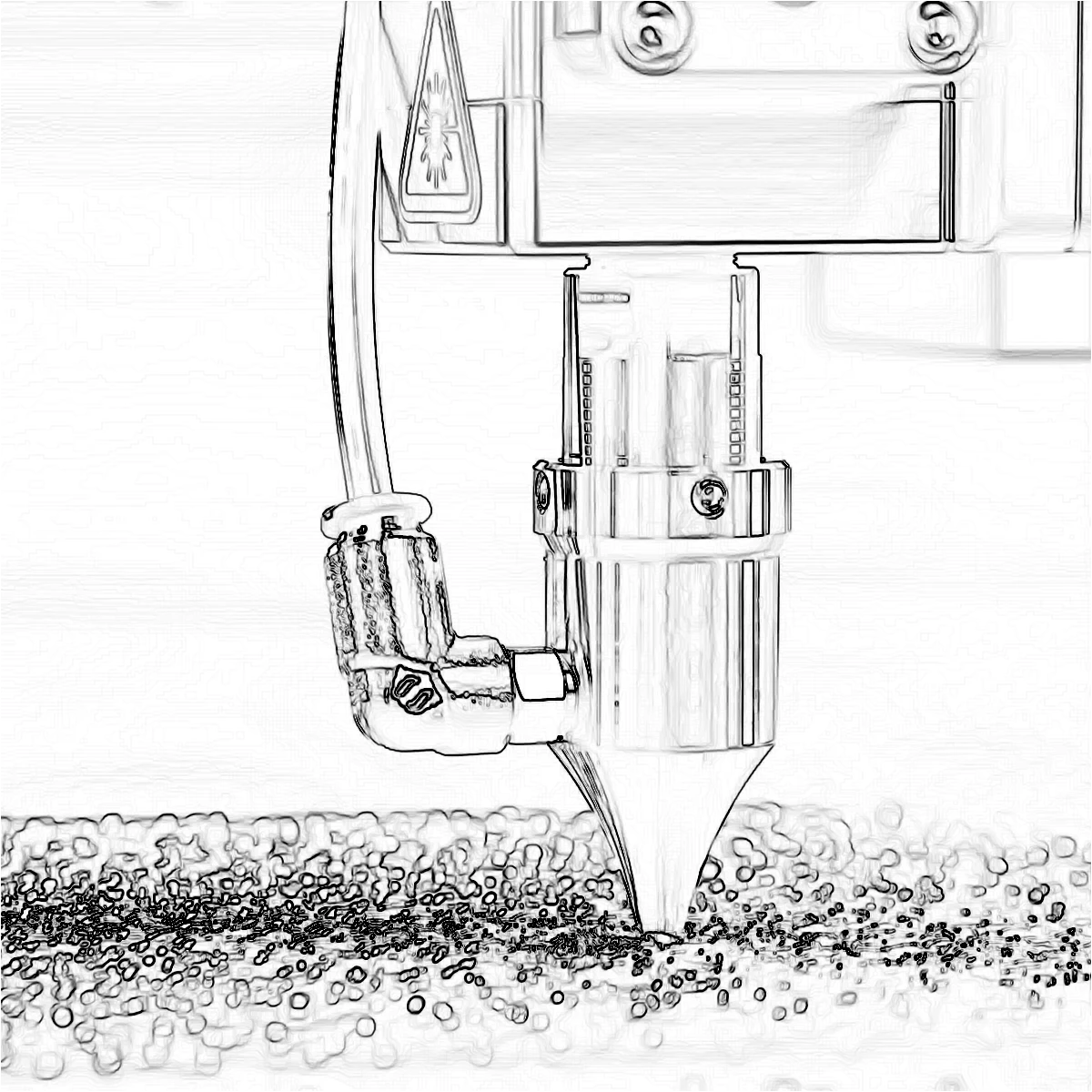
Efeitos de borda
Trace contornos com Canny, Sobel, Laplace, Encontrar bordas, Bordas brilhantes, XDoG e Gradiente morfológico — detetores que transformam uma foto em arte linear.
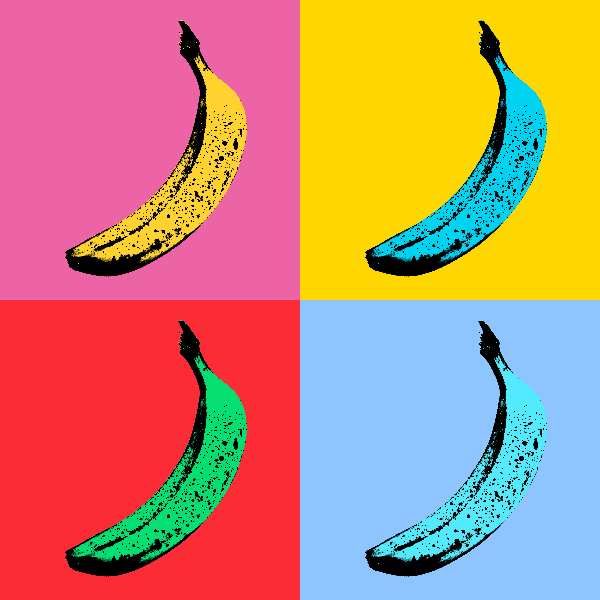
Efeitos de arte pop
Transforme fotos em pôsteres ousados de Pop Art - grades de néon, pontos de quadrinhos, tintas risográficas, Lichtenstein, estênceis de Banksy e muito mais.
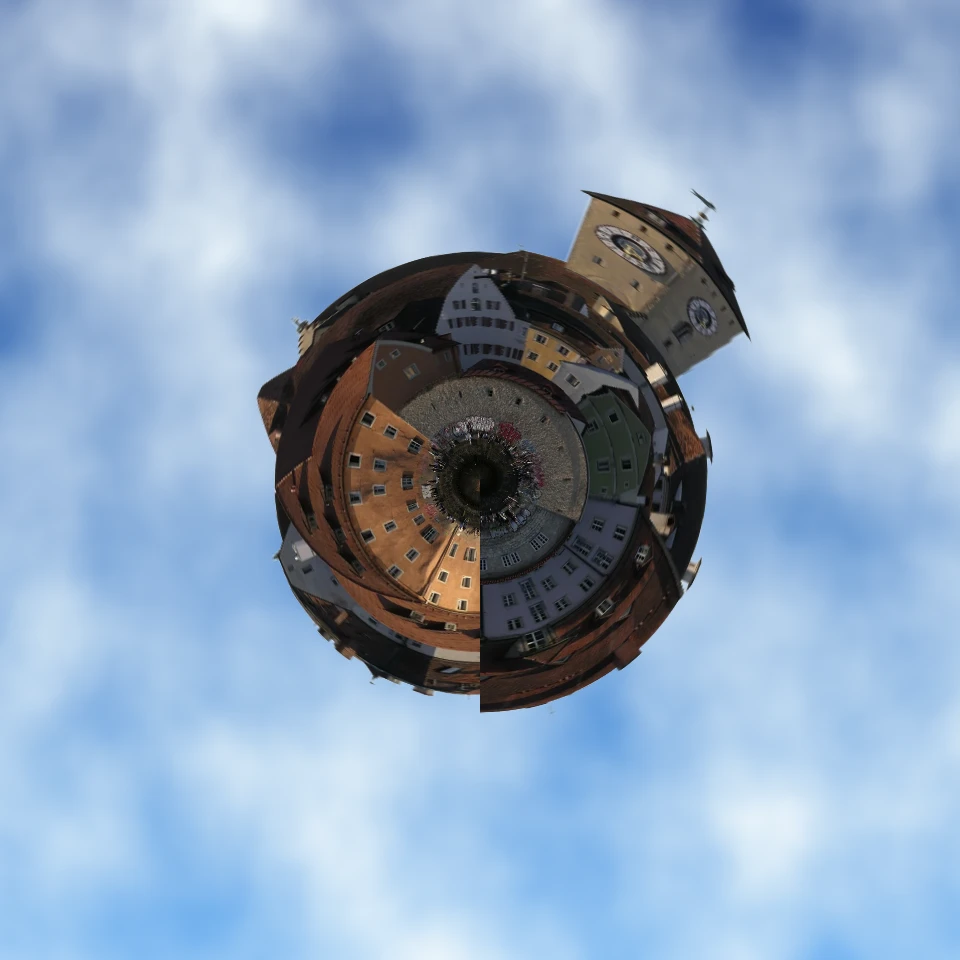
Transforme uma foto num mini planeta
Transforme um skyline ou uma paisagem num mini planeta no browser. A IA no dispositivo remove o céu, inverte a cena, envolve-a em coordenadas polares e coloca-a sobre nuvens, estrelas, degradê ou cor sólida.
Pronto para experimentar?
Abra o PictorX em seu navegador – sem instalação, sem necessidade de cartão de crédito para iniciar.
Ir para o editor