
Code to Image
Paste a snippet and see it as a picture: comments, strings, numbers and keywords in a theme, inside a window or a plain card. Save a PNG for a slide or a post. The code stays in this browser. 粘贴一段代码,选择语言和配色,然后保存为图片,用于幻灯片或帖子。随机会换一段代码和另一种外观。代码只留在此浏览器中。
它是如何运作的
- Paste a snippet, or start from the sample, and choose the language.
- Pick a theme, a window or a plain card, and a backdrop.
- Save a PNG for a slide or a post. The snippet stays in this browser.
A picture of the code
The colours follow the groups an editor uses: comments, strings, numbers, keywords and names that are called. They make the shape of a snippet easy to see on a slide. They do not check that the code runs.
Frame, backdrop and size
A window adds the three dots and a title. Plain is only the card. The backdrop can be a flat colour or a gradient. Line numbers, padding and the type size change how the picture sits on a page.
常见问题
Does this run my code?
No. It draws the snippet with a visual theme. The colours do not mean the code was checked.
Is my code uploaded?
No. The picture is drawn in your browser, and the last snippet stays there.
Which languages can I use?
JavaScript, TypeScript, Python, C#, Java, C++, Go, Rust, HTML, CSS, JSON, SQL and Bash are coloured. Anything else can be shown as plain text.
How do I put it on a slide?
Save a PNG and drop it into the slide or the post. A window frame and a gradient backdrop read well on a screen.
相关工具
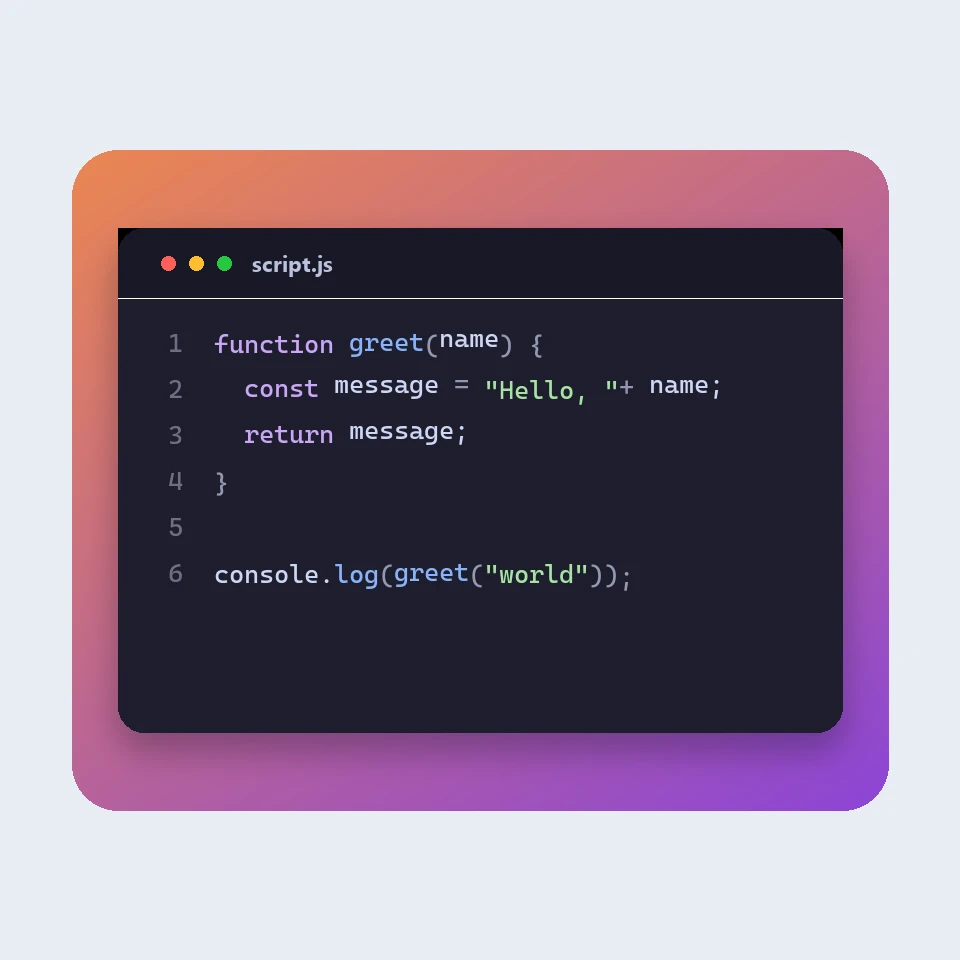
How a code picture is made
How a snippet becomes a picture for a slide or a post: a window, a colour theme, line numbers and a backdrop. The colours are visual. The code is not run or uploaded.
JSON 格式化工具
免费的 JSON 格式化和验证工具:美化或压缩 JSON,找到错误的准确行号和列号,排序键,浏览可折叠的树,复制路径,并把数组转换为 CSV,全部在浏览器中完成。
Markdown 编辑器
免费的在线 Markdown 编辑器,带实时预览:同步滚动的分屏视图、GitHub 风格的表格和任务列表、代码高亮、格式工具栏、专注模式、字数和阅读时间统计、自动保存,以及 .md 或 .html 下载。
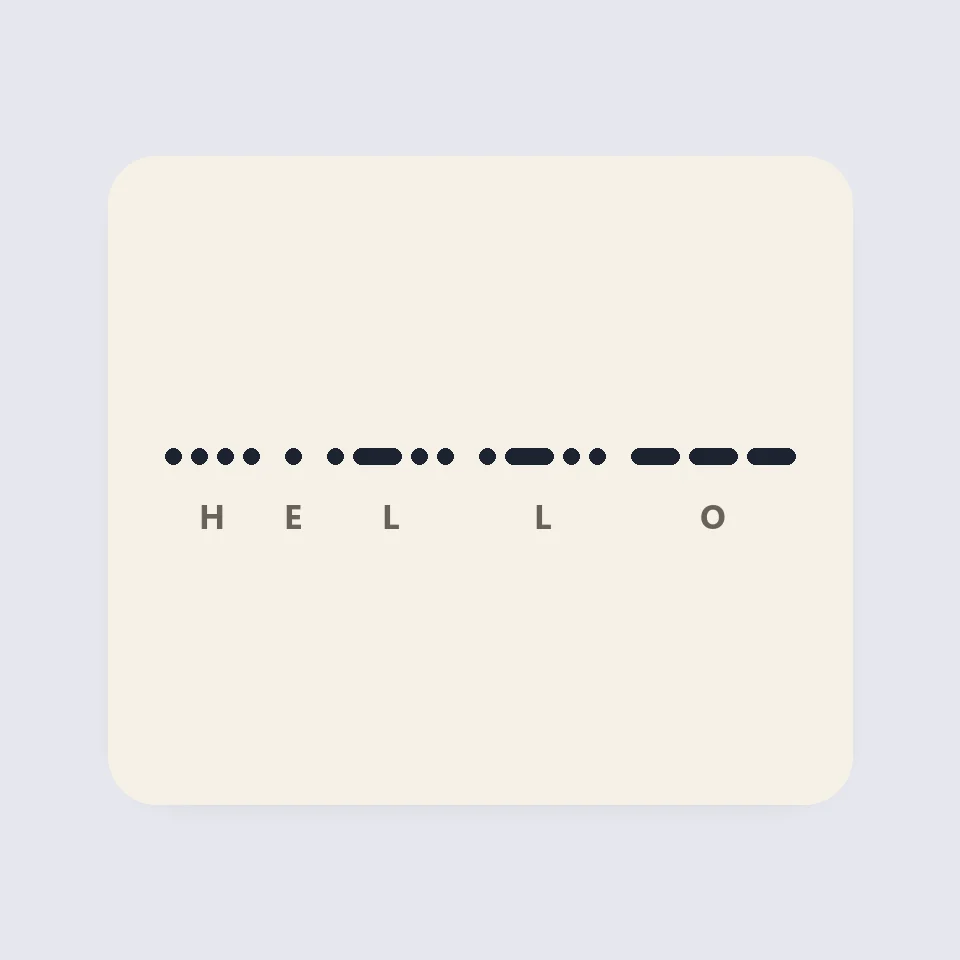
Visual Morse Code
Turn text into a Morse code design of dots and dashes. Play it as a flashing lamp, copy the code, and save a card for a lesson, a note, or a page.
准备好尝试了吗?
在浏览器中打开 PictorX — 无需安装,无需信用卡即可启动。
前往编辑器