
Code to Image
Paste a snippet and see it as a picture: comments, strings, numbers and keywords in a theme, inside a window or a plain card. Save a PNG for a slide or a post. The code stays in this browser. 코드를 붙여 넣고 언어와 테마를 고른 뒤, 슬라이드나 게시용 그림으로 저장합니다. 무작위로 다른 코드와 다른 모양을 고릅니다. 코드는 이 브라우저에 남습니다.
작동 원리
- Paste a snippet, or start from the sample, and choose the language.
- Pick a theme, a window or a plain card, and a backdrop.
- Save a PNG for a slide or a post. The snippet stays in this browser.
A picture of the code
The colours follow the groups an editor uses: comments, strings, numbers, keywords and names that are called. They make the shape of a snippet easy to see on a slide. They do not check that the code runs.
Frame, backdrop and size
A window adds the three dots and a title. Plain is only the card. The backdrop can be a flat colour or a gradient. Line numbers, padding and the type size change how the picture sits on a page.
자주 묻는 질문
Does this run my code?
No. It draws the snippet with a visual theme. The colours do not mean the code was checked.
Is my code uploaded?
No. The picture is drawn in your browser, and the last snippet stays there.
Which languages can I use?
JavaScript, TypeScript, Python, C#, Java, C++, Go, Rust, HTML, CSS, JSON, SQL and Bash are coloured. Anything else can be shown as plain text.
How do I put it on a slide?
Save a PNG and drop it into the slide or the post. A window frame and a gradient backdrop read well on a screen.
관련 도구
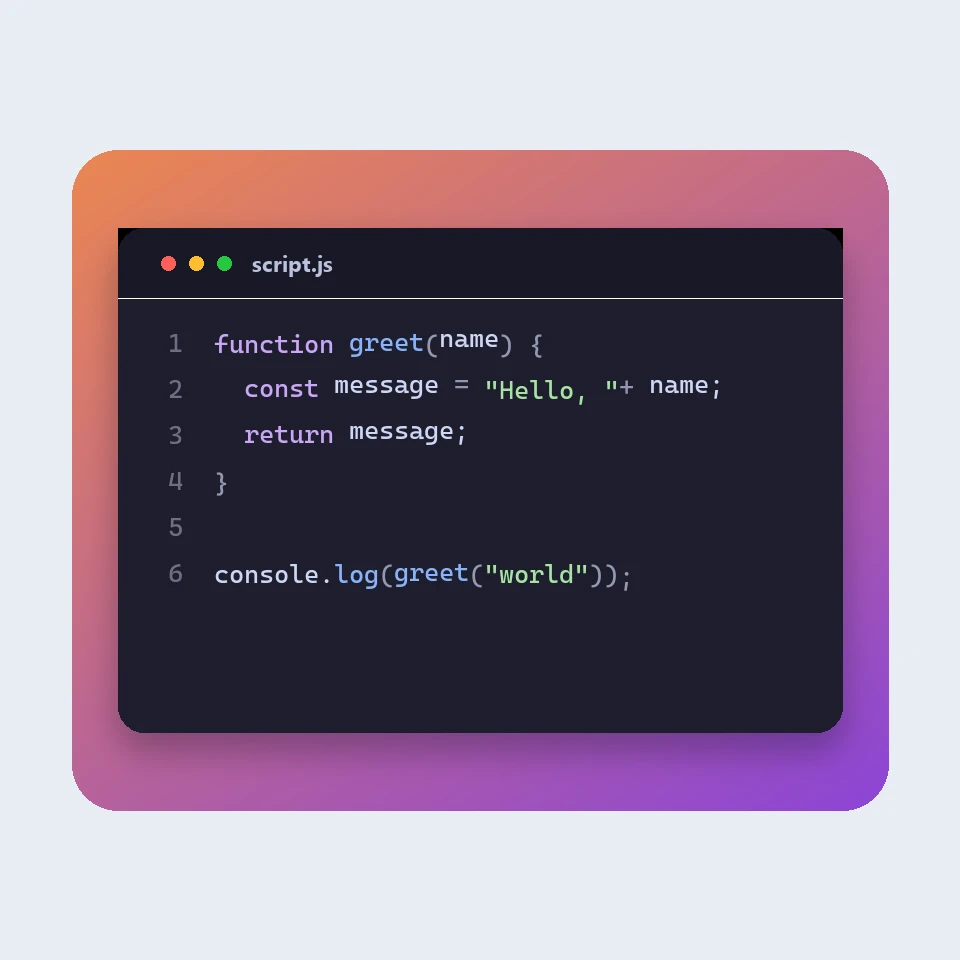
How a code picture is made
How a snippet becomes a picture for a slide or a post: a window, a colour theme, line numbers and a backdrop. The colours are visual. The code is not run or uploaded.

JSON 포매터
무료 JSON 포매터 및 검사기: JSON을 보기 좋게 정리하거나 축소하고, 오류의 줄과 열을 찾고, 키를 정렬하고, 트리를 탐색하고, 경로를 복사하고, 배열을 CSV로 변환하는 작업을 모두 브라우저에서 합니다.
Markdown 편집기
실시간 미리 보기가 있는 무료 온라인 Markdown 편집기: 스크롤이 동기화되는 분할 보기, GitHub 스타일 표와 작업 목록, 코드 강조, 서식 도구 모음, 집중 모드, 단어 수와 읽기 시간, 자동 저장, .md 또는 .html 다운로드.
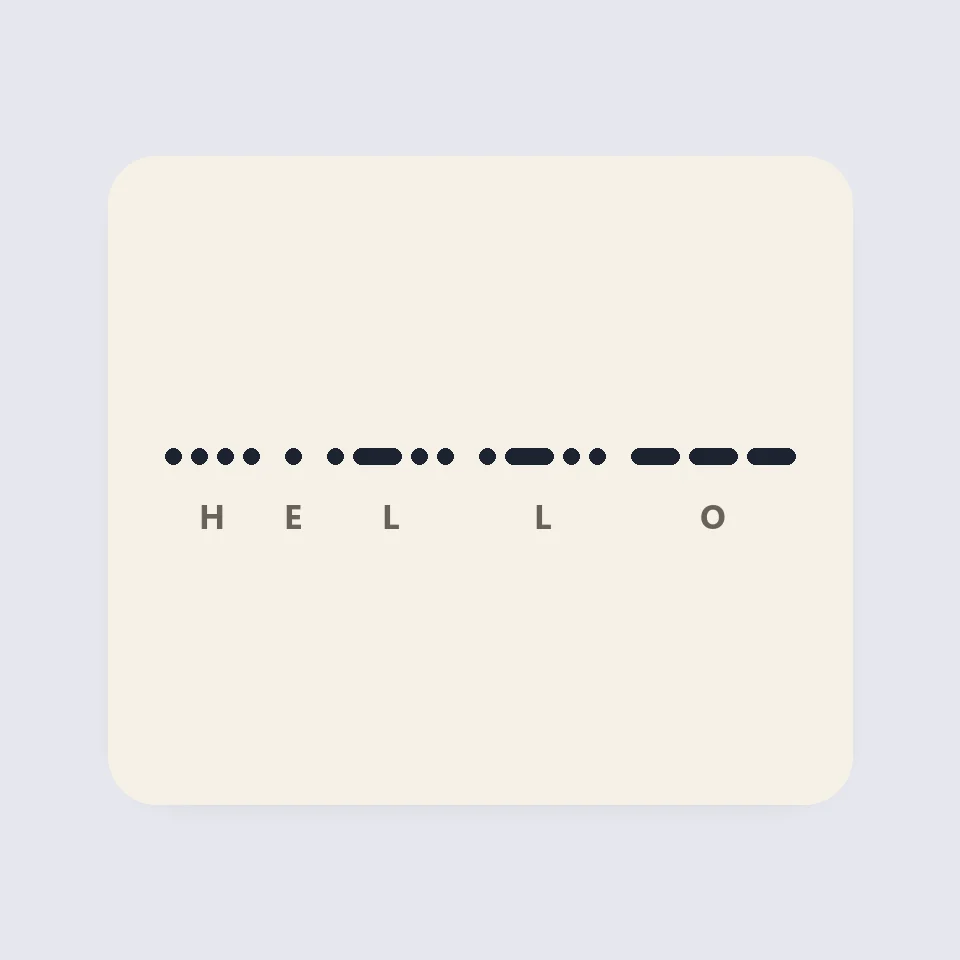
Visual Morse Code
Turn text into a Morse code design of dots and dashes. Play it as a flashing lamp, copy the code, and save a card for a lesson, a note, or a page.
시도해 볼 준비가 되셨나요?
브라우저에서 PictorX를 엽니다. 설치가 필요 없고 시작하는 데 신용 카드가 필요하지 않습니다.
편집기로 이동