
Code to Image
Paste a snippet and see it as a picture: comments, strings, numbers and keywords in a theme, inside a window or a plain card. Save a PNG for a slide or a post. The code stays in this browser. Plak een fragment, kies een taal en een thema, en sla een afbeelding op voor een dia of een bericht. Willekeurig kiest een ander fragment en een andere look. De code blijft in deze browser.
Hoe het werkt
- Paste a snippet, or start from the sample, and choose the language.
- Pick a theme, a window or a plain card, and a backdrop.
- Save a PNG for a slide or a post. The snippet stays in this browser.
A picture of the code
The colours follow the groups an editor uses: comments, strings, numbers, keywords and names that are called. They make the shape of a snippet easy to see on a slide. They do not check that the code runs.
Frame, backdrop and size
A window adds the three dots and a title. Plain is only the card. The backdrop can be a flat colour or a gradient. Line numbers, padding and the type size change how the picture sits on a page.
Veelgestelde vragen
Does this run my code?
No. It draws the snippet with a visual theme. The colours do not mean the code was checked.
Is my code uploaded?
No. The picture is drawn in your browser, and the last snippet stays there.
Which languages can I use?
JavaScript, TypeScript, Python, C#, Java, C++, Go, Rust, HTML, CSS, JSON, SQL and Bash are coloured. Anything else can be shown as plain text.
How do I put it on a slide?
Save a PNG and drop it into the slide or the post. A window frame and a gradient backdrop read well on a screen.
Gerelateerde gereedschappen
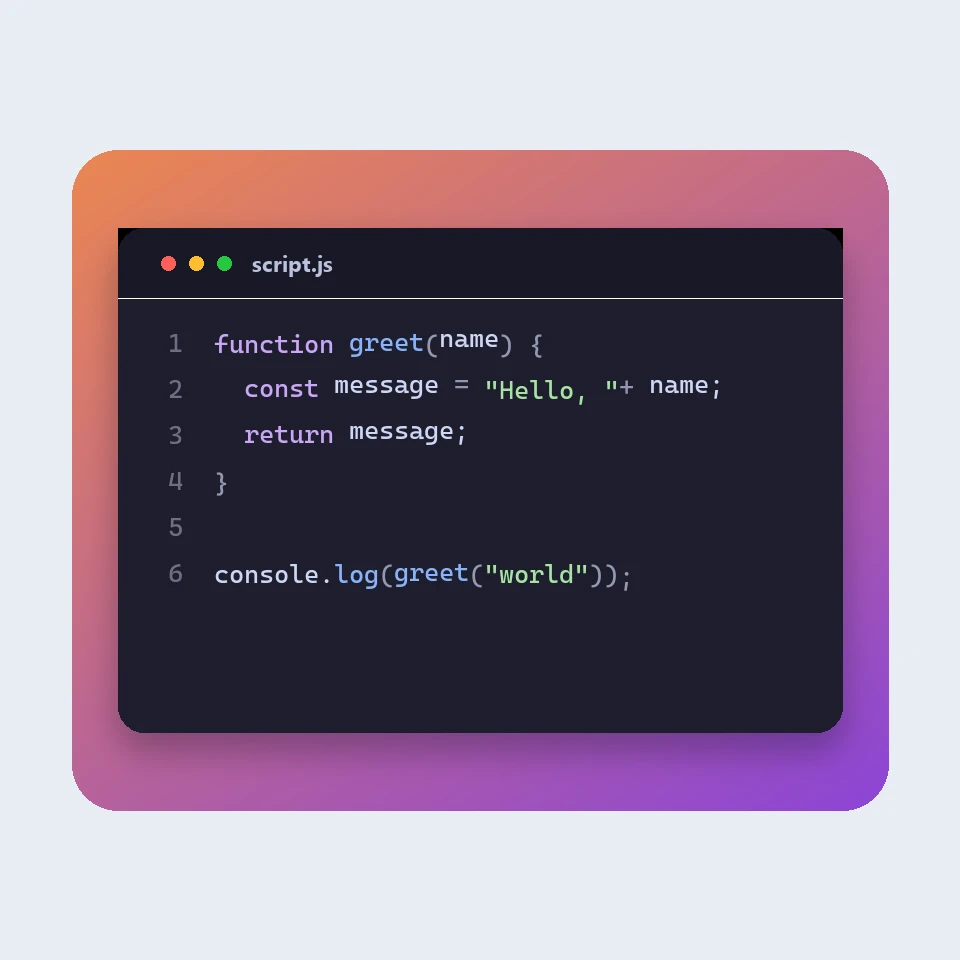
How a code picture is made
How a snippet becomes a picture for a slide or a post: a window, a colour theme, line numbers and a backdrop. The colours are visual. The code is not run or uploaded.
JSON-formatter
Gratis JSON-formatter en validator: JSON netjes opmaken of minimaliseren, de regel en kolom van een fout vinden, sleutels sorteren, door een boom bladeren, paden kopiëren en arrays omzetten naar CSV, alles in je browser.
Markdown-editor
Een gratis online Markdown-editor met live voorbeeld: gesplitste weergave met gesynchroniseerd scrollen, tabellen en takenlijsten zoals op GitHub, codemarkering, opmaakbalk, focusmodus, woordenteller en leestijd, automatisch opslaan en downloaden als .md of .html.
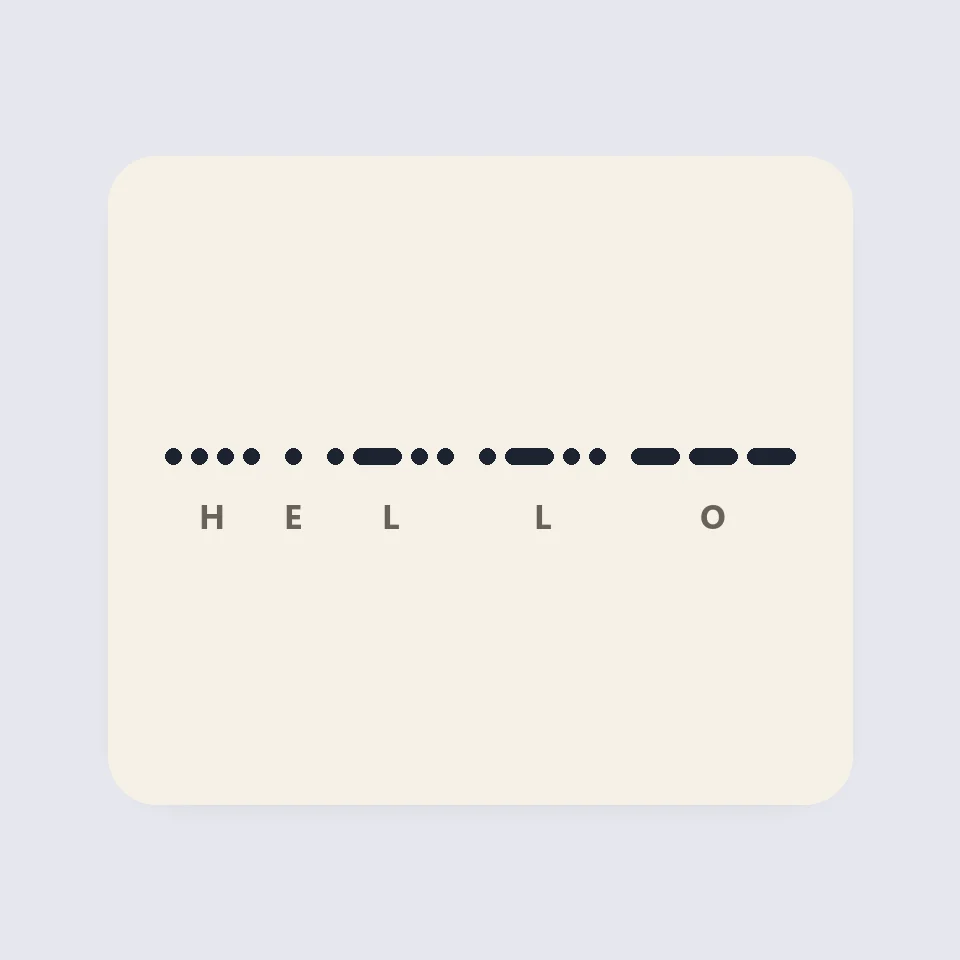
Visual Morse Code
Turn text into a Morse code design of dots and dashes. Play it as a flashing lamp, copy the code, and save a card for a lesson, a note, or a page.
Klaar om het te proberen?
Open PictorX in je browser - geen installatie, geen creditcard nodig om te starten.
Ga naar Editor