
Code to Image
Paste a snippet and see it as a picture: comments, strings, numbers and keywords in a theme, inside a window or a plain card. Save a PNG for a slide or a post. The code stays in this browser. الصق مقطعاً، واختر لغةً ونمطاً، ثم احفظ صورة لشريحة أو منشور. العشوائي يختار مقطعاً آخر ومظهراً آخر. يبقى الكود في هذا المتصفح.
كيف يعمل
- Paste a snippet, or start from the sample, and choose the language.
- Pick a theme, a window or a plain card, and a backdrop.
- Save a PNG for a slide or a post. The snippet stays in this browser.
A picture of the code
The colours follow the groups an editor uses: comments, strings, numbers, keywords and names that are called. They make the shape of a snippet easy to see on a slide. They do not check that the code runs.
Frame, backdrop and size
A window adds the three dots and a title. Plain is only the card. The backdrop can be a flat colour or a gradient. Line numbers, padding and the type size change how the picture sits on a page.
الأسئلة المتداولة
Does this run my code?
No. It draws the snippet with a visual theme. The colours do not mean the code was checked.
Is my code uploaded?
No. The picture is drawn in your browser, and the last snippet stays there.
Which languages can I use?
JavaScript, TypeScript, Python, C#, Java, C++, Go, Rust, HTML, CSS, JSON, SQL and Bash are coloured. Anything else can be shown as plain text.
How do I put it on a slide?
Save a PNG and drop it into the slide or the post. A window frame and a gradient backdrop read well on a screen.
الأدوات ذات الصلة
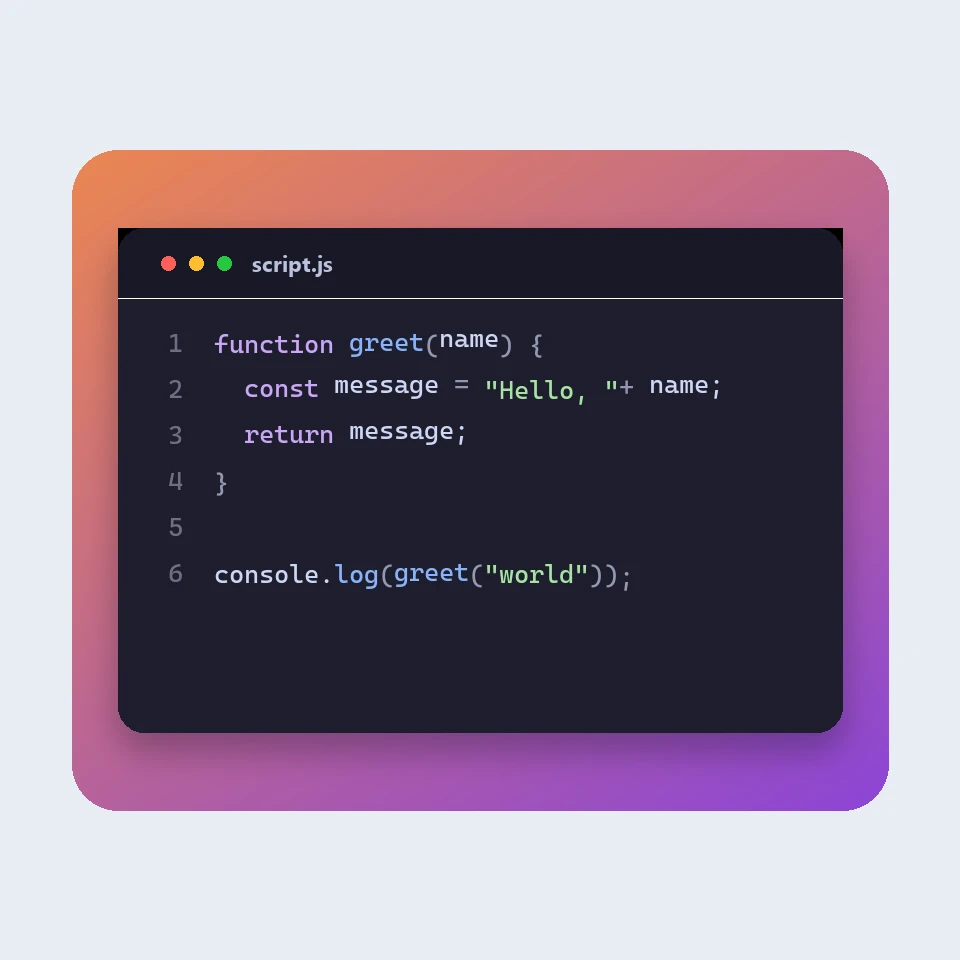
How a code picture is made
How a snippet becomes a picture for a slide or a post: a window, a colour theme, line numbers and a backdrop. The colours are visual. The code is not run or uploaded.

منسق JSON
منسق ومدقق JSON مجاني: جمّل JSON أو صغّره، وحدد سطر الخطأ وعموده، ورتب المفاتيح، وتصفح شجرة، وانسخ المسارات، وحوّل المصفوفات إلى CSV، كل ذلك في متصفحك.
محرر Markdown
محرر Markdown مجاني عبر الإنترنت مع معاينة مباشرة: عرض مقسوم بتمرير متزامن، وجداول وقوائم مهام بأسلوب GitHub، وتلوين الشيفرة، وشريط تنسيق، ووضع التركيز، وعدد الكلمات ووقت القراءة، وحفظ تلقائي، وتنزيل بصيغة .md أو .html.
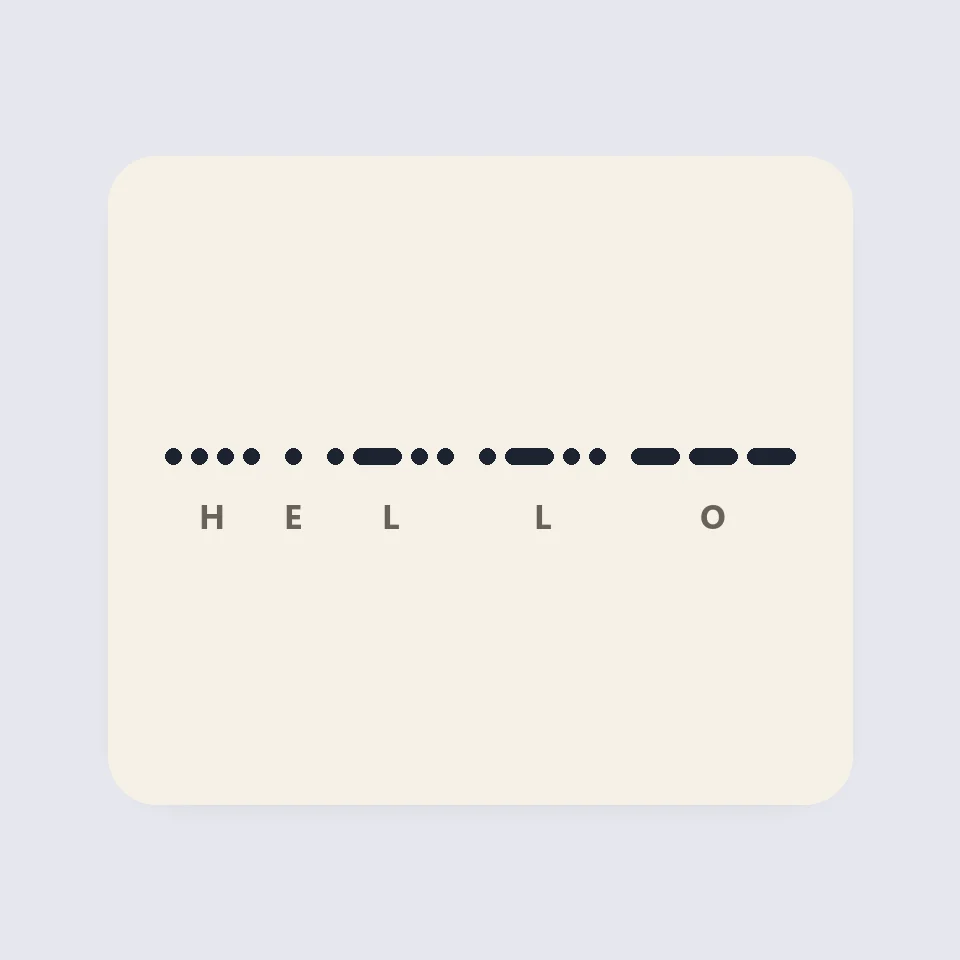
Visual Morse Code
Turn text into a Morse code design of dots and dashes. Play it as a flashing lamp, copy the code, and save a card for a lesson, a note, or a page.
هل أنت مستعد لتجربتها؟
افتح PictorX في متصفحك - بدون تثبيت، ولا يلزم وجود بطاقة ائتمان للبدء.
الانتقال إلى المحرر