
Code to Image
Paste a snippet and see it as a picture: comments, strings, numbers and keywords in a theme, inside a window or a plain card. Save a PNG for a slide or a post. The code stays in this browser. コードを貼り、言語と配色を選んで、スライドや投稿用の画像を保存します。ランダムは別のコードと別の見た目を選びます。コードはこのブラウザーに残ります。
使い方
- Paste a snippet, or start from the sample, and choose the language.
- Pick a theme, a window or a plain card, and a backdrop.
- Save a PNG for a slide or a post. The snippet stays in this browser.
A picture of the code
The colours follow the groups an editor uses: comments, strings, numbers, keywords and names that are called. They make the shape of a snippet easy to see on a slide. They do not check that the code runs.
Frame, backdrop and size
A window adds the three dots and a title. Plain is only the card. The backdrop can be a flat colour or a gradient. Line numbers, padding and the type size change how the picture sits on a page.
よくある質問
Does this run my code?
No. It draws the snippet with a visual theme. The colours do not mean the code was checked.
Is my code uploaded?
No. The picture is drawn in your browser, and the last snippet stays there.
Which languages can I use?
JavaScript, TypeScript, Python, C#, Java, C++, Go, Rust, HTML, CSS, JSON, SQL and Bash are coloured. Anything else can be shown as plain text.
How do I put it on a slide?
Save a PNG and drop it into the slide or the post. A window frame and a gradient backdrop read well on a screen.
関連ツール
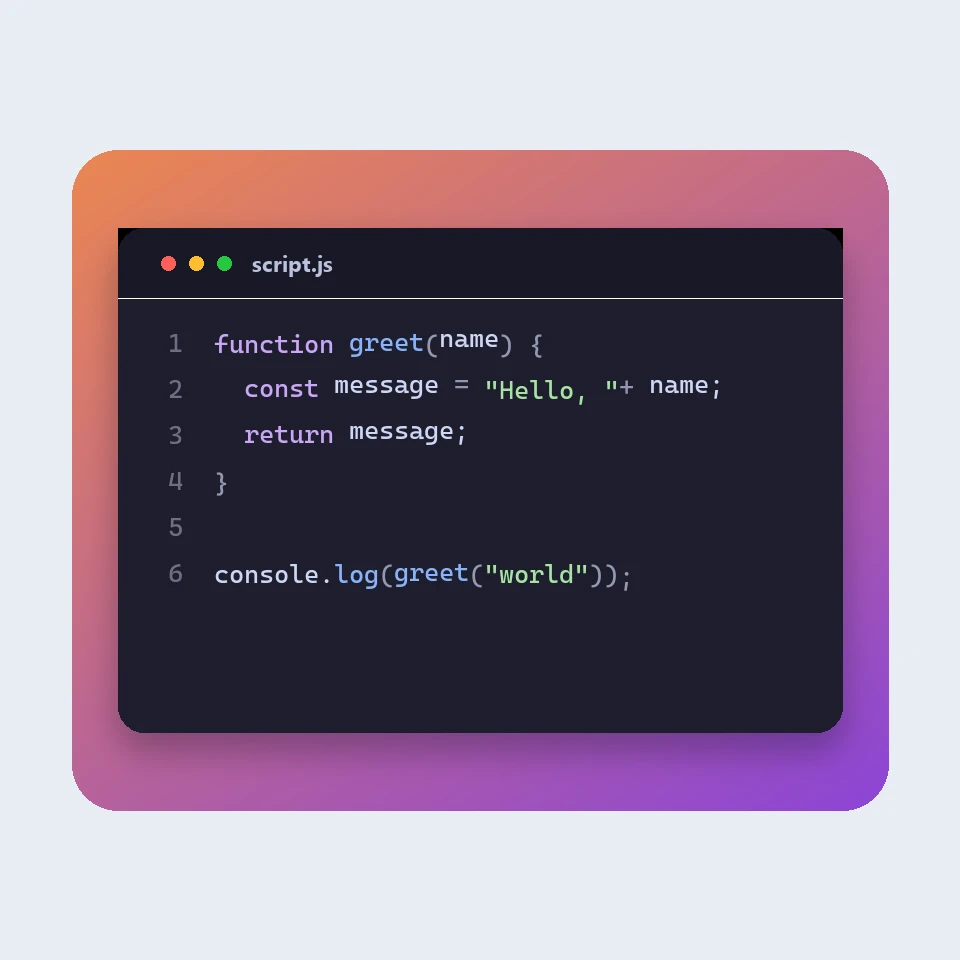
How a code picture is made
How a snippet becomes a picture for a slide or a post: a window, a colour theme, line numbers and a backdrop. The colours are visual. The code is not run or uploaded.

JSON フォーマッター
無料の JSON フォーマッター兼バリデーター。JSON の整形や圧縮、エラーの行と列の特定、キーの並べ替え、ツリーの閲覧、パスのコピー、配列の CSV 変換をすべてブラウザーで行えます。
Markdown エディター
ライブプレビュー付きの無料オンライン Markdown エディター。スクロール同期の分割表示、GitHub 風の表とタスクリスト、コードのハイライト、書式ツールバー、集中モード、語数と読了時間、自動保存、.md や .html のダウンロードに対応。
Visual Morse Code
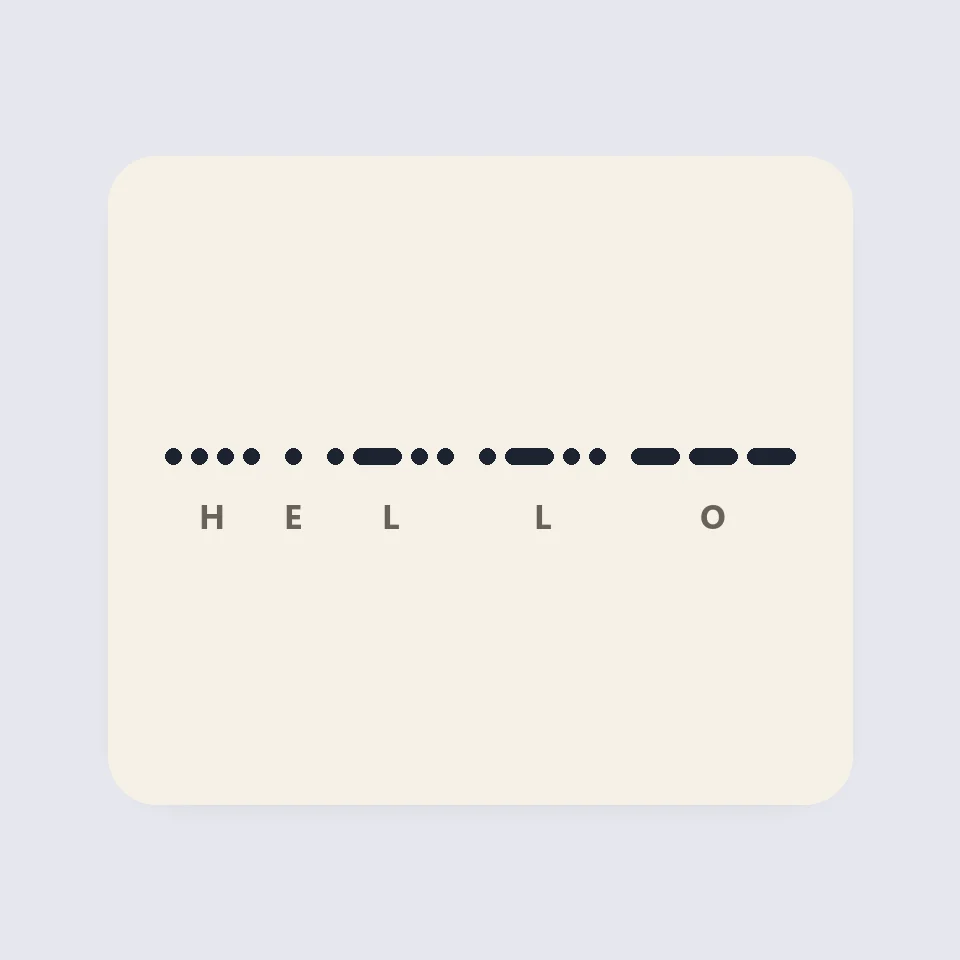
Turn text into a Morse code design of dots and dashes. Play it as a flashing lamp, copy the code, and save a card for a lesson, a note, or a page.
試してみますか?
ブラウザで PictorX を開きます。インストール不要、始めるのにクレジットカードも不要です。
エディターへ