
Code to Image
Paste a snippet and see it as a picture: comments, strings, numbers and keywords in a theme, inside a window or a plain card. Save a PNG for a slide or a post. The code stays in this browser. Cole um trecho, escolha um idioma e um tema, e guarde uma imagem para um diapositivo ou uma publicação. Aleatório escolhe outro trecho e outro aspeto. O código fica neste navegador.
Como funciona
- Paste a snippet, or start from the sample, and choose the language.
- Pick a theme, a window or a plain card, and a backdrop.
- Save a PNG for a slide or a post. The snippet stays in this browser.
A picture of the code
The colours follow the groups an editor uses: comments, strings, numbers, keywords and names that are called. They make the shape of a snippet easy to see on a slide. They do not check that the code runs.
Frame, backdrop and size
A window adds the three dots and a title. Plain is only the card. The backdrop can be a flat colour or a gradient. Line numbers, padding and the type size change how the picture sits on a page.
Perguntas frequentes
Does this run my code?
No. It draws the snippet with a visual theme. The colours do not mean the code was checked.
Is my code uploaded?
No. The picture is drawn in your browser, and the last snippet stays there.
Which languages can I use?
JavaScript, TypeScript, Python, C#, Java, C++, Go, Rust, HTML, CSS, JSON, SQL and Bash are coloured. Anything else can be shown as plain text.
How do I put it on a slide?
Save a PNG and drop it into the slide or the post. A window frame and a gradient backdrop read well on a screen.
Ferramentas relacionadas
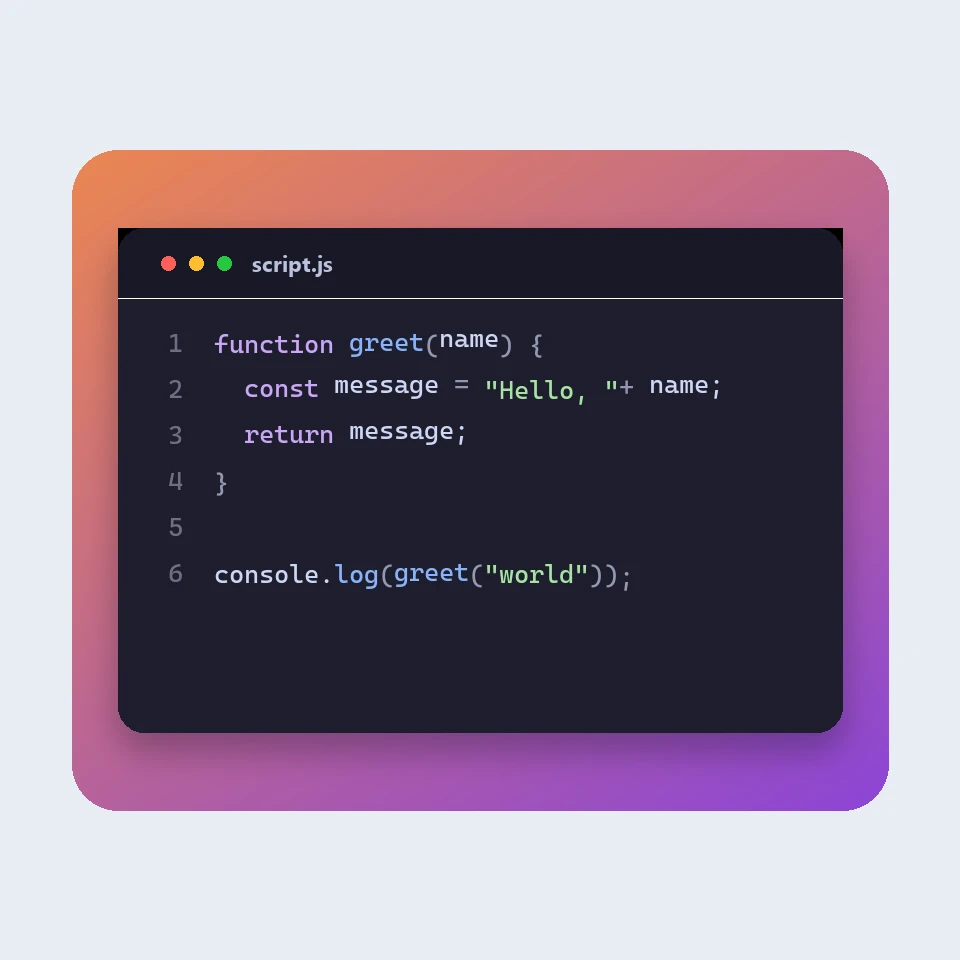
How a code picture is made
How a snippet becomes a picture for a slide or a post: a window, a colour theme, line numbers and a backdrop. The colours are visual. The code is not run or uploaded.
Formatador JSON
Formatador e validador JSON gratuito: embeleze ou minifique JSON, encontre a linha e a coluna de um erro, ordene chaves, explore uma árvore, copie caminhos e converta arrays em CSV, tudo no navegador.
Editor de Markdown
Um editor de Markdown online gratuito com pré-visualização em tempo real: vista dividida com deslocamento sincronizado, tabelas e listas de tarefas como no GitHub, realce de código, barra de formatação, modo foco, contagem de palavras e tempo de leitura, gravação automática e transferência em .md ou .html.
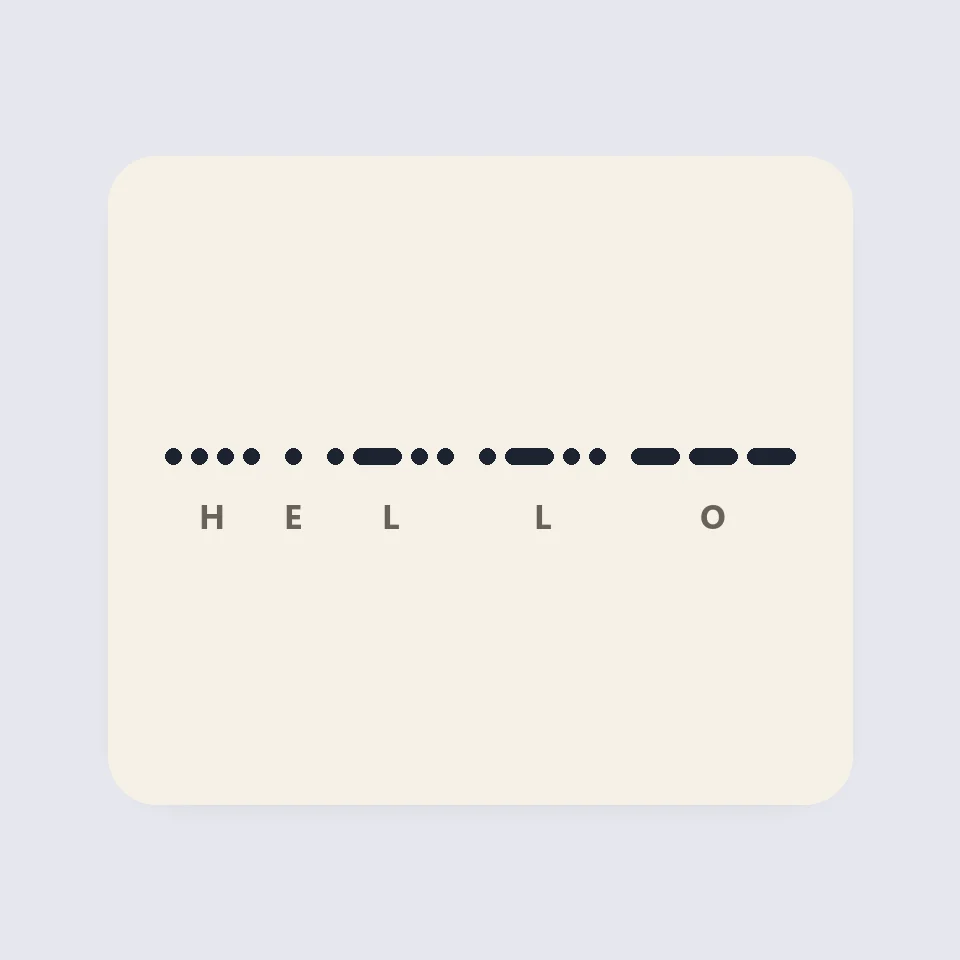
Visual Morse Code
Turn text into a Morse code design of dots and dashes. Play it as a flashing lamp, copy the code, and save a card for a lesson, a note, or a page.
Pronto para experimentar?
Abra o PictorX no seu navegador – sem instalação, sem necessidade de cartão de crédito para começar.
Ir para o editor