
Code to Image
Paste a snippet and see it as a picture: comments, strings, numbers and keywords in a theme, inside a window or a plain card. Save a PNG for a slide or a post. The code stays in this browser. Bir parçayı yapıştırın, bir dil ve bir tema seçin, slayt veya gönderi için bir görüntü kaydedin. Rastgele başka bir parça ve başka bir görünüm seçer. Kod bu tarayıcıda kalır.
Nasıl çalışır
- Paste a snippet, or start from the sample, and choose the language.
- Pick a theme, a window or a plain card, and a backdrop.
- Save a PNG for a slide or a post. The snippet stays in this browser.
A picture of the code
The colours follow the groups an editor uses: comments, strings, numbers, keywords and names that are called. They make the shape of a snippet easy to see on a slide. They do not check that the code runs.
Frame, backdrop and size
A window adds the three dots and a title. Plain is only the card. The backdrop can be a flat colour or a gradient. Line numbers, padding and the type size change how the picture sits on a page.
Sık sorulan sorular
Does this run my code?
No. It draws the snippet with a visual theme. The colours do not mean the code was checked.
Is my code uploaded?
No. The picture is drawn in your browser, and the last snippet stays there.
Which languages can I use?
JavaScript, TypeScript, Python, C#, Java, C++, Go, Rust, HTML, CSS, JSON, SQL and Bash are coloured. Anything else can be shown as plain text.
How do I put it on a slide?
Save a PNG and drop it into the slide or the post. A window frame and a gradient backdrop read well on a screen.
İlgili araçlar
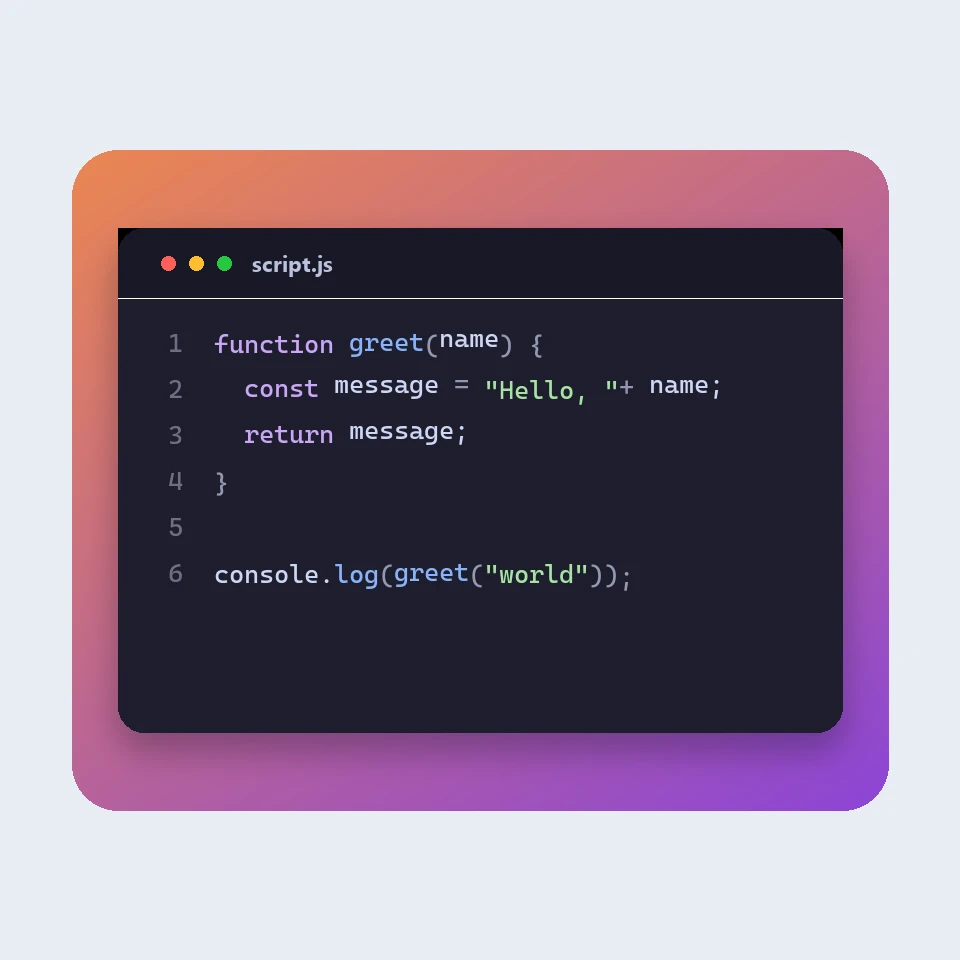
How a code picture is made
How a snippet becomes a picture for a slide or a post: a window, a colour theme, line numbers and a backdrop. The colours are visual. The code is not run or uploaded.

JSON biçimlendirici
Ücretsiz JSON biçimlendirici ve doğrulayıcı: JSON'u güzelleştirin veya küçültün, bir hatanın satır ve sütununu bulun, anahtarları sıralayın, ağaçta gezinin, yolları kopyalayın ve dizileri CSV'ye dönüştürün, hepsi tarayıcınızda.
Markdown düzenleyici
Canlı önizlemeli ücretsiz çevrimiçi Markdown düzenleyici: eşzamanlı kaydırmalı bölünmüş görünüm, GitHub tarzı tablolar ve görev listeleri, kod renklendirme, biçimlendirme çubuğu, odak modu, kelime sayısı ve okuma süresi, otomatik kayıt ve .md veya .html indirme.
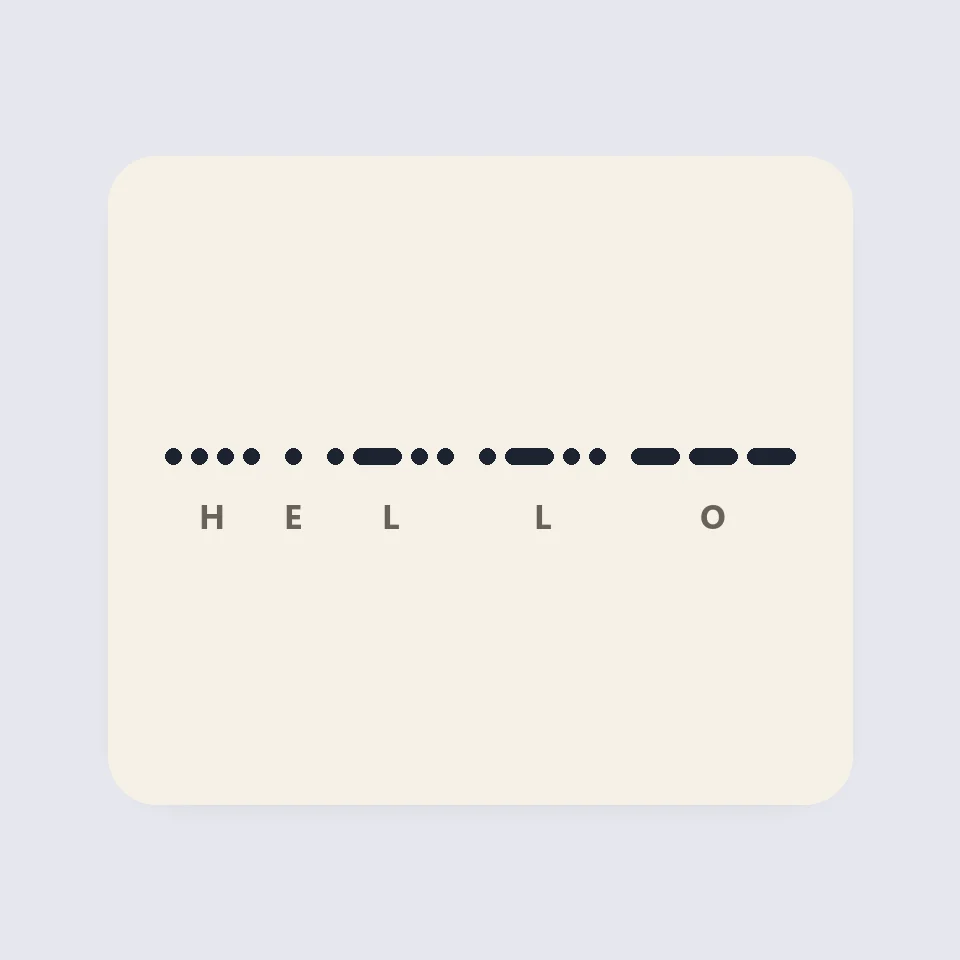
Visual Morse Code
Turn text into a Morse code design of dots and dashes. Play it as a flashing lamp, copy the code, and save a card for a lesson, a note, or a page.
Denemeye hazır mısınız?
PictorX'i tarayıcınızda açın — kurulum gerekmez, başlamak için kredi kartı gerekmez.
Editöre Git