
Code to Image
Paste a snippet and see it as a picture: comments, strings, numbers and keywords in a theme, inside a window or a plain card. Save a PNG for a slide or a post. The code stays in this browser. Incolla un frammento, scegli una lingua e un tema, e salva un'immagine per una diapositiva o un post. Casuale sceglie un altro frammento e un altro aspetto. Il codice resta in questo browser.
Come funziona
- Paste a snippet, or start from the sample, and choose the language.
- Pick a theme, a window or a plain card, and a backdrop.
- Save a PNG for a slide or a post. The snippet stays in this browser.
A picture of the code
The colours follow the groups an editor uses: comments, strings, numbers, keywords and names that are called. They make the shape of a snippet easy to see on a slide. They do not check that the code runs.
Frame, backdrop and size
A window adds the three dots and a title. Plain is only the card. The backdrop can be a flat colour or a gradient. Line numbers, padding and the type size change how the picture sits on a page.
Domande frequenti
Does this run my code?
No. It draws the snippet with a visual theme. The colours do not mean the code was checked.
Is my code uploaded?
No. The picture is drawn in your browser, and the last snippet stays there.
Which languages can I use?
JavaScript, TypeScript, Python, C#, Java, C++, Go, Rust, HTML, CSS, JSON, SQL and Bash are coloured. Anything else can be shown as plain text.
How do I put it on a slide?
Save a PNG and drop it into the slide or the post. A window frame and a gradient backdrop read well on a screen.
Strumenti correlati
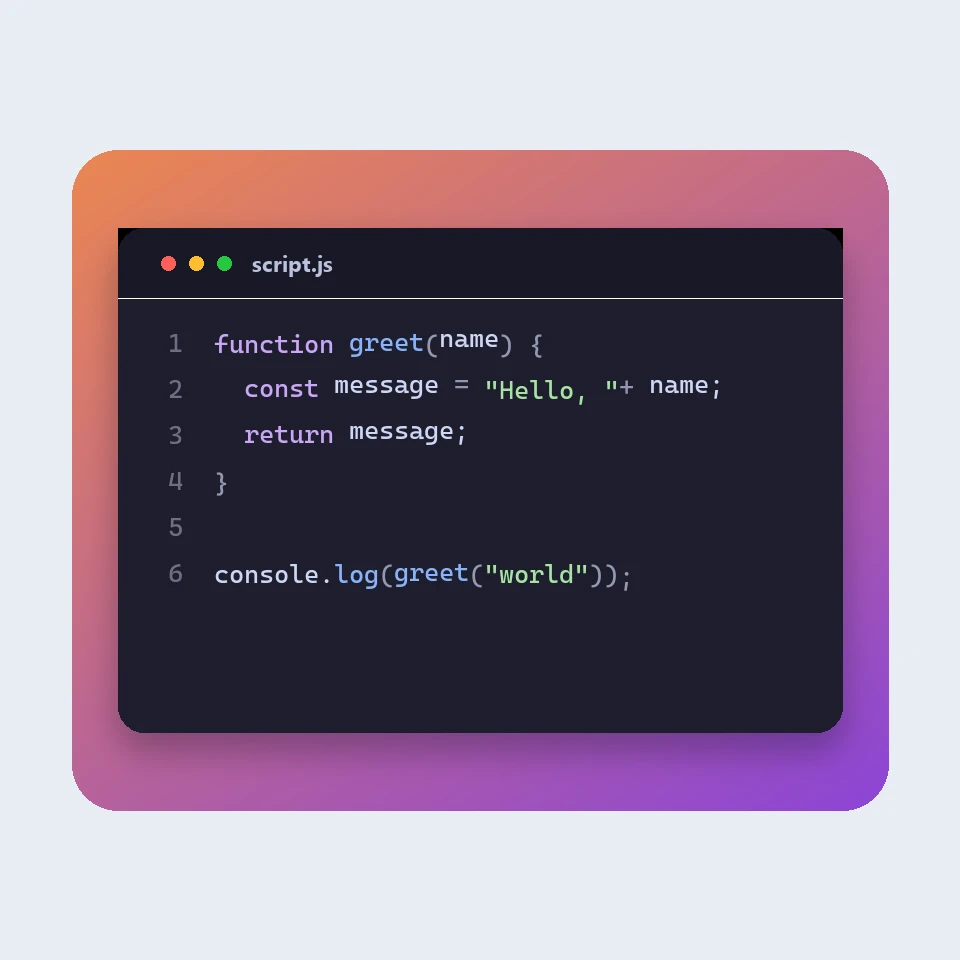
How a code picture is made
How a snippet becomes a picture for a slide or a post: a window, a colour theme, line numbers and a backdrop. The colours are visual. The code is not run or uploaded.
Formattatore JSON
Formattatore e validatore JSON gratuito: abbellisci o minimizza JSON, trova riga e colonna di un errore, ordina le chiavi, esplora un albero, copia percorsi e converti array in CSV, tutto nel browser.
Editor Markdown
Un editor Markdown online gratuito con anteprima dal vivo: vista divisa con scorrimento sincronizzato, tabelle ed elenchi di attività come su GitHub, evidenziazione del codice, barra di formattazione, modalità concentrazione, conteggio parole e tempo di lettura, salvataggio automatico e download in .md o .html.
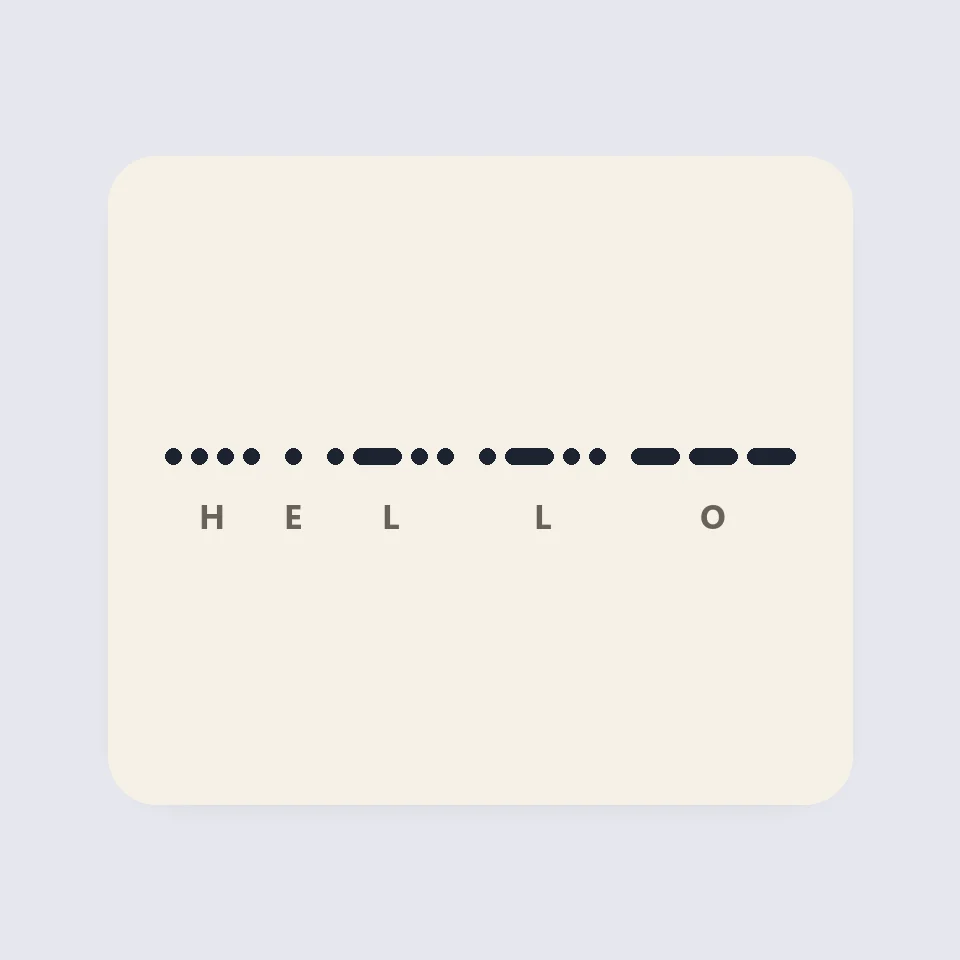
Visual Morse Code
Turn text into a Morse code design of dots and dashes. Play it as a flashing lamp, copy the code, and save a card for a lesson, a note, or a page.
Pronto a provarlo?
Apri PictorX nel tuo browser: nessuna installazione, nessuna carta di credito richiesta per iniziare.
Vai all'editor