

Open a photo, or use the sample, then click Start. The subject stays sharp and the background is blurred by its distance; Blur, Depth of field and Bokeh highlights change it at once.
Portrait mode: blur the background like a lens
Portrait mode runs Depth Anything, an open depth model, and MediaPipe's person segmentation on your device, so the photo is not uploaded. The subject stays sharp, and everything else is blurred more the farther it is from the focus, as a camera with a wide-open lens draws it: bright points open up into round or hexagonal bokeh. Open a photo, or use the sample, then click Start. The subject stays sharp and the background is blurred by its distance; Blur, Depth of field and Bokeh highlights change it at once.
How it works
- Open a photo, or use the sample, and click Start. The depth of the scene and the people in it are found on your device.
- Set Blur for how soft the background gets and Depth of field for how much around the subject stays sharp.
- Pick Round or Hexagon bokeh and raise Bokeh highlights for brighter discs of light, then save or keep editing.
Blur that follows the depth
A flat blur makes a photo look cut out. Here the blur grows with the distance: Depth Anything, an open-source depth model, estimates how far away every part of the photo is, and each pixel is blurred by its distance from the focus beyond the depth of field. MediaPipe's person segmentation keeps the edges of people crisp, even round hair and shoulders, where depth alone is soft. Focus on subject puts the focus on the person, or on the nearest part of the photo; turn it off to choose the distance yourself.
Bokeh like a real lens
The blur gathers a disc of light round every pixel, so bright points, such as lamps, sunlight through leaves or reflections, open up into soft discs, round or hexagonal like the aperture blades of a lens. Bokeh highlights sets how bright they get. A blurred foreground spreads over what is behind it, as it does in a camera. The model runs once per photo, so every change is instant.
Frequently asked questions
How do I blur the background of a photo like portrait mode?
Open the photo and click Start. The depth of the scene and the people in it are found on your device; the subject stays sharp and the background is blurred more the farther away it is. Set Blur, Depth of field and Bokeh highlights, then save. In the editor it is under AI → Background → Portrait mode.
What is the difference with Blur background?
Blur background blurs everything behind the subject by the same amount. Portrait mode uses a depth map, so the blur grows with the distance, things in front of the subject can be blurred too, and bright points become bokeh discs, as with a real lens.
What does Depth of field do?
It sets how much depth around the focus stays sharp. Low values keep only the subject sharp, as with a wide-open lens; higher values keep more of the scene in focus and only blur what is far away.
Can I choose what is in focus?
Yes. Focus on subject puts the focus on the person, or on the nearest part of the photo when there is no person. Turn it off and set Focus distance from far (0) to near (100) to focus on another part of the scene. Blur foreground decides whether what is nearer than the focus is blurred too.
Which AI models are used?
Depth Anything V2 Small (Apache-2.0) estimates the depth, the same model as 3D photo, and MediaPipe's Selfie Segmenter (Apache-2.0) finds the people. Both run in your browser with WebGPU or WebAssembly and are downloaded once.
Related tools
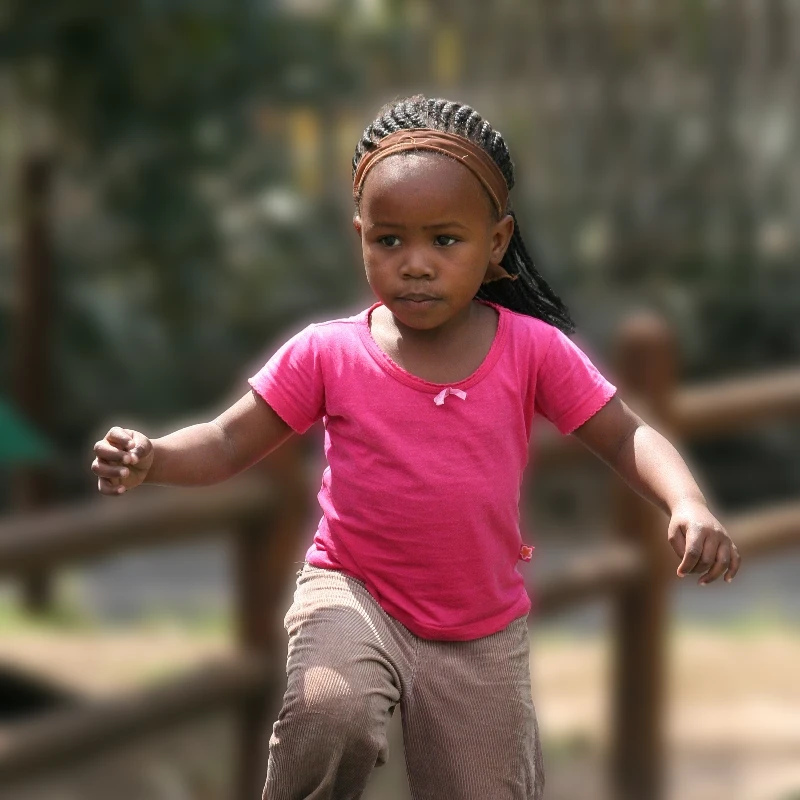
Blur background
Keep the subject crisp while the backdrop softens—all on your device.
Turn a photo into a 3D video
Turn a still photo into a 3D parallax video in your browser. On-device AI estimates the depth, the camera circles, swings or zooms through the scene, and you save the loop as MP4, WebM or GIF.
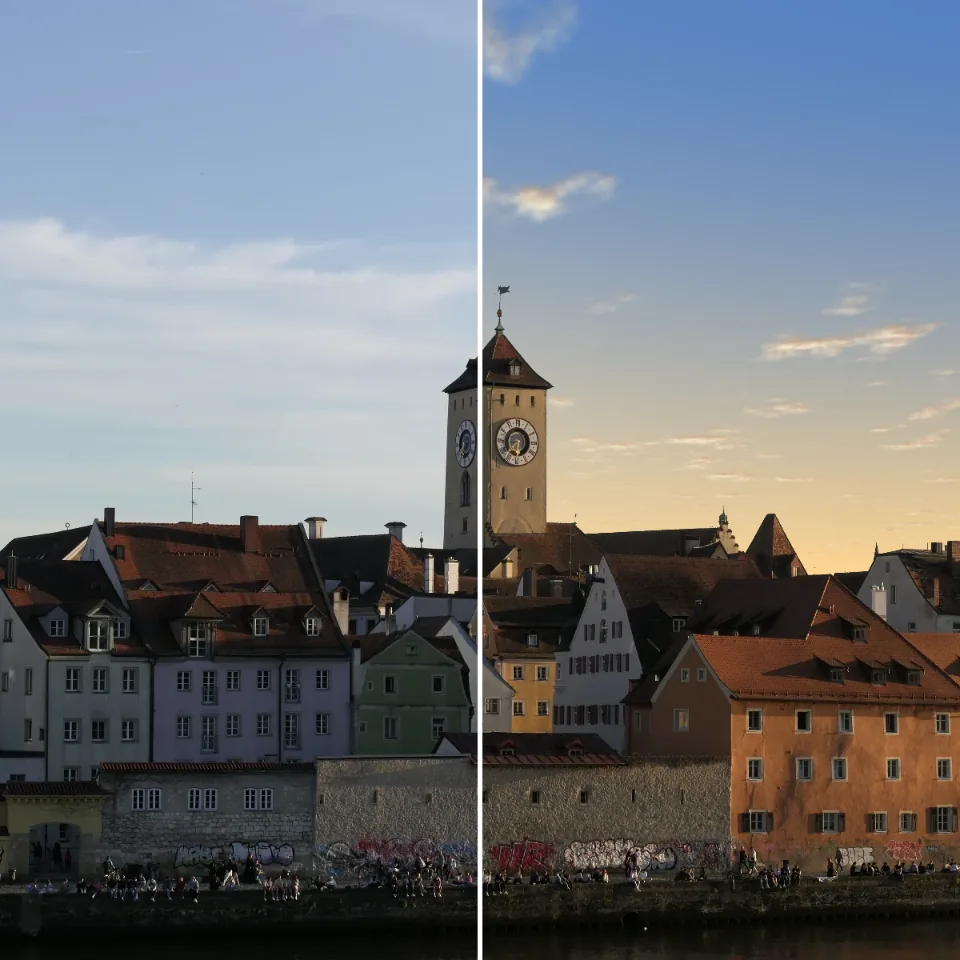
Replace the sky in your photo
Replace the sky in a photo in your browser. On-device AI finds the sky, keeps trees, wires and rooftops sharp, paints a new blue sky, sunset or night sky and relights the landscape to match.
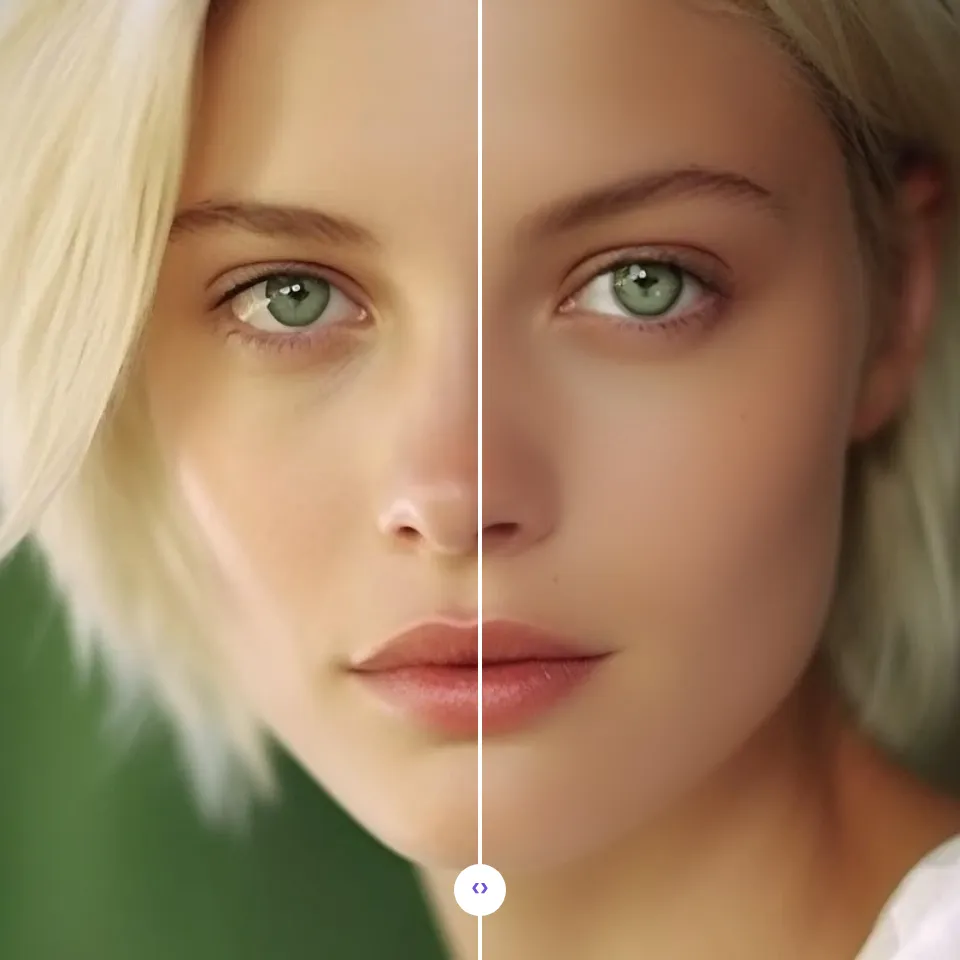
Portrait retouch
Retouch portraits online for free: smooth the skin, remove blemishes, whiten the teeth and brighten the eyes. The face is found for you and your photo stays on your device.

AI models
What is an AI model? How models are trained and run, why size matters, on-device AI versus cloud APIs, and how AI removes backgrounds, inpaints and uncrops.
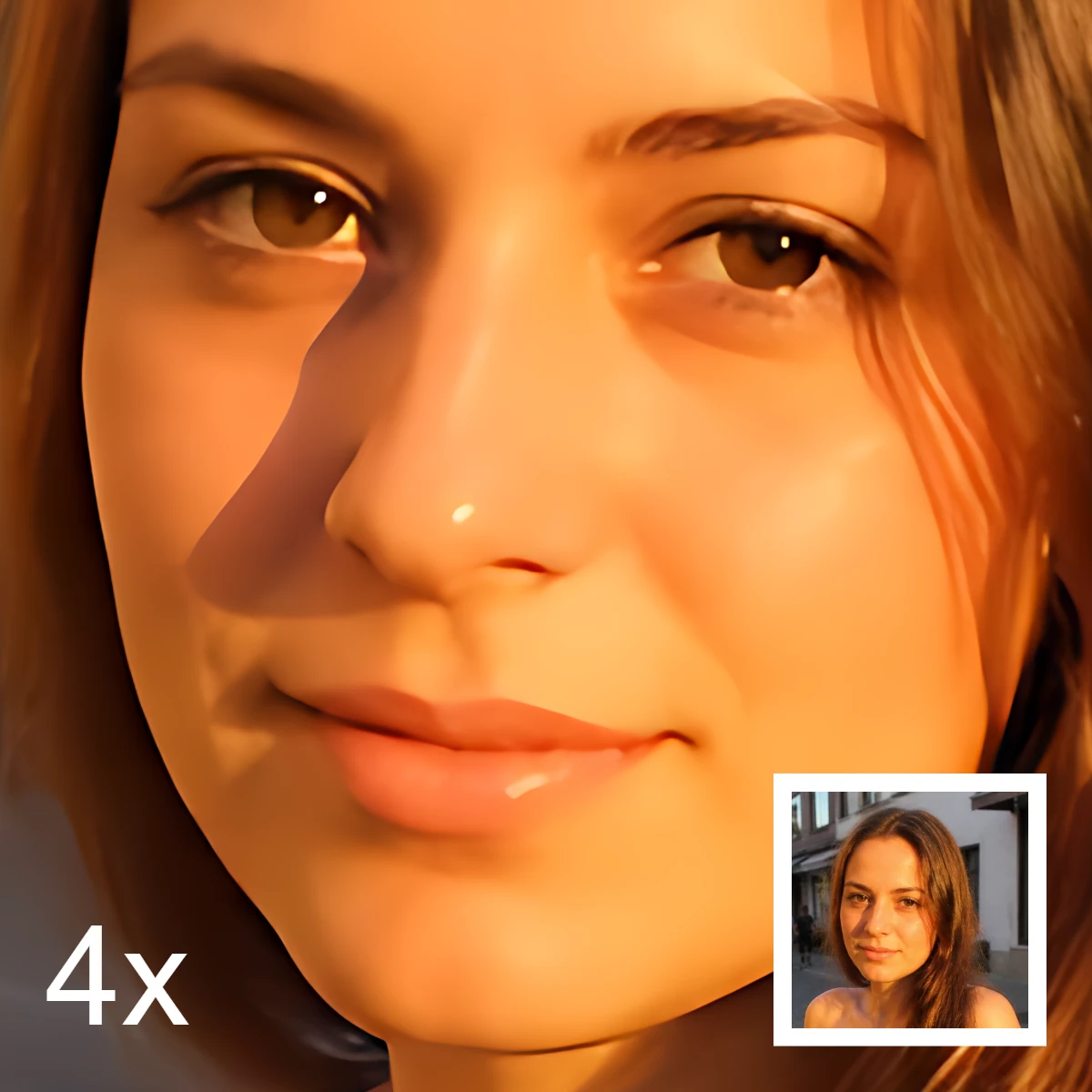
AI image editing
What is AI image editing? How it differs from retouching, the main jobs (cutouts, object removal, enhance, repair, uncrop), on-device privacy and limits.
Ready to try it?
Open PictorX in your browser — no install, no credit card required to start.
Go to Editor