
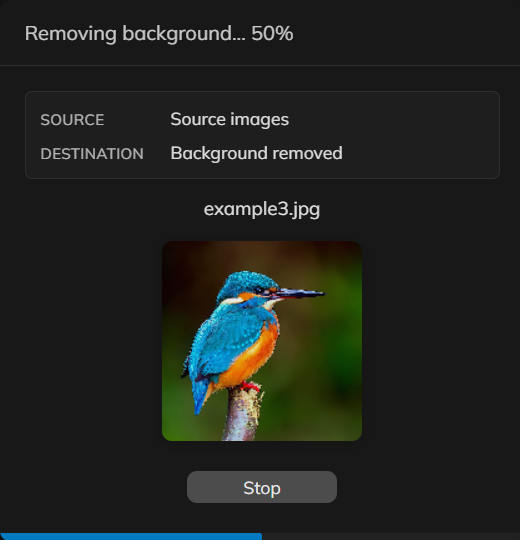
它是如何运作的
- 在 PictorX 中加载一个产品照或人像文件夹。
- 对整组照片运行同一套背景移除流程。
- 导出透明 PNG,或在同一项目中继续编辑抠图。
何时该用批量移除
当每张上架照片都需要同样干净的背景时使用——Etsy、Shopify 或画册。单张人像用背景去除器页面;注重隐私的单张抠图用设备端页面。
保持目录照片一致
批量完成后检查边缘,再把抠图放到同一颜色或场景上,让店铺网格一致。很大的批次取决于您的设备,因为在受支持的浏览器中处理保持在本地。
常见问题
我可以同时处理多少张图像?
加载一组产品或肖像照片,并对它们运行相同的背景去除工作流程。非常大的批次取决于您的设备。
照片会保留在我的设备上吗?
是的。批量删除在支持的浏览器中使用设备上的 AI,因此该步骤不会将列表照片上传到 PictorX 服务器。
我可以为每张图像导出透明 PNG 吗?
是的。透明 PNG 是目录、市场和设计模板的常见输出。
这与删除一个背景有何不同?
这与应用于图像文件夹的想法相同,因此商店照片保持一致,而不是手动对每个文件重复该步骤。
相关工具
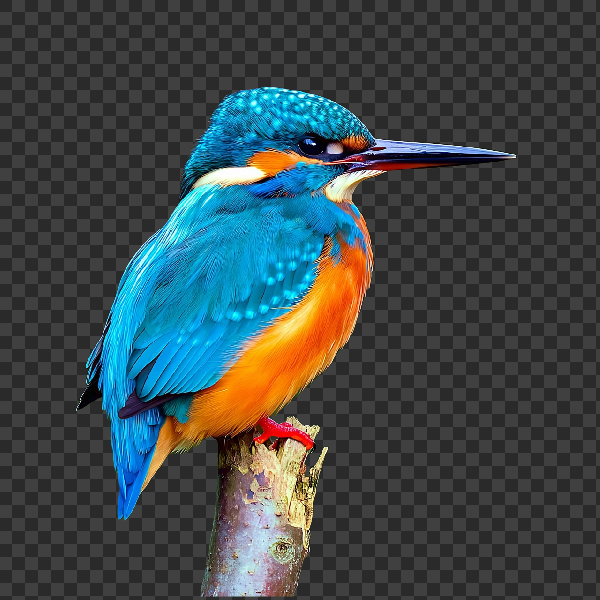
在设备上移除背景
在 PictorX 中用设备端 AI 抠出主体。照片留在浏览器中——不会上传到我们的服务器。
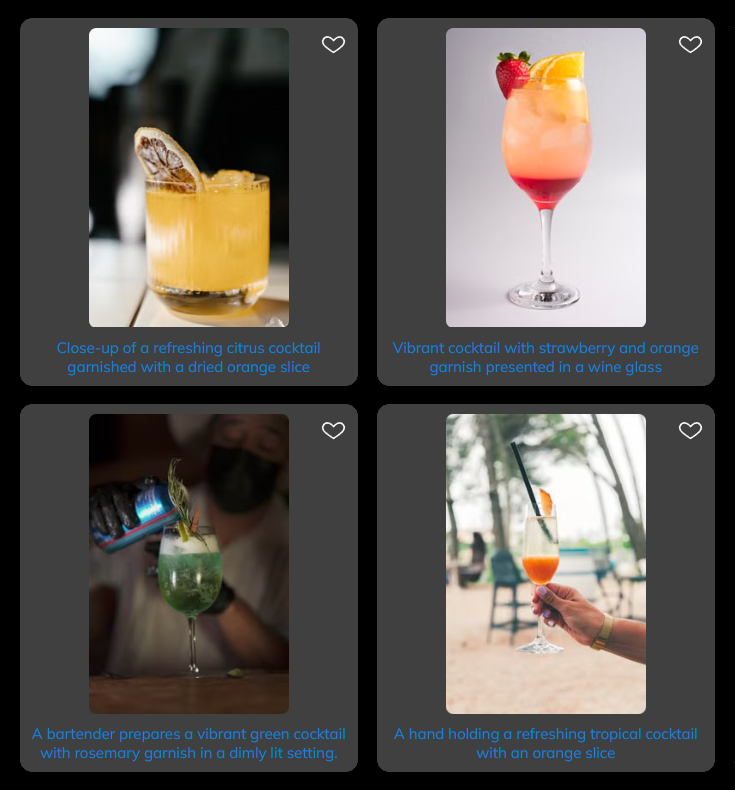
照片库
无需离开编辑器,即可搜索并打开来自 Pexels、Unsplash 和 Pixabay 的数百万张免费素材照片。通过文件 → 打开 → 打开素材图片打开照片库,输入关键词,并按图像类型或来源图库筛选。可将照片作为新文档打开,或作为图层添加到当前项目。在图层右键菜单中,可用新的素材照片替换现有图像。 在浏览器中免费使用 PictorX,无需安装软件。

设计模板
数百种现成布局助您快速起步:艺术构图、文字与诗歌设计、表格、图表、信息图、插图、演示幻灯片等。打开模板,自定义每个图层,几分钟即可发布。 在浏览器中免费使用 PictorX,无需安装软件。

AI 模型
什么是 AI 与 AI 模型,它们如何驱动抠图、修复、增强、扩图等照片编辑,以及 PictorX 如何在设备端运行许多工具。
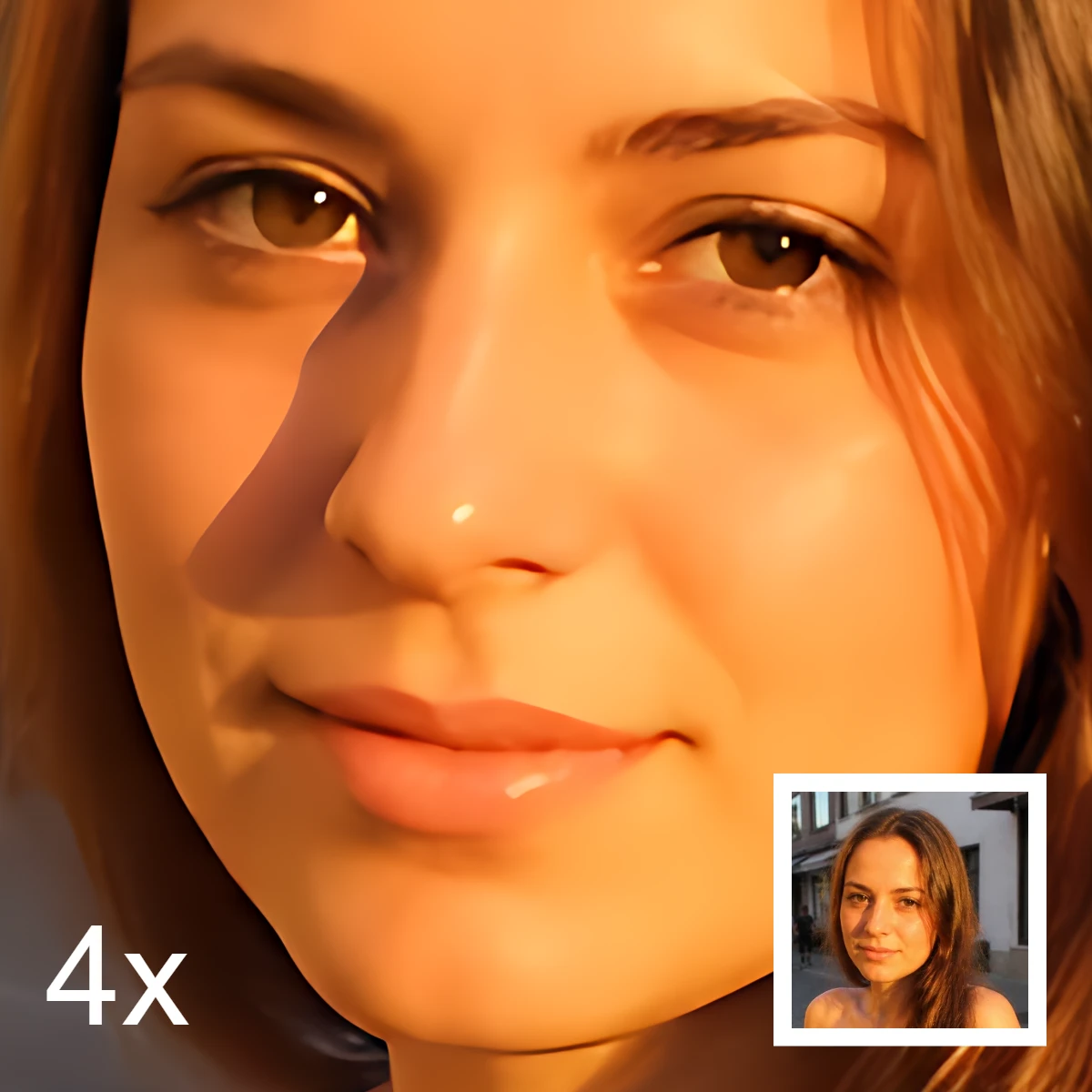
了解更多 AI 图像编辑知识
什么是 AI 图像编辑——抠图、去物、增强、修复与扩图——它与经典修图有何不同,以及 PictorX 如何在设备端运行许多工具。
准备好尝试了吗?
在浏览器中打开 PictorX — 无需安装,无需信用卡即可启动。
试用 批量移除背景