
Chalk & Paint Wall
A wall to draw on in your browser. Chalk only catches the raised parts of the wall, so joints and pits stay bare and every stroke looks dusty. The brush lays down paint that soaks into the joints, runs thin, and drips. Save a PNG — nothing is uploaded. Pick chalk or a brush and draw on the wall, or type text and press Write.
How it works
- Pick chalk or the brush, a color, and a size.
- Draw on the wall, or type text and press Write.
- Switch walls, erase or undo mistakes, then save a PNG.
Chalk that feels like chalk
The wall's surface decides where chalk sticks. Raised brick faces and concrete grain pick it up; joints, grout, and pits stay bare, so every stroke looks dusty and broken, like the real thing.
Paint that runs
The brush starts loaded and fades as the stroke goes on. Paint soaks darker into joints, and with drips on, heavy strokes send runs down the wall that slow down when they cross a joint.
Frequently asked questions
What can I do on the Chalk & Paint Wall?
Draw and write with chalk or a paint brush on one of many walls, erase parts, and save the result as a PNG.
Why does the chalk skip parts of the wall?
Just like real chalk, it only sticks to the raised surface. Brick joints, tile grout, and pits stay bare.
Can I switch walls after drawing?
Yes. Your drawing stays when you pick another wall, including a photo of your own wall.
Do my drawings leave my device?
No. Everything is drawn in your browser. Nothing is uploaded to PictorX servers.
Related tools

Graffiti Wall
Spray paint, stamp tags, and drip on a brick graffiti wall in your browser. Randomize, undo, and save as PNG — free on PictorX.

Street Sign & Plaque Maker
Make a custom street sign, blue plaque, brass nameplate, or house number tile on a real-looking wall. Add rust and wear, then save a PNG. Nothing is uploaded.

Neon Sign Maker
Type a word and turn it into a glowing neon sign on brick, tiles, wood, or concrete. Pick tube color, font, glow, and backplate, then save a PNG. Nothing is uploaded.
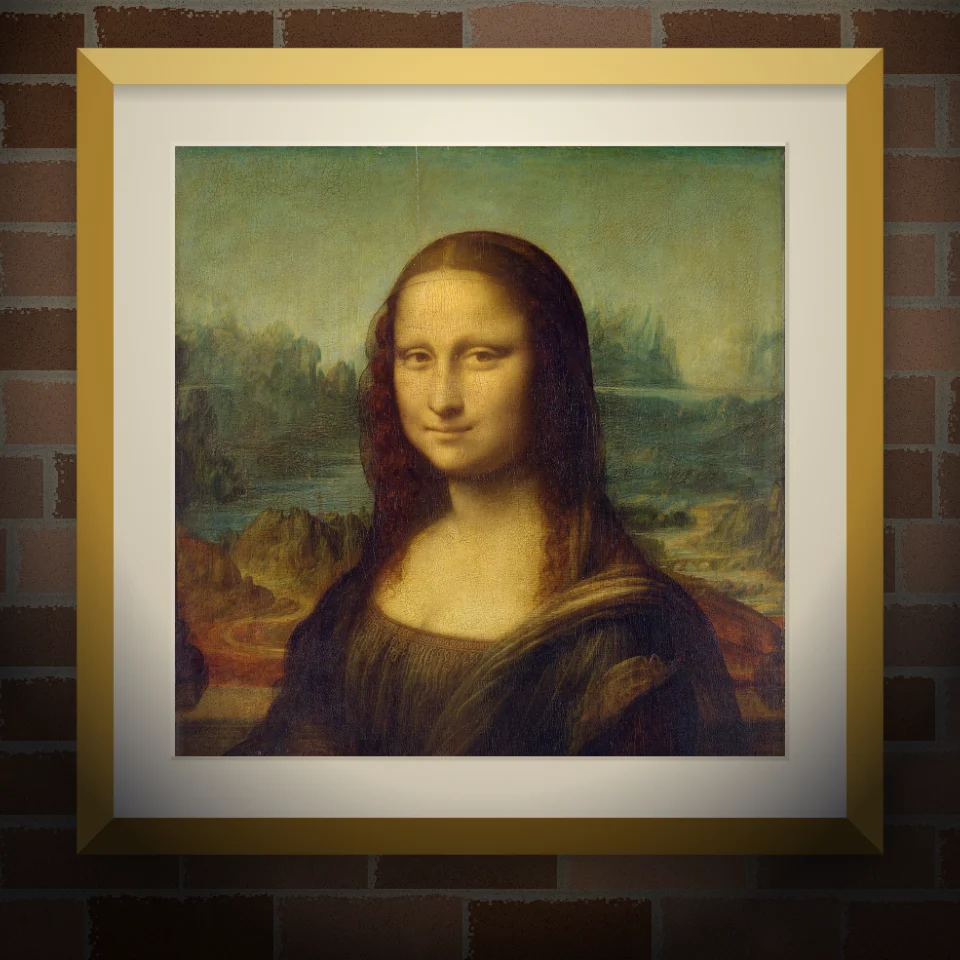
Mural & Poster Mockup
Put your photo or artwork on a real-looking wall as a painted mural, pasted poster, or framed print. Pick wall and lighting, then save a PNG. Nothing is uploaded.
Ready to try it?
Open PictorX in your browser — no install, no credit card required to start.
Go to Editor