
Krijt- & verfmuur
Een muur om op te tekenen in je browser. Krijt pakt alleen op de hoge delen, dus voegen en putjes blijven kaal en elke streek oogt stoffig. De kwast zet verf neer die in de voegen trekt, dunner wordt en druipt. Sla een PNG op — niets wordt geüpload. Kies krijt of een kwast en teken op de muur, of typ tekst en druk op Schrijven.
Hoe het werkt
- Pick chalk or the brush, a color, and a size.
- Draw on the wall, or type text and press Write.
- Switch walls, erase or undo mistakes, then save a PNG.
Chalk that feels like chalk
The wall's surface decides where chalk sticks. Raised brick faces and concrete grain pick it up; joints, grout, and pits stay bare, so every stroke looks dusty and broken, like the real thing.
Paint that runs
The brush starts loaded and fades as the stroke goes on. Paint soaks darker into joints, and with drips on, heavy strokes send runs down the wall that slow down when they cross a joint.
Veelgestelde vragen
What can I do on the Chalk & Paint Wall?
Draw and write with chalk or a paint brush on one of many walls, erase parts, and save the result as a PNG.
Why does the chalk skip parts of the wall?
Just like real chalk, it only sticks to the raised surface. Brick joints, tile grout, and pits stay bare.
Can I switch walls after drawing?
Yes. Your drawing stays when you pick another wall, including a photo of your own wall.
Do my drawings leave my device?
No. Everything is drawn in your browser. Nothing is uploaded to PictorX servers.
Gerelateerde gereedschappen

Graffiti-muur
Spuitverf, tags en drips op een bakstenen muur in je browser. Randomizen, undo en PNG opslaan — gratis op PictorX.

Straatnaambord- & plaquettemaker
Maak een eigen straatnaambord, blauwe gedenkplaat, messing naambord of huisnummer op een echt ogende muur. Voeg roest en slijtage toe en sla een PNG op. Niets wordt geüpload.

Neonbord maker
Typ een woord en maak er een gloeiend neonbord van op baksteen, tegels, hout of beton. Kies kleur, lettertype, gloed en plaat en sla een PNG op. Niets wordt geüpload.
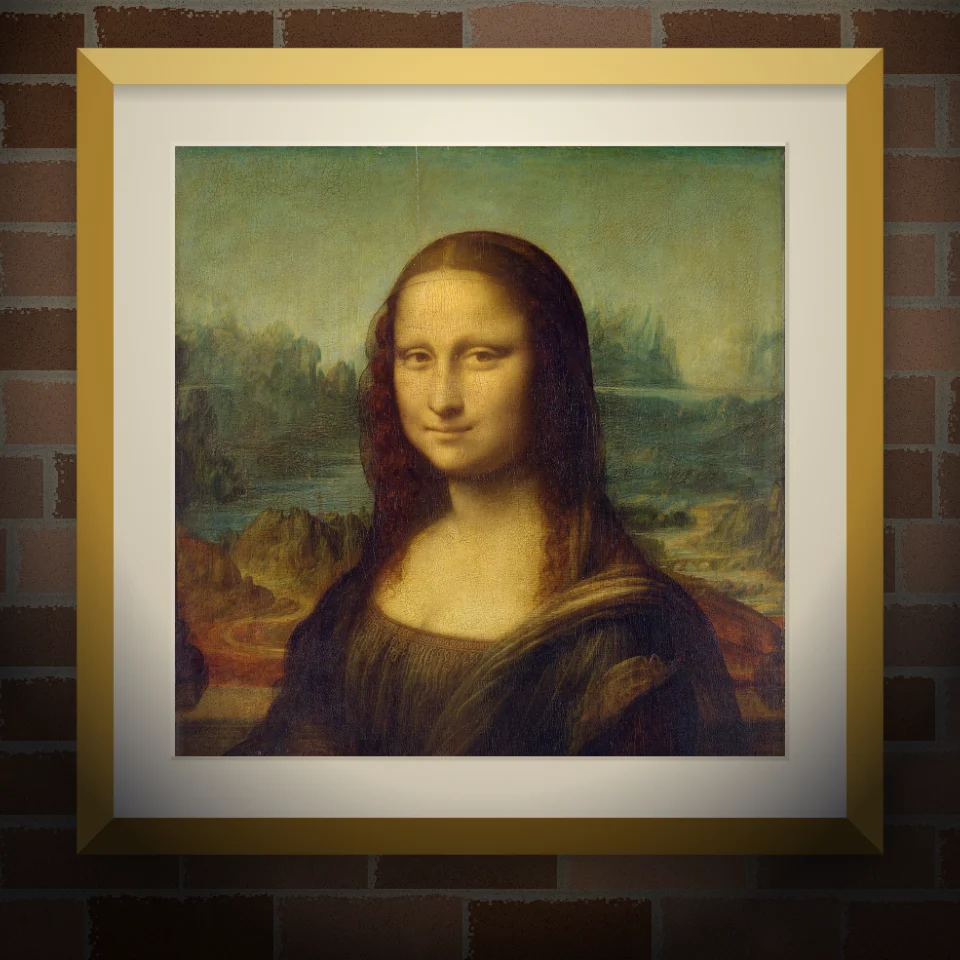
Muurschildering- & postermockup
Zet je foto of kunstwerk op een echt ogende muur als muurschildering, geplakte poster of ingelijste print. Kies muur en licht en sla een PNG op. Niets wordt geüpload.
Klaar om het te proberen?
Open PictorX in uw browser - geen installatie, geen creditcard vereist om te starten.
Ga naar Editor