
분필 & 페인트 벽
브라우저에서 그림을 그릴 수 있는 벽. 분필은 벽의 튀어나온 부분에만 묻어서 줄눈과 패인 곳은 비어 있고, 선마다 가루 느낌이 납니다. 붓은 줄눈에 스며들고 옅어지며 흘러내리는 페인트를 남깁니다. PNG 저장 — 업로드 없음. 분필이나 붓을 골라 벽에 그리거나, 텍스트를 입력하고 쓰기를 누르세요.
작동 원리
- Pick chalk or the brush, a color, and a size.
- Draw on the wall, or type text and press Write.
- Switch walls, erase or undo mistakes, then save a PNG.
Chalk that feels like chalk
The wall's surface decides where chalk sticks. Raised brick faces and concrete grain pick it up; joints, grout, and pits stay bare, so every stroke looks dusty and broken, like the real thing.
Paint that runs
The brush starts loaded and fades as the stroke goes on. Paint soaks darker into joints, and with drips on, heavy strokes send runs down the wall that slow down when they cross a joint.
자주 묻는 질문
What can I do on the Chalk & Paint Wall?
Draw and write with chalk or a paint brush on one of many walls, erase parts, and save the result as a PNG.
Why does the chalk skip parts of the wall?
Just like real chalk, it only sticks to the raised surface. Brick joints, tile grout, and pits stay bare.
Can I switch walls after drawing?
Yes. Your drawing stays when you pick another wall, including a photo of your own wall.
Do my drawings leave my device?
No. Everything is drawn in your browser. Nothing is uploaded to PictorX servers.
관련 도구

그래피티 월
브라우저에서 벽돌 벽에 스프레이·태그·드립. 랜덤화, 실행 취소, PNG 저장 — PictorX에서 무료.

도로 표지판 & 명판 메이커
실감 나는 벽에 나만의 도로 표지판, 블루 플라크, 황동 명판, 집 번호판을 만드세요. 녹과 마모를 더하고 PNG 저장. 업로드 없음.

네온사인 메이커
단어를 입력해 벽돌·타일·나무·콘크리트 벽 위의 빛나는 네온사인으로. 색상, 글꼴, 빛, 뒷판을 고르고 PNG 저장. 업로드 없음.
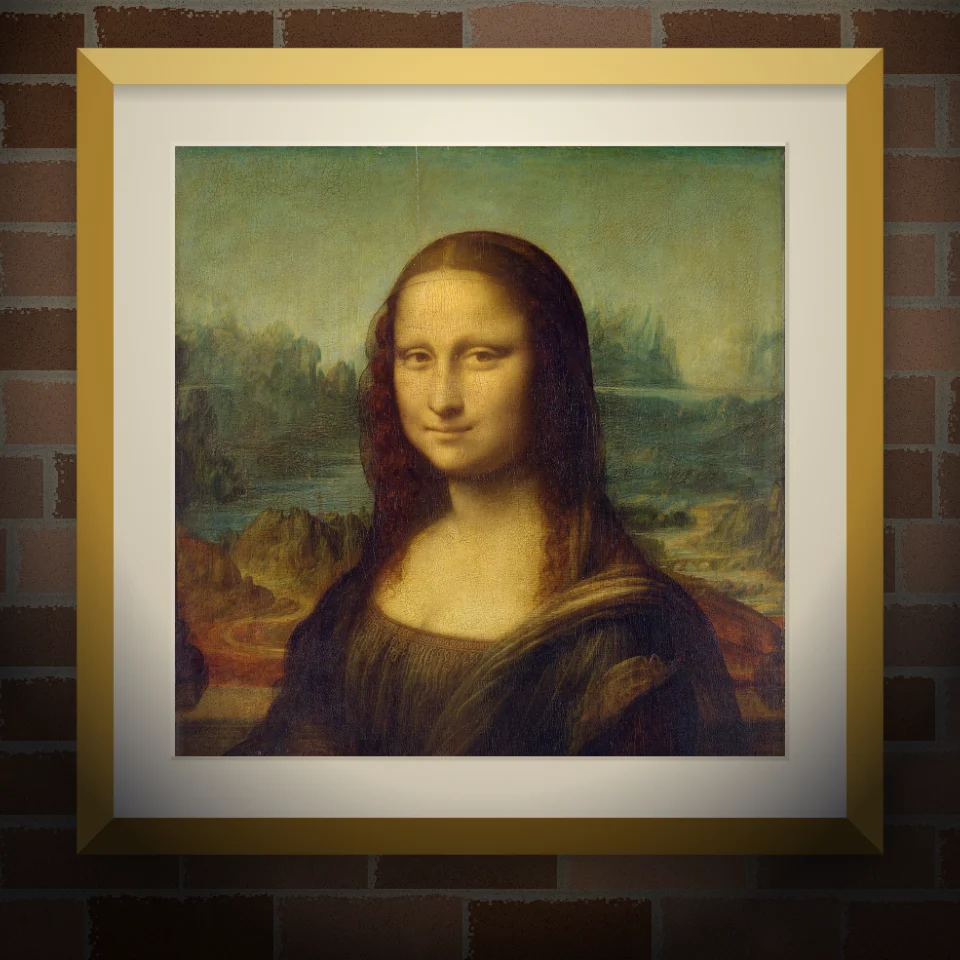
벽화 & 포스터 목업
사진이나 작품을 실감 나는 벽에 벽화, 붙인 포스터, 액자 프린트로 배치하세요. 벽과 조명을 고르고 PNG 저장. 업로드 없음.
시도해 볼 준비가 되셨나요?
브라우저에서 PictorX를 엽니다. 설치가 필요 없고 시작하는 데 신용 카드가 필요하지 않습니다.
편집자로 이동