
Krit- & målarvägg
En vägg att rita på i webbläsaren. Kritan fastnar bara på de upphöjda delarna, så fogar och hål förblir tomma och varje drag ser dammigt ut. Penseln lägger färg som tränger in i fogarna, tunnas ut och droppar. Spara PNG — ingenting laddas upp. Välj krita eller pensel och rita på väggen, eller skriv text och tryck på Skriv.
Hur det fungerar
- Pick chalk or the brush, a color, and a size.
- Draw on the wall, or type text and press Write.
- Switch walls, erase or undo mistakes, then save a PNG.
Chalk that feels like chalk
The wall's surface decides where chalk sticks. Raised brick faces and concrete grain pick it up; joints, grout, and pits stay bare, so every stroke looks dusty and broken, like the real thing.
Paint that runs
The brush starts loaded and fades as the stroke goes on. Paint soaks darker into joints, and with drips on, heavy strokes send runs down the wall that slow down when they cross a joint.
Ofta ställda frågor
What can I do on the Chalk & Paint Wall?
Draw and write with chalk or a paint brush on one of many walls, erase parts, and save the result as a PNG.
Why does the chalk skip parts of the wall?
Just like real chalk, it only sticks to the raised surface. Brick joints, tile grout, and pits stay bare.
Can I switch walls after drawing?
Yes. Your drawing stays when you pick another wall, including a photo of your own wall.
Do my drawings leave my device?
No. Everything is drawn in your browser. Nothing is uploaded to PictorX servers.
Relaterade verktyg

Graffitivägg
Sprayfärg, taggar och droppar på en tegelvägg i webbläsaren. Slumpa, ångra och spara PNG — gratis på PictorX.

Gatuskylt- & plakettmaker
Gör en egen gatuskylt, blå minnestavla, mässingsskylt eller husnummer på en realistisk vägg. Lägg till rost och slitage, spara PNG. Ingenting laddas upp.

Neonskylt-skapare
Skriv ett ord och gör det till en lysande neonskylt på tegel, kakel, trä eller betong. Välj färg, typsnitt, glöd och platta, spara PNG. Ingenting laddas upp.
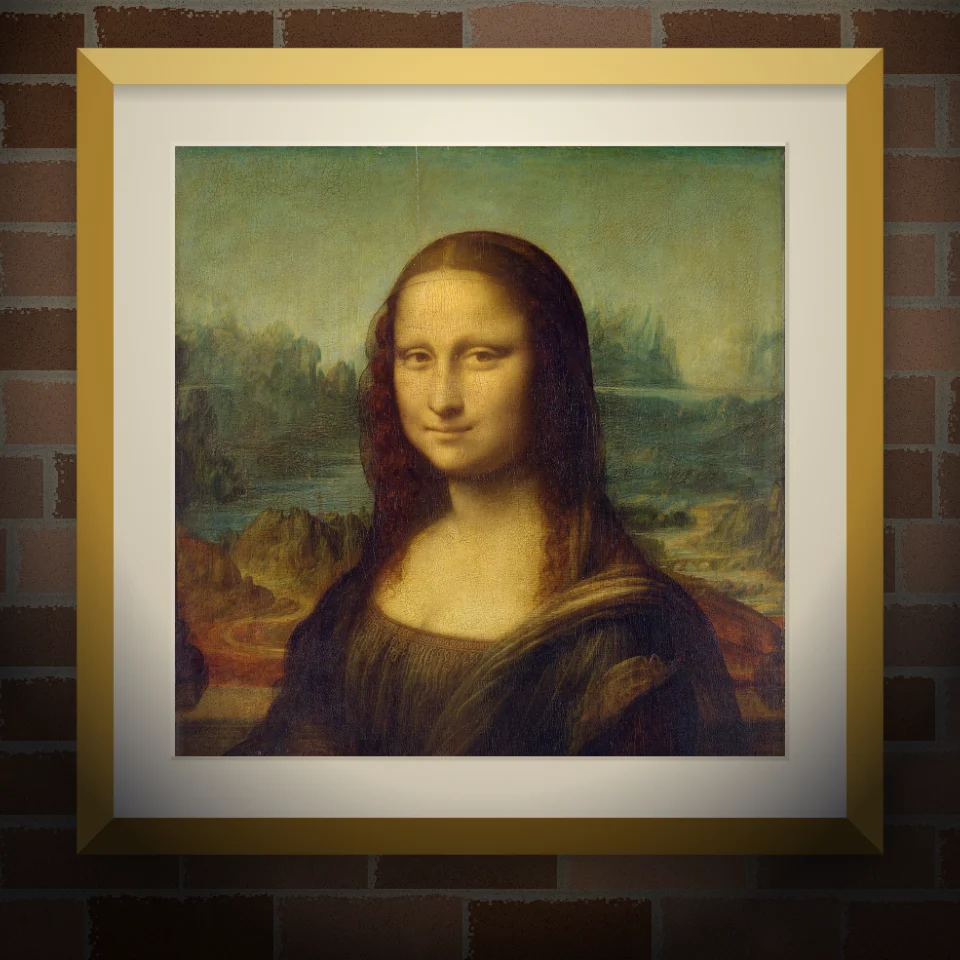
Väggmålning- & affischmockup
Sätt ditt foto eller konstverk på en realistisk vägg som väggmålning, klistrad affisch eller inramat tryck. Välj vägg och ljus, spara PNG. Ingenting laddas upp.
Redo att prova det?
Öppna PictorX i din webbläsare - ingen installation, inget kreditkort krävs för att starta.
Gå till Editor